

AI People Remover
Remove People From Your Photos
Erase tourists, photobombers, and strangers with AI. Brush over anyone you want gone — their shadow included — and the scene is rebuilt so cleanly it looks like they were never there.
Drop a photo here
JPG, PNG or HEIC · up to 20 MB
Plans from $9/mo · Cancel anytime
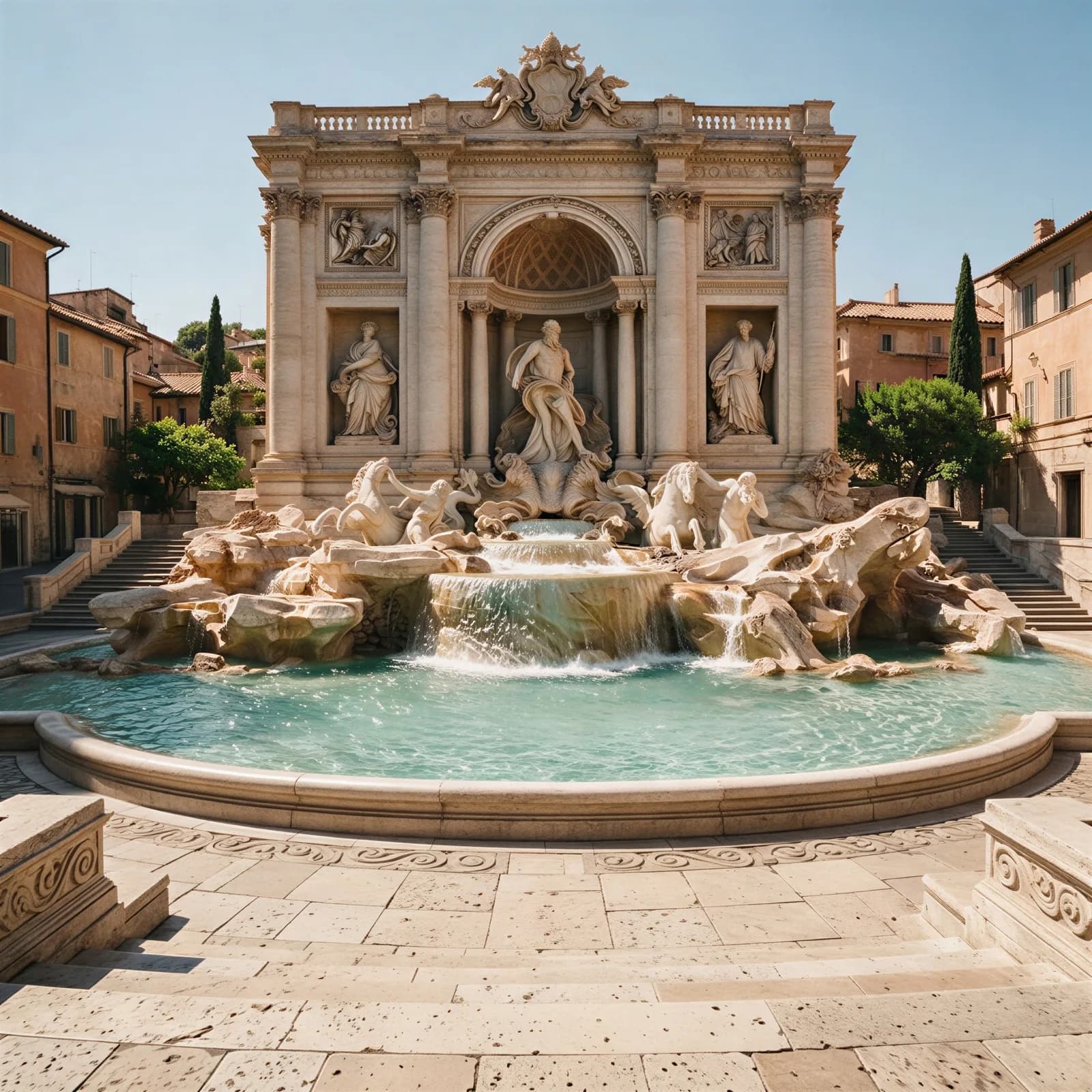
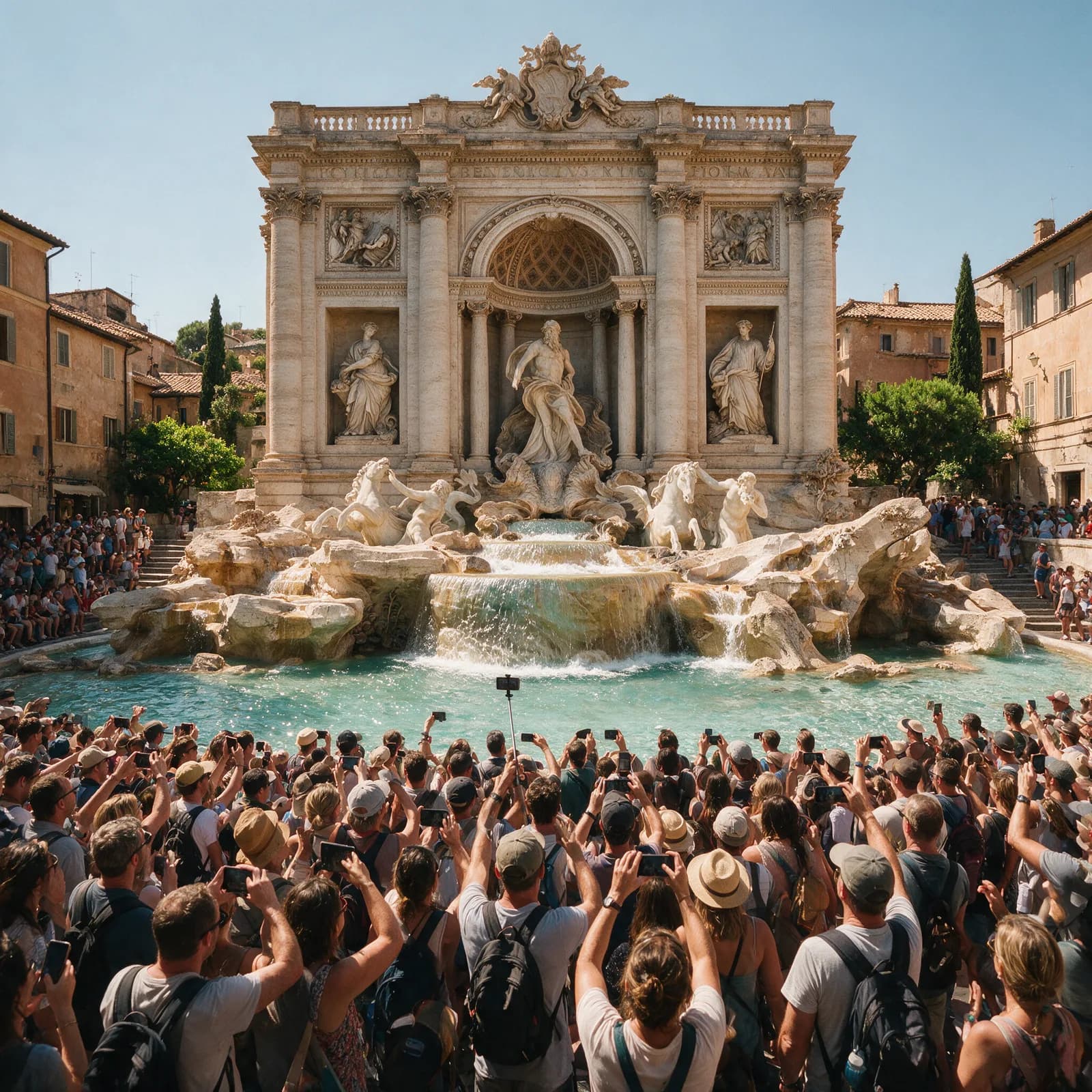
How to remove people in 3 steps
Brush, generate, download.
Upload your photo
Add the picture with the person or crowd you want removed.
Brush over the people
Mark each person you want gone — include their shadow for the cleanest result.
Generate & download
The scene is rebuilt behind them and you download a clean, full-res photo.
Empty Scenes, Untouched Subjects
Remove anyone without disturbing anything else.
- Erase Anyone, Keep Everyone Else
- Remove one person from a group or clear a whole crowd — subjects you keep stay pixel-perfect and untouched.
- Natural Scene Reconstruction
- Pavement, buildings, foliage, and sky continue naturally where the person stood — no smears, ghosting, or patchy fills.
- Handles Crowded Scenes
- Landmarks and busy streets full of tourists can be cleared in a few passes, leaving a clean, empty scene.
- Shadows & Reflections Too
- The AI removes the shadows and reflections people leave behind, which is what makes an edit truly invisible.
- Full Resolution, No Watermark
- Download the cleaned photo at original resolution with nothing added and nothing branded.
- Brush and Generate
- Roughly brush over the person and generate. No precise masking, no clone stamp, no editing skills.
What People Clean Up
From landmark crowds to photobombers.
- Travel & Landmarks
- Clear tourists from the Eiffel Tower shot you waited twenty minutes for.
- Couples & Portraits
- Remove strangers walking through the background of your best photos.
- Group Photos
- Take out the photobomber while keeping the rest of the group sharp.
- Weddings & Events
- Clean up guests, staff, and passersby from ceremony and venue shots.
- Real Estate
- Remove people from property exteriors and interiors before listing.
- Personal Photos
- Update old pictures by removing people you no longer want in them.
Questions
Start creating in minutes
Plans from $9/mo · Cancel anytime
Explore more AI tools
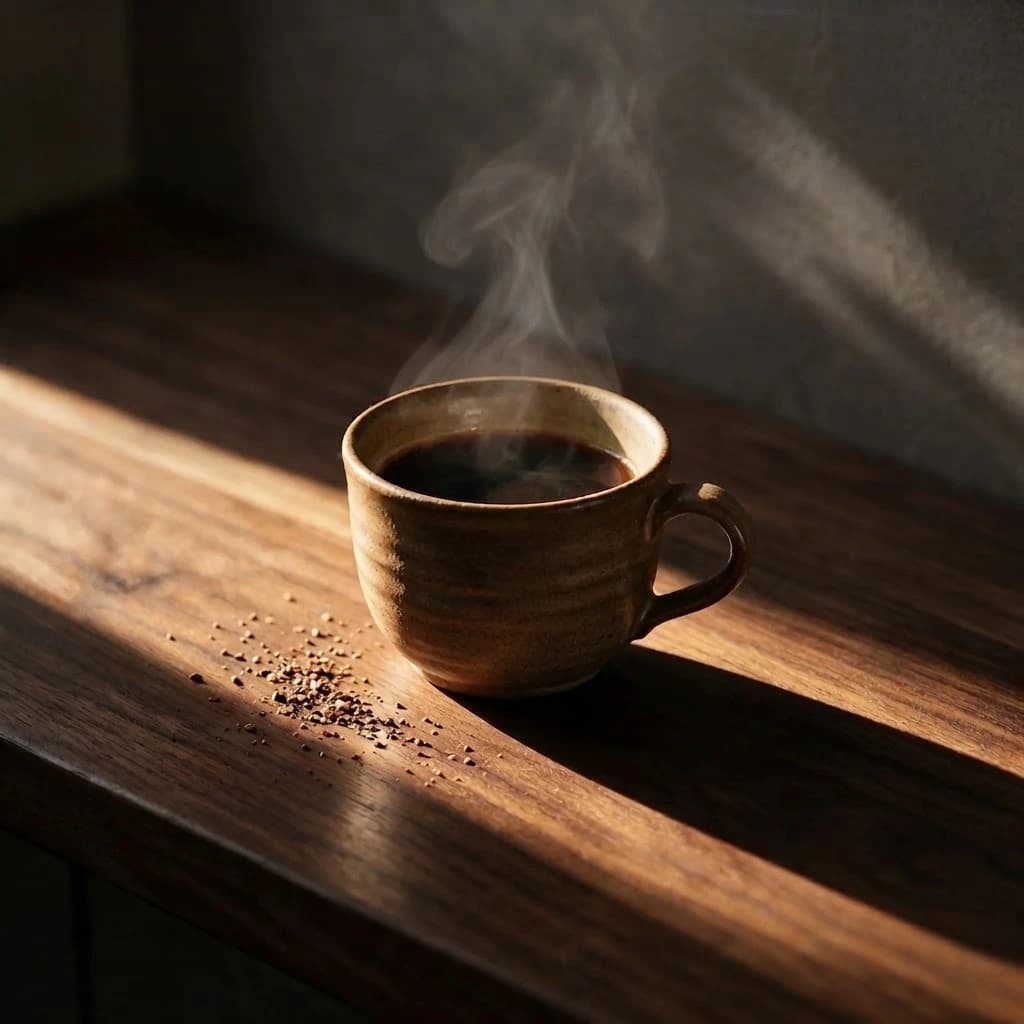
Remove Text From Image
Erase captions, stamps, and logos from a photo.
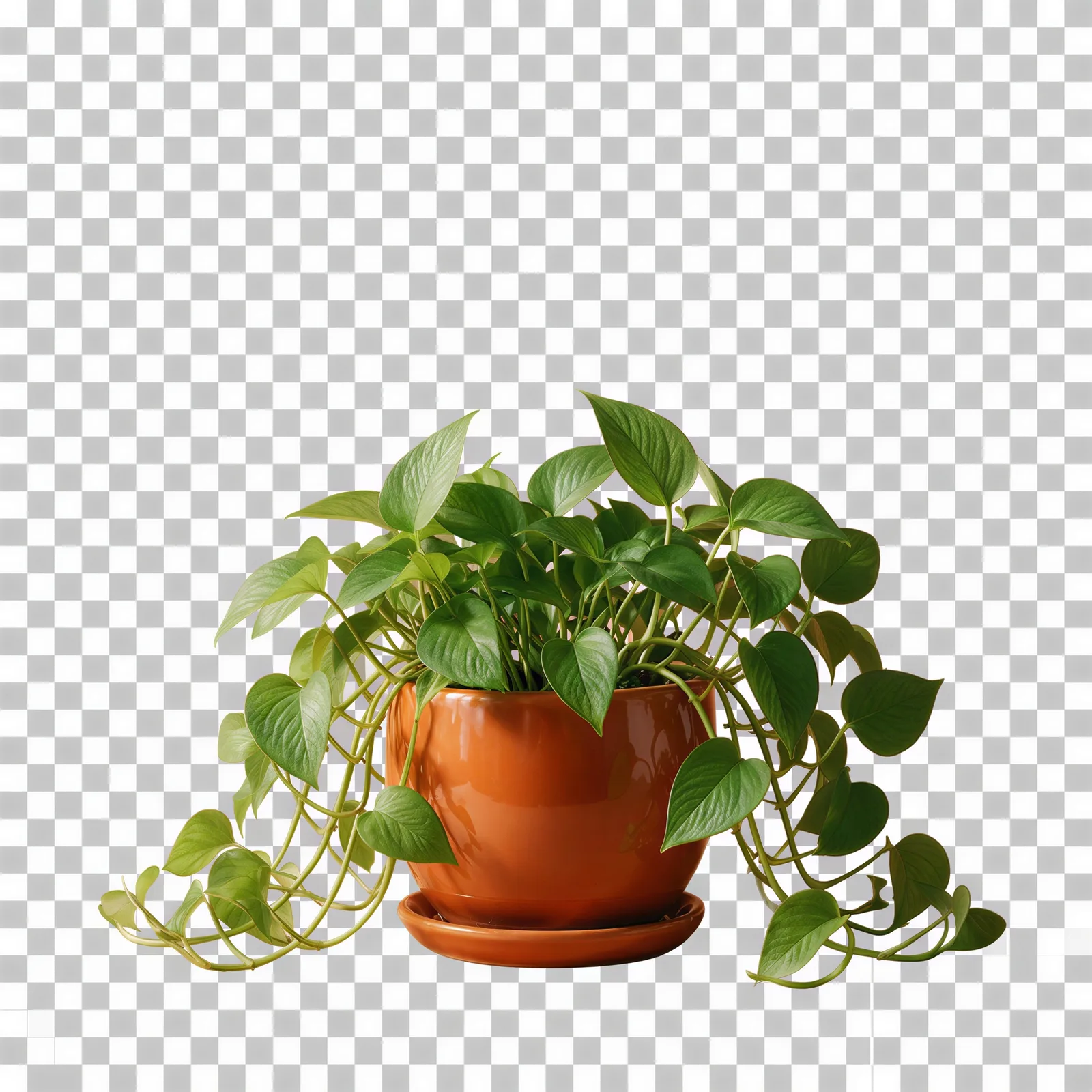
Transparent Background Maker
Cut a clean transparent PNG for logos and cutouts.
Unblur Image
Sharpen a blurry photo and recover lost detail.
AI Image Editor
Edit any photo by describing the change.
AI Upscaler
Scale images to print resolution.
Background Remover
Clean cutouts with crisp edges.
AI Image Enhancer
Fix clarity, color, and lighting in one pass.
Bulk Image Generator
Generate a full batch of campaign images at once.