

Flux 2
Black Forest Labs' flagship model — exceptional photorealism with generate and edit capabilities.
to start creating with Flux 2
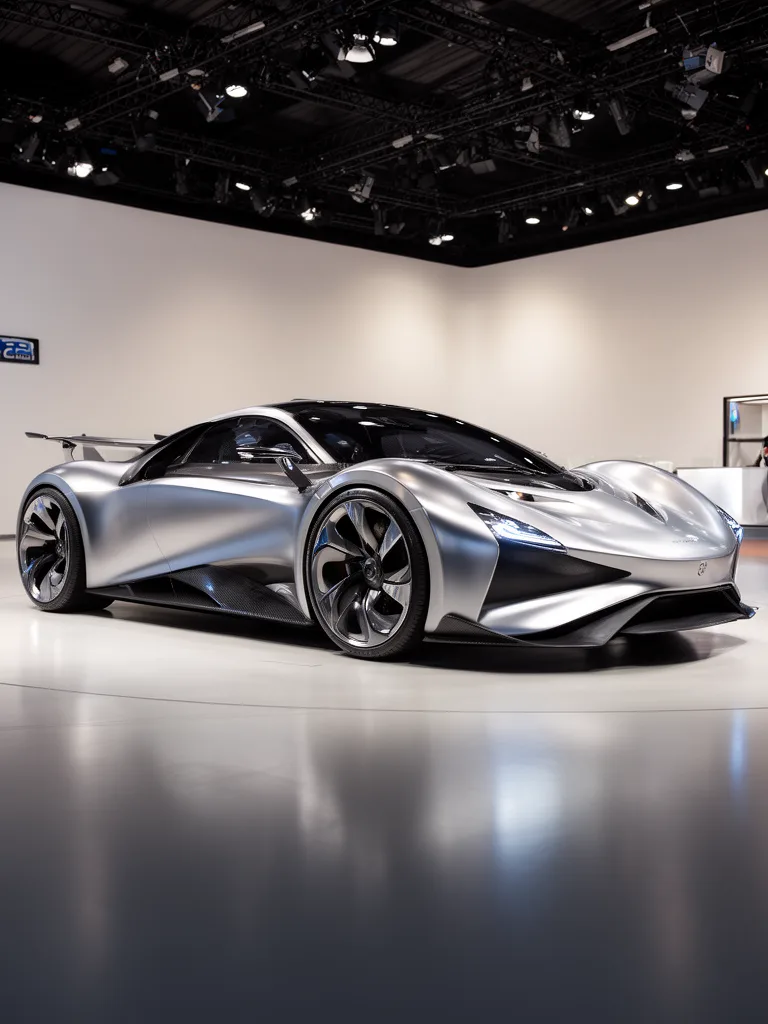
What Sets It Apart
State-of-the-Art Photorealism
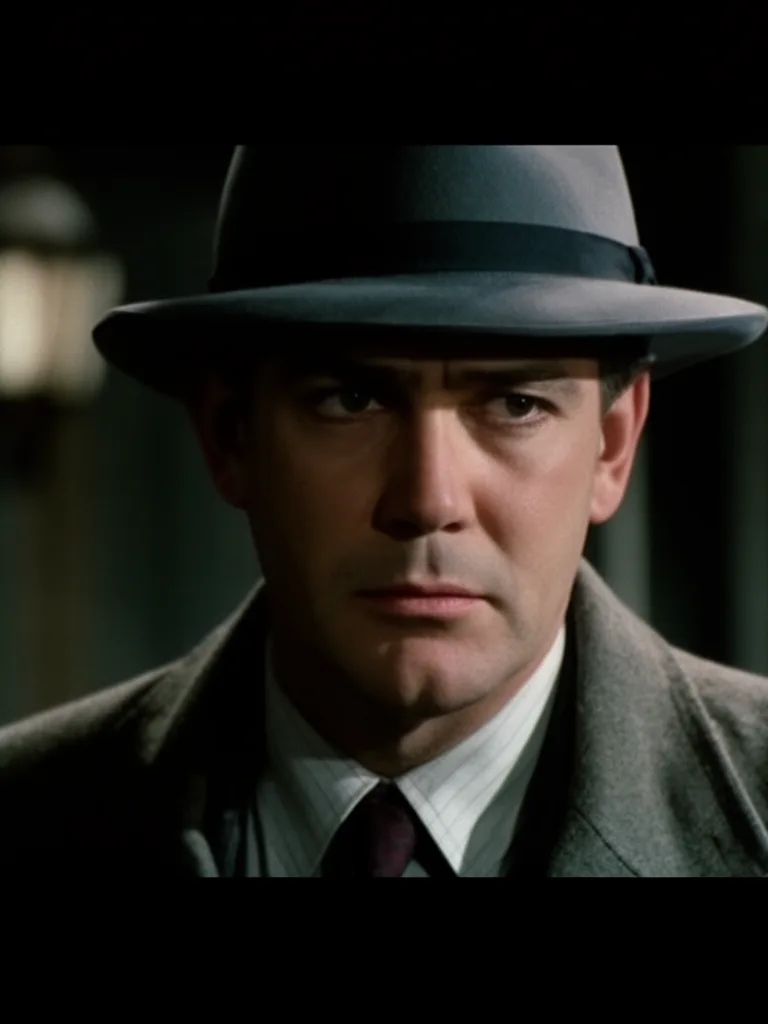
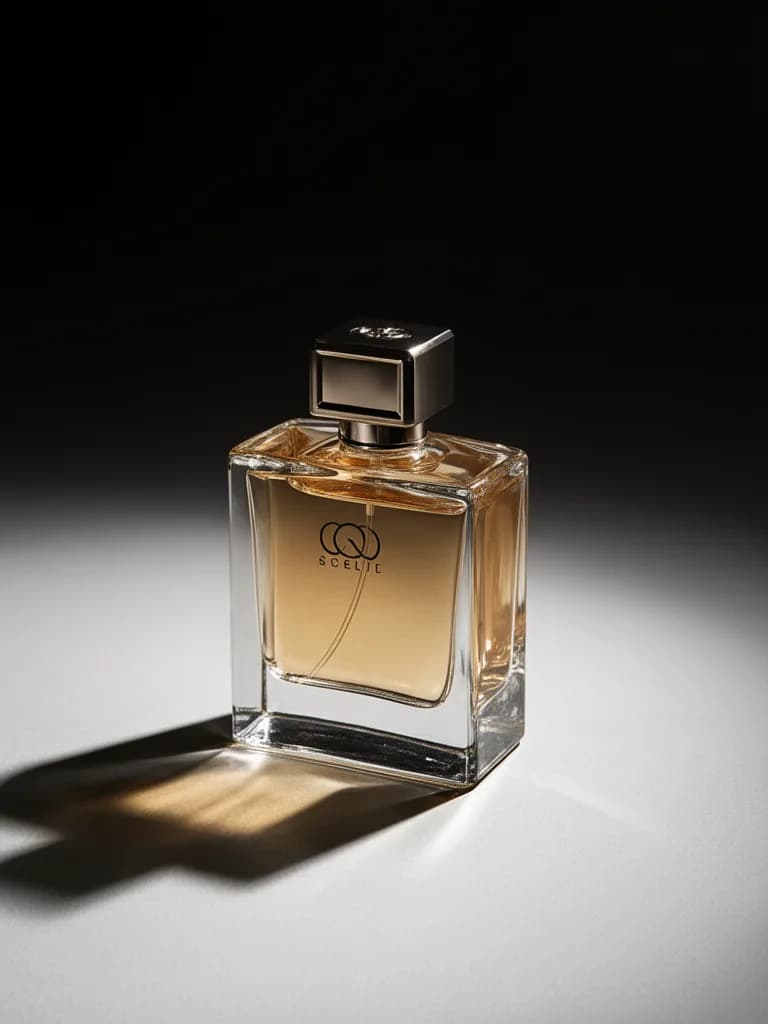
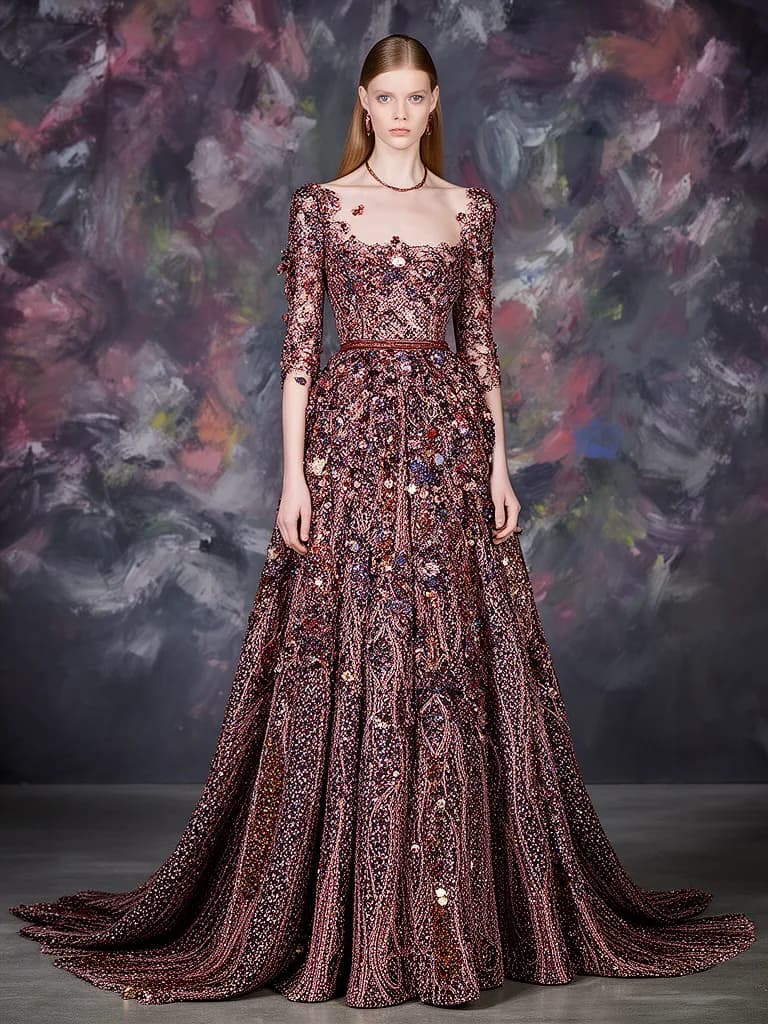
Produces images with lifelike skin textures, natural lighting, and physically accurate materials that rival professional photography.
Generate & Edit Modes
Create images from scratch or refine existing ones — change backgrounds, adjust lighting, modify details while preserving what works.
Complex Scene Composition
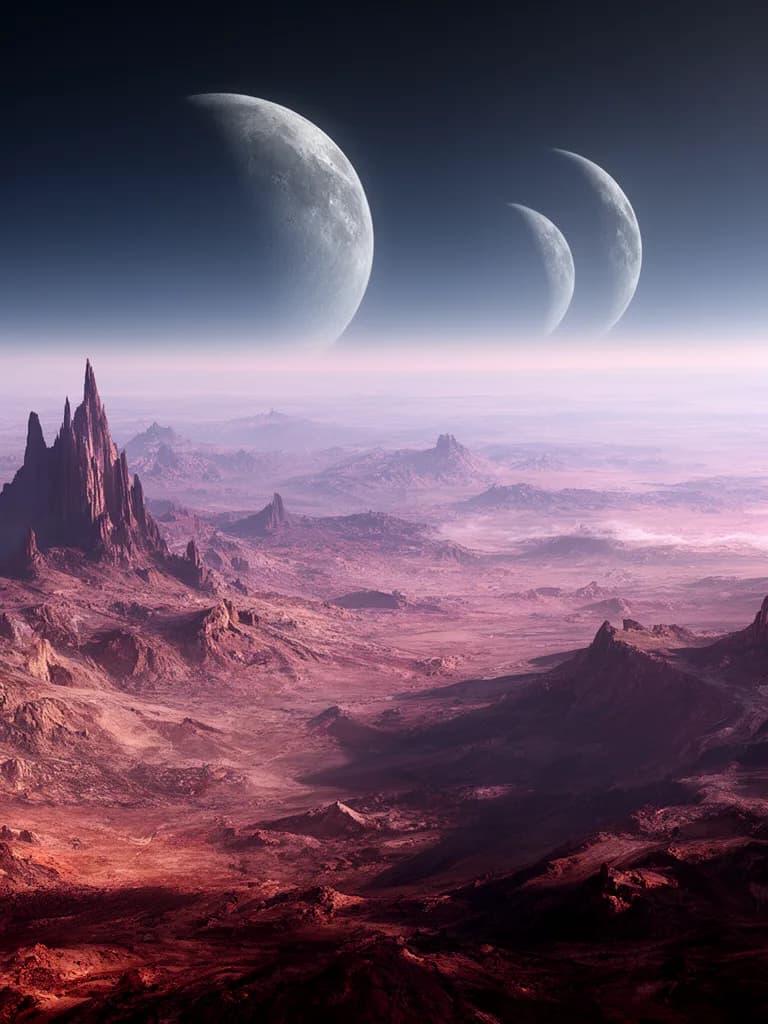
Handles multi-subject scenes, intricate spatial relationships, and detailed environments without losing coherence.
Professional Color Science
Delivers natural color grading and tonal range that matches professional camera output.
One Family, Six Price Points
Morphed offers Klein 4B and Klein 9B at 1 credit, Flash at 1.5, Turbo at 2, Pro at 4.5, Flex at 7.5, and both Max and flagship Flux 2 at 10. Choose the variant you need from the model picker in the Create workspace.
Built For
Product Photography
Generate studio-quality product shots, lifestyle images, and e-commerce visuals.
Portrait & Headshots
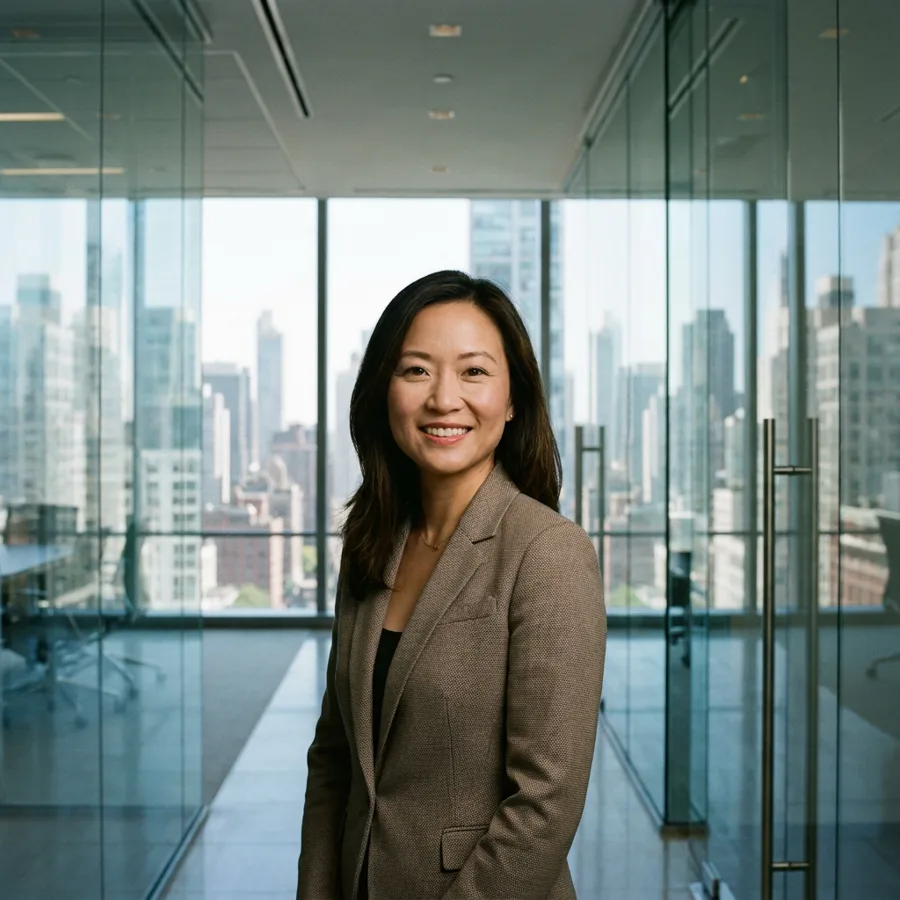
Create photorealistic character portraits, professional headshots, and editorial photography.
Cinematic Stills
Produce movie-quality stills with dramatic lighting, depth of field, and atmospheric effects.
Architectural Visualization
Render interior designs, building exteriors, and real estate marketing imagery.
Draft Cheap, Finish Premium
In the Create workspace, explore with Klein or Flash at 1-1.5 credits, refine on Turbo or Pro, then regenerate the winner on Max or Flux 2.
Technical Specifications
How Flux 2 Compares
Every model below is available on Morphed — switch between them with the same prompt.
| Model | Credits | Type | Best for |
|---|---|---|---|
| Flux 2This modelFlux | 10 / image | Text to Image | Product Photography |
 Nano Banana Pro 🍌Google Nano Banana Pro 🍌Google | 21.5 / image | Text to Image | Professional Photography |
 GPT Image 2OpenAI GPT Image 2OpenAI | 12 / image | Text to Image | Product Photography |
| Seedream 5.0 ProBytedance | 10 / image | Text to Image | Campaign Design |
Frequently Asked Questions


Create with Flux 2 in three steps
Describe your idea
Write a prompt, or start from one of the examples above. Flux 2 handles detailed, multi-part prompts well.
Generate & iterate
Generate, compare variations, and refine. Each run costs 10 credits per image.
Download or keep editing
Export in full resolution, or send the result to another model on Morphed — upscale it, animate it, or edit it.
Ready to create with Flux 2?
Create an account, then pick a plan to start generating. Plans start at $9/month — 30% off your first 3 months, cancel anytime.