

AI Image Editor That Speaks Your Language
Describe the change, get the edit. Remove objects, swap backgrounds, change outfits, fix text — with Nano Banana, Seedream, FLUX Kontext, GPT Image, and 20+ more models in one studio.
Powered by the world's best AI models
100+ models · commercial use included
Edit an image in 3 steps
If you can describe the change, you can make it.
Upload Your Image
Drop in a photo, render, or generated image — JPG, PNG, or WebP.
Describe the Edit
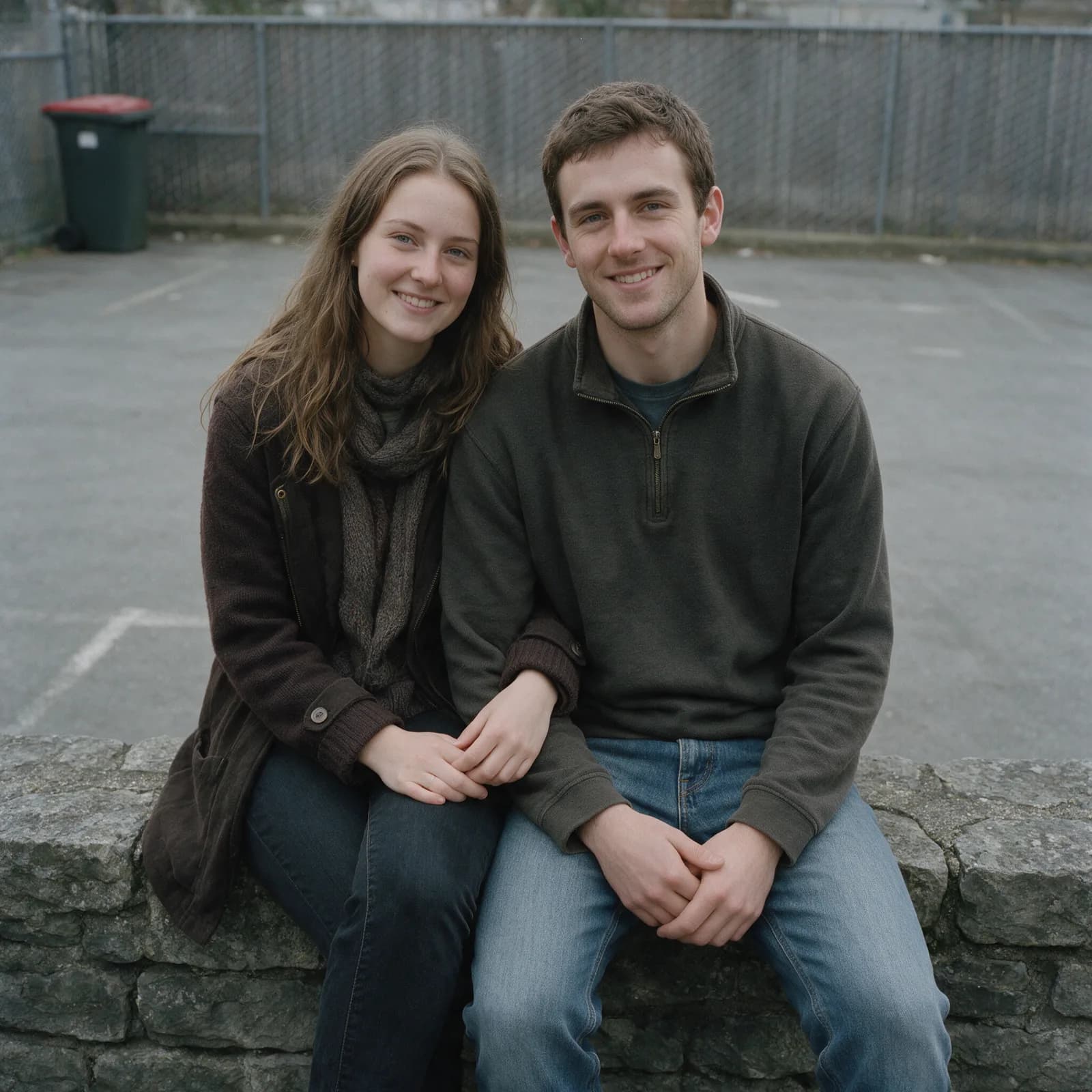
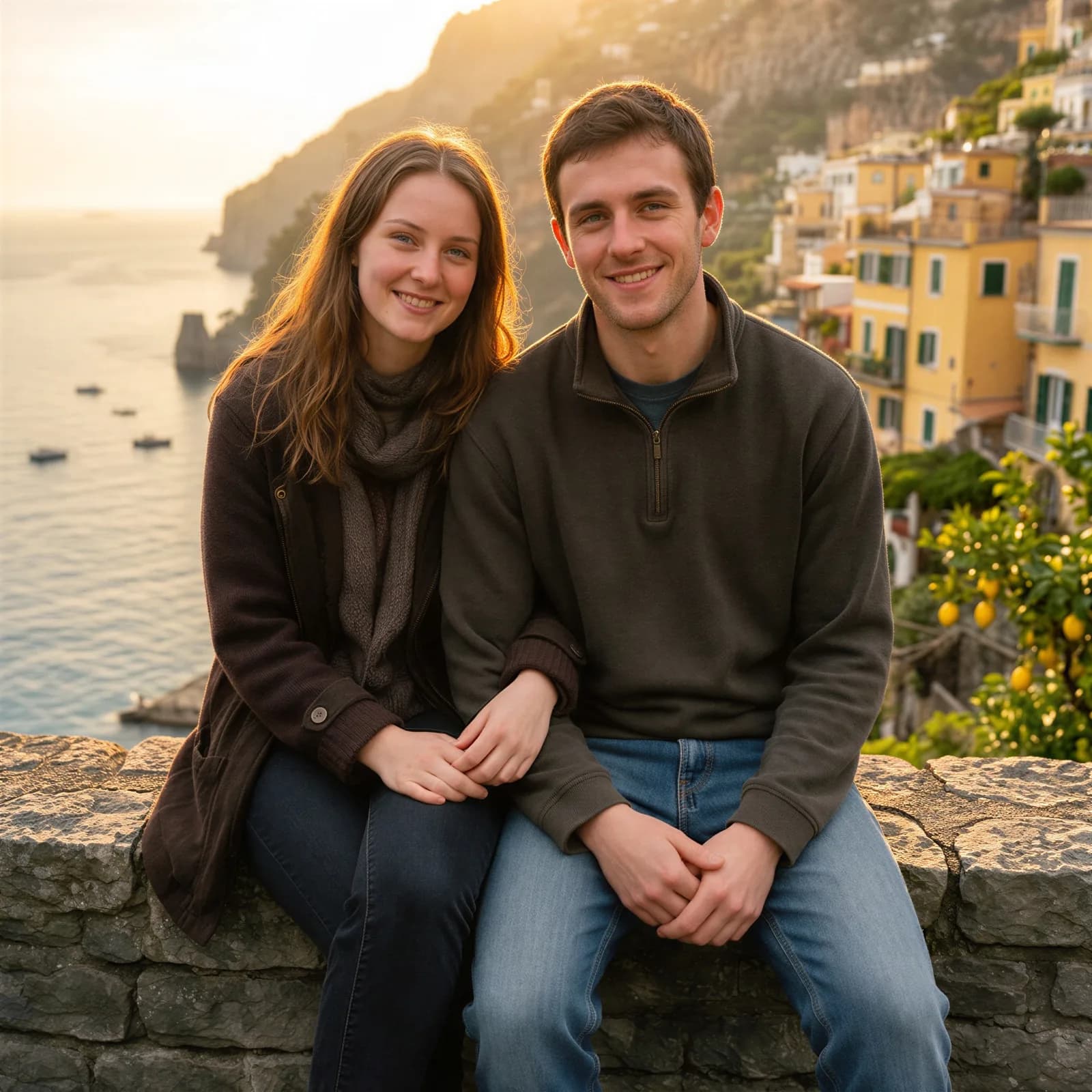
"Remove the lamp post", "make it golden hour", "change the text to SALE".
Pick the Best Result
Run it on one model or several, compare side by side, keep the winner.
Every Edit, One Prompt Box
The edits that used to take an hour of masking in Photoshop now take one sentence.
Remove Objects & People
"Remove the car in the background" — the model reconstructs what was behind it, including shadows and reflections.
Swap Backgrounds
Put your subject in a studio, on a beach, or in a product scene — without manual masking.
Change Outfits & Objects
Recolor a jacket, swap a product label, change a hairstyle. The rest of the image stays untouched.
Fix & Replace Text
Remove text from an image or replace it cleanly — Seedream 4.5 and Nano Banana Pro handle typography especially well.
Restyle & Relight
Turn a photo into an illustration, shift the time of day, or match lighting to a new scene.
Combine Reference Images
Multi-image editing: put the product from photo A into the scene from photo B with one prompt.
Pick the Right Model for the Edit
Different models excel at different edits. Morphed gives you all of them — these are the most popular.
| Model | Credits / Edit | Best For |
|---|---|---|
| Flux 2 Flash Edit | 1.5 | Fast, cheap iteration on simple edits |
| Qwen Image Edit | 3 | Strong instruction following at low cost |
| Seedream 4.5 Edit | 4 | Text in images, product shots, 4K output |
| Nano Banana Edit | 4 | Identity preservation, natural-language edits |
| Flux Kontext Pro Edit | 4 | Precise local edits with context awareness |
| Grok Imagine Edit | 5 | Creative restyles and bold transformations |
| Nano Banana Pro Edit | 15 | Hardest edits: layout, text, multi-subject scenes |
| GPT Image 1.5 Edit | 15 | Complex instructions and world knowledge |
Full lineup — including GPT Image 2, Kling O1, Reve, WAN 2.6, and Hunyuan — on the models page.
One Studio, Not Five Tools
Edit, then keep going: remove the background, generate new camera angles, upscale to print resolution, or animate the result with image to video — without leaving the workspace.
Frequently Asked Questions
Keep Exploring
AI Background Remover
One-click cutouts with clean edges
AI Image Upscaler
Scale edits to print resolution
Nano Banana Editing Prompts
50+ prompts for photo edits
Image-to-Image Guide
Transform any photo with a prompt
AI Product Studio
Product photography end to end
Multi-Angle Generator
New camera angles from one photo
Make Your First Edits Free
Start free with guided templates, no card needed. Watermark-free downloads come with any paid plan.