

AI Background Remover with Clean Edges
Remove the background from any image in seconds — hair-level precision, transparent PNG output, no watermark. Then relight, replace the scene, or upscale in the same studio.
Cut out, edge intact
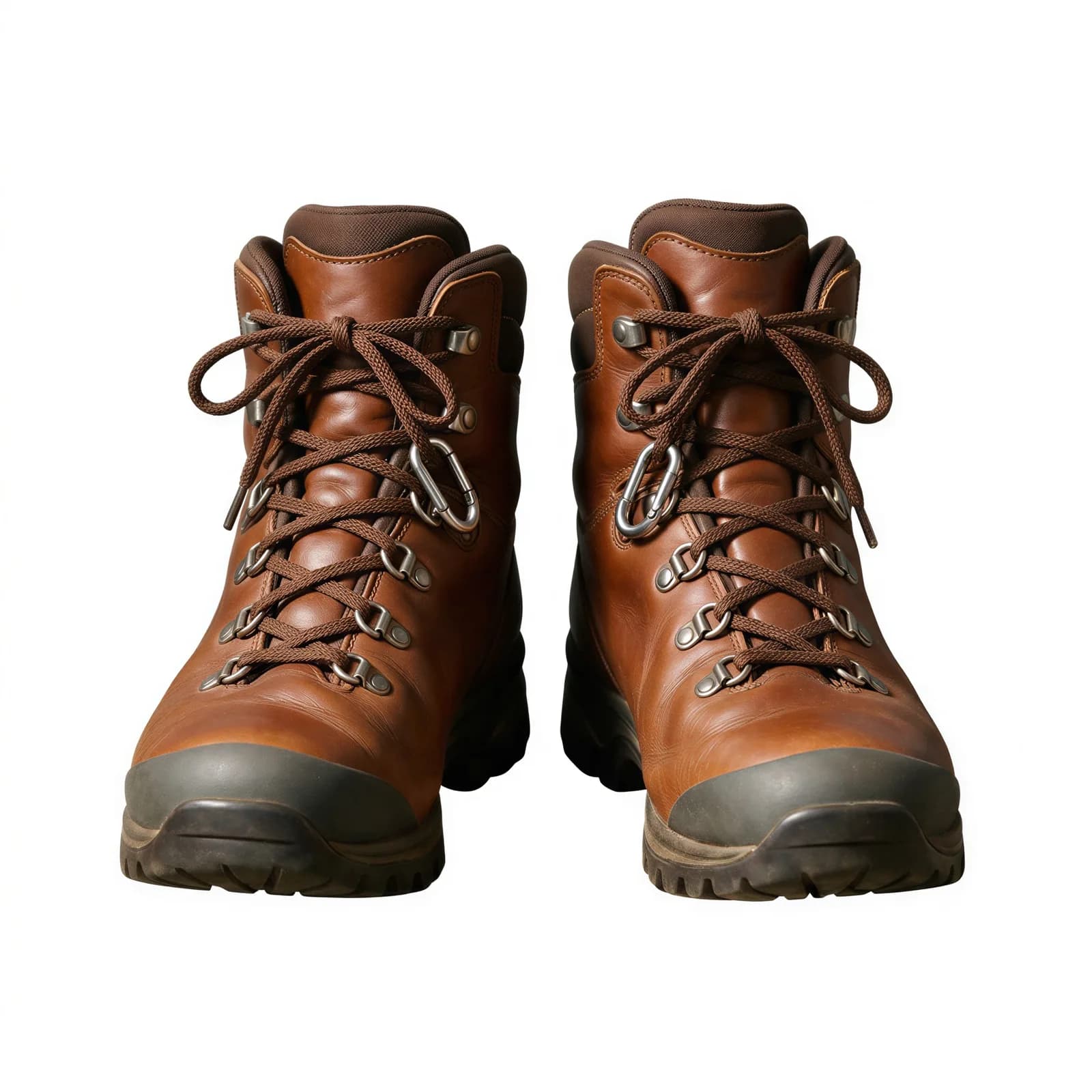
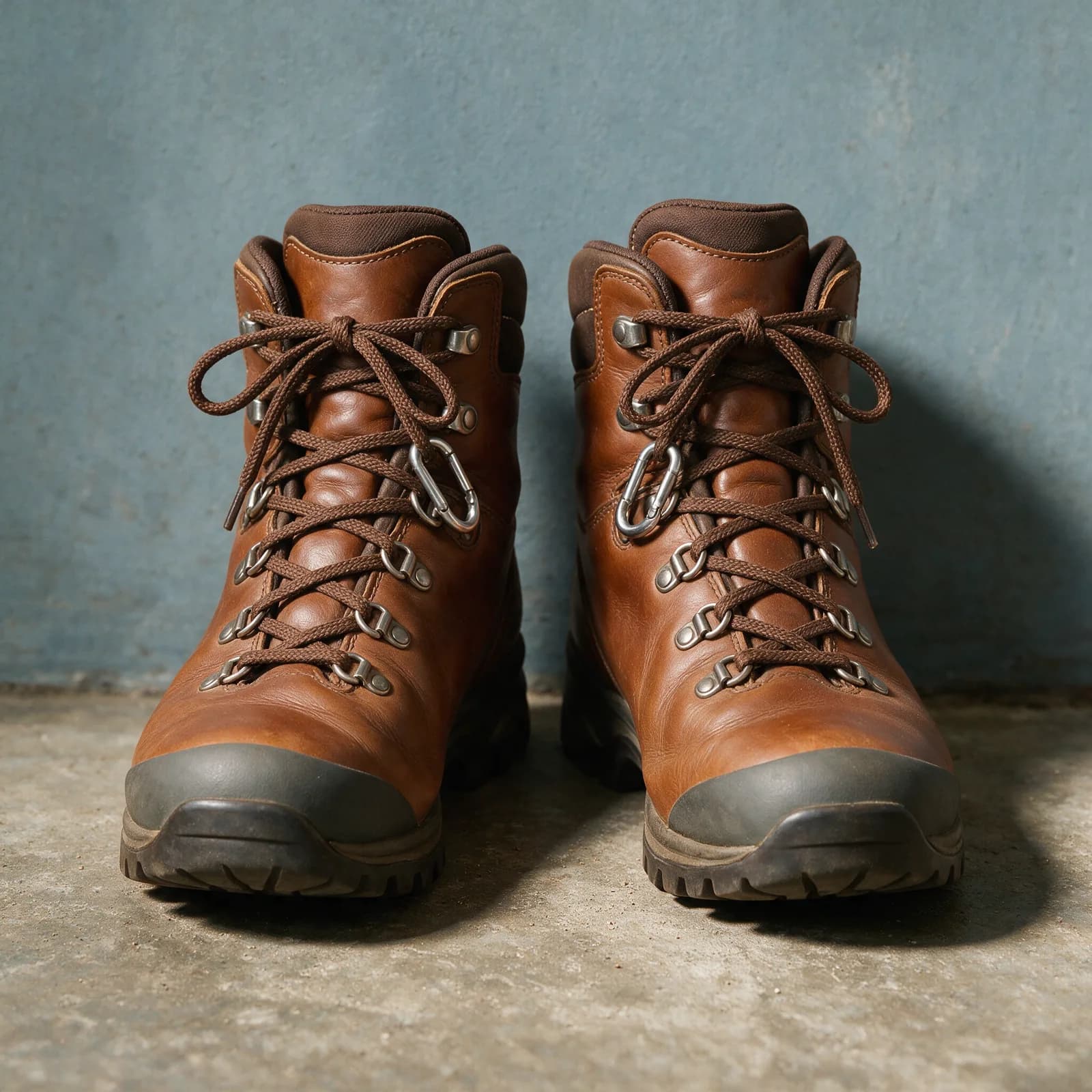
Drag to see the cutout — through the laces, eyelets and sole welt.
Powered by the world's best AI models
100+ models · commercial use included
Remove a background in 3 steps
Works in your browser — nothing to install.
Upload Image
Drop in a JPG, PNG, or WebP — products, people, pets, anything.
AI Cuts It Out
Pixel-level segmentation handles hair, fur, and fine edges automatically.
Download or Keep Editing
Export a transparent PNG, or relight and replace the scene right in the studio.
A Cutout Is Just the First Step
Most background removers stop at the PNG. Morphed is a full studio around it.
Clean Edge Detection
Hair, fur, lace, and semi-transparent edges segmented at the pixel level — the cases cheap removers get wrong.
No Watermark, Ever
Clean transparent PNG output on every paid plan. No logo stamped on your cutout.
Relight After Removal
IC-Light relighting lives in the same studio — match your subject to the new scene instead of pasting a mismatched cutout.
Replace, Not Just Remove
Generate a new background behind your subject with AI — studio sets, gradients, or full product scenes.
Seconds Per Image
Upload, process, download. Cloud processing means no software and no GPU.
Licensed for Commercial Use
Powered by Bria, trained on licensed data — with explicit commercial rights on Morphed paid plans.
Built For
Product Photos
White-background listings for Amazon, Shopify, and marketplaces — or full AI product scenes after the cutout.
Headshots & Portraits
Lift a subject from a busy photo and place them on a clean professional backdrop.
Marketing Assets
Transparent PNGs for banners, decks, and ads that drop into any layout.
Thumbnails
Cut out the subject, scale it up, and composite the high-contrast thumbnails that get clicks.
Social Content
Stickers, memes, and clean subject shots for posts and stories.
Design Mockups
Drop cutouts into Figma, Canva, or Photoshop without fighting magic-wand selections.
From Cutout to Finished Product Shot
Remove the background, relight the subject, and generate a full scene around it in the AI Product Studio — then upscale to print resolution. One workspace, no export-import loop.
Frequently Asked Questions
Keep Exploring
Best AI Background Removers
The full field tested and ranked
AI Product Studio
Turn cutouts into full product photography
AI Image Upscaler
Scale cutouts to print resolution
AI Headshots
Professional portraits with clean backdrops
AI Product Photography Guide
From cutout to finished scene
AI Image Editor
Edit anything with a text prompt
Remove Your First Backgrounds Free
Start free with guided templates, no card needed. Watermark-free downloads come with any paid plan.