

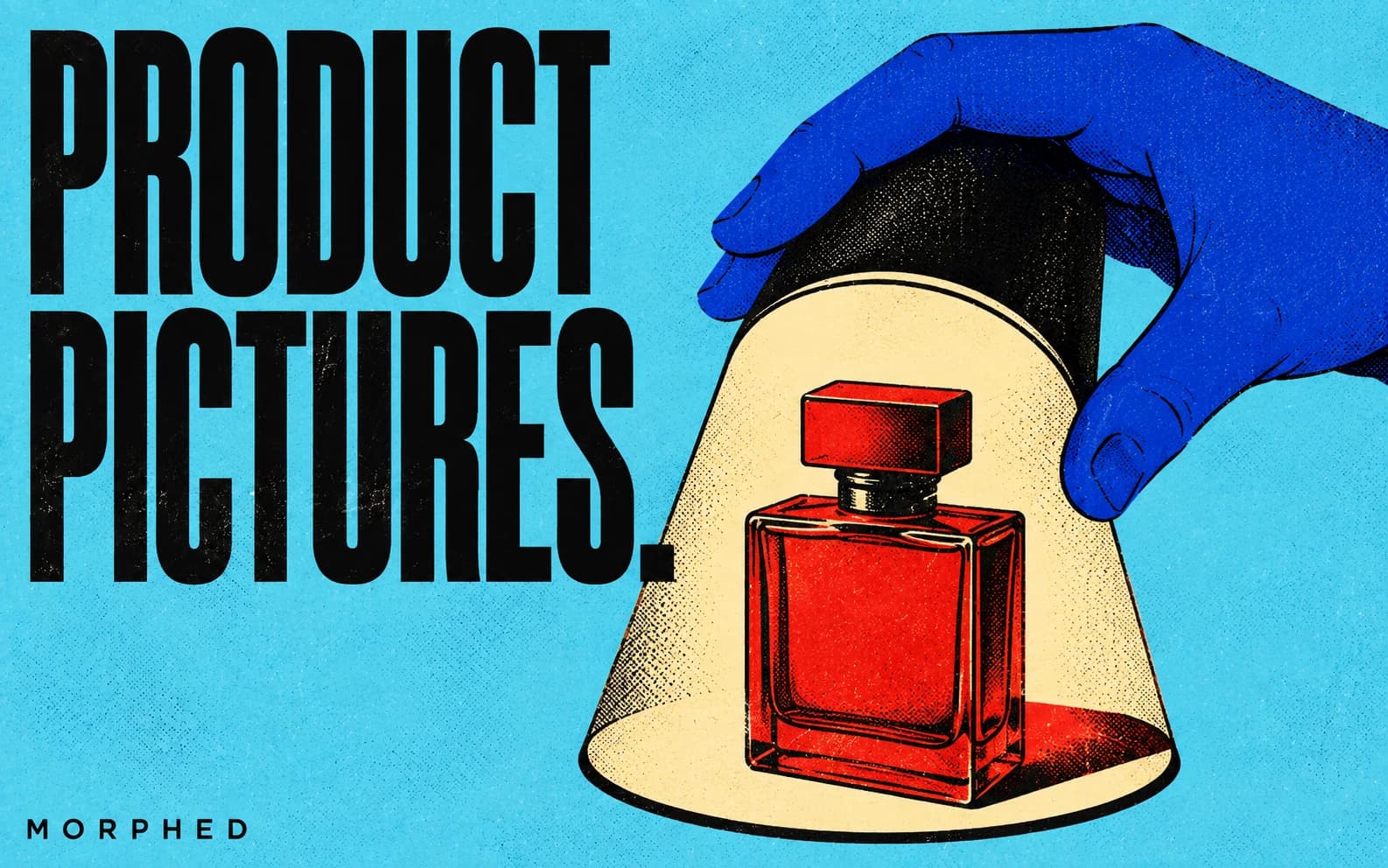
AI product photo generators now produce marketplace-ready images in minutes at $0.02-2.00 per image, compared to $200-5,000 per traditional studio session. For ecommerce sellers managing catalogs of hundreds or thousands of SKUs, the cost difference is significant: AI product photography cuts per-image costs by 80-95%. Professional product images also improve ecommerce conversion rates by 30-40% compared to amateur photography, and AI on-model imagery in fashion shows up to 60% conversion rate increases.
We compared 10 AI product photo generators on the same five products, scoring each on white-background accuracy, lifestyle scene realism, lighting consistency, color fidelity, batch throughput, and per-image cost. The best tools for April 2026: Morphed's AI product photography generator for creative text-to-image product visuals, Photoroom for mobile-first batch editing, Flair.ai for on-model fashion photography, and Pebblely for fast lifestyle backgrounds on a budget.
Need to remove backgrounds first? Check our best AI background removers. Want to upscale the final images? See the best AI photo enhancers and upscalers. Looking for general-purpose image generation? See our best AI image generators roundup.
How We Compared These AI Product Photo Generators
We compared each tool using the same five products: a matte-black water bottle, a pair of wireless earbuds, a skincare serum bottle, a leather watch strap, and a patterned throw pillow. For each product we evaluated:
- White-background accuracy -- does the output meet Amazon's pure-white RGB 255,255,255 requirement without manual correction?
- Lifestyle scene realism -- do shadows, reflections, and surface interactions look physically plausible?
- Lighting consistency -- does the tool produce uniform lighting across a full catalog run, or do results vary shot to shot?
- Color fidelity -- does the generated image preserve the product's actual colors, textures, and proportions?
- Output resolution -- does the tool deliver at least 2000x2000px (the marketplace sweet spot for Amazon, Shopify, and Etsy)?
- Batch throughput -- based on each platform's documented processing speed for a 20-image catalog run.
Tools with on-model features were also compared for natural garment draping and model diversity, based on each platform's published examples.
Quick Comparison: Best AI Product Photo Generators (April 2026)
| Tool | Best For | Background Swap | Lifestyle Scenes | On-Model | Batch | Starting Price |
|---|---|---|---|---|---|---|
| Morphed | Creative product visuals | Yes | Yes | Via prompts | Yes | From $9/mo (first 3 months 30% off) |
| Photoroom | Mobile-first batch editing | Yes | Yes | Yes (virtual models) | Yes | Free / $7.50/mo |
| Flair.ai | On-model fashion photography | Yes | Yes | Yes (AI models) | Yes | Free / $10/mo |
| Pebblely | Fast lifestyle backgrounds | Yes | Yes | No | Yes | Free (40/mo) / $19/mo |
| Claid.ai | Enterprise catalog automation | Yes | Yes | Yes (virtual models) | Yes | $9/mo |
| Modelfy | Multi-format campaigns | Yes | Yes | Yes (custom AI) | Yes | Paid plans |
| ProductShot | Budget product shots | Yes | Yes | No | Yes | $5/mo |
| Aluo | High-volume catalog processing | Yes | Yes | No | Yes | Paid plans |
| Scenay | Quick scene generation | Yes | Yes | No | Limited | Free (5/mo) / $9.99/mo |
| Zakeke AI Studio | Enterprise multi-channel | Yes | Yes | Yes | Yes | Enterprise |
1. Morphed -- Best AI Product Photo Generator for Creative Visuals
Morphed approaches product photography differently than dedicated background-swap tools. Instead of uploading an existing product image and replacing the backdrop, you can generate entirely new product visuals from text descriptions using Nano Banana 2 -- or combine both approaches in a single pipeline.
Describe "luxury perfume bottle on a white marble countertop, soft diffused studio lighting from above, gold accents catching the light, minimalist composition, commercial product photography" and Nano Banana 2 produces an image that looks like it came from a professional studio. For sellers who want lifestyle scenes, conceptual shots, or creative compositions that go beyond standard white-background product photos, text-based generation offers creative freedom that background-swap tools cannot match.
The integrated pipeline is what sets Morphed apart: generate the product image, upscale it to 2000x2000px+ for marketplace compliance, remove the background for a pure-white main image, and create a product video from the still -- all without leaving the platform. For text-to-image generation beyond product photography, Morphed supports multiple models.
Key product photography features:
- Generate product visuals from text descriptions with Nano Banana 2
- Upload existing product photos and enhance, upscale, or remove backgrounds
- Create lifestyle scenes, flat lays, and contextual shots from prompts
- Built-in upscaling to meet Amazon (2000x2000px), Shopify (2048x2048px), and Etsy resolution requirements
- Batch processing for full catalog runs
- Generate product videos from still images
Pros:
- Full creative freedom via text prompts -- generate lifestyle, flat lay, and conceptual shots that drag-and-drop tools cannot produce
- Integrated pipeline: generate, upscale, remove background, and create video all in one platform
- Batch processing with no watermarks on exports
- Free to start with no credit card required
Cons:
- Text-to-image approach requires prompt skill; less intuitive than drag-and-drop background swap tools like Photoroom or Pebblely
- Generated products may not match your exact item's dimensions, colors, or details without careful prompting
- No dedicated virtual model feature for fashion/apparel like Flair.ai or Photoroom offer
Best for: Ecommerce sellers who want creative product visuals beyond standard white-background shots, and anyone who needs generate-to-publish in one tool.
For ready-to-use prompts, see our Nano Banana prompts for product photography guide.
2. Photoroom -- Best for Mobile-First Batch Product Photos
Photoroom is the most polished mobile-first AI product photo generator, and its batch mode makes it practical for sellers who process catalog-scale updates from a phone or tablet. The AI is specifically trained on ecommerce photography, which shows in the output: backgrounds are marketplace-compliant by default, and templates are pre-sized for Amazon, Shopify, and Etsy dimensions.
The virtual model feature (added in early 2026) lets you save custom model photos and reuse them across product visuals for brand consistency. Ghost mannequin, product staging, recolor, and flat lay tools handle most ecommerce photography needs without leaving the app.
Pros:
- Best mobile app in the category -- fully functional editing and batch processing on iOS and Android
- 1000+ templates pre-formatted for Amazon, Shopify, and Etsy listing specs
- Virtual model, ghost mannequin, and product staging in a single subscription
- Free tier exports up to 250 images/month (with watermark)
Cons:
- Free tier adds watermarks and prohibits commercial use
- Advanced AI features (virtual models, batch mode) require Pro ($7.50/mo) or higher
- Less creative flexibility than text-prompt-based generators like Morphed for non-standard compositions
Best for: Sellers who want a polished mobile workflow for marketplace-compliant product images at scale.
Pricing: Free (watermarked, 250 exports/mo). Pro from $7.50/mo (annual). Business and API plans available.
3. Pebblely -- Best for Fast Lifestyle Backgrounds on a Budget
Pebblely does one thing well: you upload a product photo, the AI removes the background automatically, and you pick from 40+ themed backgrounds (studio, cafe, outdoor, seasonal) or describe a custom scene. The result is a lifestyle-style product image in under 30 seconds.
The free tier (40 images/month with no watermark) is generous enough for small sellers to test quality before upgrading. Paid plans at $19/month deliver 500 images with custom backgrounds and upscaling to 2048x2048px. For sellers who need lifestyle backgrounds without learning prompt engineering, Pebblely is the fastest path to a good-looking listing image.
Pros:
- Fastest time-to-listing: upload, pick a theme, export in under 30 seconds
- Free tier with 40 images/month and no watermark -- the most generous free offering for product photography
- Clean, minimal interface with zero learning curve
- Custom background generation on paid plans via text description
Cons:
- No on-model or virtual model features -- fashion sellers need a different tool
- Custom scenes are limited compared to full text-to-image generators
- No batch processing API on lower tiers
Best for: Small catalog sellers and marketplace beginners who want professional-looking lifestyle backgrounds with minimal effort.
Pricing: Free (40 images/mo). Starter $19/mo (500 images). Pro $39/mo (2,000 images). Annual plans save 20%.
4. Claid.ai -- Best for Enterprise Catalog Automation
Claid.ai is built for high-volume catalog operations where consistency across hundreds or thousands of SKUs matters more than creative flexibility. Its batch automation pipeline handles background removal, AI scene generation, virtual model composition, and color correction in a single run -- no manual image-by-image editing.
For stores managing more than 500 SKUs, Claid's API-first approach integrates directly into existing PIM and DAM workflows. The output is consistently marketplace-compliant, with automatic formatting for Amazon, Shopify, and Walmart image specs.
Pros:
- Strongest batch automation for enterprise catalogs -- process thousands of images with consistent output
- API-first architecture integrates into existing ecommerce workflows (PIM, DAM, Shopify apps)
- Virtual model and outfit composition features for fashion and apparel
- Automatic marketplace compliance formatting
Cons:
- Less intuitive for small sellers who just need a few product photos
- Pricing starts at $9/mo but scales up quickly for high-volume API usage
- Creative options are narrower than text-prompt generators -- optimized for consistency over creativity
Best for: Enterprise ecommerce operations managing 500+ SKUs that need consistent, automated catalog imagery.
Pricing: From $9/mo. Basic $19/mo. Professional $49/mo. Enterprise/API plans available.
5. Flair.ai -- Best for On-Model Product Photography
Flair.ai specializes in putting products on AI-generated human models -- a significant advantage for fashion and accessories brands. Upload your product, select or create a custom AI model, and generate professional fashion photography without hiring models or booking studios.
The drag-and-drop canvas lets you stage scenes visually rather than through text prompts alone, which is more intuitive for creative teams who think in layouts rather than language. For teams, real-time collaboration and API access make it scalable for large catalogs. AI on-model imagery in fashion has been shown to increase conversion rates by up to 60%, making this a high-ROI feature for apparel sellers.
Pros:
- Best-in-class AI on-model photography for fashion and accessories
- Visual drag-and-drop canvas for intuitive scene staging
- Real-time team collaboration and API access for catalog-scale workflows
- Free tier available for testing
Cons:
- Focused heavily on fashion; less versatile for non-apparel product categories like electronics or home goods
- Requires high-quality source images to get the best on-model results
- Less suitable for generating entirely new product concepts compared to text-to-image tools
Best for: Fashion, accessories, and lifestyle brands that need on-model photography at scale.
Pricing: Free tier available. Pro from $10/mo.
6. Modelfy -- Best for Multi-Format Product Campaigns
Modelfy transforms a single product photo into a complete visual campaign -- studio shots, lifestyle images, and even video with audio. The custom AI model feature lets you create a consistent brand character that appears across all your product content.
Color swap generates instant product variants without reshooting, and motion transfer turns still products into video content.
Pros:
- Generates a full campaign (studio, lifestyle, video) from a single product photo
- Custom AI brand model for consistent character across all content
- Color swap and motion transfer eliminate the need for reshoots
Cons:
- No free tier -- paid plans only with 4K export
- Smaller user base means fewer community templates and examples
- Campaign quality is strong but individual image fidelity can vary
Best for: Brands that need cohesive multi-format campaigns from a single product image.
Pricing: Paid plans with 4K export support.
7. ProductShot -- Best Budget AI Product Photo Generator
ProductShot offers three focused modes: Scene Wizard for placing products in photorealistic environments, Cleanup for background removal and lighting correction, and Mockups for product wrapping on surfaces. At $5/month for 30 images, it is the most affordable dedicated product photography tool.
Pros:
- Most affordable dedicated tool at $5/month for 30 images
- Three focused modes (Scene Wizard, Cleanup, Mockups) cover the most common needs
- Clean, simple interface with no design experience required
Cons:
- No on-model photography or AI human model generation
- 30-image cap on the starter plan is tight for sellers with large catalogs
- Scene variety is more limited than text-prompt-based generators
Best for: Small ecommerce sellers who need affordable, clean product photos.
Pricing: From $5/month (30 images). Plans up to $25/month (600 images).
8. Aluo -- Best for High-Volume Catalog Processing
Aluo combines AI background removal, product photo generation, and image editing into a single workflow. The batch processing handles high-volume catalog work -- process hundreds of product images with consistent backgrounds, lighting, and styling automatically. Claims to reduce costs by up to 99% compared to traditional photography.
Pros:
- Batch processing handles hundreds of products with consistent styling automatically
- Combines background removal, generation, and editing in one pipeline
- Claims up to 99% cost reduction versus traditional product photography
Cons:
- Paid-only with no free tier to test before committing
- Consistency at scale can come at the expense of creative variety
- Less suited for unique hero shots that need individual creative direction
Best for: Large catalogs that need consistent processing across hundreds of SKUs.
Pricing: Paid plans with batch processing.
9. Scenay -- Best for Quick Scene Generation
Scenay transforms a single product image into multiple professional scenes in three steps: upload, customize, and download. The simplicity makes it accessible for sellers without design experience. The free tier (5 credits/month) lets you test the quality before committing.
Pros:
- Simplest workflow: upload, customize, download in three steps
- Free tier with 5 credits/month to test quality before upgrading
- No design experience needed
Cons:
- Limited batch processing support
- Scene customization options are narrower than more flexible tools
- Lower output resolution compared to tools like Morphed or Flair.ai
Best for: Sellers who want to quickly place products in lifestyle scenes with minimal effort.
Pricing: Free (5 credits/month). Paid from €9.99/month.
10. Zakeke AI Agent Studio -- Best Enterprise Multi-Channel Solution
Zakeke offers specialized AI agents for different ecommerce production needs: product staging, virtual model rendering, ad building, variant generation, multi-product scenes, and video creation. Built for enterprise teams managing thousands of SKUs across multiple channels.
Pros:
- Specialized AI agents for staging, virtual models, ads, variants, and video
- Built for enterprise scale -- handles thousands of SKUs across channels
- Multi-product scene generation for catalog and ad bundle creation
Cons:
- Enterprise pricing with no self-serve plan -- requires sales contact
- Overkill for small to mid-size sellers with modest catalog sizes
- Complex feature set has a steeper learning curve than simpler tools
Best for: Enterprise ecommerce operations with large-scale visual production needs.
Pricing: Enterprise pricing. Contact for details.
Marketplace Image Requirements: Amazon, Shopify, and Etsy
Before choosing a tool, know what each platform actually requires. Non-compliant images can trigger listing suppression on Amazon or lower search ranking on Etsy.
Amazon:
- Main image must have a pure white background (RGB 255, 255, 255 exactly -- off-white or light gray triggers automated suppression)
- Minimum 1,000px on the longest side; recommended 2,000x2,000px for zoom functionality
- Product must fill at least 85% of the frame
- No text, logos, watermarks, or badges on the main image
- Accepted formats: JPEG (recommended), TIFF, PNG, GIF; max file size 10MB
Shopify:
- Recommended 2,048x2,048px square images
- Keep file size between 200-500KB (under 300KB is better for mobile-heavy stores)
- No strict background color requirement, but white or light backgrounds convert best for product pages
Etsy:
- No white background requirement -- Etsy actively encourages lifestyle photography and styled compositions
- Minimum 2,000px on the shortest side; first listing photo must be at least 635x635px
- Images below the minimum may rank lower in Etsy search
Tools like Photoroom and Claid.ai include marketplace-specific templates that auto-format outputs to these specs. Morphed's upscaling ensures any generated image meets resolution requirements regardless of the target platform.
AI Product Photography Tips That Actually Improve Listings
Generate multiple angles. AI can produce front, side, top-down, and 45-degree views from text descriptions. Include angle specifications in your prompts: "overhead flat lay," "three-quarter view from above," or "eye-level straight-on composition." Amazon allows up to 9 images per listing -- fill all of them.
Maintain catalog consistency. Use the same prompt structure across your catalog, changing only the product details. This produces a consistent visual style across all listings, which builds brand trust and reduces bounce rates.
Combine white background + lifestyle. Marketplaces require clean product shots for the main image, but lifestyle images drive higher conversion. Use AI to generate both -- a clean studio shot for the main image and contextual lifestyle shots for supporting images. For broader image generation needs, see the best AI image generators or best free AI image generators.
Test before committing. Start with 5-10 product images on a free tier (Pebblely and Photoroom both offer one) before processing your full catalog. Check the output against your actual product for color accuracy and proportional fidelity.
Example product prompt for Morphed:
"Pair of wireless earbuds in a matte black charging case, placed on a clean white surface, soft studio lighting from above and left, sharp product detail on the brushed metal texture, minimalist composition with negative space, commercial product photography"
For more prompt templates, see our Nano Banana prompts for product photography.
Frequently Asked Questions
What is the best AI product photo generator?
It depends on your workflow. Morphed offers the most creative flexibility with text-based generation, background removal, upscaling, and video creation in one platform. Photoroom is best for mobile-first batch editing with marketplace-ready templates. Flair.ai leads for on-model fashion photography. Pebblely is the best free option with 40 unwatermarked images per month. For budget-friendly basic product shots, ProductShot starts at $5/month.
Can AI product photos replace traditional studio photography?
For most ecommerce sellers listing on Amazon, Shopify, or Etsy, yes. AI-generated product images are now good enough for marketplace listings, social media ads, and website product pages. Professional product images improve conversion rates by 30-40% versus amateur shots, and AI tools produce results on par with mid-range studio work. High-end brands and products where exact color accuracy is critical (luxury watches, fine jewelry, cosmetics shade matching) may still benefit from professional photography for hero shots, using AI for the supporting lifestyle images.
Do Amazon and Shopify accept AI-generated product photos?
Both platforms accept AI-generated images as long as they accurately represent the product and meet technical requirements. Amazon's main image must show the actual product on a pure white background (RGB 255,255,255) at minimum 1000px, but supporting images can be AI-generated lifestyle and contextual shots. Shopify has no restrictions on AI-generated imagery. Etsy explicitly encourages creative and lifestyle photography.
How much does AI product photography cost compared to traditional?
Traditional product photography costs $200-5,000+ per session, which works out to $20-100+ per image when accounting for studio, photographer, styling, and editing time. AI tools range from free (Pebblely free tier) to $0.02-2.00 per image on paid platforms -- an 80-95% cost reduction. For a catalog of 500 products, traditional photography might cost $10,000-50,000. AI tools produce comparable results for $100-1,000.
What resolution do AI product photo generators output?
Most tools in this roundup output at least 1024x1024px natively, with upscaling to 2048x2048px or higher. Morphed includes built-in upscaling to meet Amazon's recommended 2000x2000px. Pebblely generates up to 2048x2048px on paid plans. Claid.ai upscales to 4K. For additional upscaling options, see our best AI photo enhancers and upscalers.
Which AI product photo generator has the best free tier?
Pebblely offers the most generous free tier for product photography specifically: 40 images per month with no watermark and commercial use allowed. Photoroom's free tier exports up to 250 images/month but adds a watermark and restricts commercial use. Morphed is a paid product: creating an account and planning with Morphed Agent are free, but generating needs a plan (from $9/month, first 3 months 30% off). Paid plans export without a watermark. For a broader comparison of free AI image tools, see our best free AI image generators guide.
Can I use AI to generate on-model product photos for fashion?
Yes. Flair.ai, Photoroom, and Claid.ai all offer virtual model features that place your product on AI-generated human models. Flair.ai is the strongest for this use case, with custom AI model creation and a visual drag-and-drop canvas. Photoroom added custom virtual model saving in early 2026 for brand consistency across campaigns. For AI-generated headshots for your brand's team page, see our best AI headshot generators.
Generate product photos in minutes. Start creating on Morphed -->