morphed
Kling·AI Video Generator·Editing

Kling 2.6

Kling's latest — strong motion consistency with optional audio at 11 credits per second.

11credits/second
11credits/second (edit)
Text to Video

to start generating videos with Kling 2.6

Duration up to 10sAudio NativeCredits 11/second

Generated with Kling 2.6

A cat jumping from a shelf to the floor in a sunlit room, fluid motion

Capabilities

What Sets It Apart

Motion Consistency

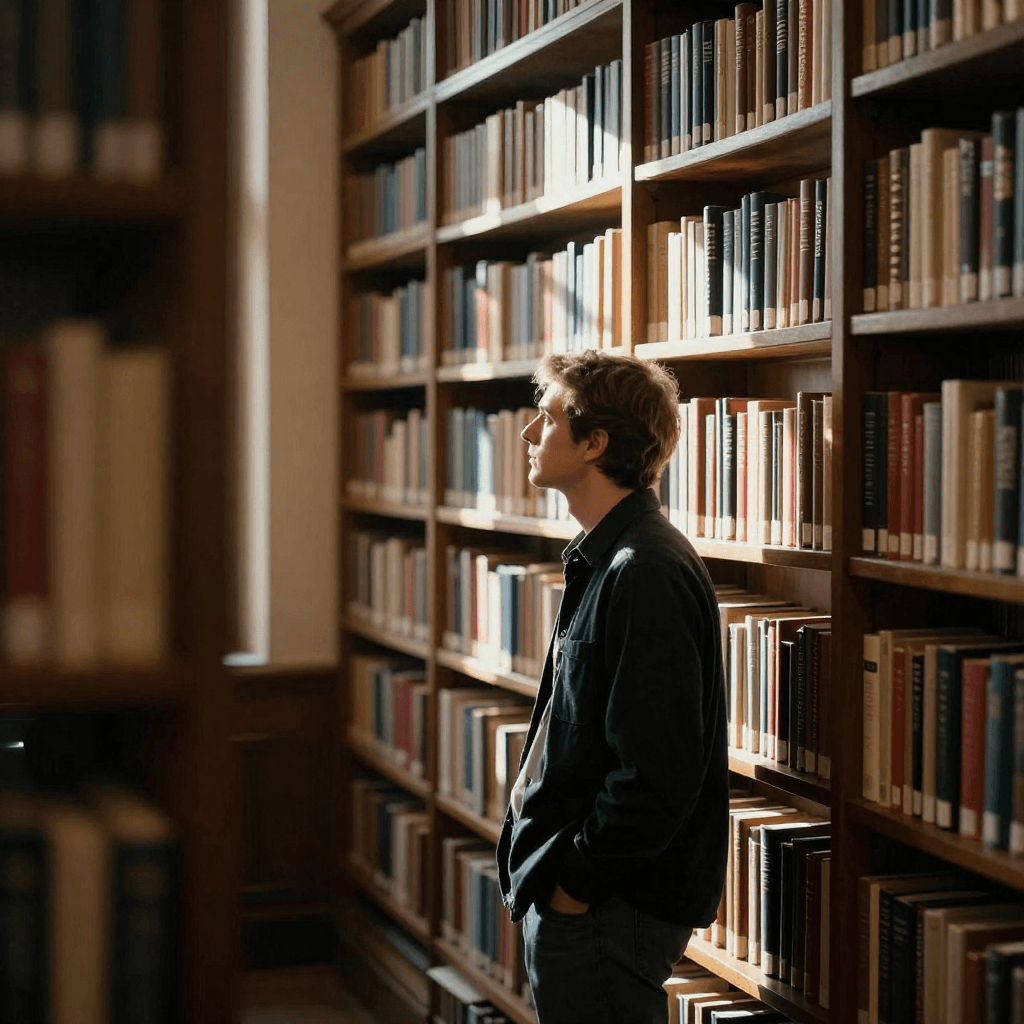
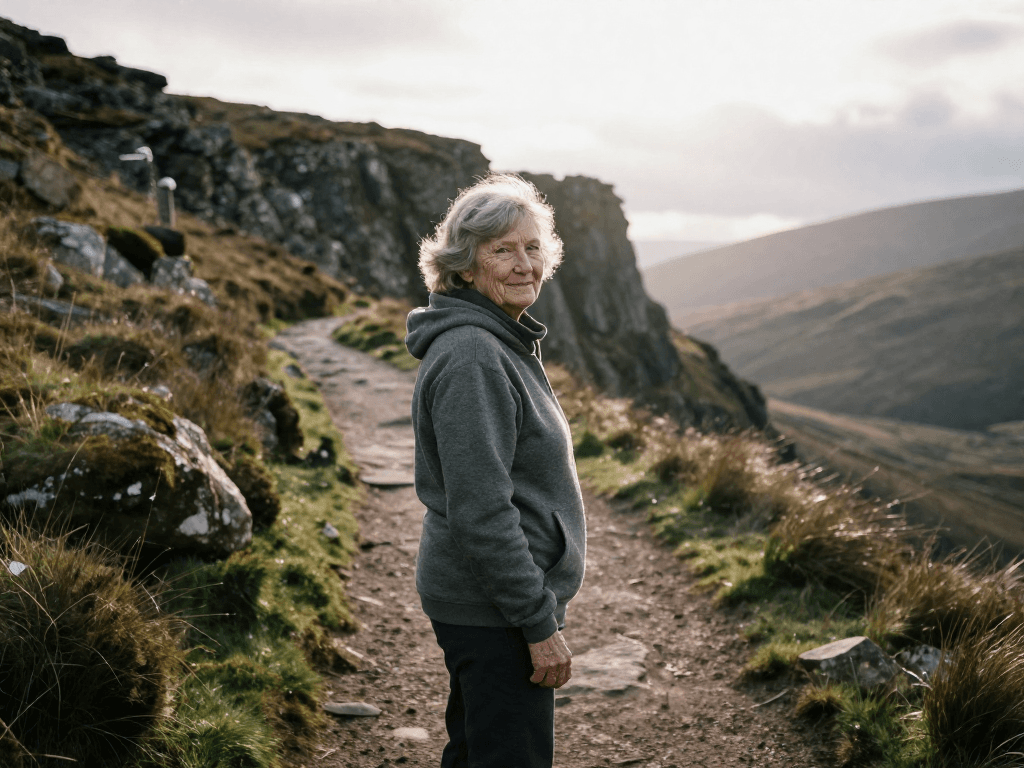
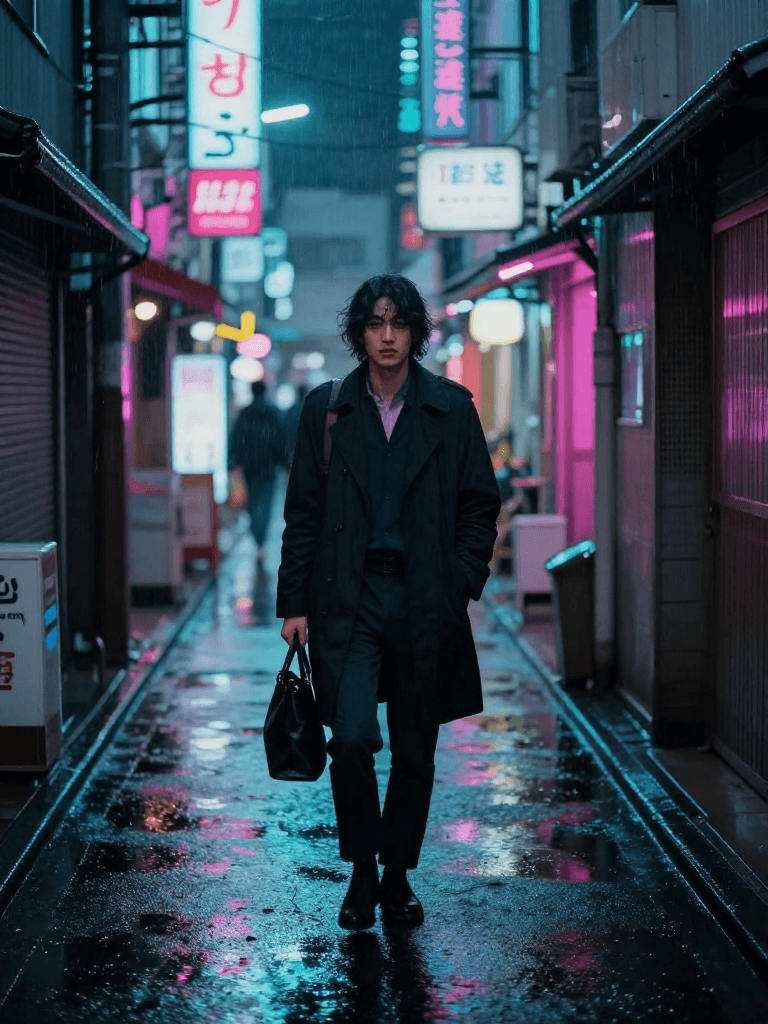
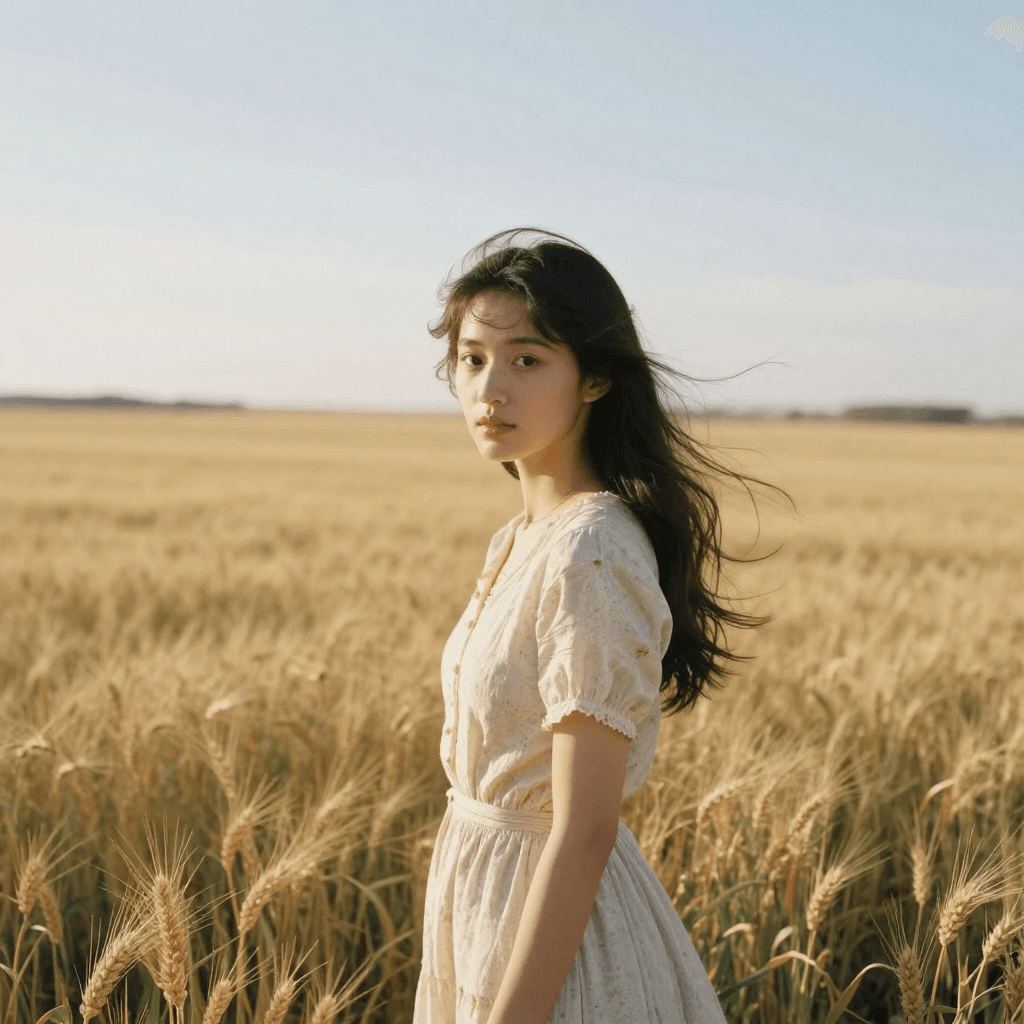
Kling models are known for smooth, physically plausible motion — objects and characters move naturally and coherently.

Sample output generated with Kling 2.6

Audio Support

Optional audio generation adds scene-appropriate sound at 11 credits/second additional.

Square Format

Supports 1:1 alongside landscape and portrait for social media flexibility.

Image-to-Video

Animate still images while preserving the source composition.

Use cases

Built For

Action Content

Generate videos with complex physical motion — sports, dance, action sequences.

Social Media

Create engaging social video in landscape, portrait, or square formats.

Character Animation

Animate characters with natural, believable movement.

Audio-Visual Content

Generate immersive video with synchronized environmental audio.

Specs

Technical Specifications

Type
Text to Video
Credits
11 / second
Edit Credits
11 / second
Provider
Kling
Aspect Ratios
16:9, 9:16, 1:1
Durations
5s, 10s
Compare

How Kling 2.6 Compares

Every model below is available on Morphed — switch between them with the same prompt.

ModelCreditsTypeBest for
Kling 2.6This modelKling
11 / secondText to VideoAction Content
Kling 2.5 TurboKling7 / secondText to VideoRapid Content
Kling 2.1 MasterKling28 / secondText to VideoFilm & Broadcast
Seedance 2.0Bytedance43.5 / secondText to VideoCinematic Content
Veo 3Google20 / secondText to VideoSound-Enabled Content
FAQ

Frequently Asked Questions

How it works

Create with Kling 2.6 in three steps

01

Describe your idea

Write a prompt, or start from one of the examples above. Kling 2.6 handles detailed, multi-part prompts well.

02

Generate & iterate

Pick duration and aspect ratio, then generate. Re-roll or refine the prompt until the motion feels right.

03

Download or keep editing

Export in full resolution, or send the result to another model on Morphed — upscale it, animate it, or edit it.

Ready to create with Kling 2.6?

Start generating stunning videos in seconds. No credit card required.