AI Video Enhancer
Enhance video quality with AI
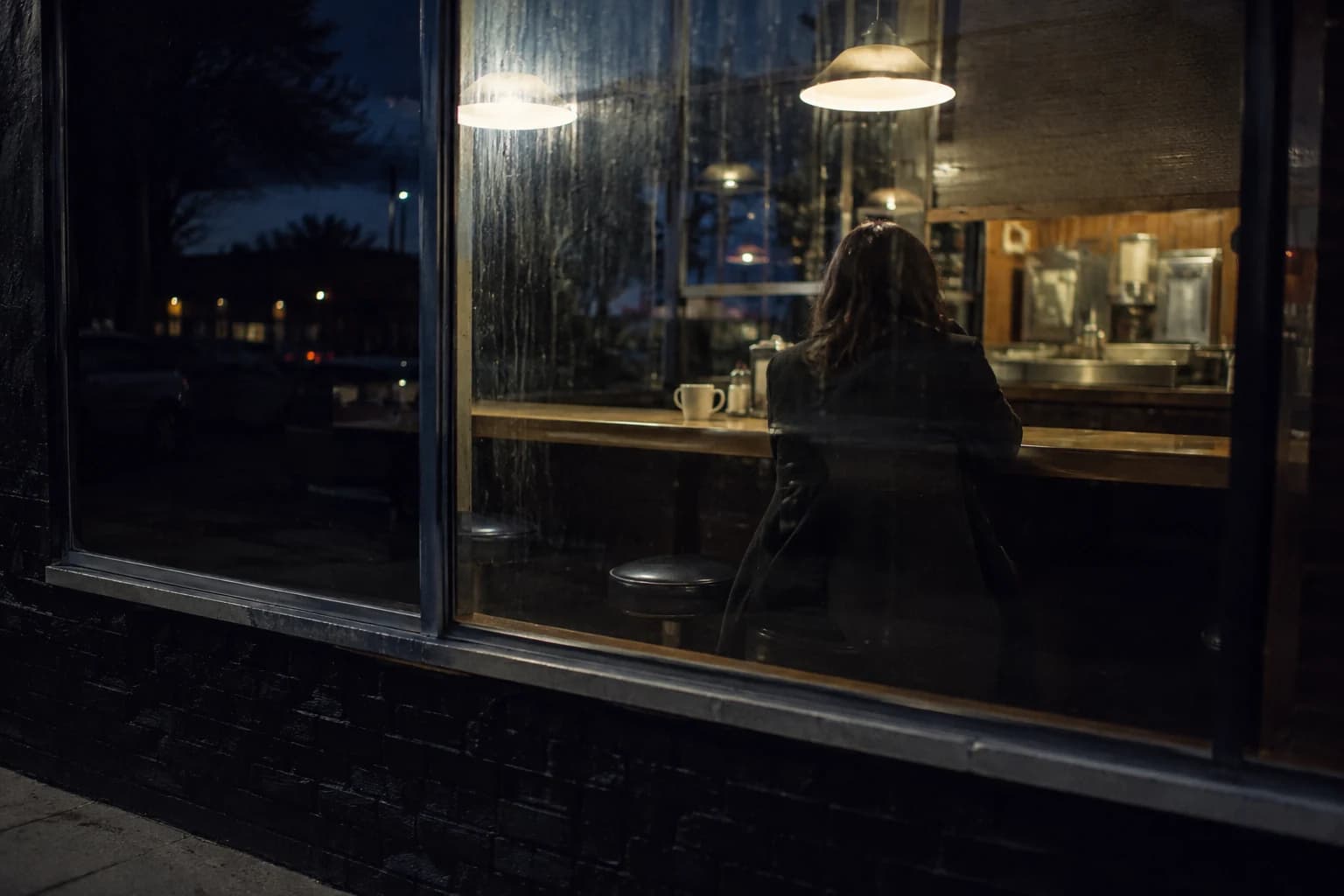
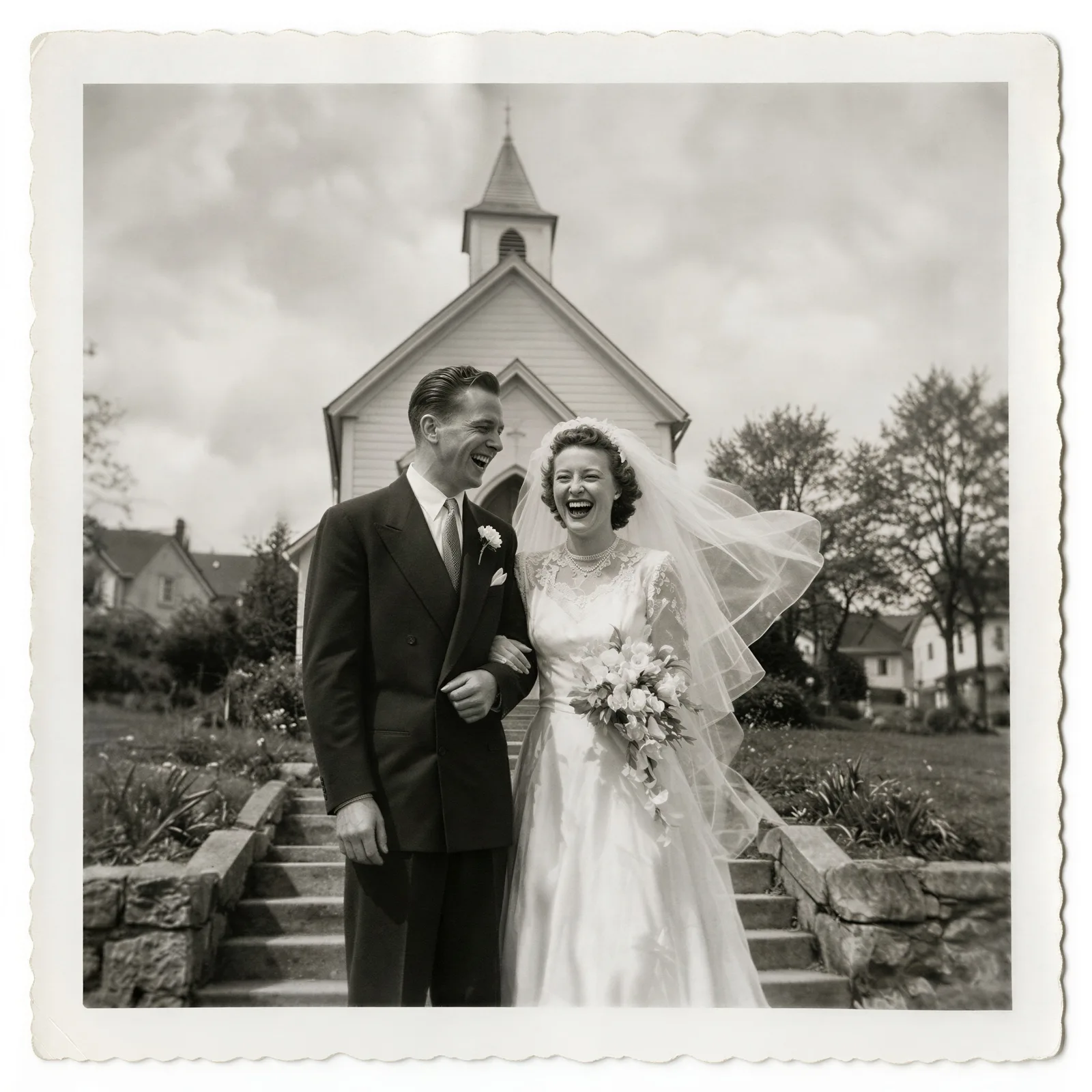
An AI video enhancer repairs footage that looks bad, whether it is blurry, grainy, blocky from compression or just low-res, by rebuilding every frame with models like Topaz, SeedVR2 and ByteDance and exporting up to 4K; it cleans up what the camera captured but can't invent detail that was never recorded.
Drop a video here
MP4 or MOV
From 1.5 credits per second · Plans from $9/mo, 30% off your first 3 months
Enhance a video in 3 steps
Everything runs in the cloud. No GPU, no desktop install.
Upload the clip
Drop in the MP4 or MOV that looks soft, grainy or blocky.
Match the model to the problem
Topaz for noise and compression, ByteDance presets for old film or phone footage, SeedVR2 for soft AI clips.
Keep the size or go to 4K
Run at 1× for a pure clean-up, or enhance and upscale to 1080p, 2K or 4K in the same pass.
Pick your problem
- Compressed social downloads
- Blocky edges and smeared detail from re-uploads. Start with Topaz Artemis: LQ for the worst sources, MQ or HQ for lighter damage.
- Grainy low-light phone clips
- The problem is noise, not size. Topaz Nyx is a dedicated denoiser, so run it at 1× if the resolution is already fine. Try SeedVR2 when the grain comes with softness.
- Old family footage and film
- ByteDance Upscaler's Old Film preset, or Topaz Starlight Mini, which is built for restoring archival footage. Expect a cleaner picture, not a new one.
- Soft AI-generated clips
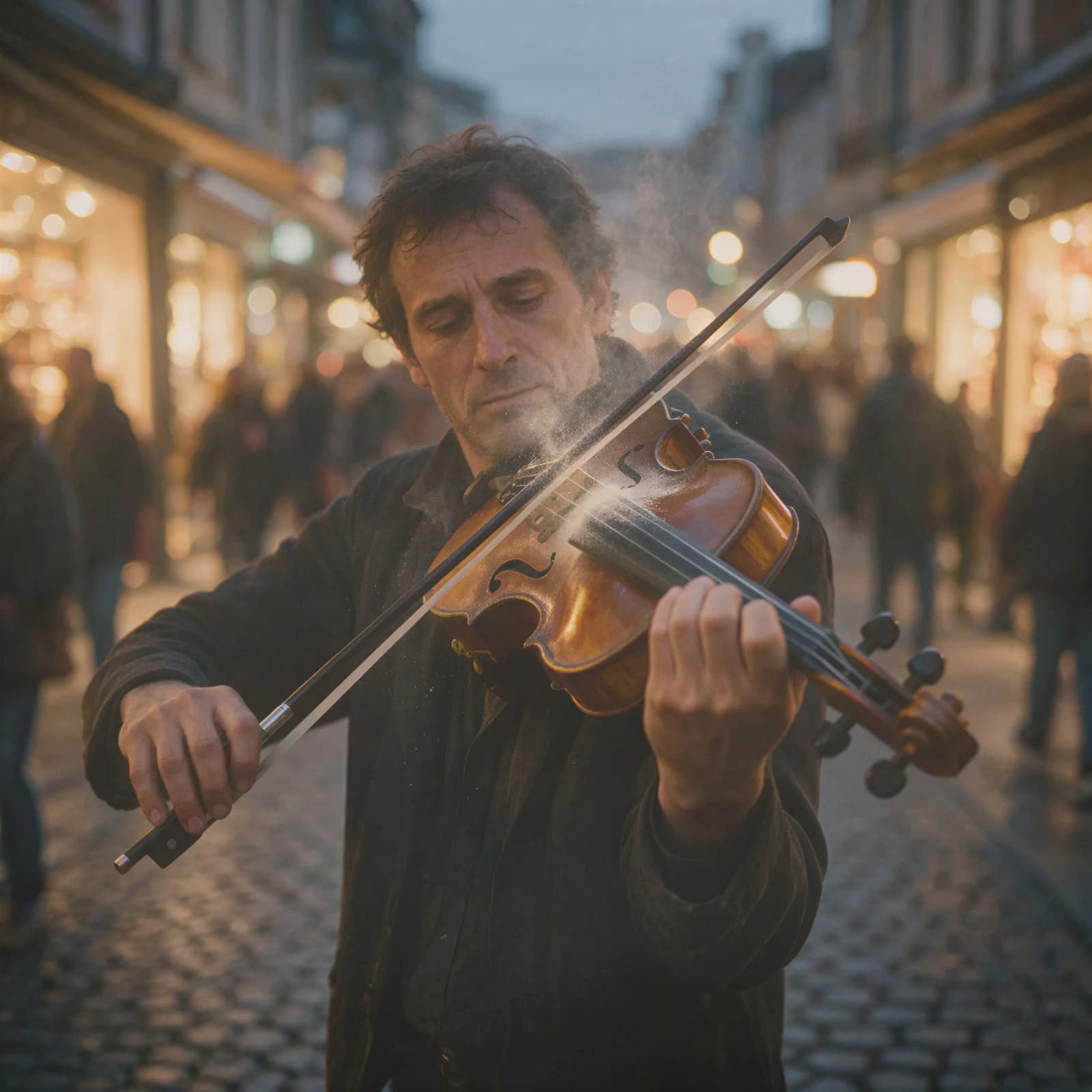
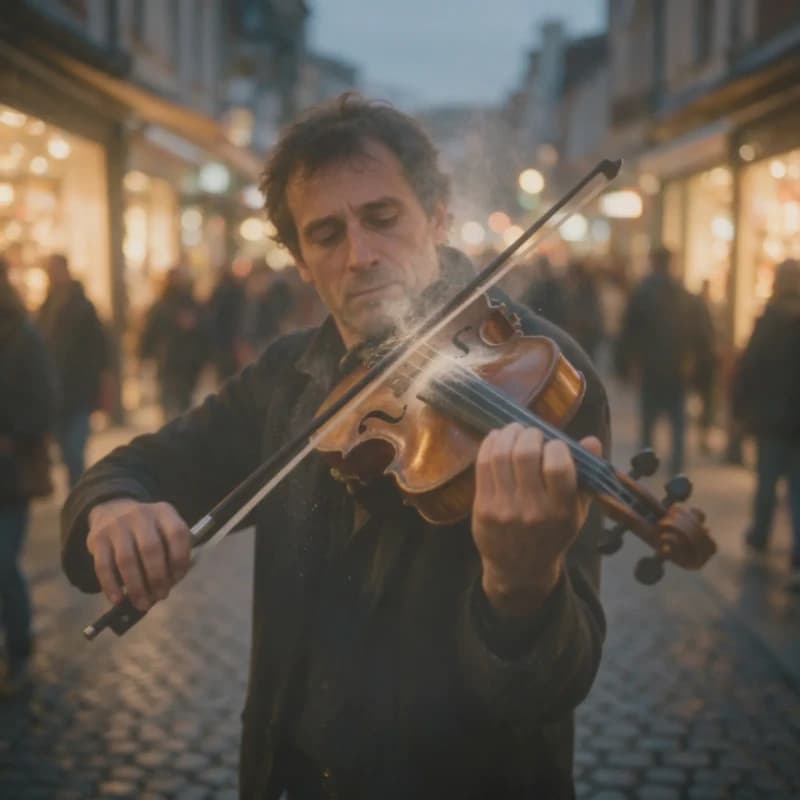
- Most AI video renders at 720p or 1080p. ByteDance's AIGC preset is tuned for this footage, and SeedVR2 puts texture back. Enhance the take you keep, not every take.
What it fixes
Repair first, resize only if you need to.
- Denoise
- Topaz's Nyx models target grain and sensor noise; SeedVR2 has a noise-scale setting from 0 to 1.
- Sharpen
- Topaz Proteus and Starlight Sharp recover edge detail in soft footage. At 1× the clip keeps its original size.
- Repair compression
- Topaz Artemis comes in LQ, MQ and HQ versions, graded by how damaged the source is.
- Restore old footage
- The Old Film preset on ByteDance and Starlight Mini on Topaz are made for archival clips.
- Upscale when you need it
- Go 1× to 4×, or straight to 1080p, 2K or 4K, when the enhanced clip also has to be bigger.
- Animation and CG
- Topaz Gaia 2 (exactly 2×) and Gaia CG are tuned for animated and computer-generated footage.
Which model fixes what
Five enhancement engines in one tool, each priced per second of video.
| Model | Fixes | Options on Morphed | Credits / second |
|---|---|---|---|
| Topaz Video Upscale | Noise, compression damage, archival footage, animation | 16 Topaz models (Proteus, Artemis, Nyx, Gaia, Starlight) · 1× to 4× | 3 (720p) · 5 (1080p) · 20 (4K) |
| ByteDance Upscaler | Phone clips, old film, AI-generated footage | General, UGC, Short Series, AIGC and Old Film presets · 30 fps · 1080p, 2K or 4K | 1.5 (1080p) · 2.5 (2K) · 4.5 (4K) |
| SeedVR2 Video | Soft or AI-generated clips that need texture back | Noise scale 0 to 1 · 1× to 4× or a 720p to 4K target | 8 |
| FlashVSR | Quick sharpening on a budget | 1× to 4× | 4 |
| WAN Vision Enhancer | Soft footage that only needs to reach 720p | 720p output | 9 |
A 10-second clip costs 15 credits on ByteDance at 1080p (about $0.21 on the $9 Basic plan), 50 on Topaz at 1080p (about $0.69), 80 on SeedVR2 (about $1.11) and 200 on Topaz at 4K (about $2.77). Plans from $9/month, 30% off your first 3 months.
Enhancer or upscaler?
Use the enhancer when the clip looks bad at the size it is: grain from a dark room, blocks from a re-uploaded download, softness from an old camera. The fix is a model that cleans each frame, often at 1× so the resolution stays the same.
Use the AI video upscaler when the clip already looks right and you need more pixels, for example a 1080p master that has to ship in 4K. Both run in the same upscale tool; the difference is which model and scale you pick. For how the upscalers compare on the same footage, read our tested AI video upscaler ranking.
When enhancement won't help
Enhancement cleans up what the camera recorded. It can't recover what it didn't.
- Detail that was never recorded
- A face a few pixels wide comes back as a plausible face, not the real person. Number plates and small text are the same: the model guesses.
- Missed focus and heavy motion blur
- Blur baked into every frame is the hardest case. Expect a cleaner, crisper-edged clip, not a shot that suddenly looks in focus.
- Faces and text can drift
- Generative models such as Topaz Starlight and SeedVR2 invent texture. Check faces and on-screen text before you deliver.
- Resolution and frame rate ceilings
- Output tops out at 4K, and WAN Vision Enhancer at 720p. ByteDance exports at 30 fps and there is no 60 fps interpolation.
Questions
Fix the clip you already have
From 1.5 credits per second · Plans from $9/mo, 30% off your first 3 months