

Transparent Background Maker
Make Any Background Transparent
Turn photos, logos, and graphics into clean transparent PNGs with AI. Crisp, edge-aware cutouts in one click — ready to drop into any design, listing, or thumbnail.
Drop a photo here
JPG, PNG or HEIC · up to 20 MB
Plans from $9/mo · Cancel anytime
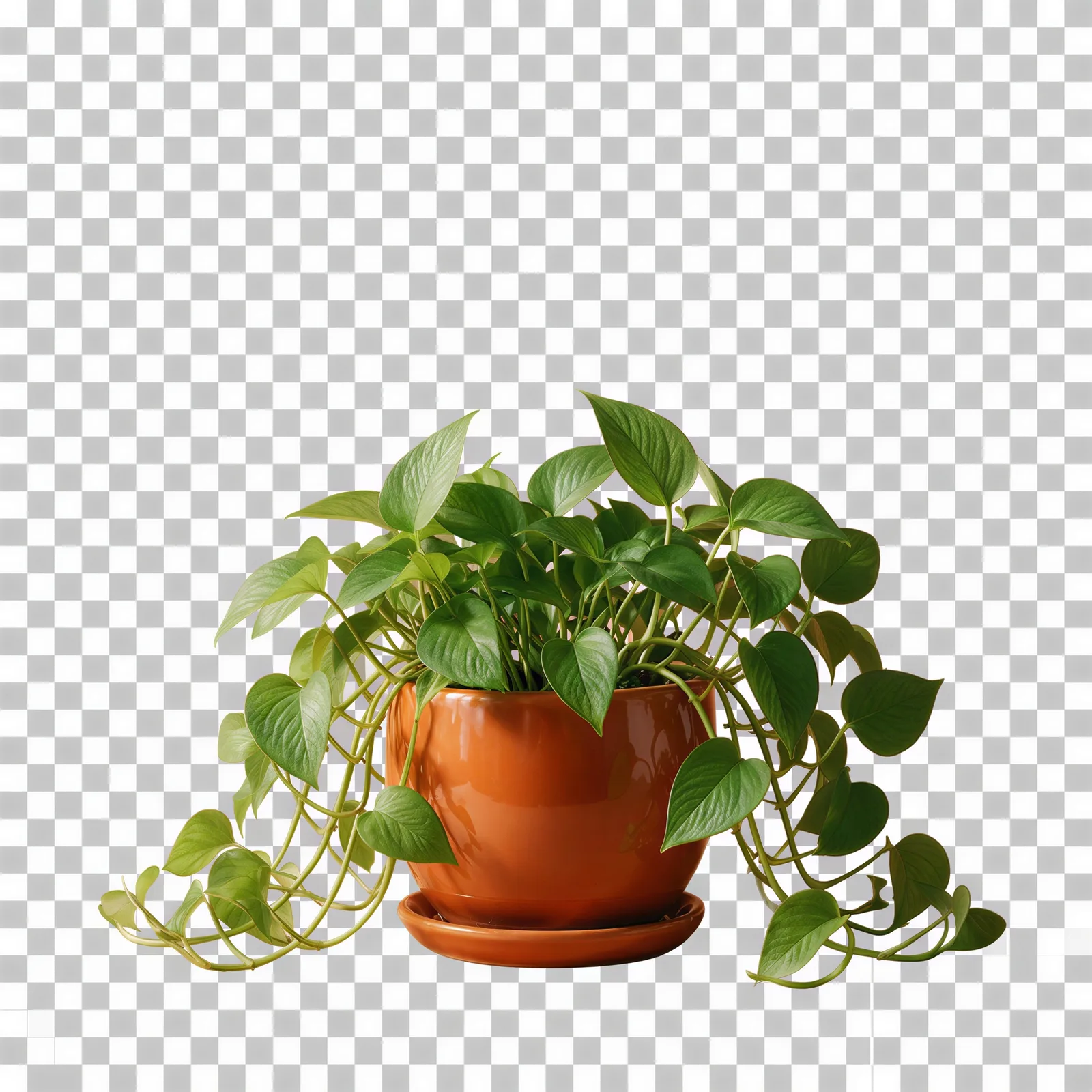
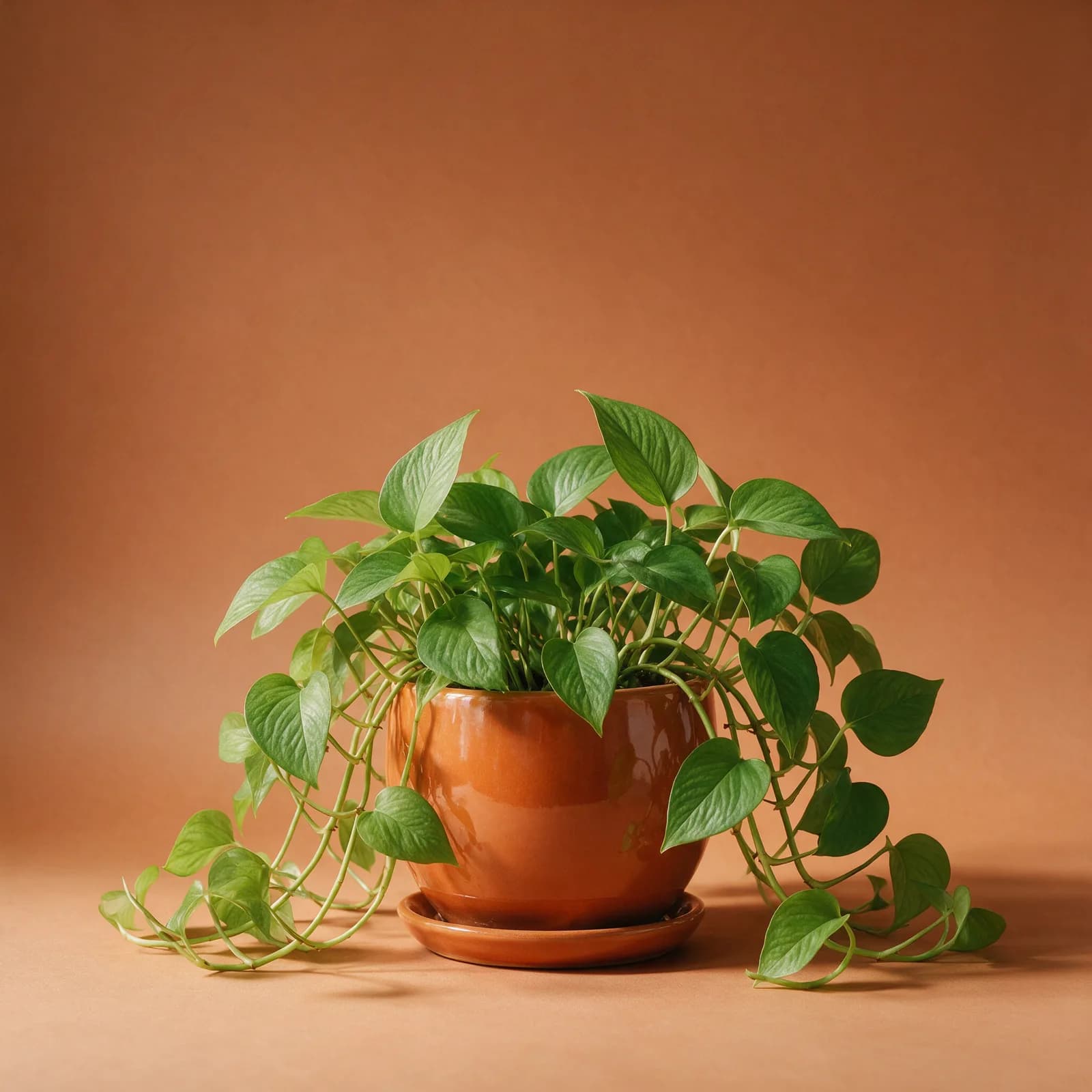
How it works in 3 steps
Upload, cut out, download.
Upload your image
Add a photo, logo, or graphic — JPG, PNG, or WebP.
AI cuts out the subject
The background is detected and removed automatically with clean, detailed edges.
Download the PNG
Get a full-resolution transparent PNG ready to drop into any design or listing.
Clean Cutouts, Real Transparency
Professional PNG cutouts without the pen tool.
- True Transparent PNGs
- Get a real alpha channel, not a fake checkerboard — your cutout drops cleanly onto any design, color, or scene.
- Crisp, Edge-Aware Cutouts
- Hair, fur, lace, and fine product details keep natural edges instead of the jagged halo cheap tools leave behind.
- Logos & Graphics Too
- Works on logos, signatures, stamps, and illustrations as well as photos — perfect for putting a logo on anything.
- Swap In Any Backdrop Later
- Once your subject is transparent, place it on white, a brand color, or an AI-generated scene in one click.
- Full Resolution Output
- Download high-resolution PNGs with no watermark, ready for print, web, and marketplaces.
- One Click, Zero Tracing
- No pen tool, no magic wand thresholds. Upload and the AI does the entire cutout automatically.
What People Make Transparent
From logos to product shots.
- Logos & Branding
- Turn a logo on a white or colored background into a transparent asset you can use anywhere.
- Product Cutouts
- Create transparent product PNGs for listings, banners, and marketing layouts.
- Stickers & Merch
- Make clean cutouts for stickers, t-shirt prints, and print-on-demand products.
- Presentations & Docs
- Drop clean cutouts into slides and documents without white boxes around them.
- Thumbnails & Social
- Cut yourself out for YouTube thumbnails, streams, and social graphics.
- Design Composites
- Build collages and composites from cutouts that blend into any scene.
Questions
Start creating in minutes
Plans from $9/mo · Cancel anytime
Explore more AI tools
Unblur Image
Sharpen a blurry photo and recover lost detail.
AI Image Editor
Edit any photo by describing the change.
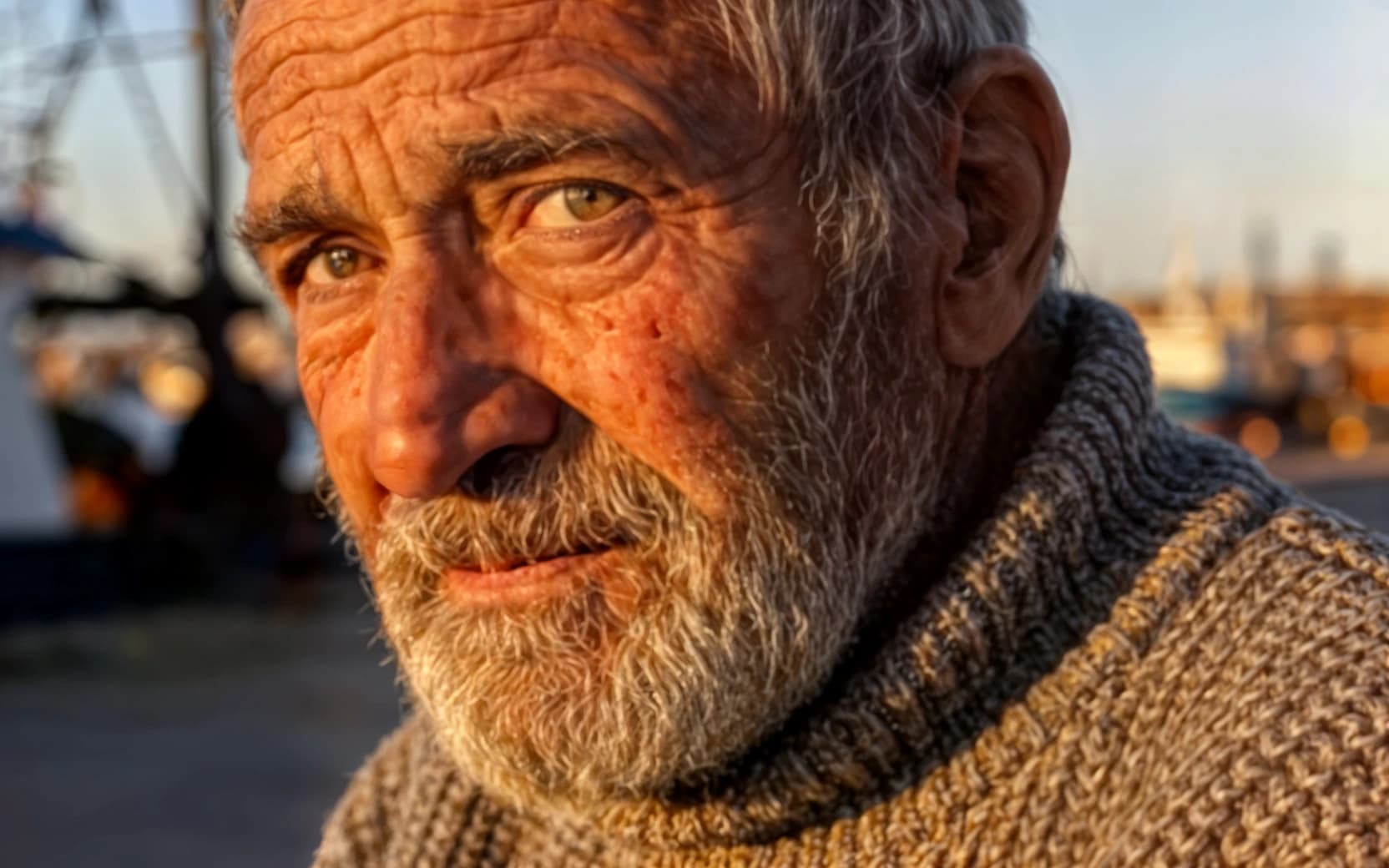
AI Upscaler
Scale images to print resolution.
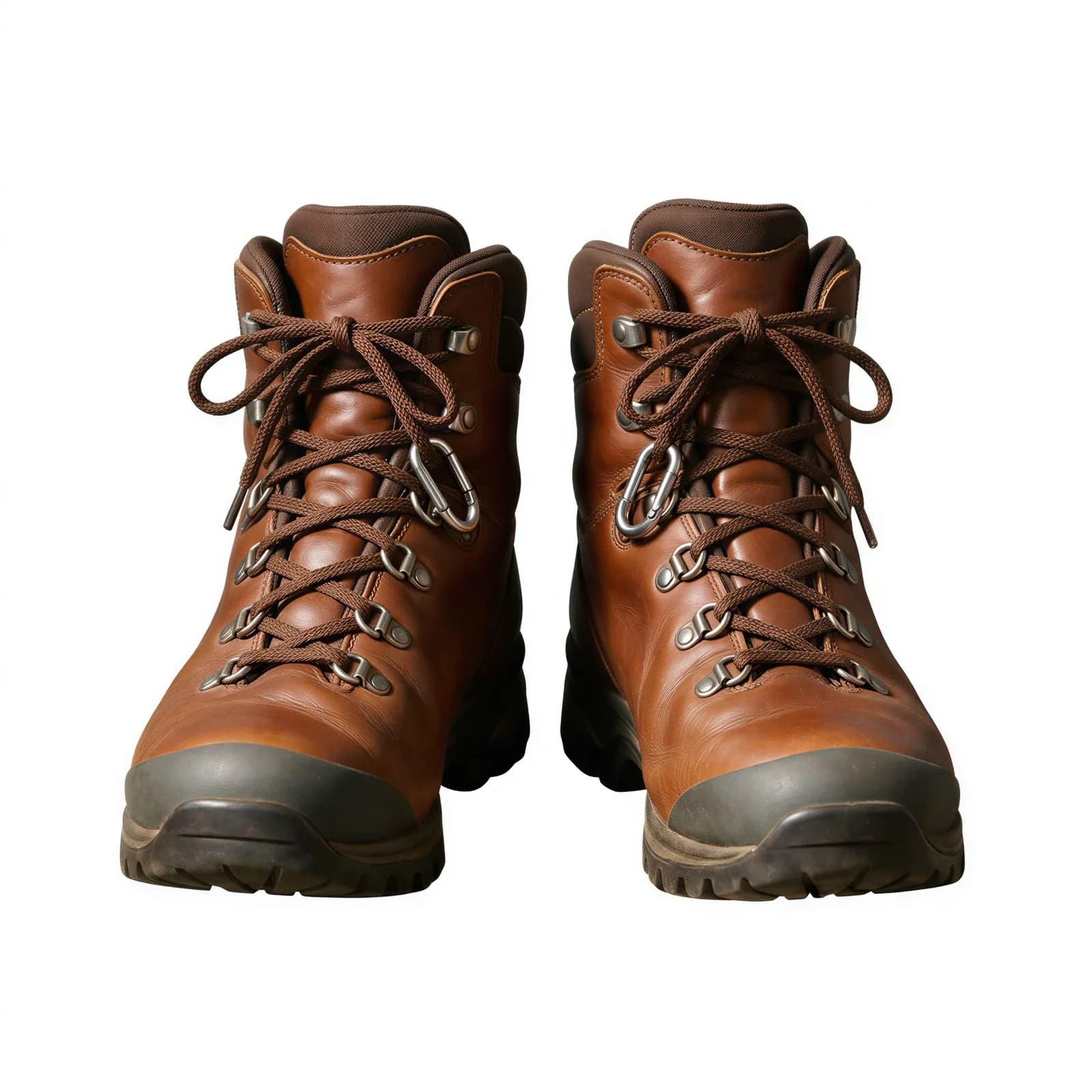
Background Remover
Clean cutouts with crisp edges.
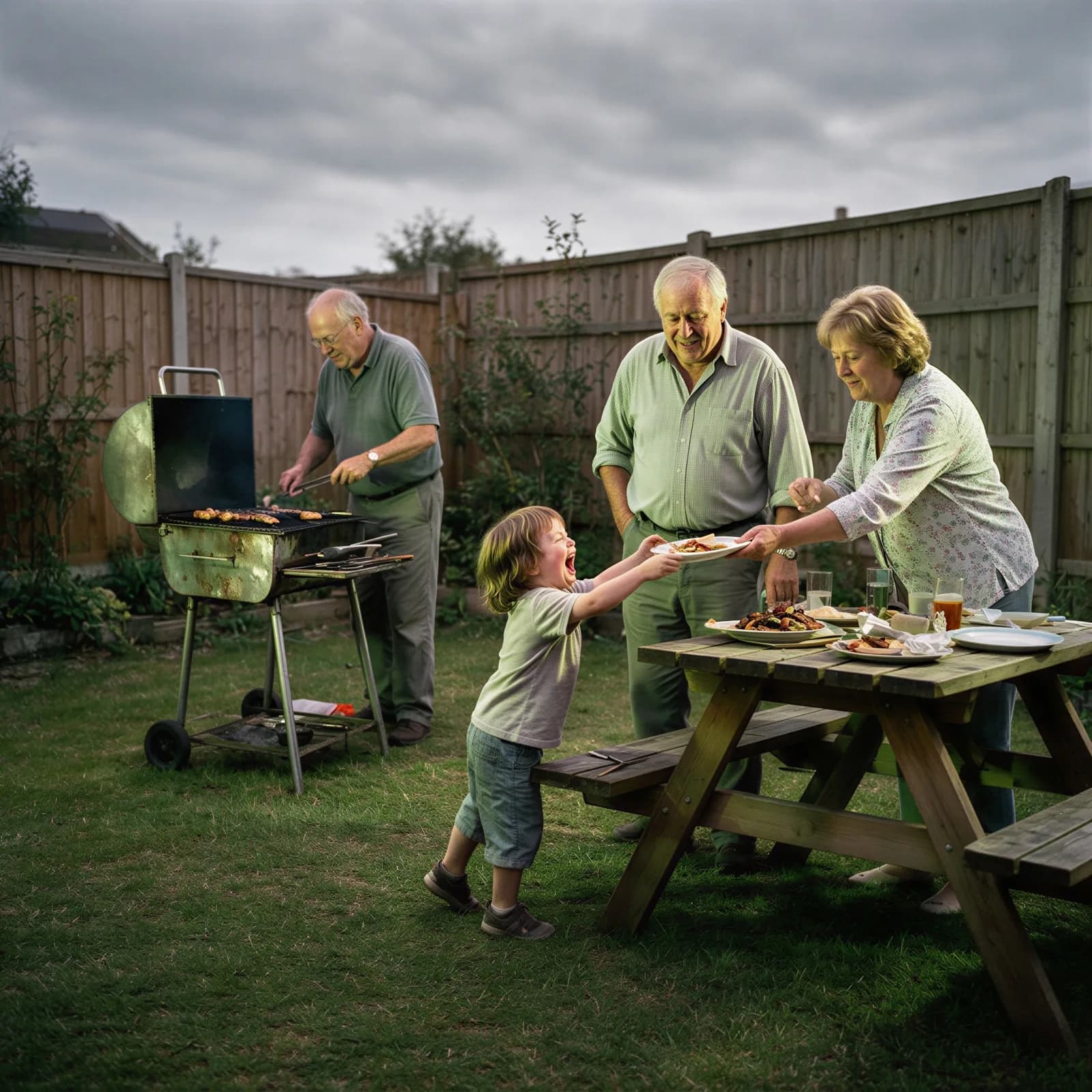
AI Image Enhancer
Fix clarity, color, and lighting in one pass.
Bulk Image Generator
Generate a full batch of campaign images at once.
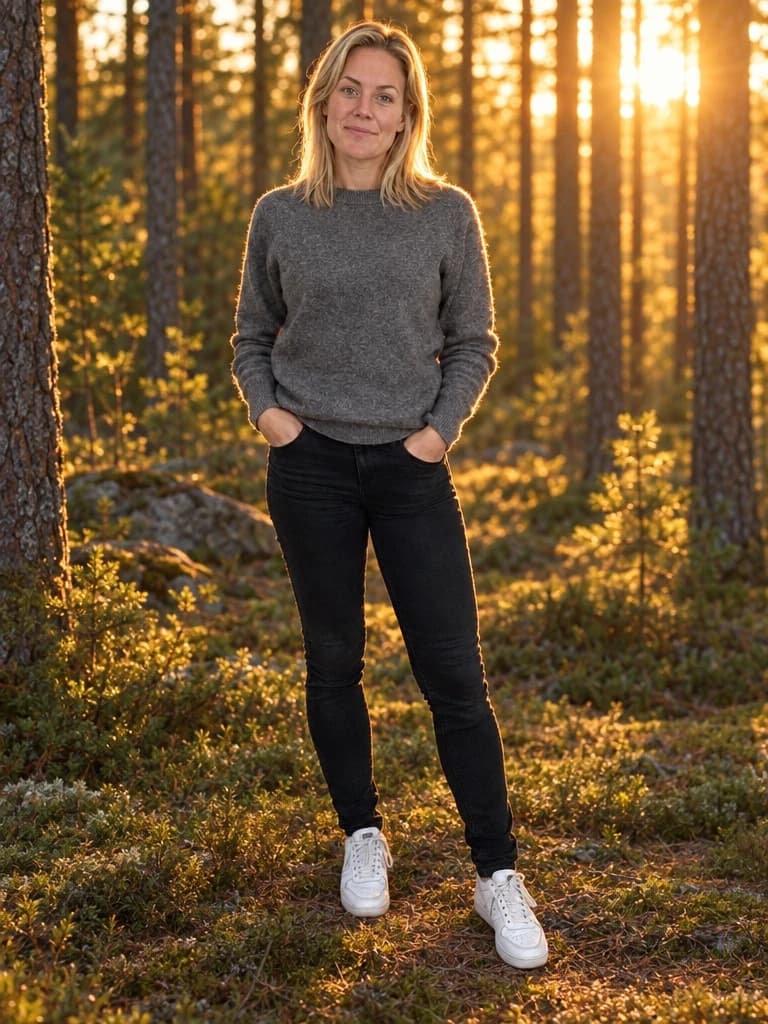
AI Background Generator
Drop your subject into a new scene with matched lighting.
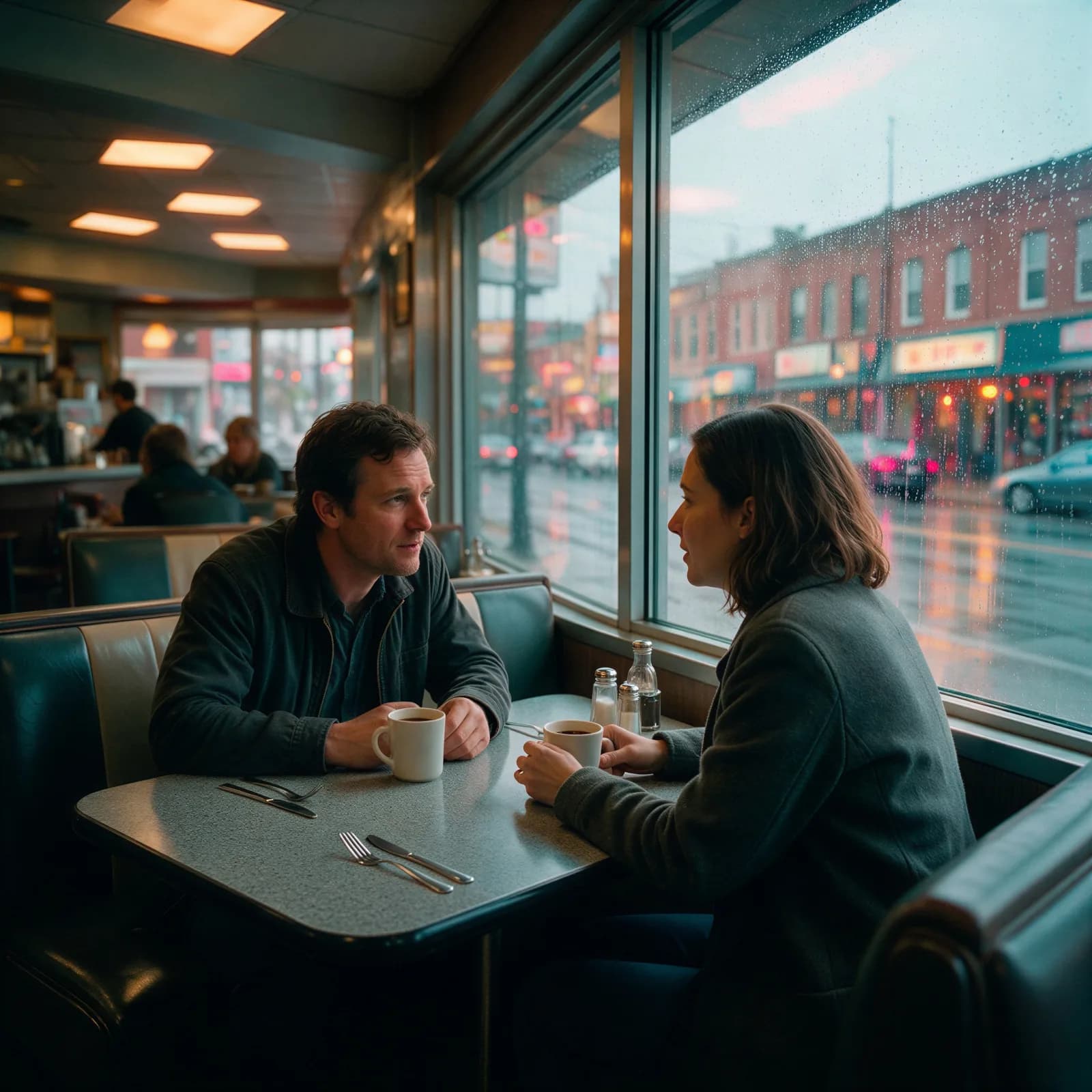
AI Color Grading
Apply a cinematic color grade to any photo.