

Bulk Image Generator
Batch-create dozens of images
Generate 1-4 images per job from prompts or guided templates, run many jobs at once, keep a character or product consistent across the set, and batch-remove backgrounds from up to 100 images in one pass.
100 images per bulk-edit batch · 1-4 images per job
Plans from $9/mo · Cancel anytime
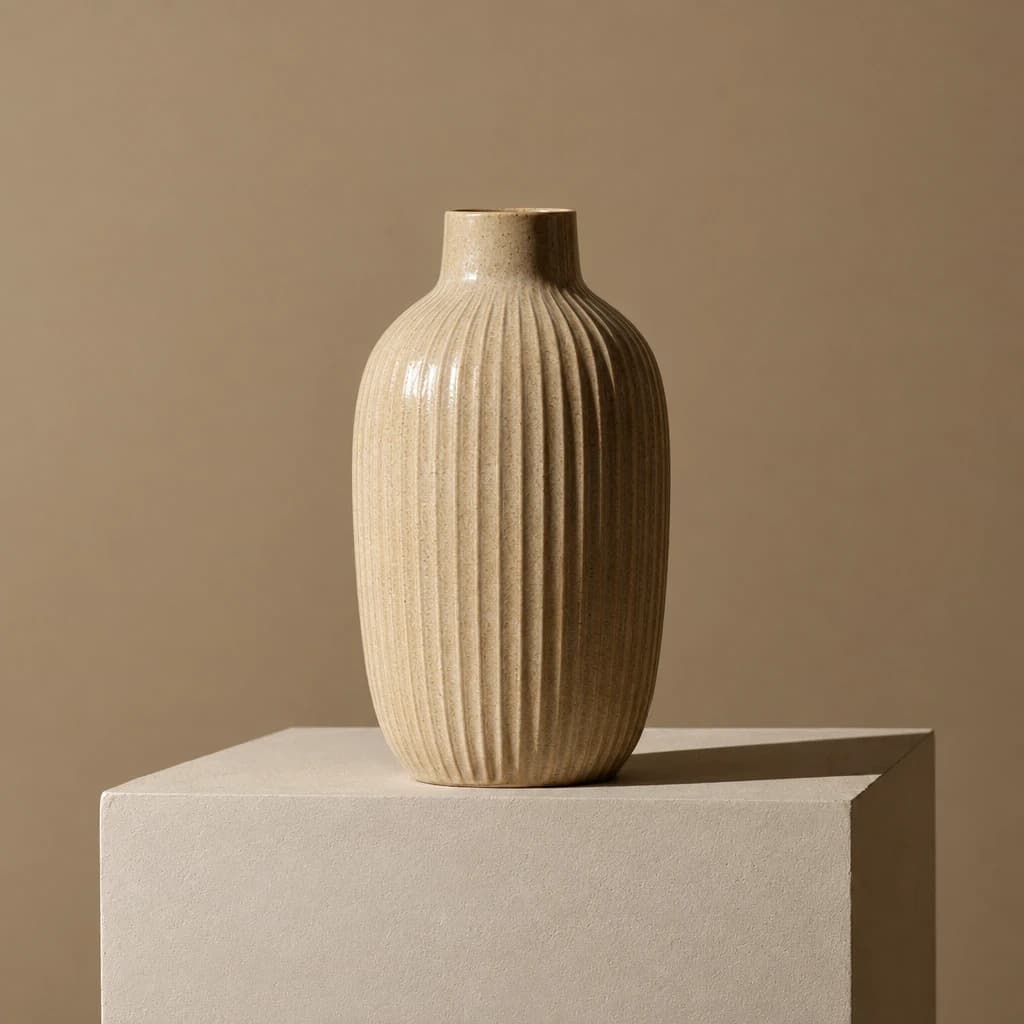
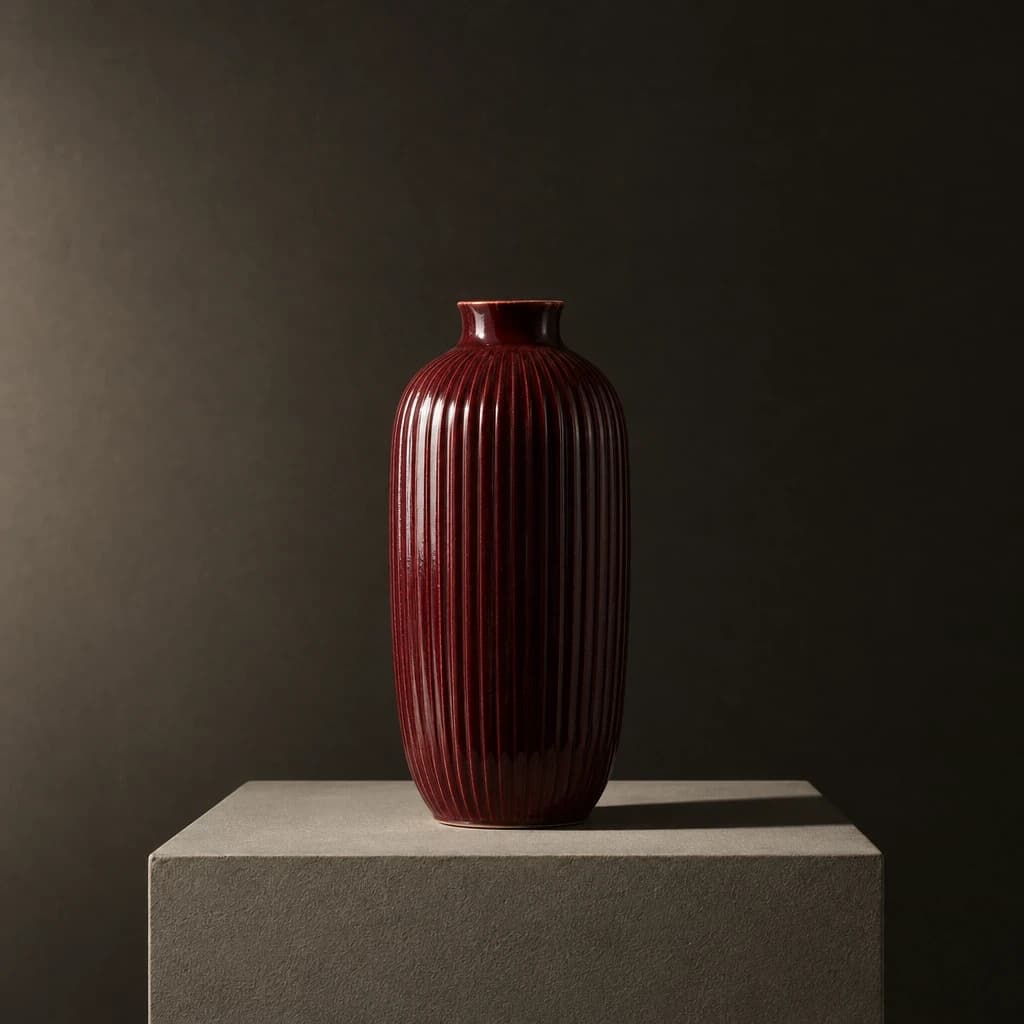
Real results
Every image is a Morphed render. No stock, no mockups.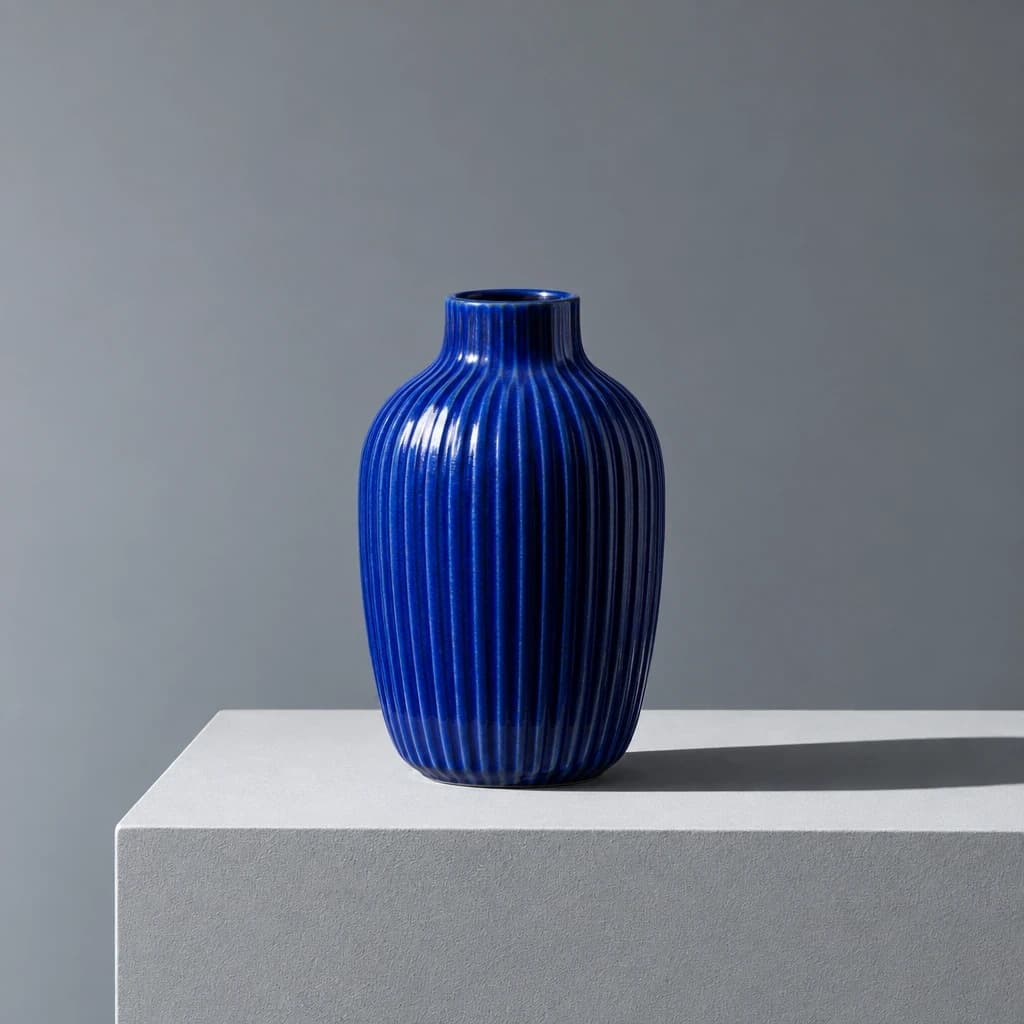
Batch-generate in 3 steps
Everything runs in the cloud, rendering in parallel up to your plan's limit.
Write your prompt or upload sources
Set a prompt and model for generation, or upload a folder of images for a bulk-edit batch.
Run jobs in parallel
Start multiple generation jobs, or submit a bulk-edit batch of up to 100 images in one call.
Review and download
Pick the best of each 1-4 image set, then download the batch individually or all at once.
What "bulk" actually means
- A generation job
- Returns 1 to 4 images from one prompt — the basic unit of work.
- Parallel generation
- Running several jobs at once, gated by your plan's concurrent-generation limit: 3 to 12 jobs at a time.
- The bulk-edit endpoint
- Applies one prompt and model across up to 100 different source images in a single submission — the tool behind bulk background removal and catalog-wide style transforms.
Built for catalogs, not just one image
Real parallel infrastructure and a dedicated bulk-edit path, not a single generate button repeated by hand.
- 1 to 4 images per job
- Every generation job returns up to 4 images from one prompt, so you can pick the best of a set without spending a second job.
- Parallel jobs, not a queue
- Start several jobs at once and they render simultaneously up to your plan's concurrent-generation limit (3 to 12 depending on plan).
- Bulk edit up to 100 images
- Apply one prompt and model across up to 100 source images in a single submission: recolor, restyle, or transform a whole catalog at once.
- Character and product consistency
- Save a reference image, then reuse that identity across every image in a batch.
- Bulk background removal
- Strip backgrounds from up to 100 images in one pass at 3 credits per image, with consistent edge-aware cutouts across the set.
- Repeatable templates
- Reuse a proven prompt and setting combination across a batch of inputs instead of rebuilding it from scratch each time.
What people batch-generate
- Product catalog photography
- Generate 4 angle variations per SKU across dozens of products in one working session.
- Social content batches
- Produce a week of on-brand social images from a handful of prompts and templates run in parallel.
- Marketplace listing prep
- Generate product shots, then bulk-remove backgrounds to meet Amazon and eBay's white-background requirement across the batch.
- Consistent brand characters
- Keep a mascot, spokesperson, or model consistent across an entire campaign's worth of images.
- A/B creative testing
- Generate several visual directions for the same product to test in ads before committing budget.
- Agency multi-client batches
- Run separate jobs for several clients in the same session, gated by your plan's concurrency limit rather than one image at a time.
Which tool actually fits a bulk image job?
Four categories of tool cover most bulk image work, and they are not interchangeable.
| Approach | Best for | Setup | Tradeoff |
|---|---|---|---|
| Morphed (generation + bulk edit) | Sellers and marketers who need AI generation, batch transforms, and cleanup in one place | Sign up, pick a model, generate or submit a bulk-edit batch | Credit-based, per-image pricing; a bulk-edit batch applies one prompt across the whole set |
| Chat-based tools (ChatGPT, Midjourney) | One-off exploration, single hero images | Type or /imagine one prompt at a time | Midjourney allows up to 12 concurrent fast jobs on its Pro plan ($60/mo), but each job is one prompt producing one grid, no native batch-upload mode, as of July 2026 |
| Single-purpose bulk generators (CSV-to-image tools) | High-volume, templated output driven by a spreadsheet | Format a CSV or prompt list and upload it to the tool | Good at spreadsheet-scale, but typically one narrow use case with no upscaling, background removal, or wider template library included |
| Manual Photoshop batch actions | Applying a fixed edit like resize, watermark, or color match to photos you already have | Record an action, batch-run it over a folder | No AI generation, requires a Photoshop license and action-building skill, cannot create new images |
Competitor pricing verified via web search, as of July 2026. Morphed pricing pulled from the live model catalog.
Which model should carry a large batch?
Cheaper models for volume, premium models for the hero shots. Mix them across separate jobs.
| Model | Best for | Credits / image |
|---|---|---|
| Z-Image TurboZ-Image | Highest-volume batches, lowest cost per image | 1 |
| Flux Kontext ProBlack Forest Labs | Consistent edits applied across a batch | 4 |
| Nano BananaGoogle | General-purpose batches with reference support | 4 |
| GPT Image 2OpenAI | Highest prompt-following fidelity | 12 |
| Nano Banana ProGoogle | Premium output, character-reference batches | 15 |
How much does a real batch cost?
Credits scale with image count. Here is the actual math for a common product-catalog batch.
Say an Etsy seller needs 60 product photos for a new collection: 15 products, 4 angle variations each. Generating 4 images per job on Nano Banana at 6 credits/image costs 4 images x 6 credits = 24 credits per job, so 15 jobs x 24 credits = 360 credits. On the Basic plan (650 credits/month, $9/mo, 3 concurrent generations), that batch uses 55% of the monthly allowance and clears in 5 waves of 3 parallel jobs.
Cleaning up the results is a separate, smaller step: batch-removing backgrounds from all 60 finished photos in one bulk-edit submission at 3 credits/image costs 60 x 3 = 180 credits, submitted once instead of 60 individual uploads.
Total for the full catalog: 360 + 180 = 540 credits, about 83% of the Basic plan's monthly allowance, with 110 credits left over for reshoots or a second collection.
When bulk generation is not the right tool
If you need to drive image output directly from a live spreadsheet or database, hundreds of rows each mapping to a specific layout, a template-rendering API is a better fit than a generation tool. Morphed's bulk-edit endpoint applies one prompt across a batch of source images; it does not read a CSV of per-row variables the way a dedicated data-merge tool does.
If you need guaranteed pixel-identical output, the exact same product silhouette and lighting on every single image with zero variance, a real photo shoot or a fixed Photoshop action will be more reliable than AI generation, which introduces small variation by nature of the model even with a character reference locked in.
If your batch is only 2 or 3 images, the concurrency and bulk-edit machinery described here is overkill. Generate them directly as one job instead.
And if you need pantone-exact brand color matching across every image, verify output against your brand guide manually. AI models get close but are not calibrated to a specific pantone value.
How the bulk-edit endpoint actually behaves
When you submit a bulk-edit or bulk background-removal batch, Morphed reserves credits for the entire batch upfront, per-image cost times image count, then creates a project and a job record for every image before any processing starts. That means you can see the full job list and each image's progress immediately.
Internally, uploads and provider submissions run in waves of 5 concurrent requests, a throttle that protects the render provider from being hit with 100 requests at once. If an individual image fails, whether from a provider timeout or an invalid file, Morphed marks only that image as failed and automatically refunds the credits reserved for it, the rest of the batch keeps processing.
If every image in a batch fails, the full reservation is refunded automatically. You are never charged for an image that did not render, and there is no manual refund request to file.
Character and product consistency work the same way across a batch: once you save a reference image, that reference is reused for every job in the set, so a mascot or spokesperson keeps the same face and proportions from image 1 to image 60.
Questions
Generate your first batch
Plans from $9/mo · Cancel anytime
Explore more AI tools
Bulk Video Generator
Create a batch of campaign videos in one run.
AI Image Editor
Edit any photo by describing the change.
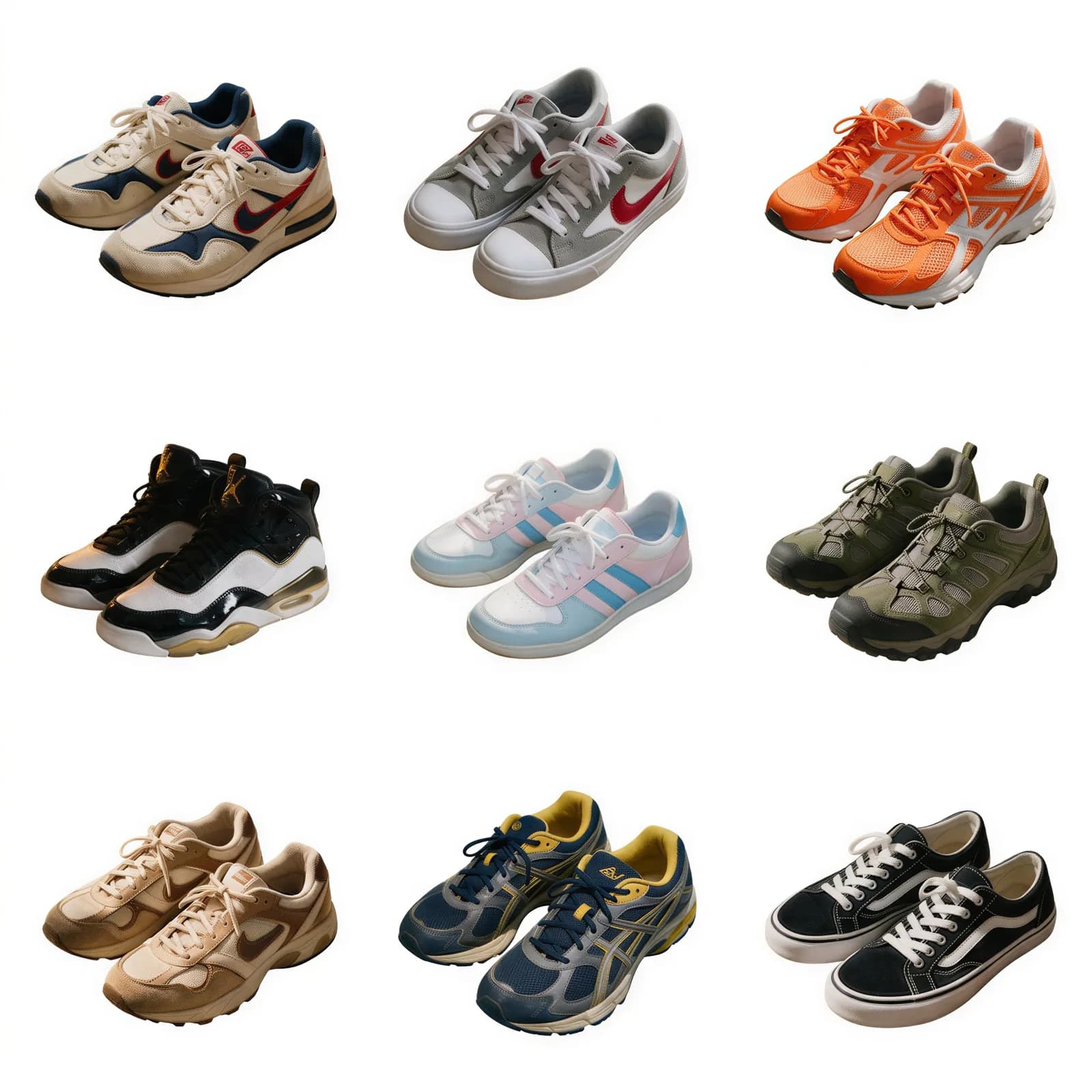
Bulk Background Remover
Strip backgrounds from a whole batch of photos at once.
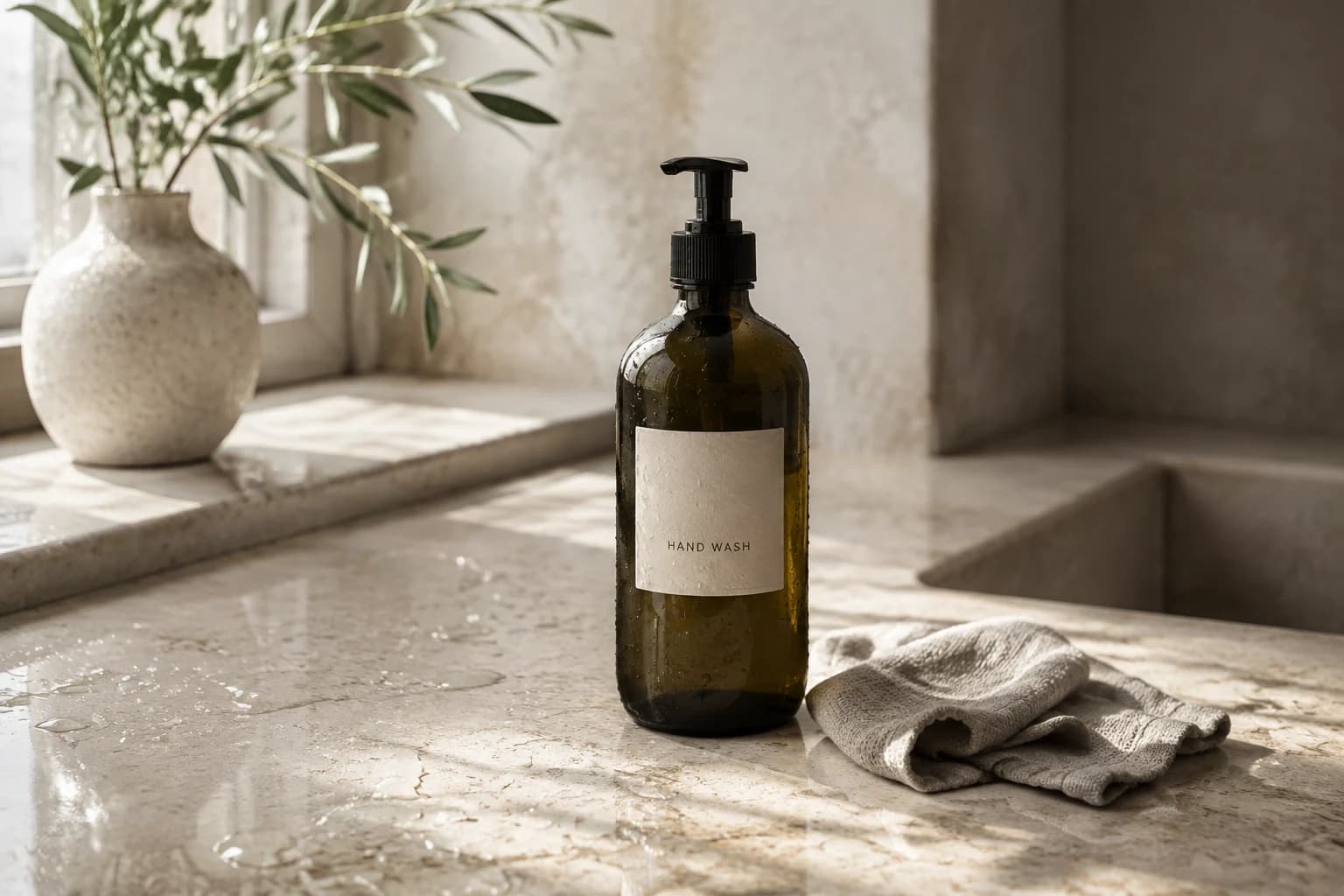
AI Product Photography
Studio product shots without a studio.

AI Influencer Studio
A consistent creator for your brand.