

Cinematic Color for Any Photo
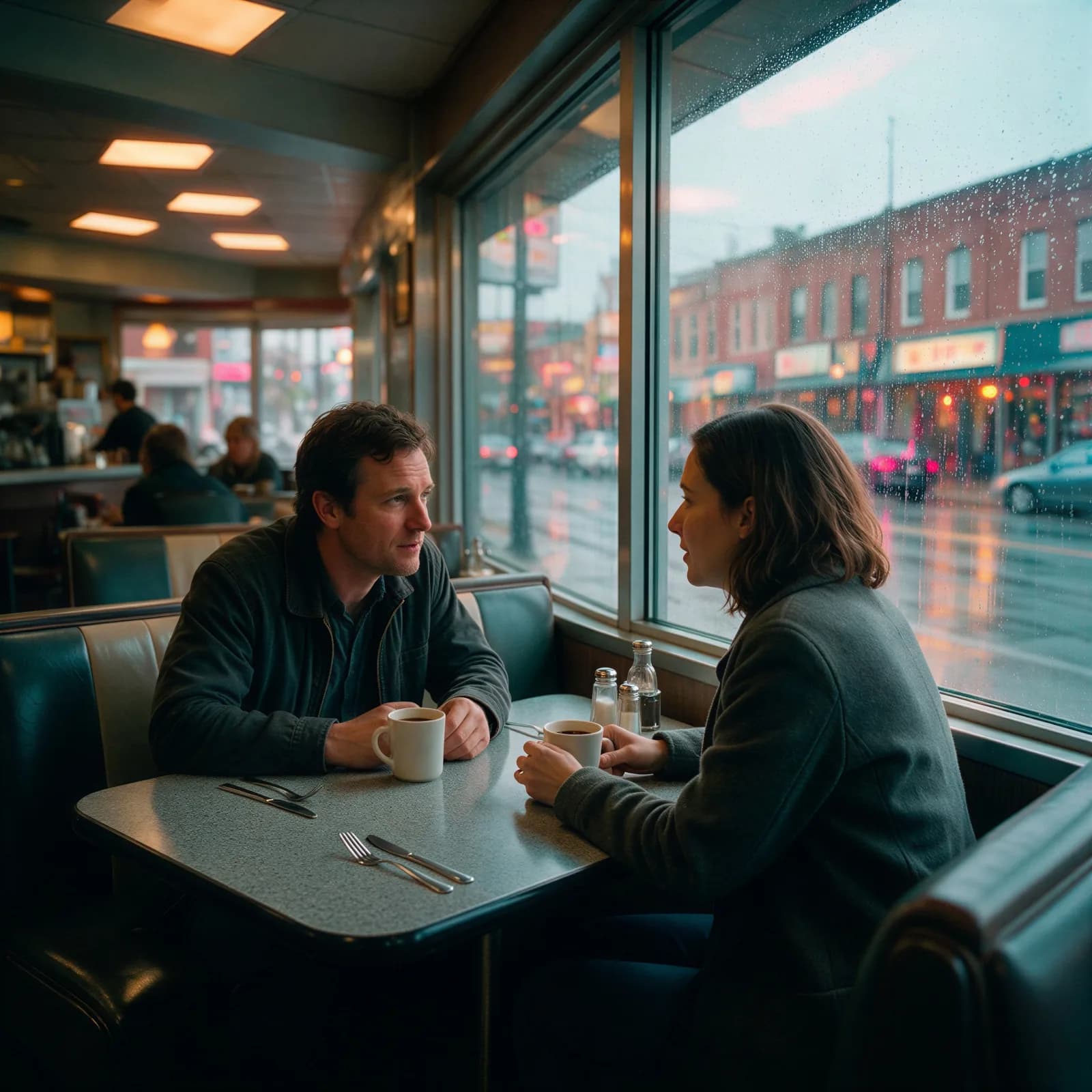
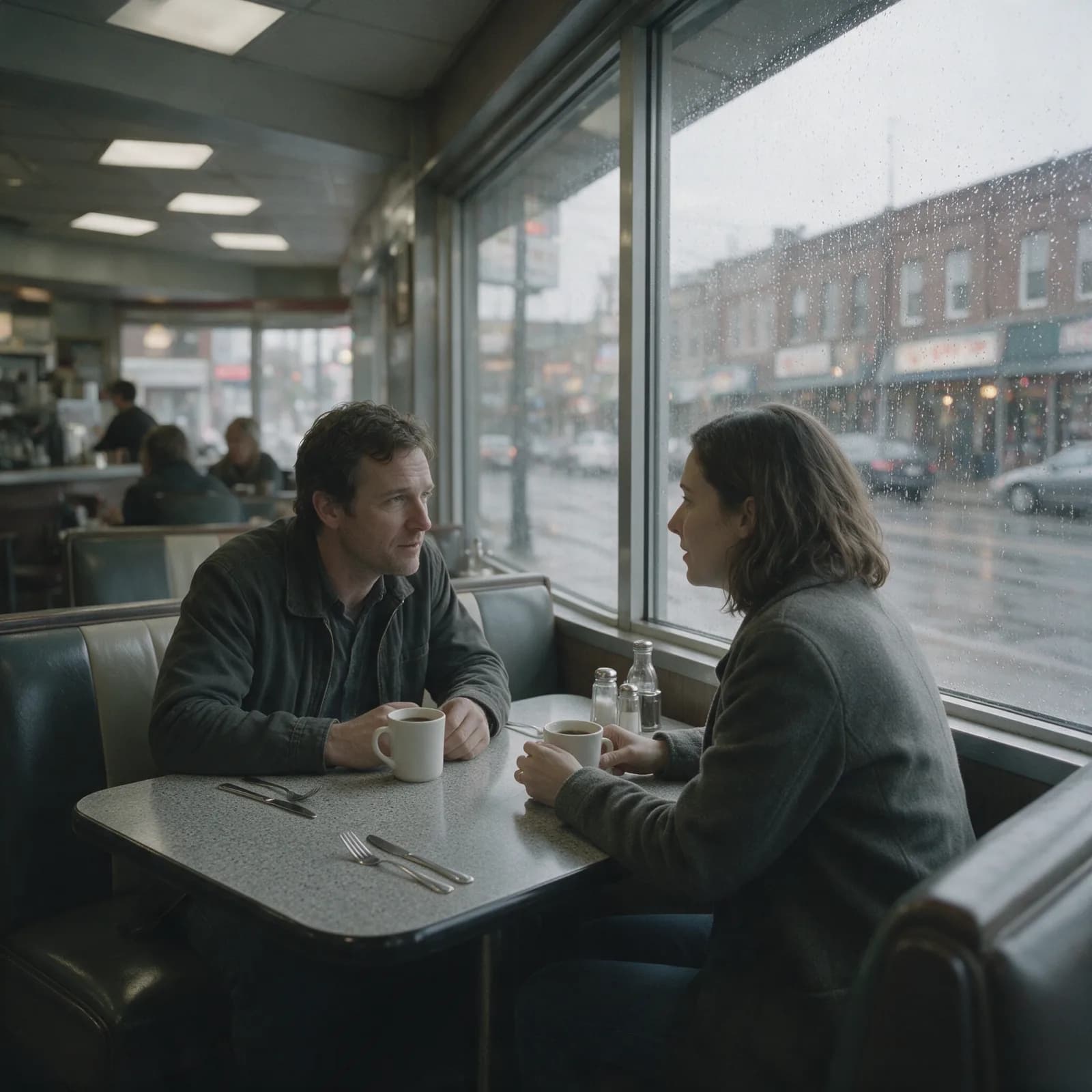
Apply a complete cinematic color grade to any image with AI. Film looks, moody tones, and brand palettes in one click — natural skin, preserved detail, no LUTs or manual curves.
Every frontier model. One studio.
- Seedance 2.0
- Gemini Omni Flash
- Veo 3.1
- Sora 2 Pro
- Kling 2.6
- Nano Banana 2
- Seedream 5.0 Pro
- Flux 2 Pro
- WAN 2.6
- GPT Image 1.5
Grade Like a Colorist, Instantly
The look of a pro color suite, without the learning curve.
Cinematic Looks Instantly
Teal-and-orange blockbuster, moody noir, warm vintage, clean commercial — apply a complete color grade without touching curves or LUTs.
Film-Style Grading
Emulate the tones of classic film stocks and cinematic palettes so stills feel like frames pulled from a movie.
Describe Your Look
Type the mood you want — “sun-faded 70s”, “cold thriller”, “soft pastel editorial” — and the AI grades to match.
Consistent Across a Set
Grade a whole shoot or product catalog to one cohesive look so every image feels like it belongs together.
Preserves Detail & Skin Tones
Color shifts stay believable — skin stays natural and highlights and shadows keep their detail.
High-Resolution Export
Download full-resolution graded images with no watermark, ready for print, web, or campaign use.
How to color grade in 3 steps
Upload, choose a look, and download.
Upload your photo
Add any image you want to grade — a portrait, product, landscape, or still.
Pick or describe a look
Choose a cinematic preset or describe the mood and palette you want in words.
Generate & download
The AI applies the grade and you download a polished, high-resolution result.
Made with Morphed
Real generations, straight out of the studio — no cherry-picked mockups.
Who Uses AI Color Grading
From film stills to full product catalogs.
Filmmakers & Stills
Grade key art, posters, and frame stills with a consistent cinematic palette.
Photographers
Apply a signature look across an entire shoot in a fraction of the time.
Brands & E-commerce
Lock every product and lifestyle image to your brand’s color language.
Social Creators
Give your feed a cohesive, recognizable aesthetic without manual editing.
Real Estate & Travel
Warm up and balance scenes so locations look their most inviting.
Designers
Match source imagery to a campaign palette before dropping it into layouts.
Questions, answered
Start creating in minutes
Plans start at $9/month — 30% off your first 3 months, cancel anytime.
Explore more AI tools
AI Image Enlarger
Enlarge an image to 4K without losing detail.
AI Image Relighter
Relight a portrait or product with studio or golden-hour light.
AI Object Remover
Erase an unwanted object or watermark, background rebuilt clean.
AI Photo Colorizer
Add realistic color to a black-and-white photo.
AI Photo Extender
Uncrop a photo and fill in the missing background.

AI Photo Restoration
Repair scratches, fading, and damage on old photos.
Blur Background
Get portrait-mode background blur on any photo.
Bulk Background Remover
Strip backgrounds from a whole batch of photos at once.