

Expand Any Photo Beyond Its Borders
Uncrop and reframe any image with AI outpainting. Add natural new background, change aspect ratio, and recover space your camera never captured — seamless, high resolution, no watermark.
Every frontier model. One studio.
- Seedance 2.0
- Gemini Omni Flash
- Veo 3.1
- Sora 2 Pro
- Kling 2.6
- Nano Banana 2
- Seedream 5.0 Pro
- Flux 2 Pro
- WAN 2.6
- GPT Image 1.5
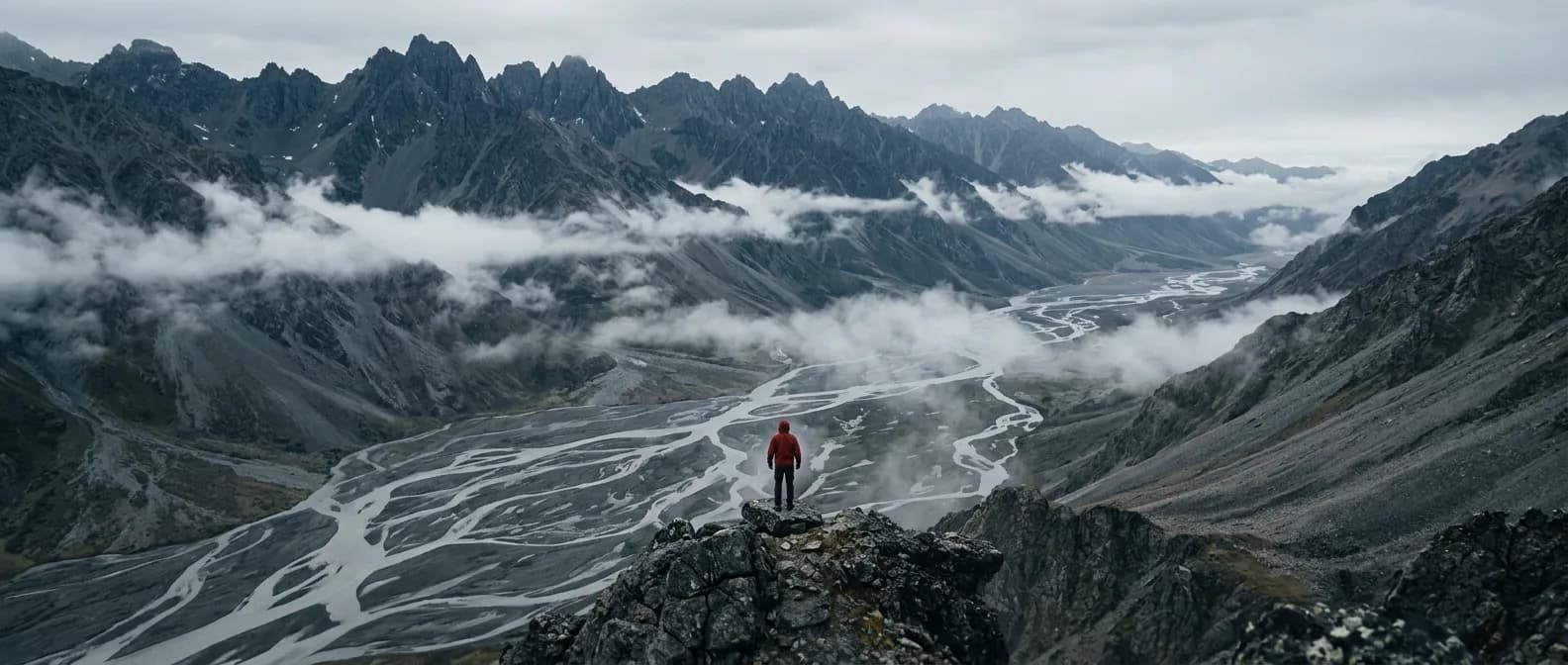
More Image Than You Shot
Generative expand that blends with the original scene.
Outpaint Beyond the Edge
The AI generates new scenery past the original frame — extending skies, floors, and backgrounds that blend seamlessly with what was already there.
Any Aspect Ratio
Turn a vertical shot into a wide banner, square into a story, or reframe for any platform without cropping out your subject.
Fix Tight Crops
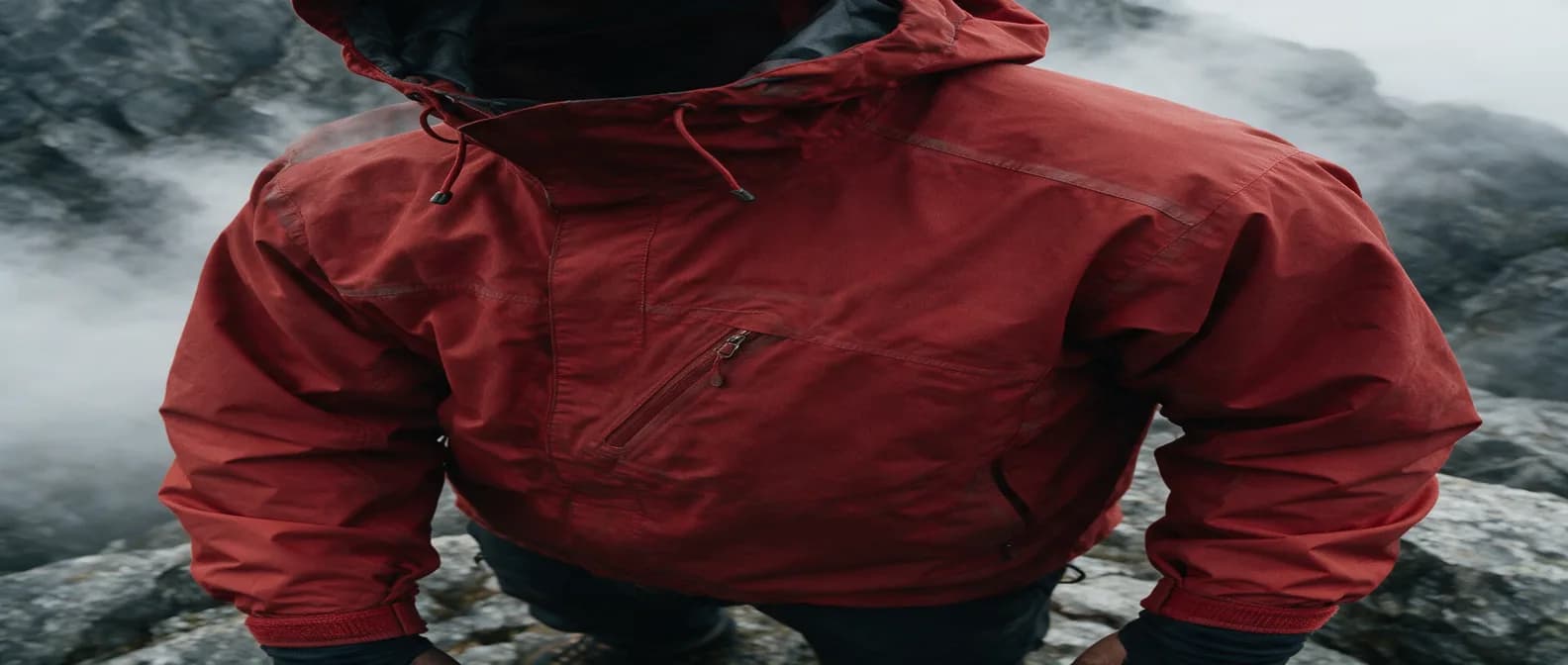
Add breathing room around a subject that was framed too tightly, recovering headroom and margins you never shot.
Scene-Aware Fills
Extensions match perspective, lighting, and texture, so the added area looks like part of the original capture.
Ad & Banner Ready
Reformat one hero image into every ad size you need — leaderboard, story, square, and wide — from a single source.
High-Resolution Output
Download the extended image at full resolution with no watermark, ready to publish anywhere.
How to extend a photo in 3 steps
Upload, set the frame, and generate.
Upload your photo
Add the image you want to extend or reframe.
Set the new frame
Choose a new aspect ratio or drag the canvas out in the direction you want to expand.
Generate & download
The AI fills the new area to match your scene and you download the result.
Made with Morphed
Real generations, straight out of the studio — no cherry-picked mockups.
What People Extend
From ad resizing to print-ready reframes.
Ads & Banners
Reformat one creative into every required size without re-shooting or cropping.
Social Reformatting
Turn landscape shots into vertical stories and reels with natural extra background.
E-commerce
Standardize product images to one aspect ratio with consistent margins.
Print & Wallpaper
Extend an image to fit a poster, cover, or screen size it was never shot for.
Photography Fixes
Recover headroom and breathing space when a shot was framed too tight.
Thumbnails & Covers
Add space for text and titles by extending the background around your subject.
Questions, answered
Start creating in minutes
Plans start at $9/month — 30% off your first 3 months, cancel anytime.
Explore more AI tools
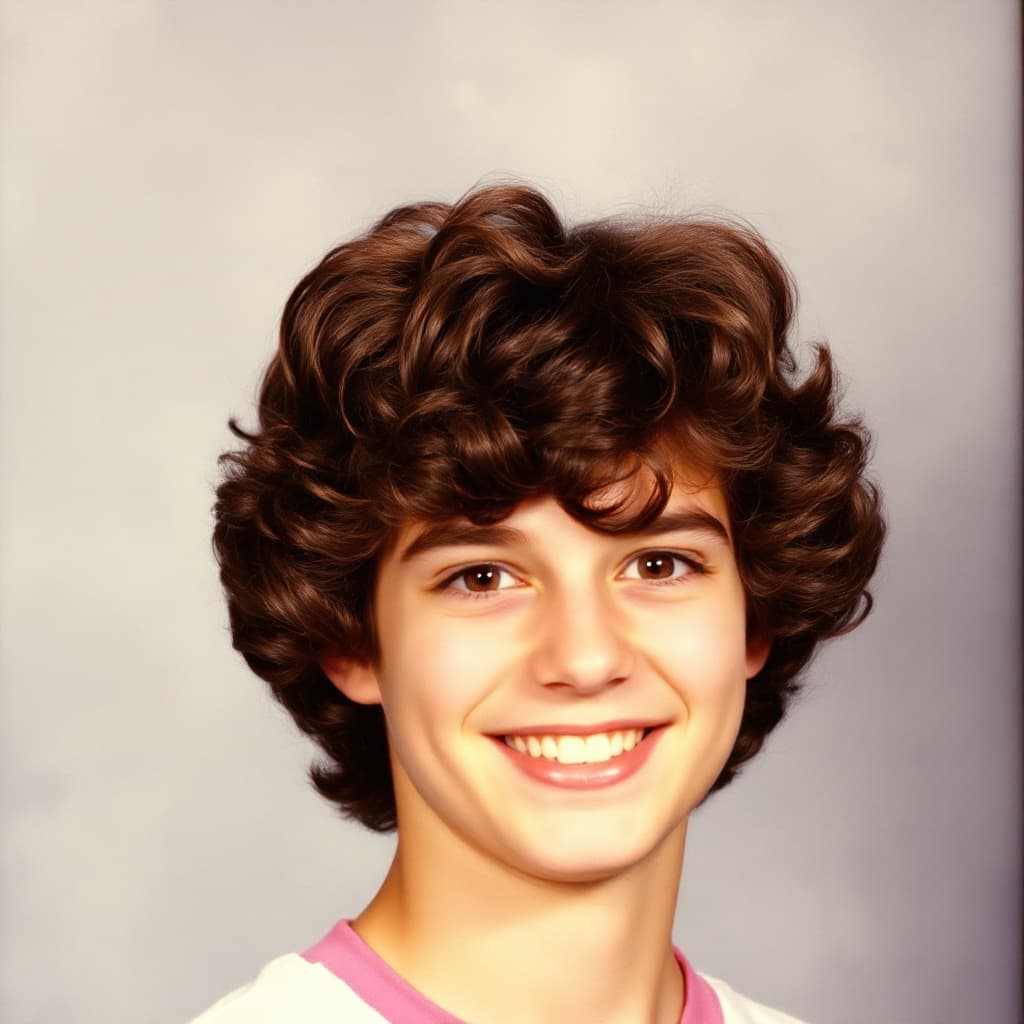
AI Photo Restoration
Repair scratches, fading, and damage on old photos.
Blur Background
Get portrait-mode background blur on any photo.
Bulk Background Remover
Strip backgrounds from a whole batch of photos at once.
Collage Maker
Arrange photos into a grid collage in your browser.
HEIC to JPG
Convert iPhone HEIC photos to JPG in your browser.
HEIC to PNG
Convert iPhone HEIC photos to lossless PNG in your browser.
Image Compressor
Shrink a JPG or WebP file size with a quality slider.
Image Converter
Convert between PNG, JPG, WebP, and HEIC in your browser.