

AI Image Enlarger
Enlarge Images Without Losing Quality
Increase image resolution with AI that generates real detail as it scales. Take small, pixelated, or compressed images to 4K and print size — sharp, clean, and watermark-free.
Drop a photo here
JPG, PNG or HEIC · up to 20 MB
Plans from $9/mo · Cancel anytime
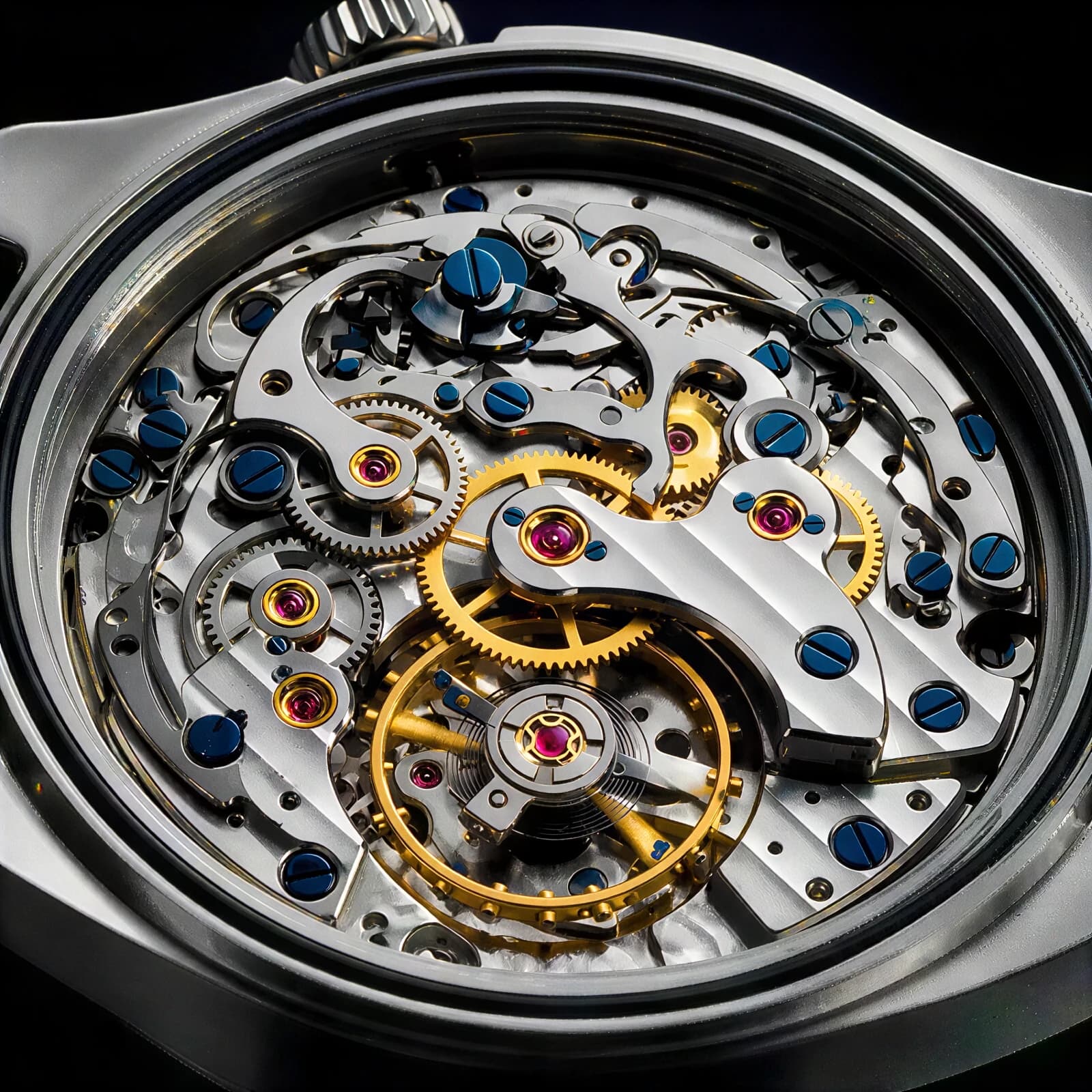

How to enlarge an image in 3 steps
Upload, choose a size, download.
Upload your image
Add the small or low-resolution image you want to enlarge.
Choose the size
Pick 2x, 4x, or a target resolution — the AI fills in real detail as it scales.
Download the enlarged image
Get a sharp, high-resolution version with no watermark, ready for print or web.
Bigger and Sharper
AI-generated detail at every scale factor.
- Enlarge Up to 4K+
- Scale small images to 2x, 4x, and beyond — big enough for prints, banners, and high-resolution displays.
- Real Detail, Not Interpolation
- The AI generates genuine texture and edge detail as it enlarges, instead of stretching pixels the way classic resizing does.
- Face-Aware Enhancement
- Portraits get special treatment — eyes, skin, and hair are reconstructed naturally at the larger size.
- Fixes Pixelation & Compression
- Blocky, over-compressed, or heavily cropped images come out smooth and sharp at the new resolution.
- Product & Print Ready
- Meet marketplace minimum-resolution rules and print DPI requirements from images that were previously too small.
- Seconds Per Image
- Upload, pick a scale factor, download. No settings to learn and no desktop software to install.
What People Enlarge
From prints to marketplace listings.
- Printing & Framing
- Enlarge phone photos and old images to poster and canvas sizes without pixelation.
- E-commerce Listings
- Meet Amazon and marketplace minimum image size requirements from supplier photos.
- Logos & Graphics
- Scale up small logos and graphics for banners, signage, and merch.
- Old & Archived Photos
- Bring tiny scans and early digital photos up to modern screen resolutions.
- Design & Marketing
- Rescue the only available version of an asset when the original file is lost.
- Wallpapers & Displays
- Turn favorite images into crisp 4K wallpapers and presentation backdrops.
Questions
Start creating in minutes
Plans from $9/mo · Cancel anytime
Explore more AI tools
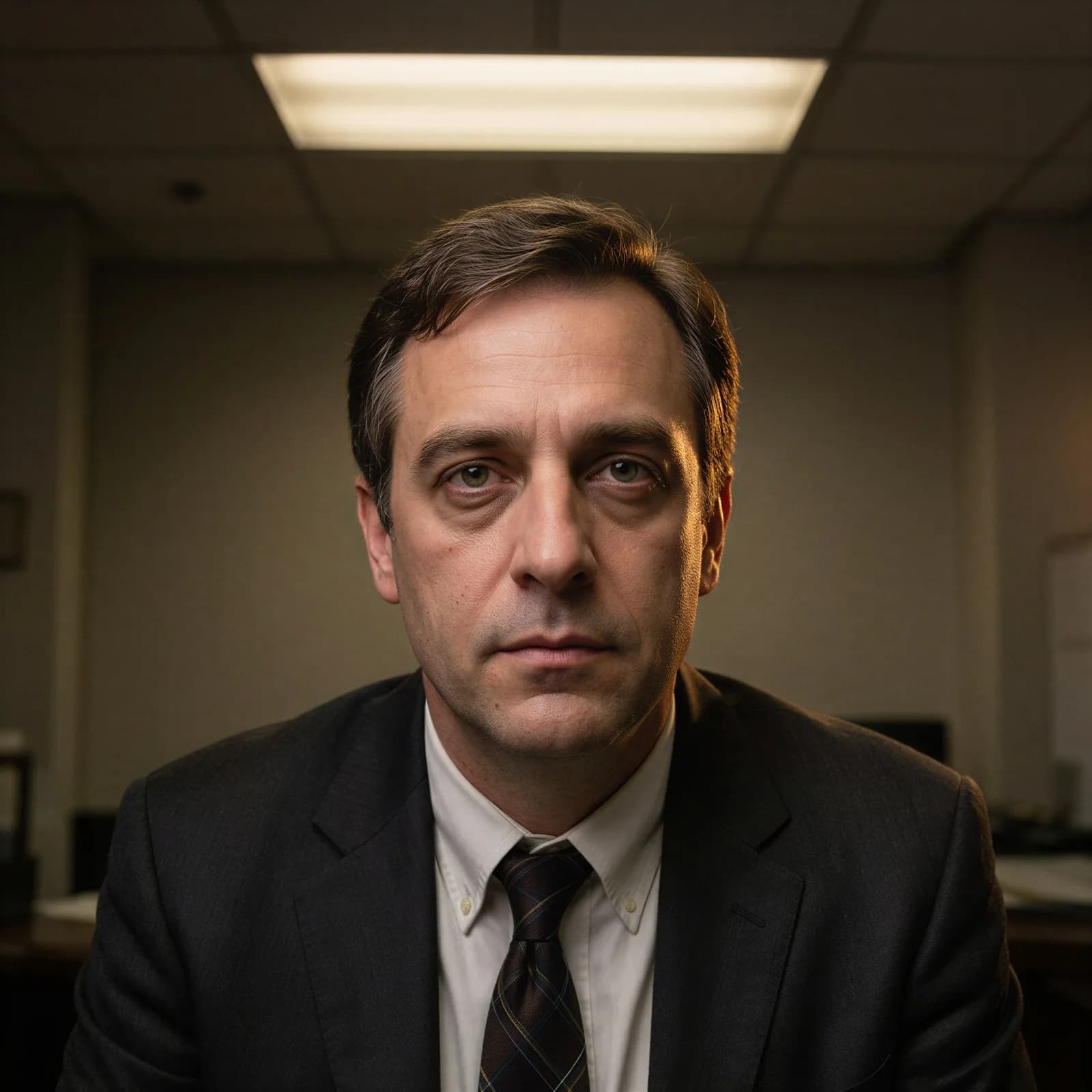
AI Image Relighter
Relight a portrait or product with studio or golden-hour light.

AI Object Remover
Erase an unwanted object or watermark, background rebuilt clean.
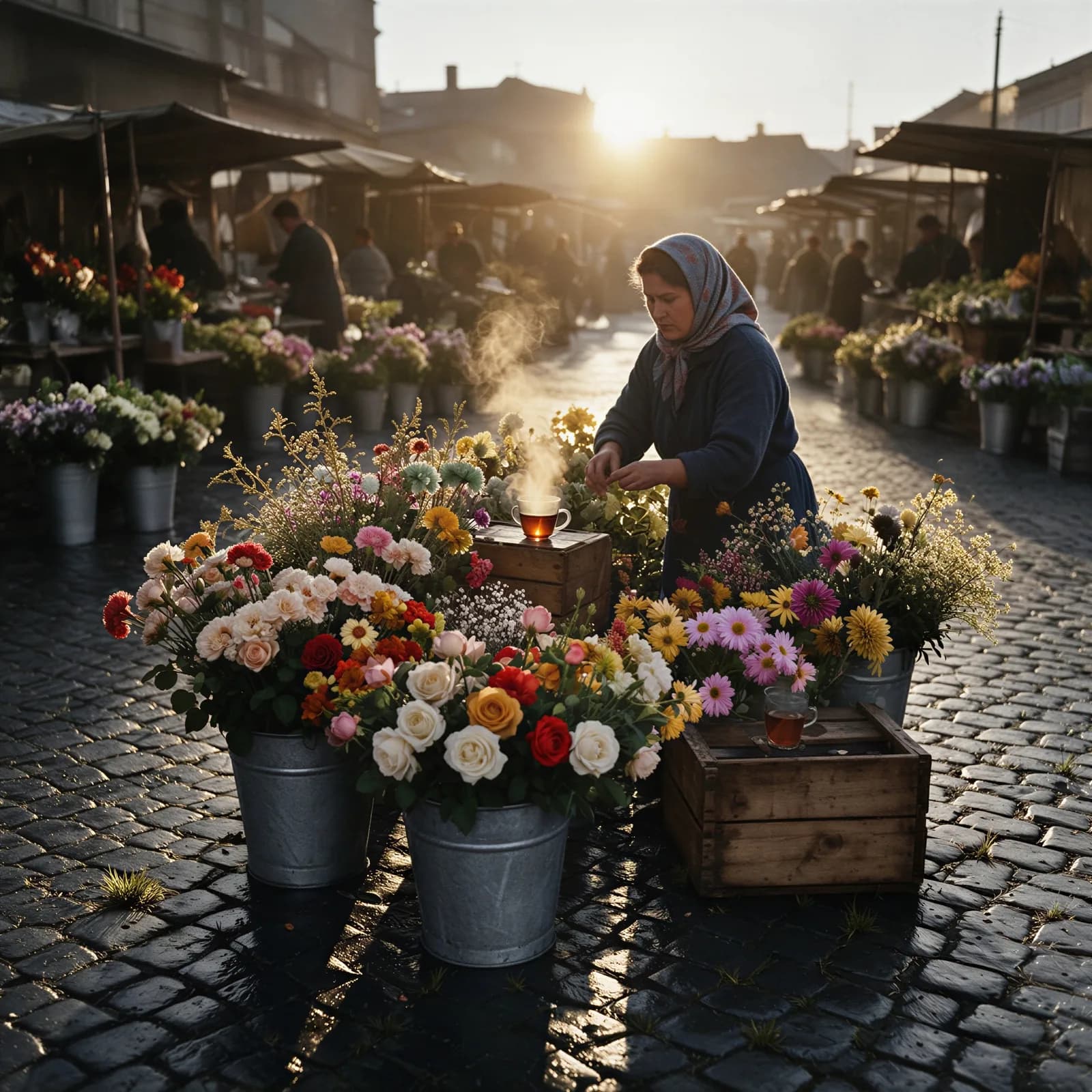
AI Photo Colorizer
Add realistic color to a black-and-white photo.
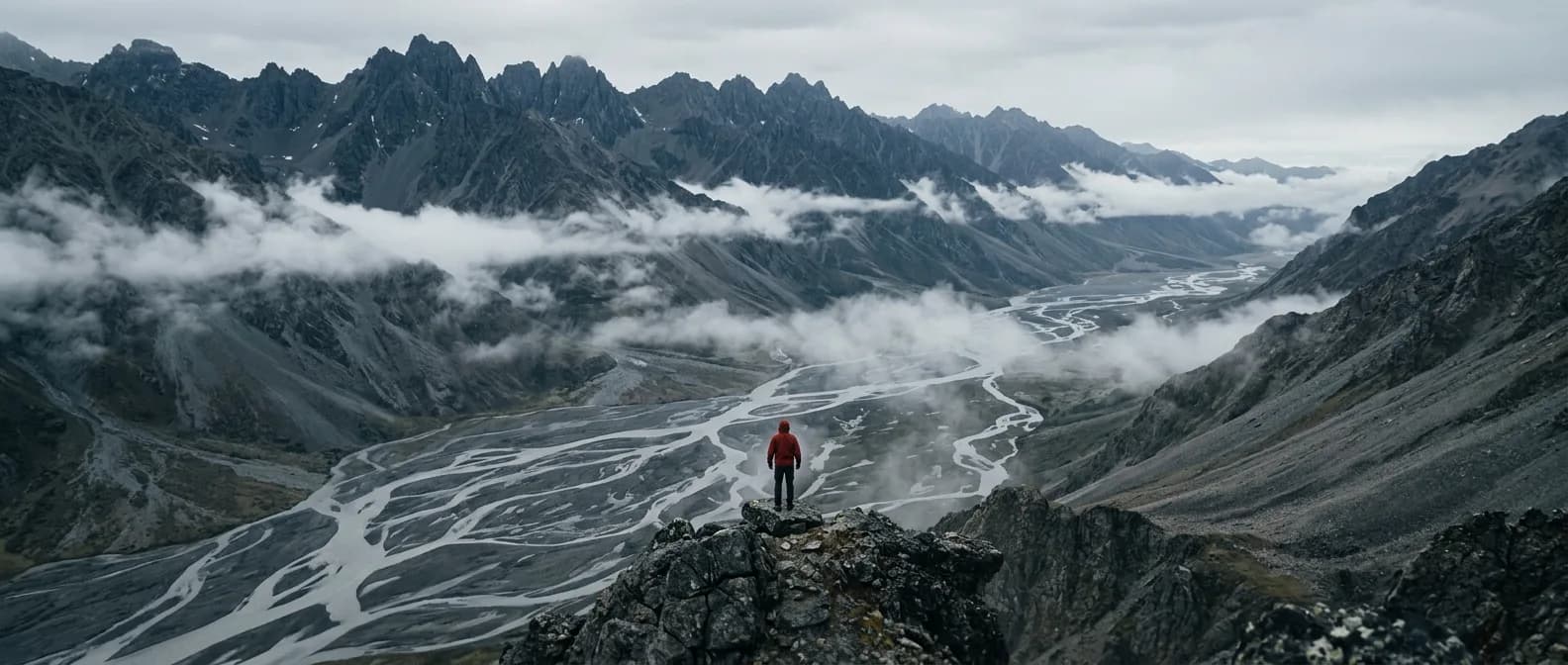
AI Photo Extender
Uncrop a photo and fill in the missing background.
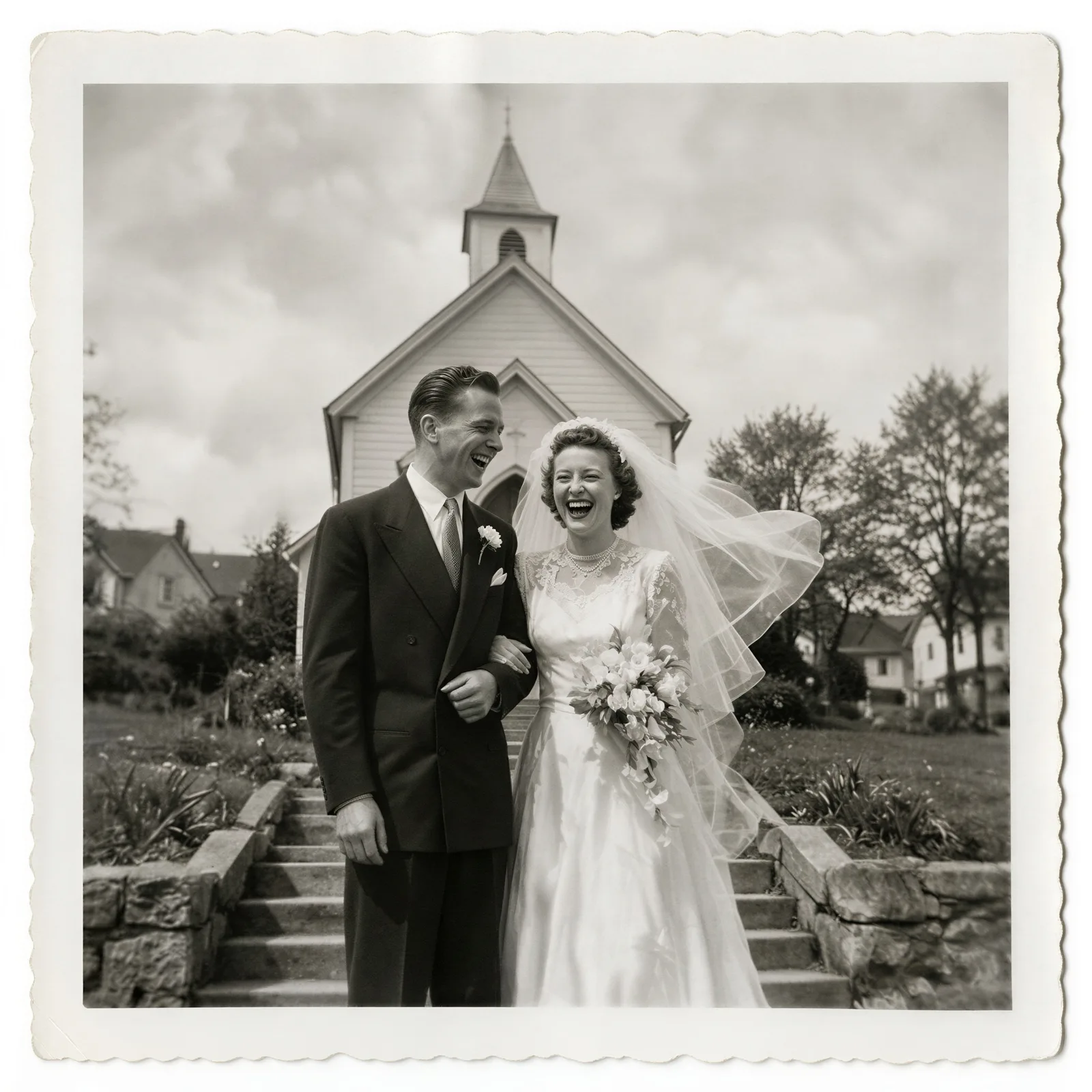
AI Photo Restoration
Repair scratches, fading, and damage on old photos.
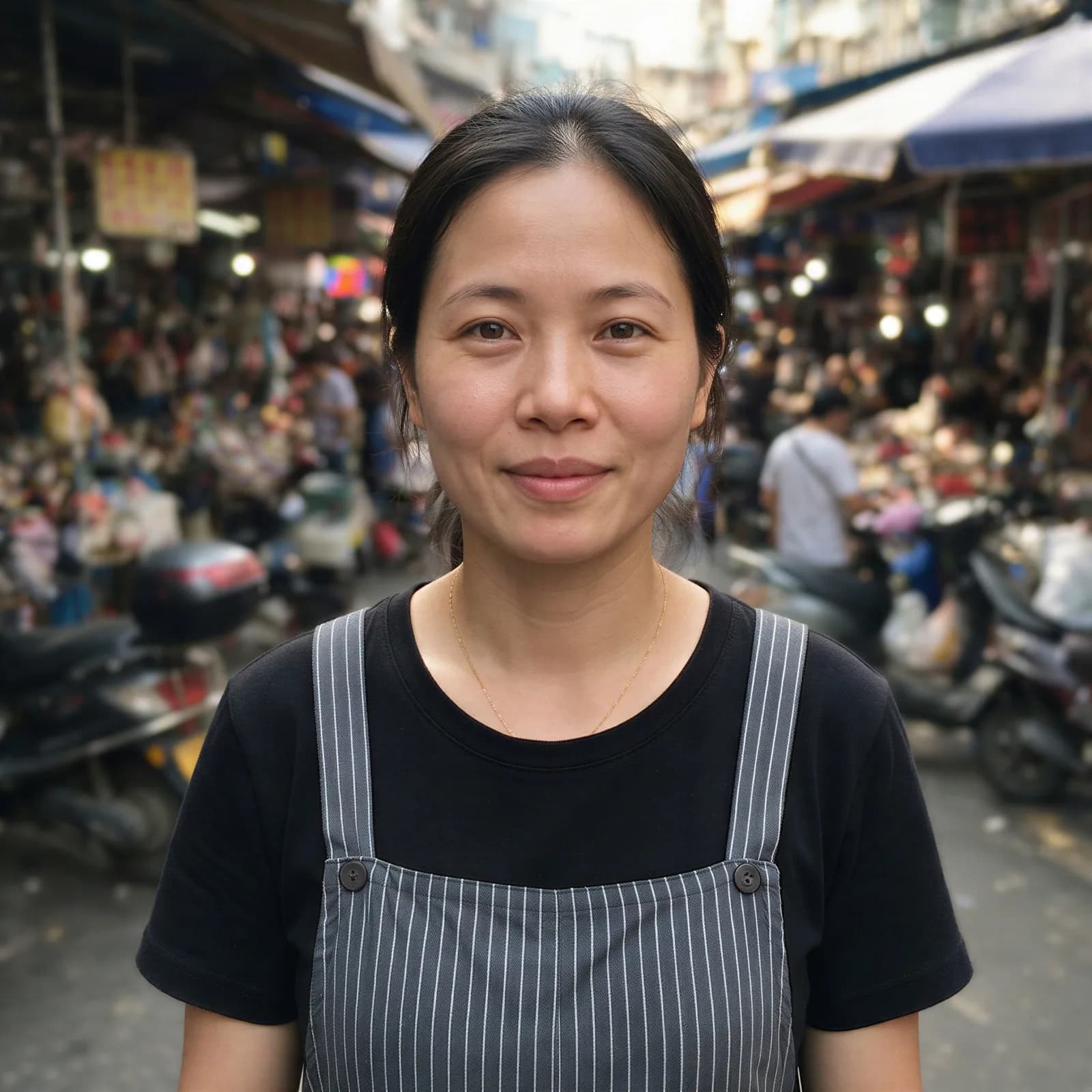
Blur Background
Get portrait-mode background blur on any photo.
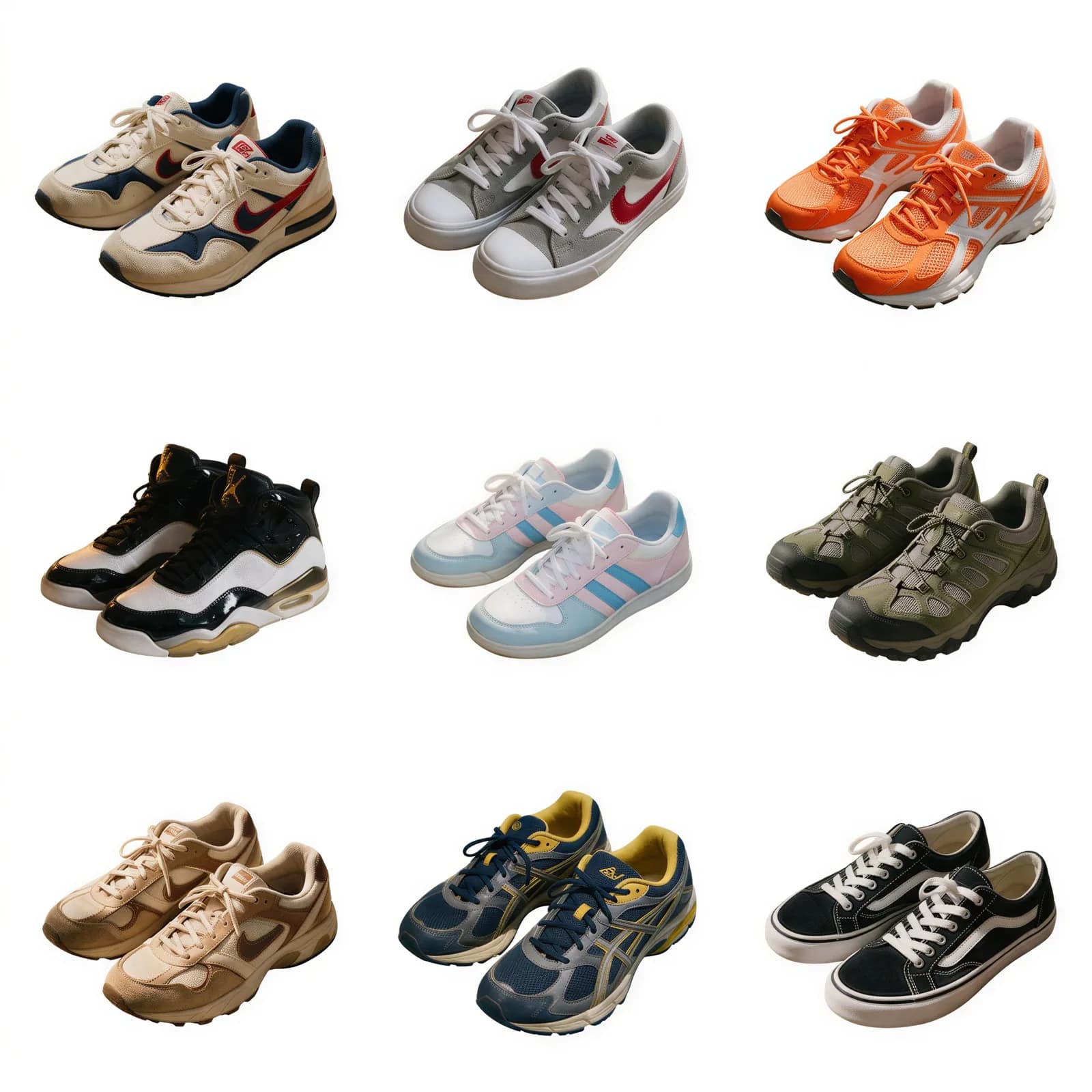
Bulk Background Remover
Strip backgrounds from a whole batch of photos at once.
Collage Maker
Arrange photos into a grid collage in your browser.