

Unblur Image
Fix Blurry Photos In Seconds
Unblur images with AI that reconstructs real detail — not a sharpen filter. Fix motion blur, missed focus, and pixelation, with face-aware restoration for portraits and group shots.
Drop a photo here
JPG, PNG or HEIC · up to 20 MB
Plans from $9/mo · Cancel anytime
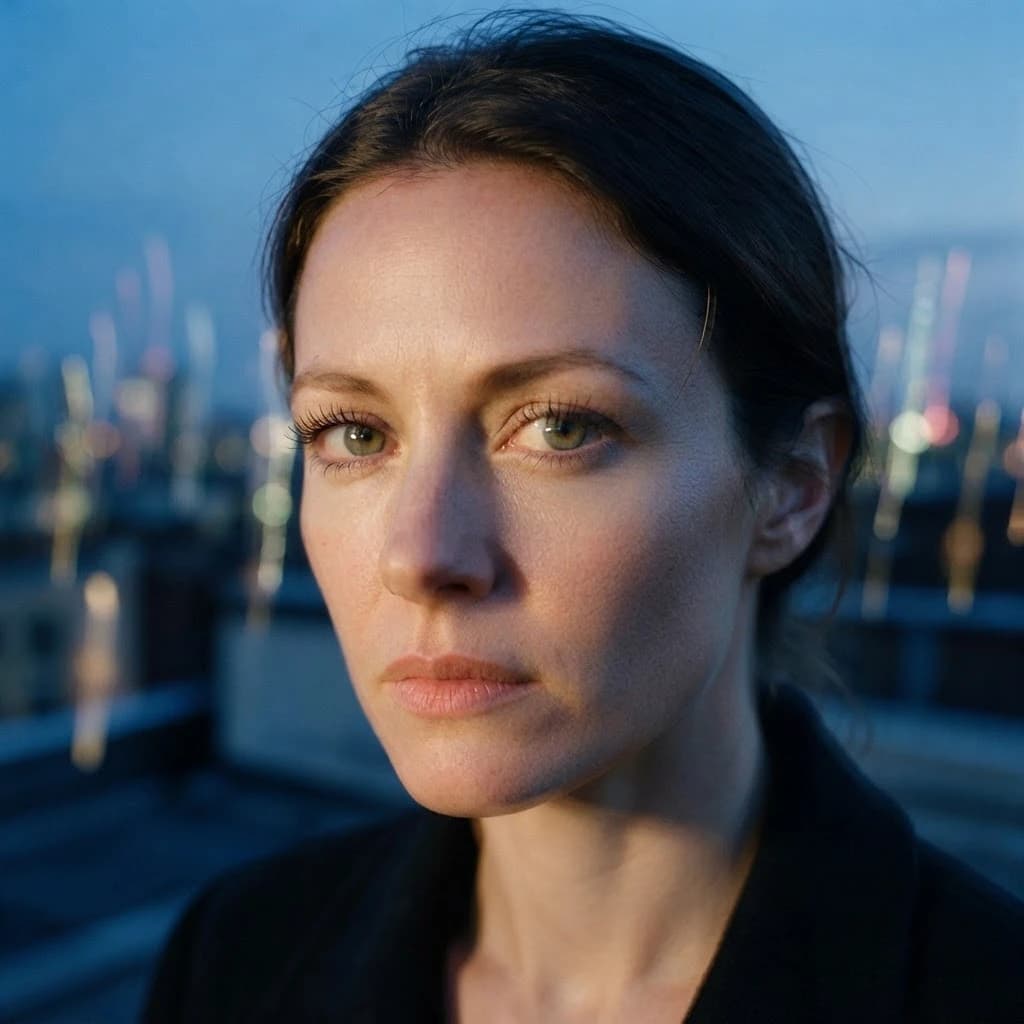
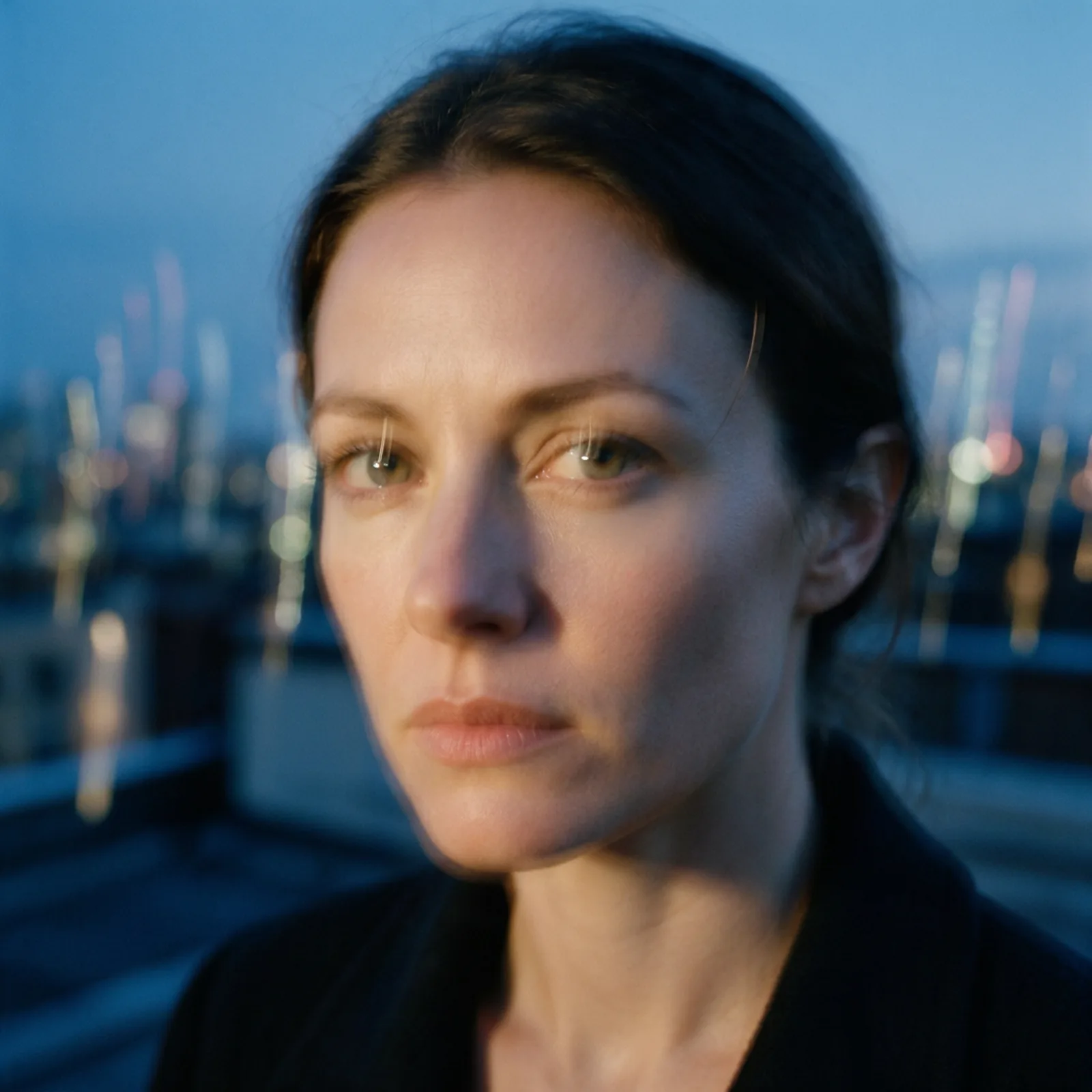
How to unblur a photo in 3 steps
Upload, process, download — no settings required.
Upload your blurry photo
Add any soft, shaky, out-of-focus, or pixelated image — JPG, PNG, or WebP.
AI sharpens it
The model detects the type of blur and reconstructs real detail, with extra care on faces.
Download the clear version
Get a sharp, full-resolution image with no watermark, ready to print or post.
Sharp Results, Not Sharpen Filters
Real detail reconstruction for every kind of blur.
- Real Detail Recovery
- The AI reconstructs edges, textures, and fine detail instead of just boosting contrast, so results look genuinely sharp rather than over-processed.
- Face-Aware Sharpening
- Eyes, skin, and hair are restored with a model trained on faces, making soft portraits and group shots usable again.
- Motion Blur & Bad Focus
- Handles camera shake, missed focus, and subject movement — the most common reasons a good moment turns into a blurry photo.
- Sharpen + Upscale Together
- Optionally enlarge while you deblur, turning small, soft images into crisp, high-resolution versions in one pass.
- Unpixelate & Denoise
- Clean up compression artifacts, pixelation from over-cropping, and low-light noise along with the blur.
- One Click, Seconds
- No sliders or masks to fiddle with. Upload the photo, let the AI work, and download the sharp version.
What People Fix
From family photos to product shots.
- Old & Low-Quality Photos
- Rescue soft scans and early phone-camera pictures with real recovered detail.
- Portraits & Group Shots
- Fix the one blurry frame where everyone finally looked at the camera.
- Zoomed & Cropped Images
- Sharpen heavy crops that turned pixelated, and enlarge them at the same time.
- Product Photos
- Make slightly missed focus usable for listings instead of reshooting.
- Screenshots & Documents
- Make blurry text readable again in screenshots, receipts, and photographed pages.
- Social & Profile Pictures
- Turn a soft but great candid into a crisp avatar or post.
Questions
Start creating in minutes
Plans from $9/mo · Cancel anytime
Explore more AI tools
AI Image Editor
Edit any photo by describing the change.
AI Upscaler
Scale images to print resolution.
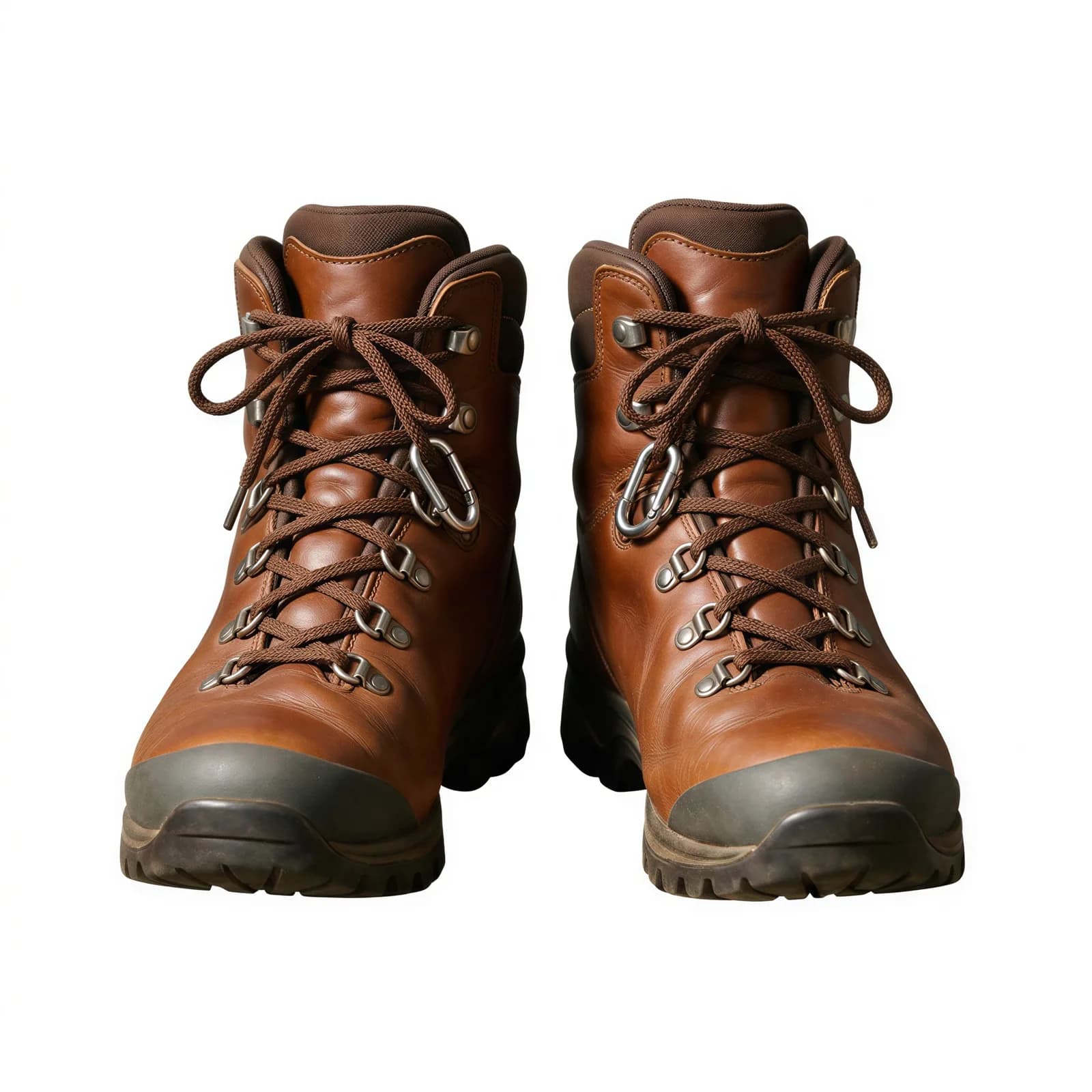
Background Remover
Clean cutouts with crisp edges.
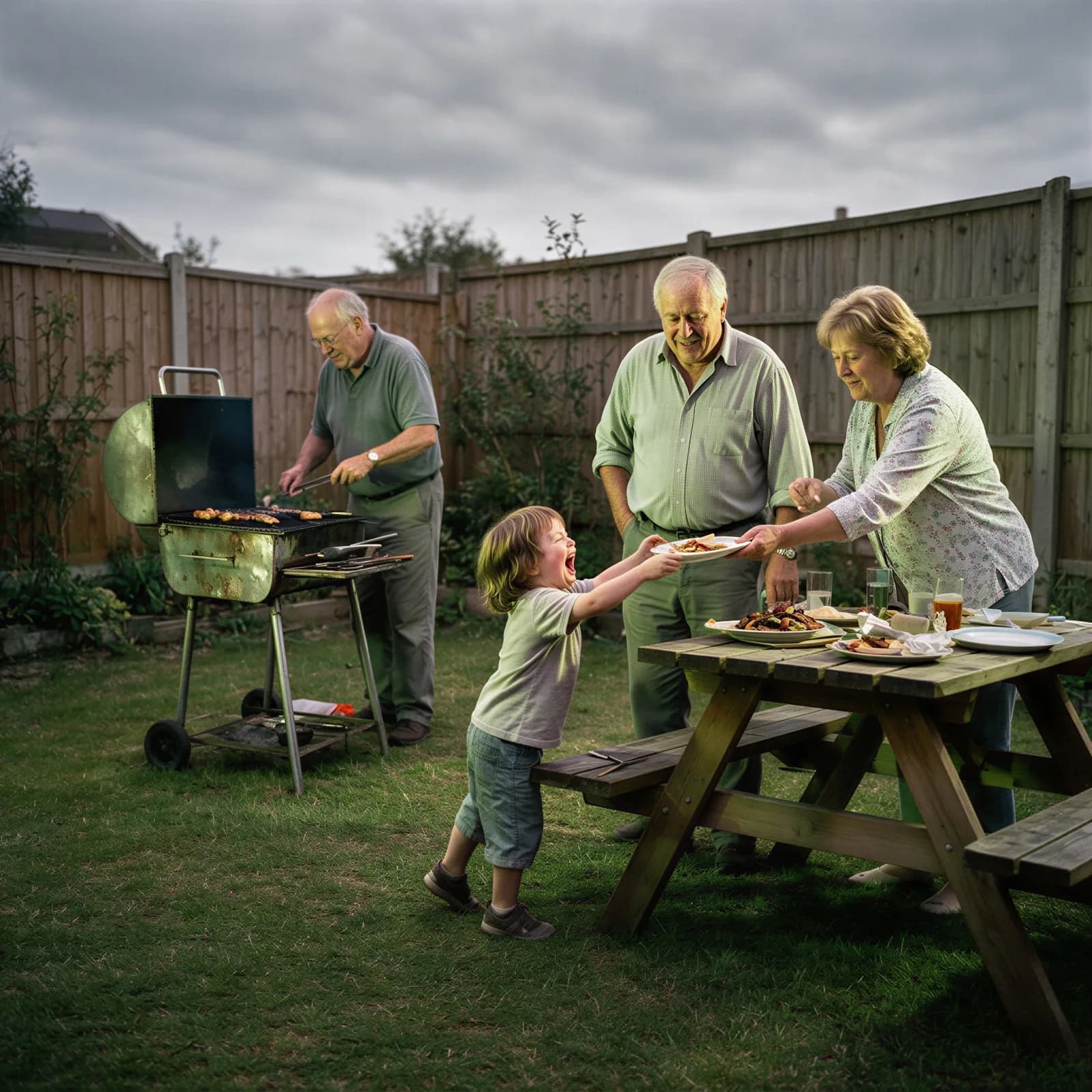
AI Image Enhancer
Fix clarity, color, and lighting in one pass.
Bulk Image Generator
Generate a full batch of campaign images at once.
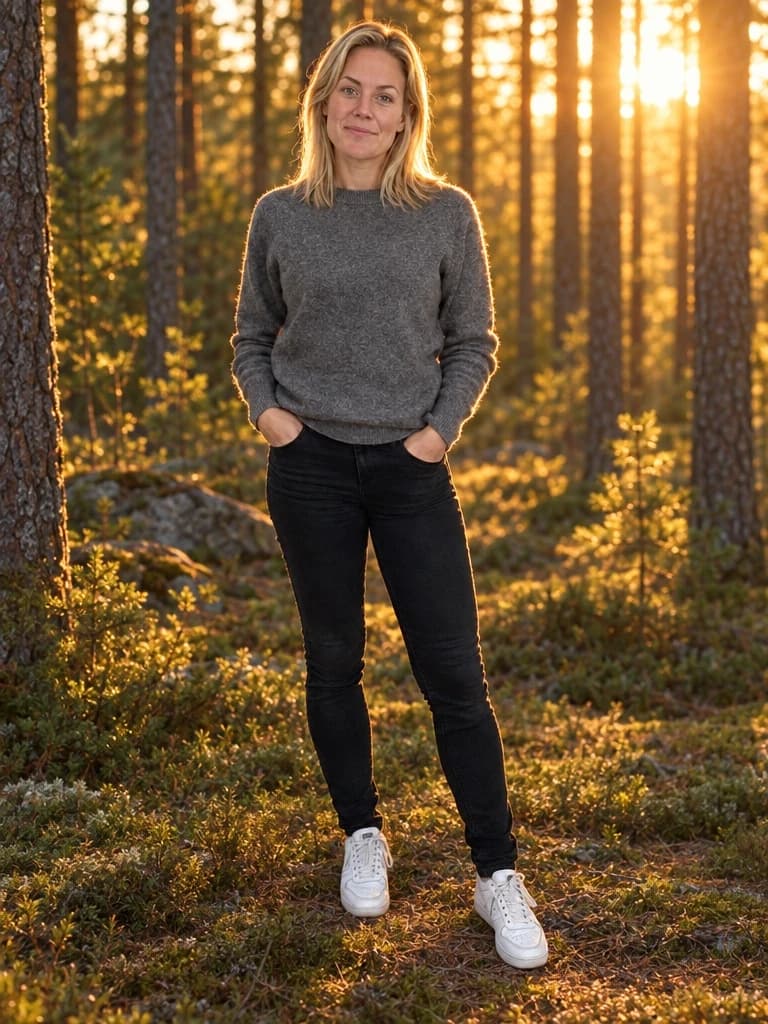
AI Background Generator
Drop your subject into a new scene with matched lighting.
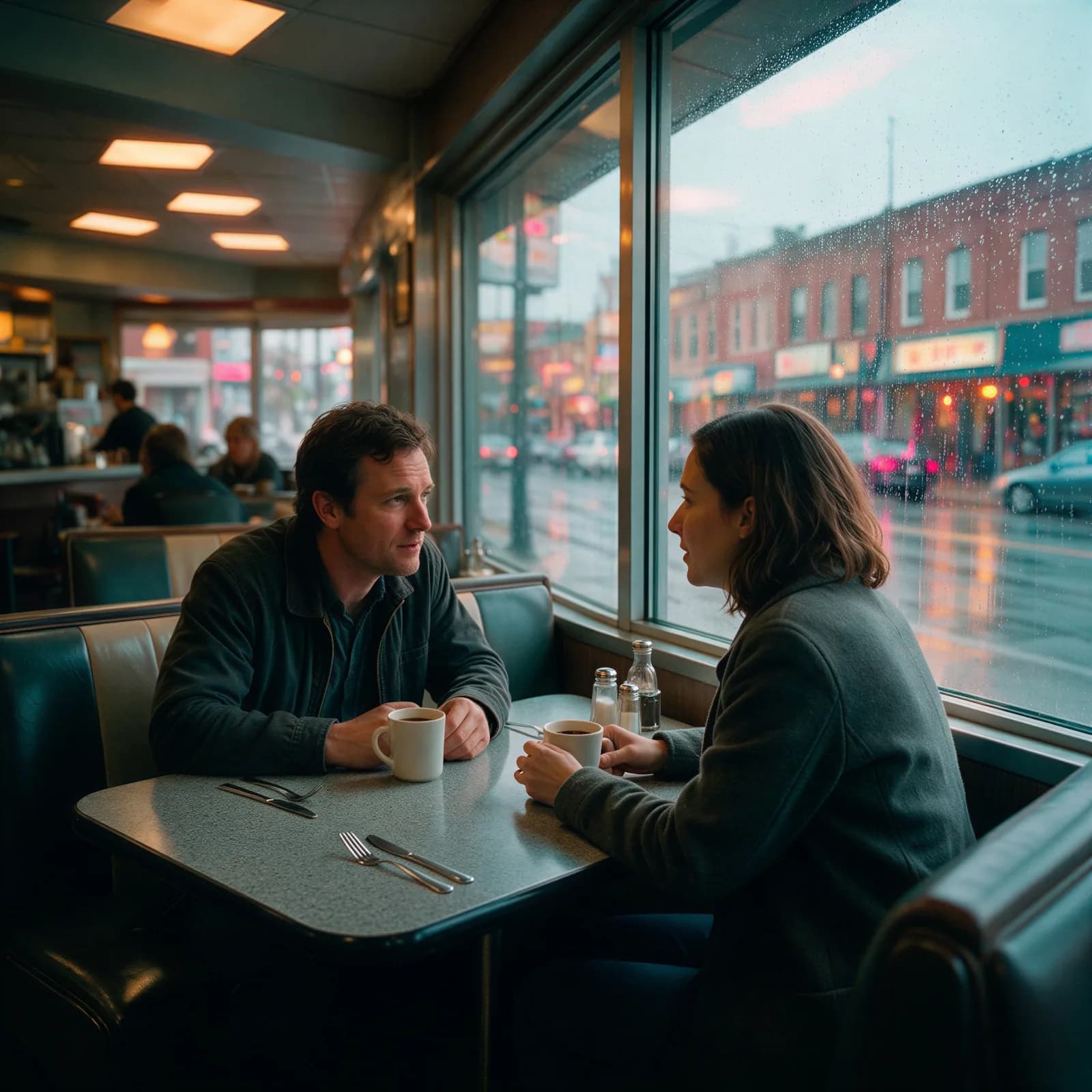
AI Color Grading
Apply a cinematic color grade to any photo.
AI Image Enlarger
Enlarge an image to 4K without losing detail.