

AI Image Enhancer
Sharpen & Fix Photos with AI
Enhance any photo with AI that recovers real detail — sharper edges, less noise, higher resolution. Fix old, low-quality, or compressed images in seconds, no watermark.
Drop a photo here
JPG, PNG or HEIC · up to 20 MB
Plans from $9/mo · Cancel anytime
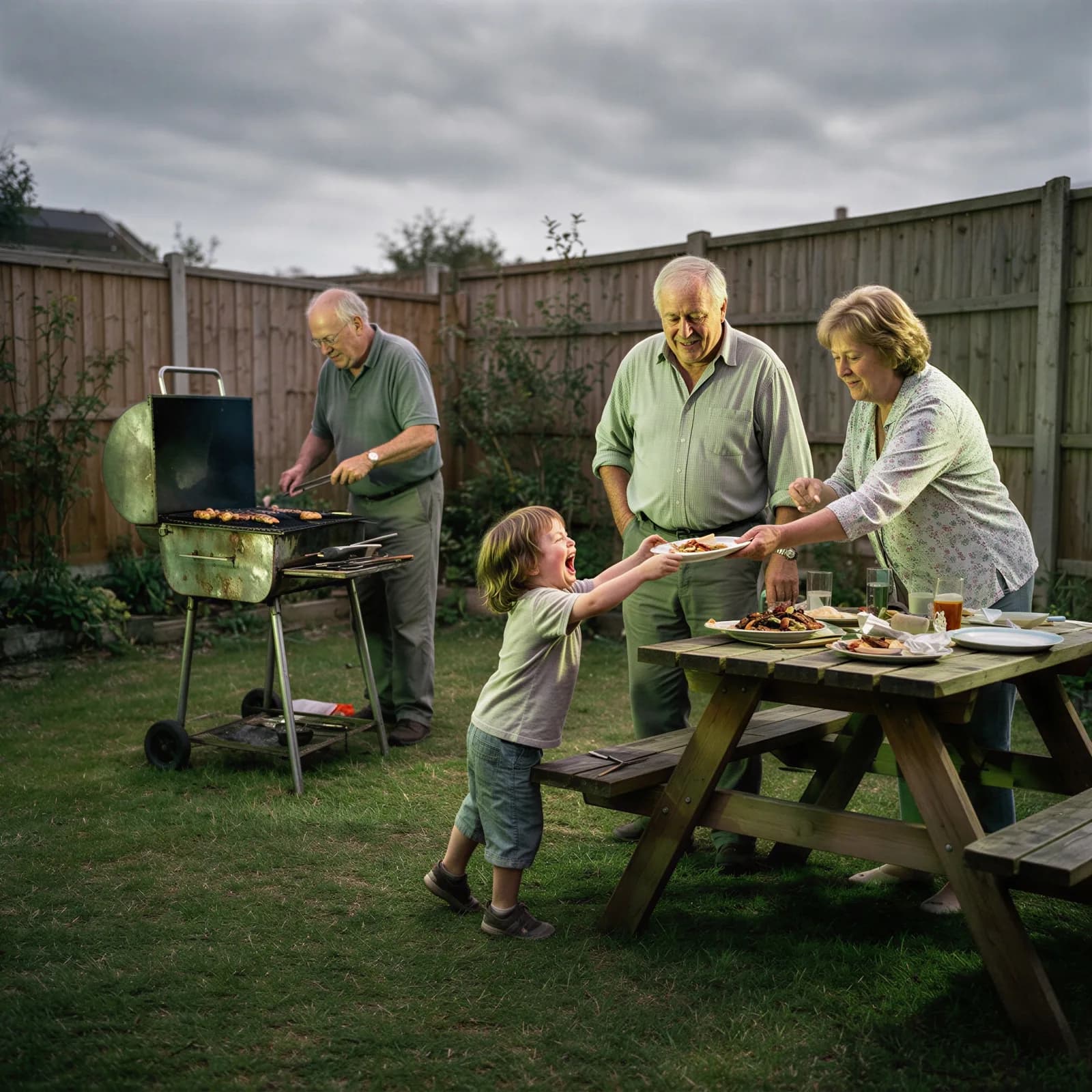
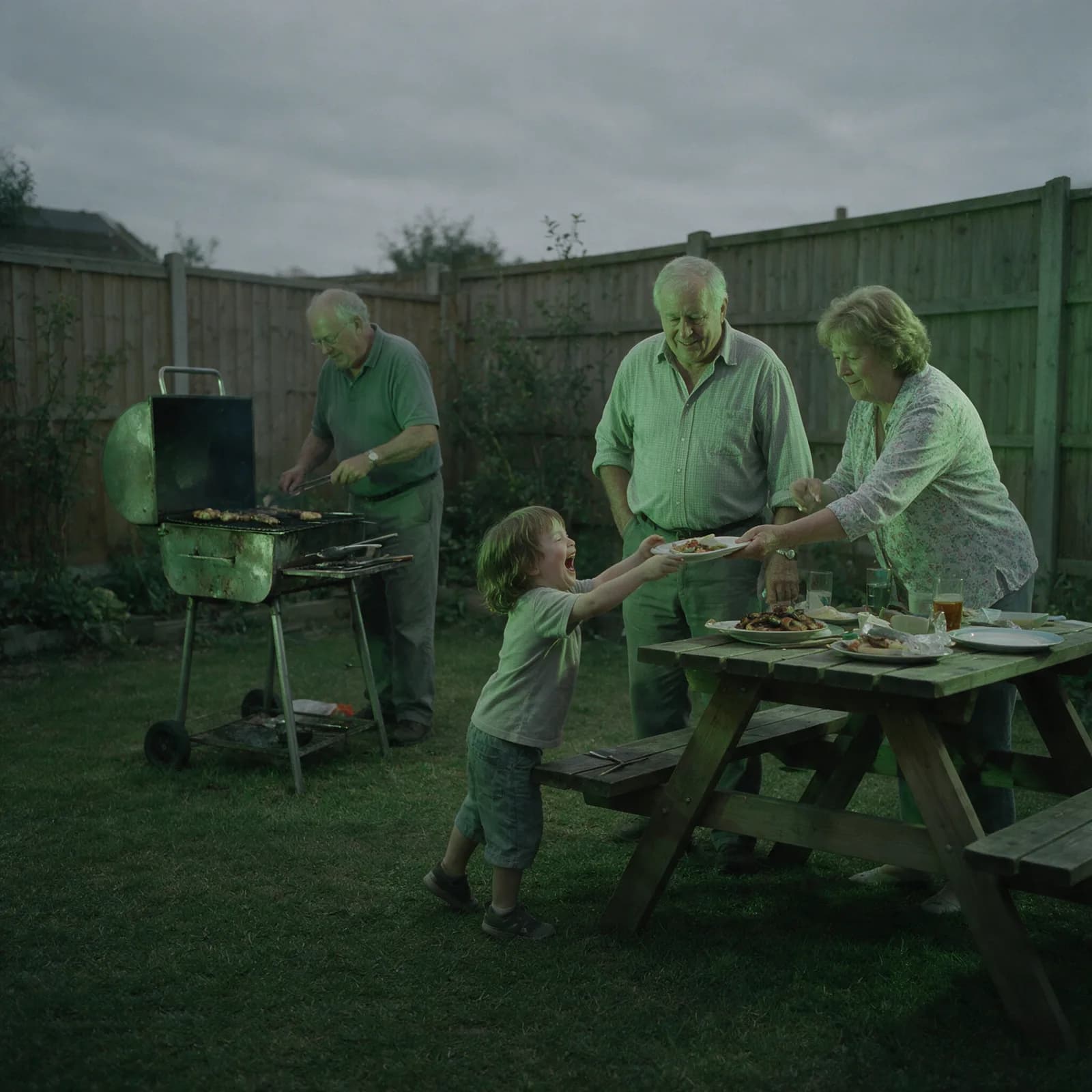
How to enhance a photo in 3 steps
Upload, choose a level, download.
Upload your photo or video
Add the image or clip you want to sharpen, clean up, or enlarge.
Choose the enhancement level
Pick a scale factor and let the AI recover detail and reduce noise.
Download the enhanced file
Get a sharp, high-resolution result with no watermark, ready to use.
Real Quality Improvement, Not Filters
Sharper, cleaner, higher resolution in seconds.
- Boost Resolution
- Increase resolution while the AI adds detail, so images stay sharp at a larger size.
- Real Detail Recovery
- The AI reconstructs texture and edges instead of just applying a sharpening filter.
- Fix Blur & Noise
- Clean up soft focus, low-light grain, and compression artifacts in one pass.
- Face-Aware Enhancement
- Portraits get special treatment — eyes, skin, and hair are reconstructed naturally.
- Enhance Videos Too
- The same enhancement engine works on video, not just still images.
- Seconds Per Image
- Upload, enhance, download — no settings to learn and no software to install.
What People Enhance
From archived photos to product shots.
- Old & Archived Photos
- Bring faded scans and early digital photos up to a clean, modern look.
- Social Media Photos
- Sharpen phone photos before posting or printing.
- Product Photography
- Clean up product shots so listings look sharp and professional.
- E-commerce Listings
- Meet marketplace image-quality requirements from lower-resolution supplier photos.
- Video Upscaling
- Enhance clip resolution and clarity for reuse or re-publishing.
- Professional Prints
- Get images sharp enough for large-format prints and canvases.
Questions
Start creating in minutes
Plans from $9/mo · Cancel anytime
Explore more AI tools
Bulk Image Generator
Generate a full batch of campaign images at once.
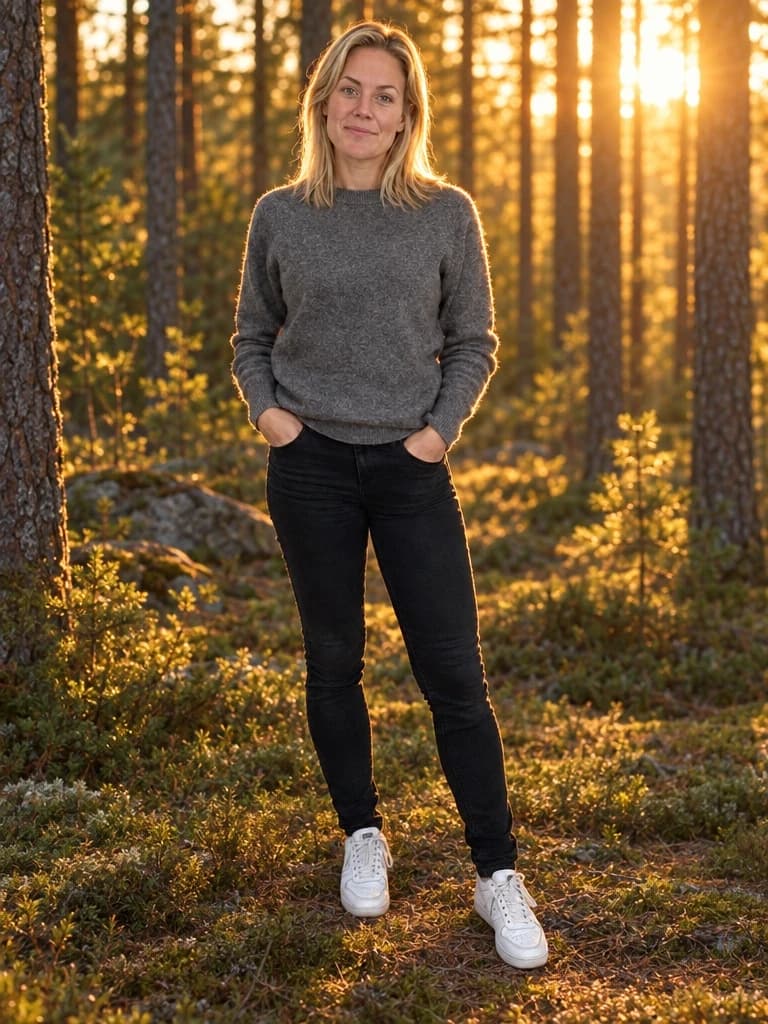
AI Background Generator
Drop your subject into a new scene with matched lighting.
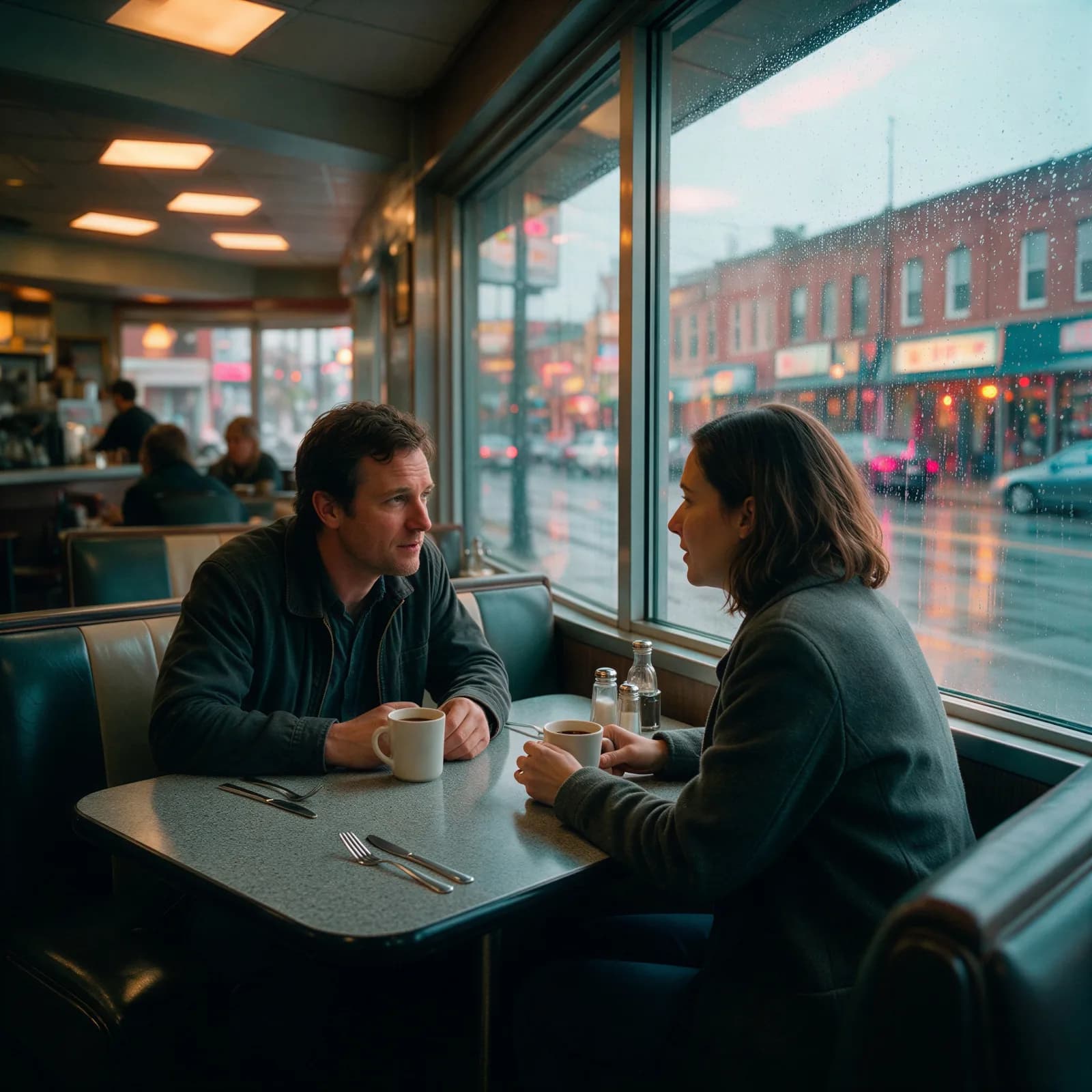
AI Color Grading
Apply a cinematic color grade to any photo.
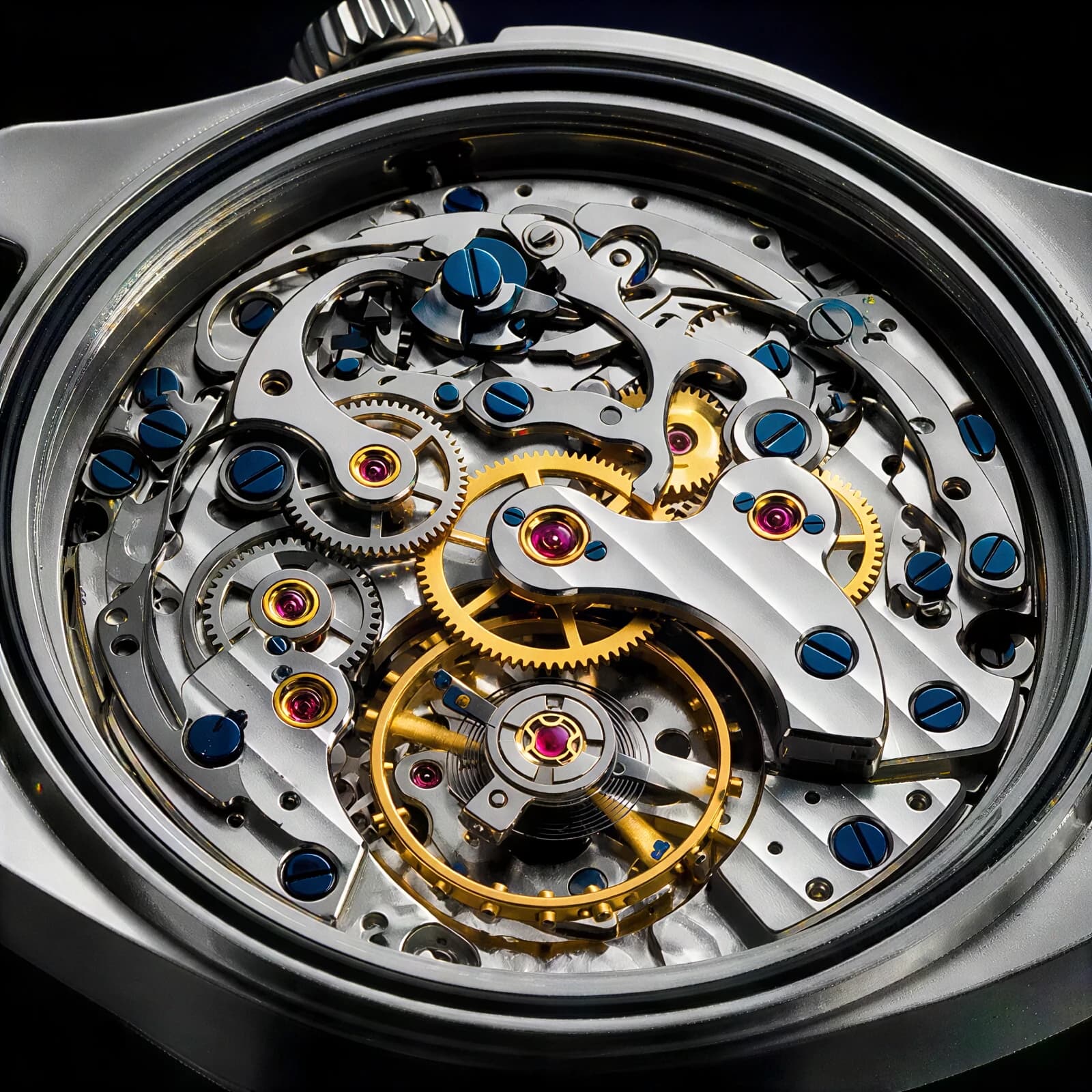
AI Image Enlarger
Enlarge an image to 4K without losing detail.
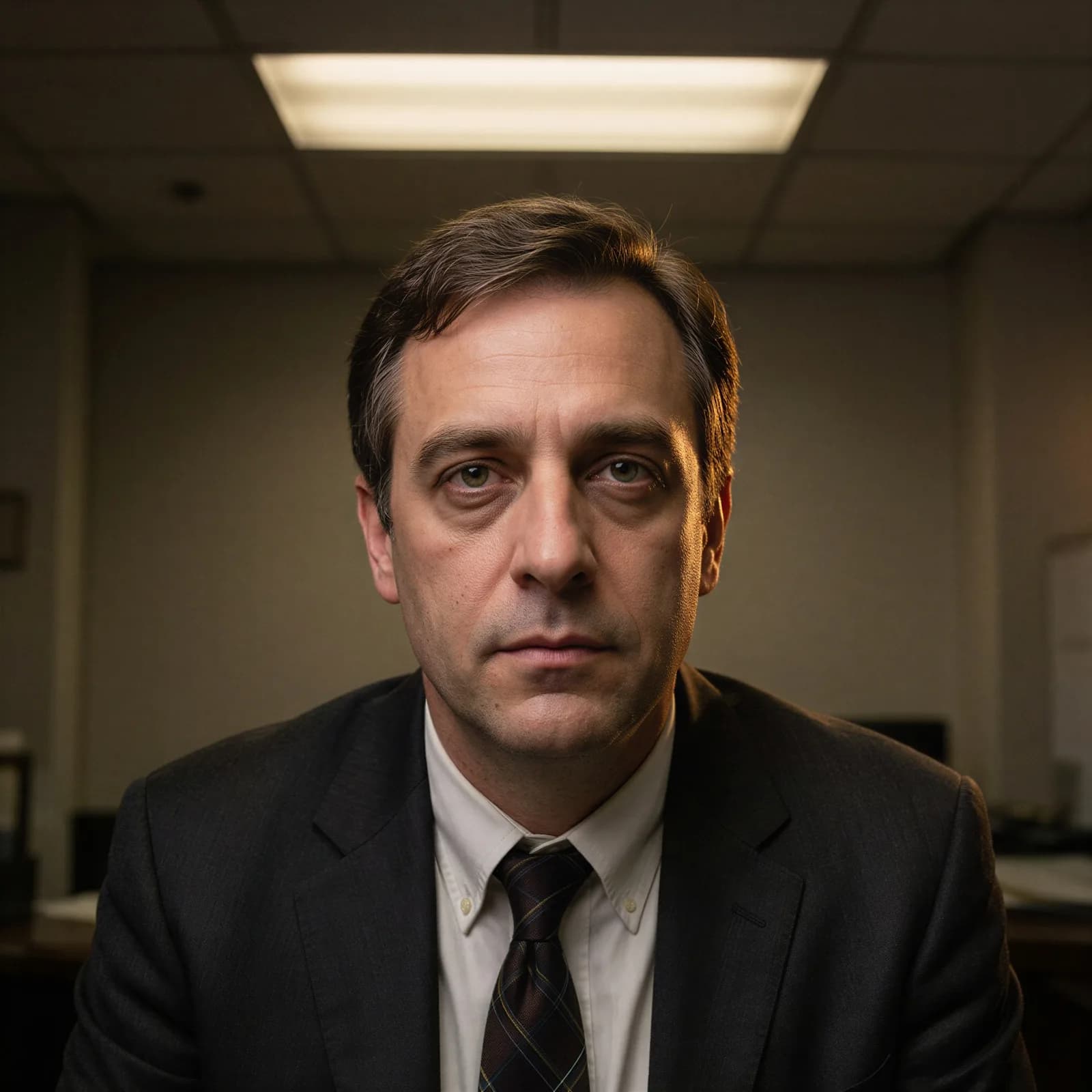
AI Image Relighter
Relight a portrait or product with studio or golden-hour light.

AI Object Remover
Erase an unwanted object or watermark, background rebuilt clean.
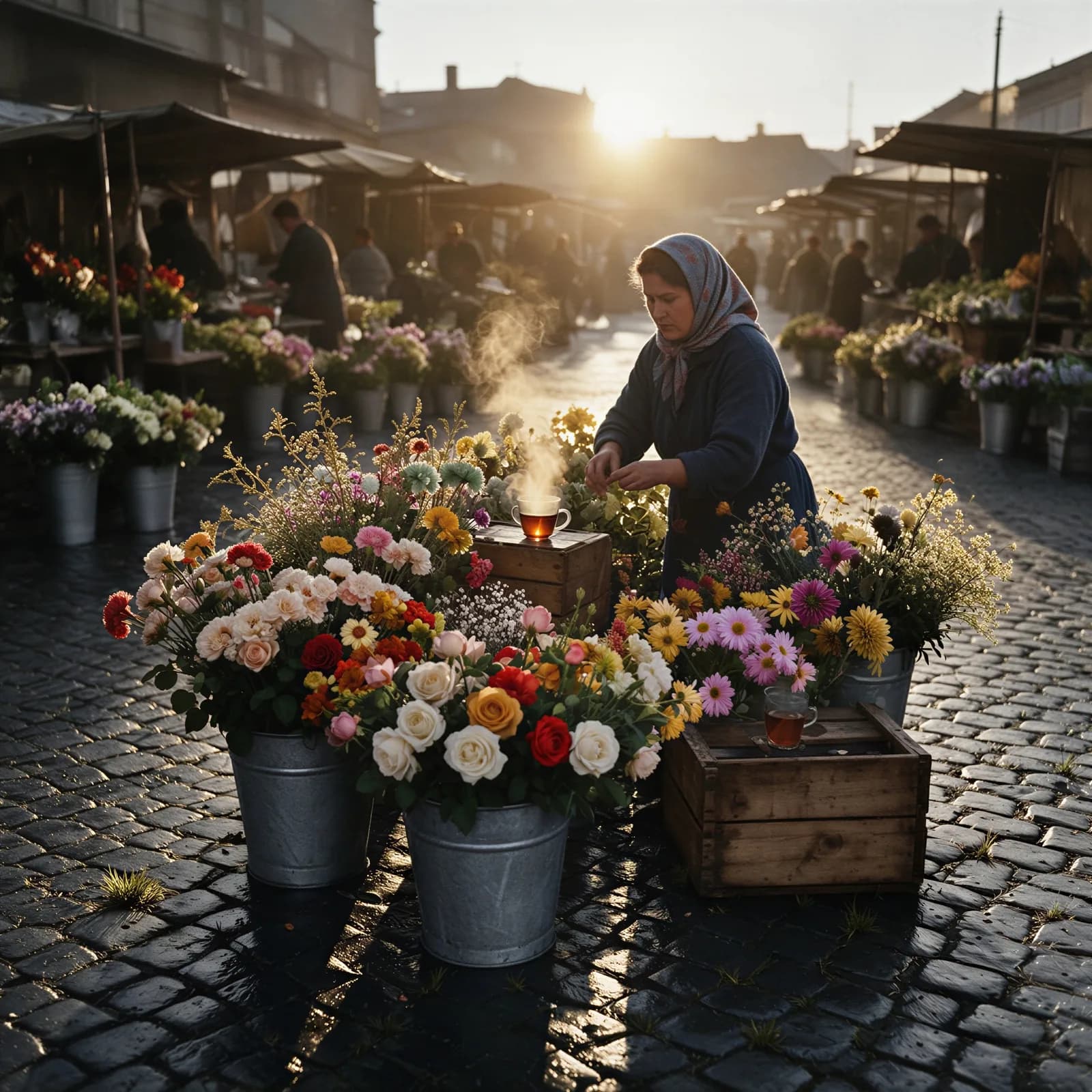
AI Photo Colorizer
Add realistic color to a black-and-white photo.
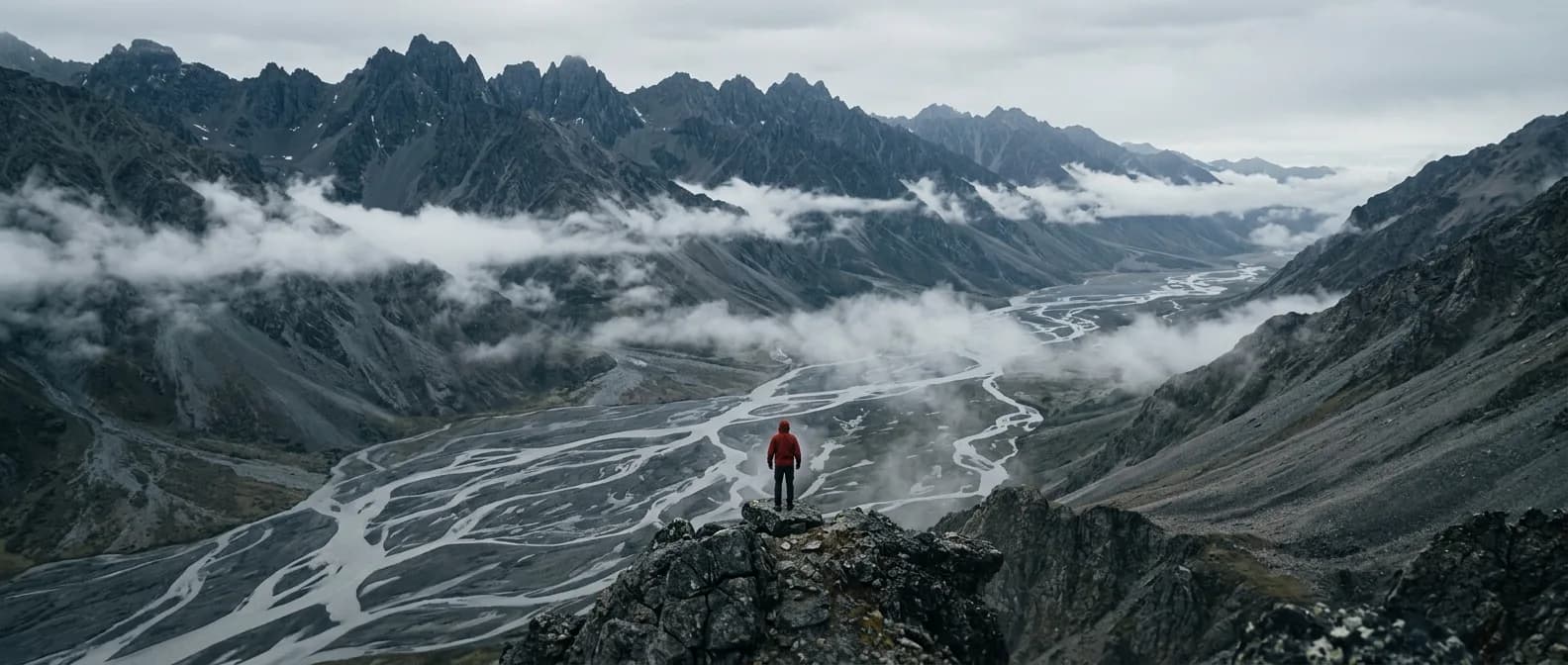
AI Photo Extender
Uncrop a photo and fill in the missing background.