

AI Text Remover
Remove Text From Any Image
Erase captions, date stamps, stickers, and writing from photos with AI. Brush over the text and the background is rebuilt seamlessly — no clone stamp, no visible patch.
Drop a photo here
JPG, PNG or HEIC · up to 20 MB
Plans from $9/mo · Cancel anytime

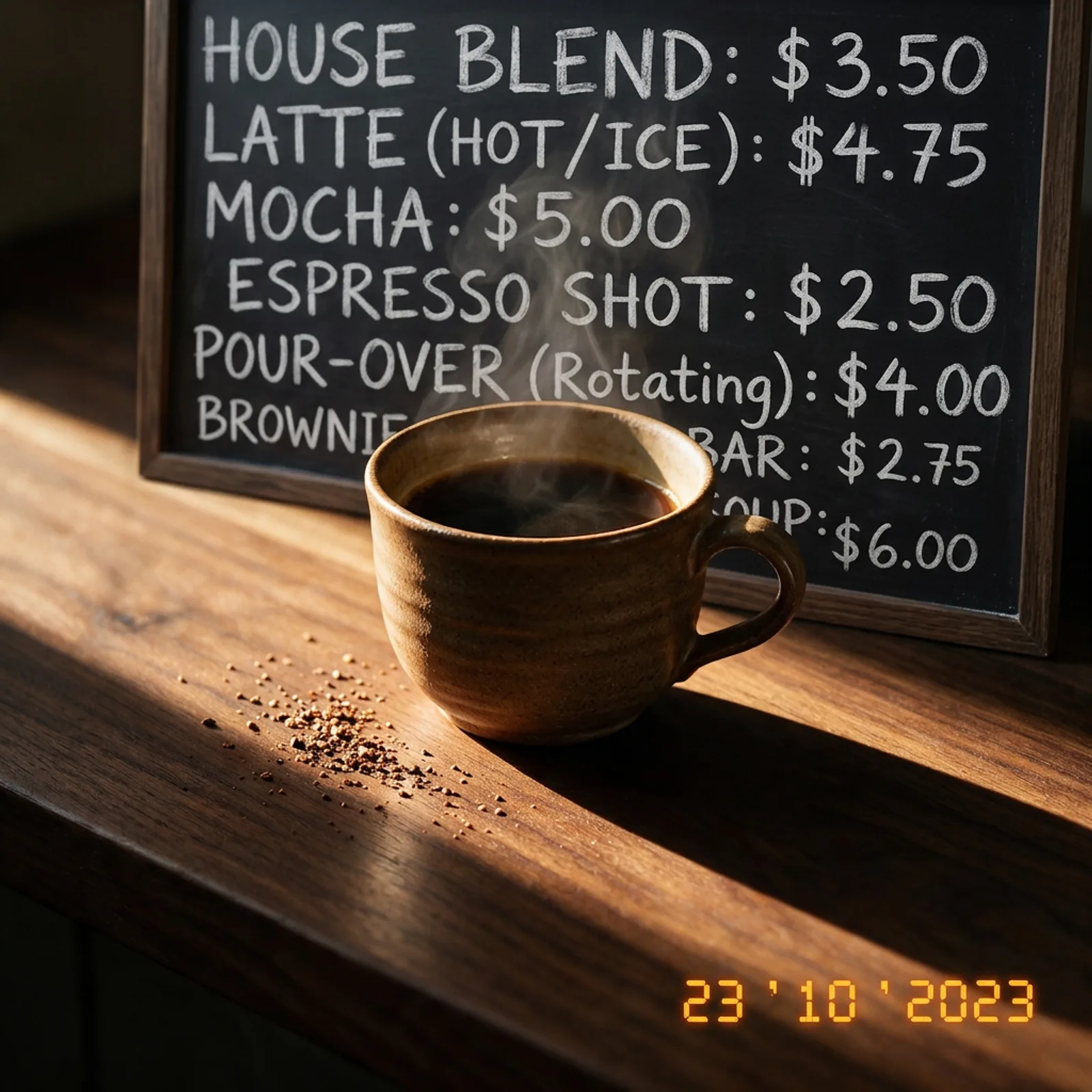
How to remove text in 3 steps
Brush, generate, download.
Upload your image
Add any photo or graphic with text you want gone — JPG, PNG, or WebP.
Brush over the text
Mark the caption, stamp, or writing. A rough pass is enough — the AI finds the edges.
Generate & download
The background is rebuilt behind the text and you download a clean, full-res image.
Text Gone, Background Intact
Seamless reconstruction behind every removal.
- Clean Text Removal
- Captions, subtitles, date stamps, stickers, and overlaid writing are erased and the background behind them is reconstructed naturally.
- Seamless Inpainting
- The AI rebuilds textures, patterns, and gradients behind the text — skies, walls, fabric, and skin all continue without smears.
- Works on Busy Backgrounds
- Text over complex scenes, patterns, and faces is handled as cleanly as text over flat colors.
- Product & Listing Cleanup
- Strip old promo text, price tags, and banners from product shots so you can reuse them in new campaigns.
- Full Resolution, No Watermark
- Download the cleaned image at original resolution — nothing added, nothing branded.
- Brush and Go
- Roughly brush over the text and generate. No precise selections, clone stamping, or layer work.
What People Remove
From date stamps to promo banners.
- Date Stamps & Timestamps
- Remove camera date stamps from old family and travel photos.
- Memes & Screenshots
- Recover the original image from captioned or subtitled versions you own.
- Product Photos
- Strip outdated sale banners and promo text so shots can be reused.
- Real Estate & Listings
- Remove old agency text and phone numbers from property photos you have rights to.
- Social Content
- Clean stickers, usernames, and overlays off your own posts before repurposing.
- Design Assets
- Erase placeholder text from mockups and source imagery for new layouts.
Questions
Start creating in minutes
Plans from $9/mo · Cancel anytime
Explore more AI tools
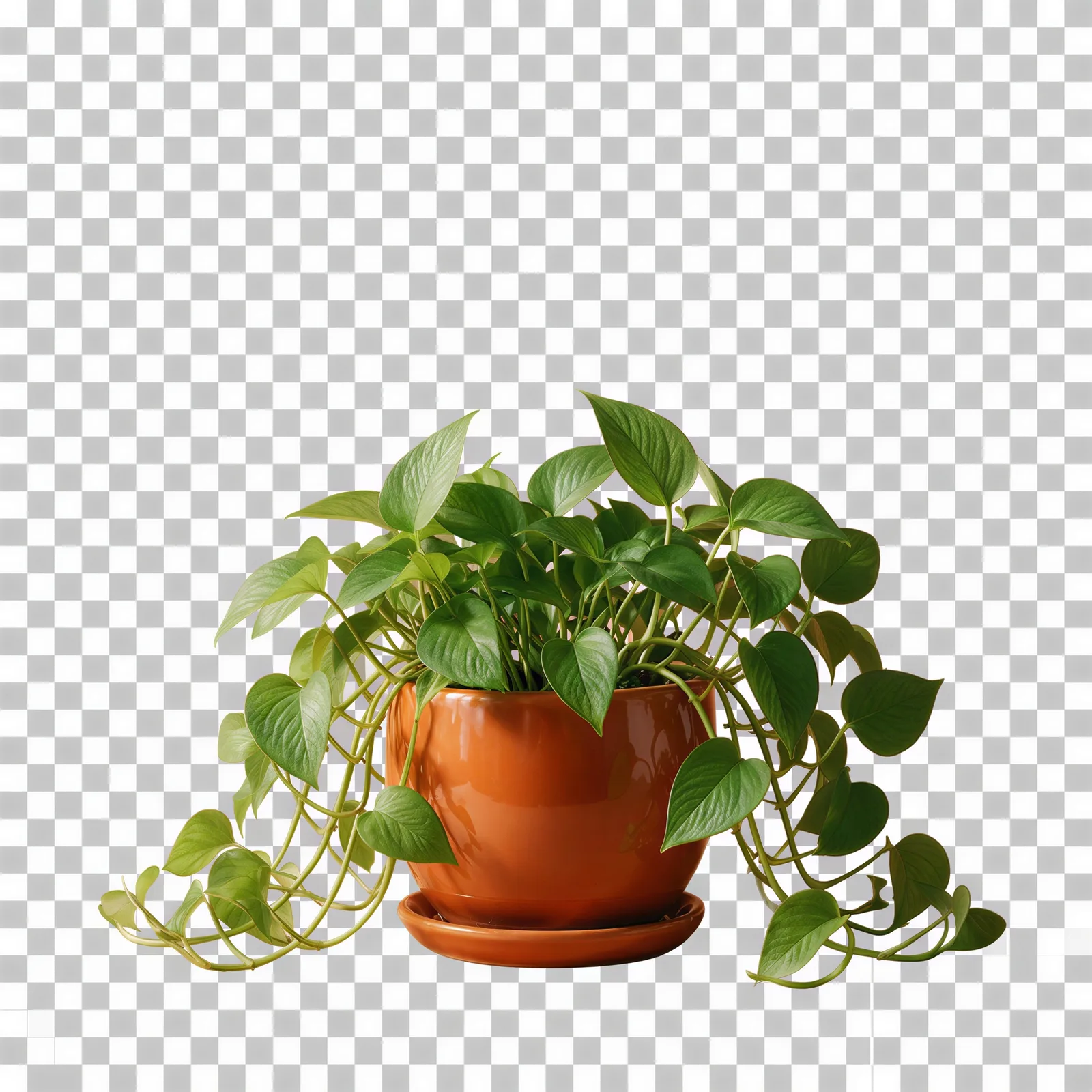
Transparent Background Maker
Cut a clean transparent PNG for logos and cutouts.
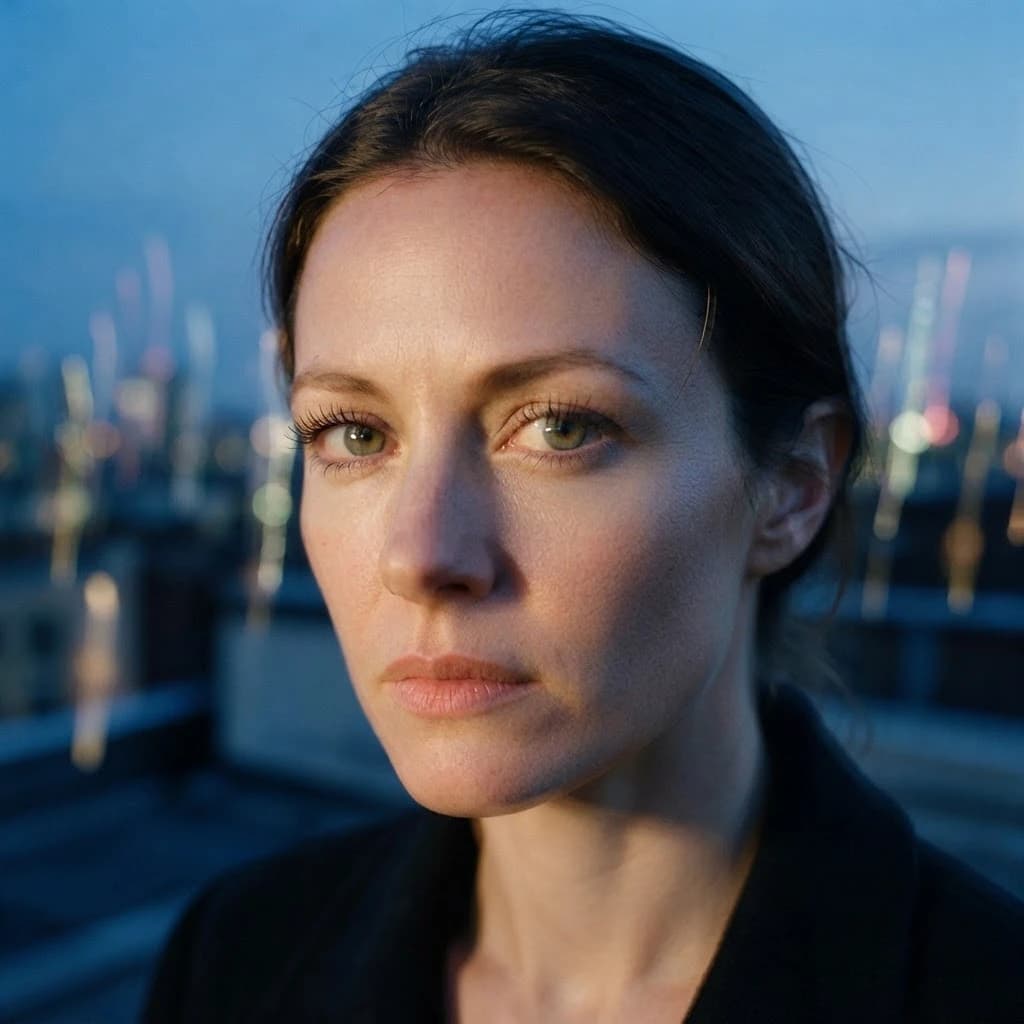
Unblur Image
Sharpen a blurry photo and recover lost detail.

AI Image Editor
Edit any photo by describing the change.
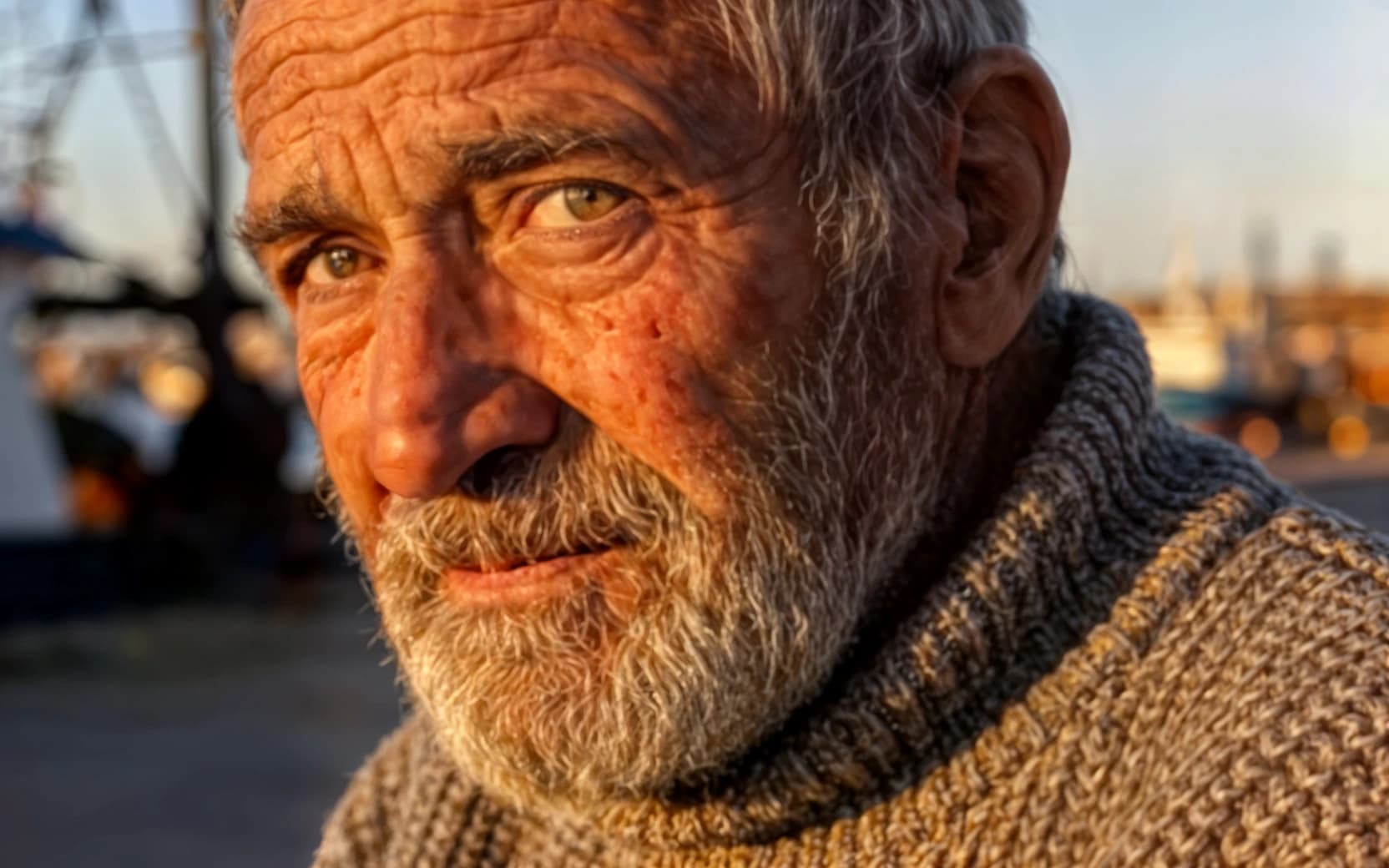
AI Upscaler
Scale images to print resolution.
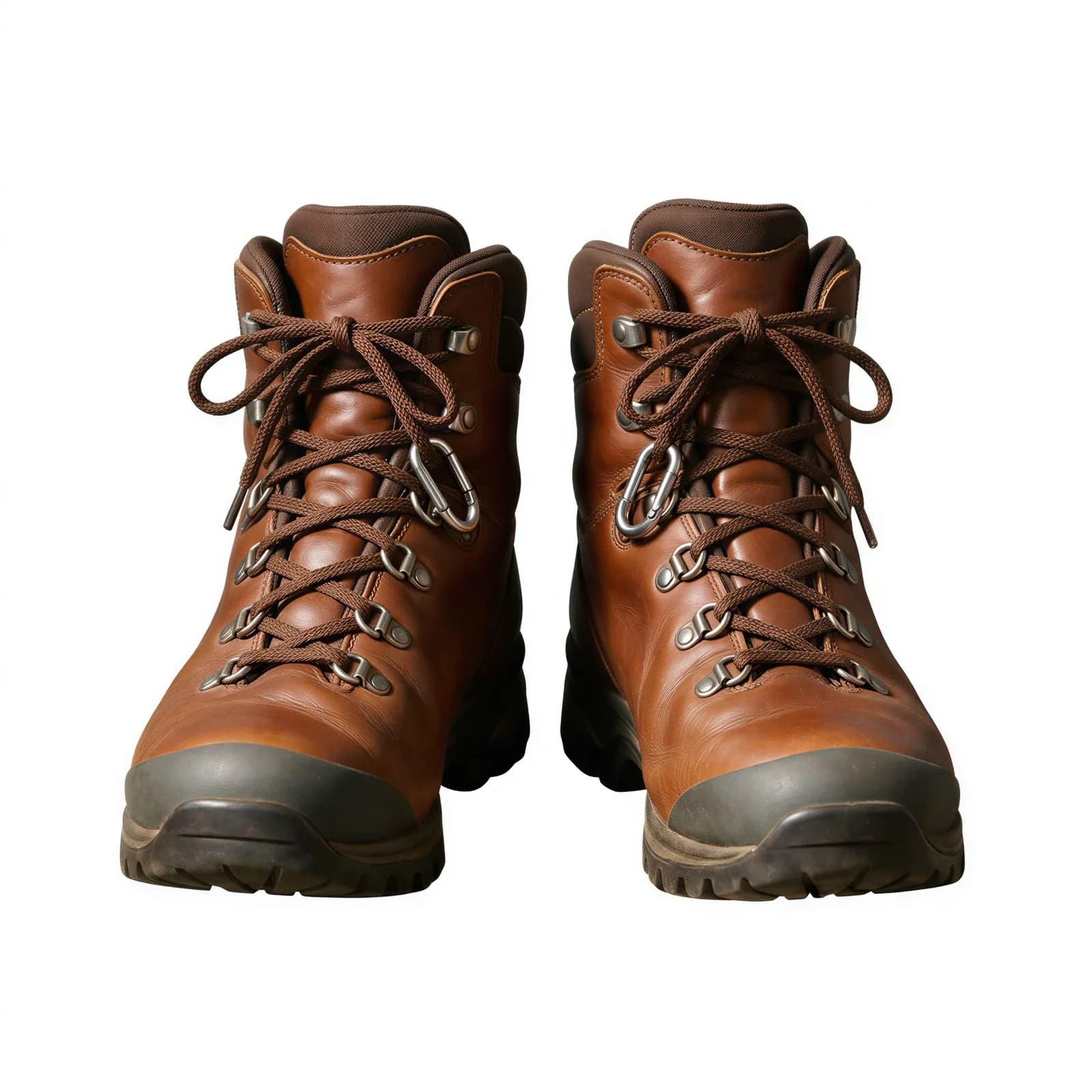
Background Remover
Clean cutouts with crisp edges.
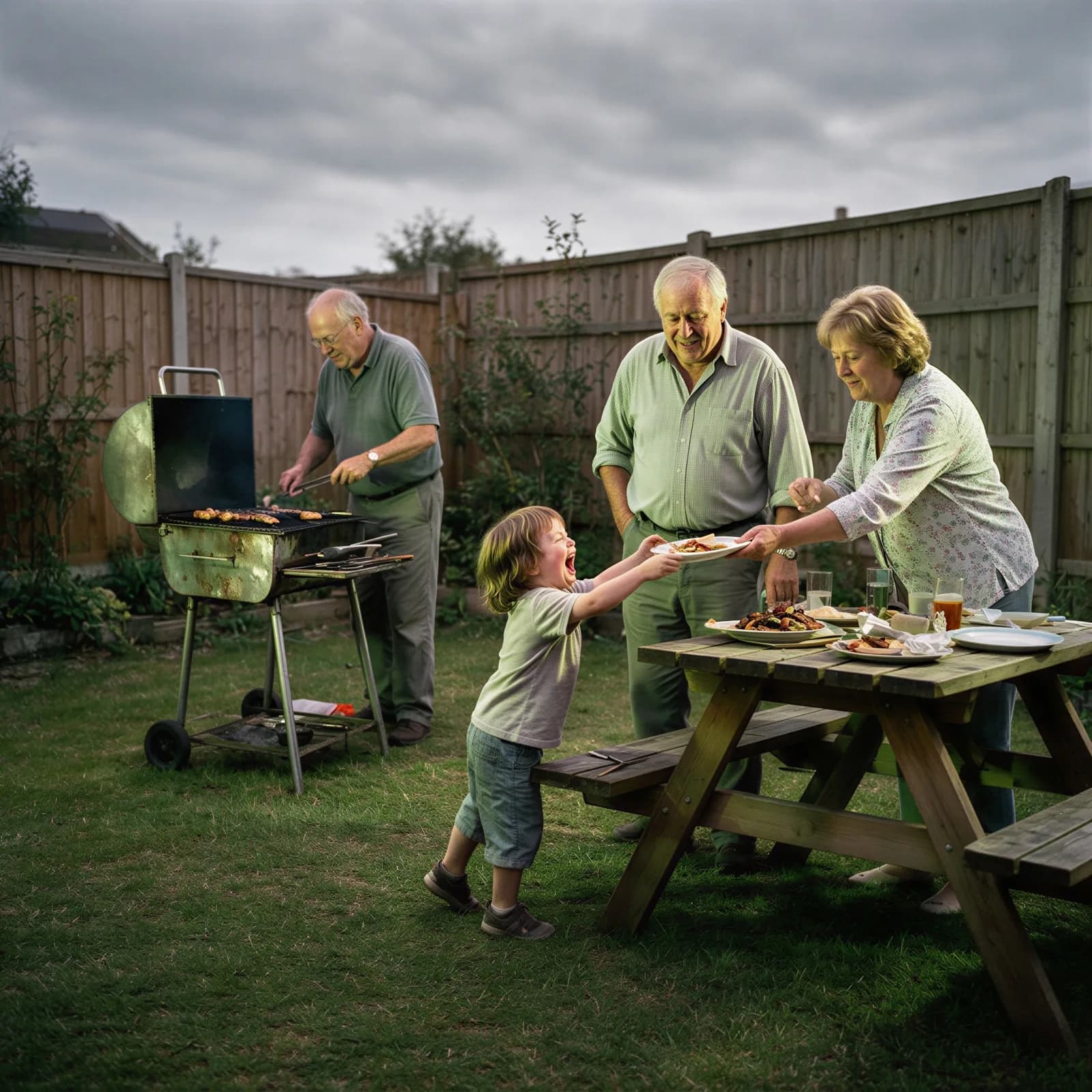
AI Image Enhancer
Fix clarity, color, and lighting in one pass.
Bulk Image Generator
Generate a full batch of campaign images at once.
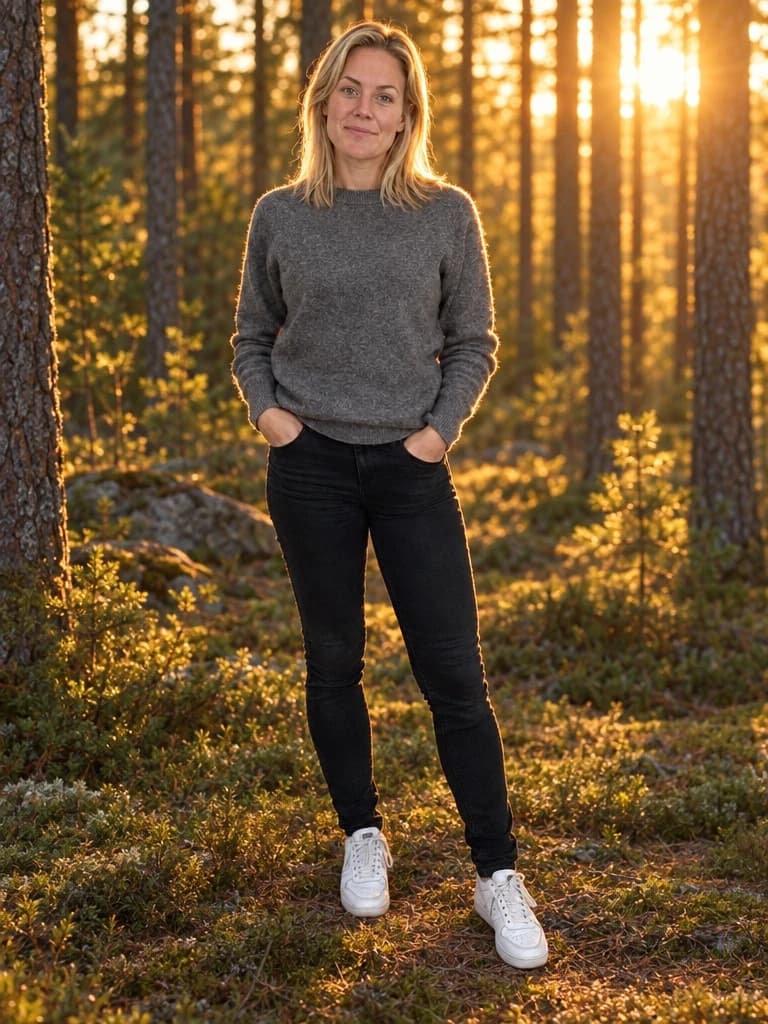
AI Background Generator
Drop your subject into a new scene with matched lighting.