

Photo Background Changer
Change Any Photo Background
Swap the background of any photo with AI. Go pure white for listings, pick a studio scene, or describe any setting you can imagine — with clean edges and lighting that actually matches.
Drop a photo here
JPG, PNG or HEIC · up to 20 MB
Plans from $9/mo · Cancel anytime
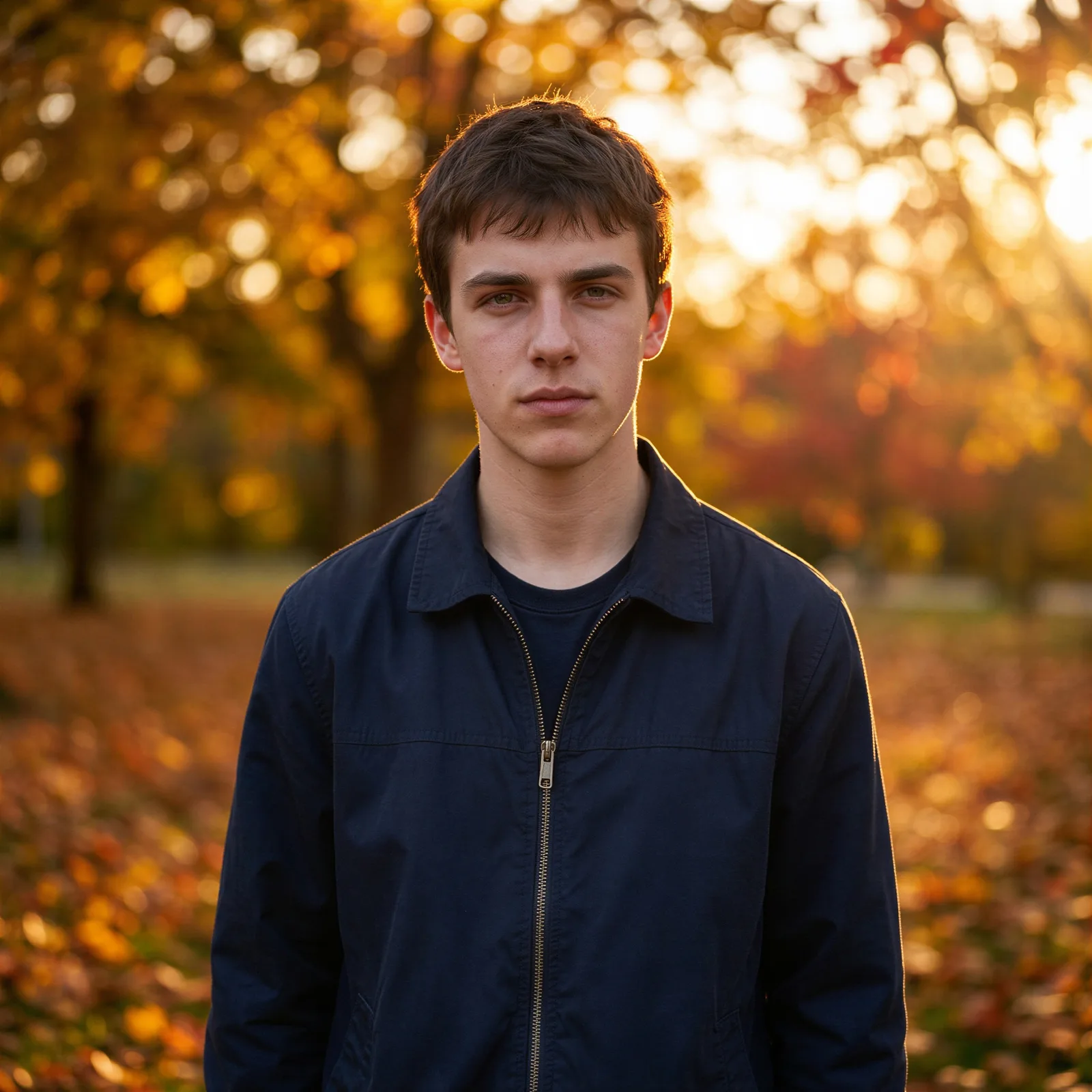
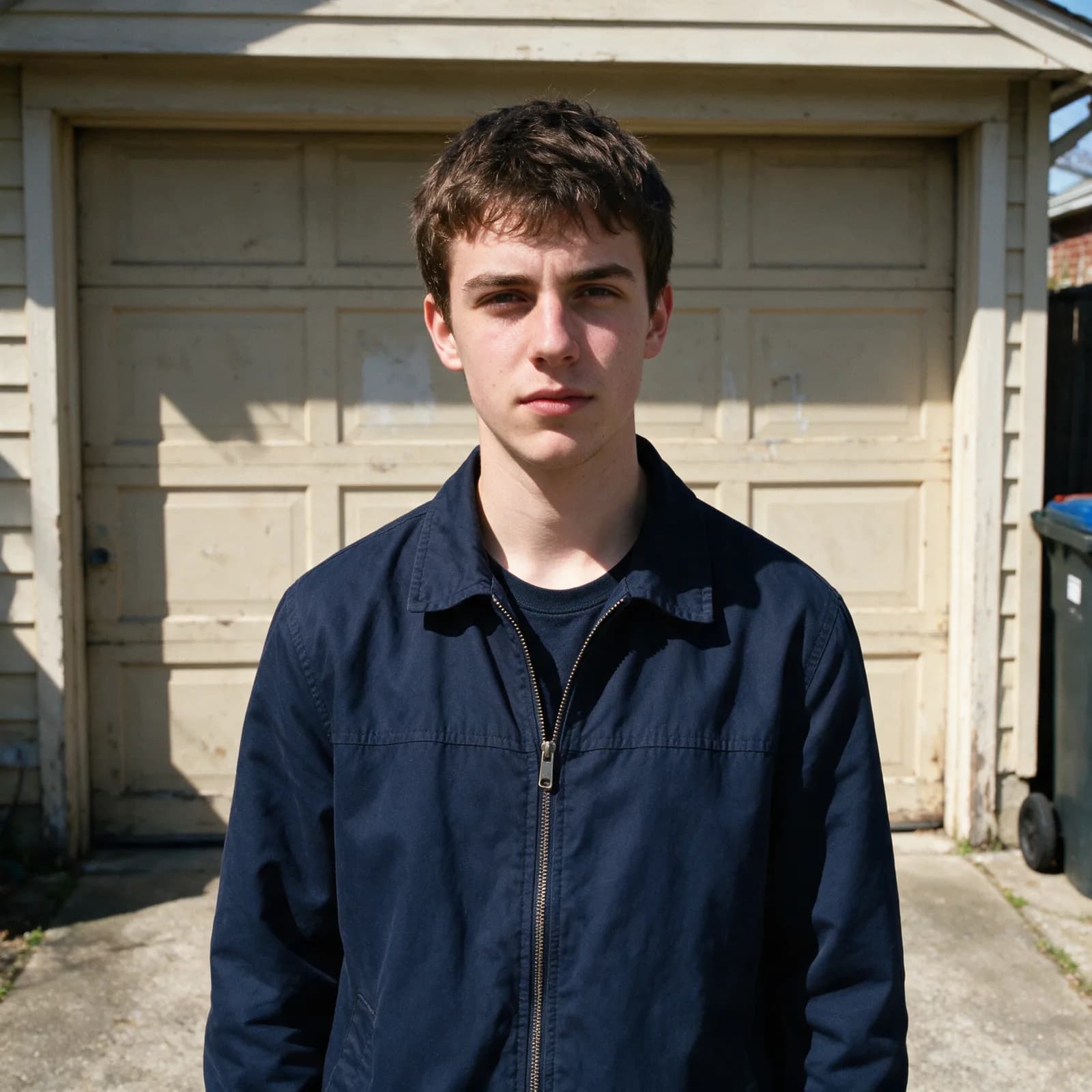
How to change a background in 3 steps
Upload, describe, download — that simple.
Upload your photo
Add any portrait, product shot, or scene where you want a different background.
Pick or describe a background
Choose white, a preset scene, or describe exactly what you want behind your subject.
Generate & download
The AI swaps the background with matched lighting and you download a clean, high-res image.
Studio-Grade Background Swaps
Everything a reshoot would fix, without the reshoot.
- Describe Any Background
- Type the scene you want — a beach at sunset, a marble studio, a city street — and the AI rebuilds the background around your subject.
- Clean Subject Detection
- Hair strands, fur, glass, and semi-transparent edges are preserved automatically, so the swap looks shot in place, not cut out.
- Matched Lighting & Shadows
- The AI relights your subject to match the new scene, adding natural shadows and reflections so nothing looks pasted on.
- White & Solid Backgrounds
- One click for pure white, gray, or any brand color — perfect for Amazon, Shopify, and marketplace listing requirements.
- Full-Resolution Output
- Download high-resolution results with no watermark, ready for listings, ads, print, or social.
- Seconds, Not Hours
- No masking, layers, or pen tool. Upload, describe the background, and download — the whole edit takes seconds.
What People Change Backgrounds For
From marketplace listings to social content.
- E-commerce Listings
- Put every product on a clean white or branded background that meets marketplace rules.
- Profile & LinkedIn Photos
- Turn a casual selfie into a professional headshot with a studio or office backdrop.
- Marketing & Ads
- Test the same product against different scenes and seasons without a reshoot.
- Real Estate & Rentals
- Replace gray skies and dull exteriors with bright, inviting conditions.
- Social Content
- Drop yourself into any location or aesthetic for posts, thumbnails, and covers.
- Event & Family Photos
- Fix distracting backgrounds in otherwise perfect group shots and portraits.
Questions
Start creating in minutes
Plans from $9/mo · Cancel anytime
Explore more AI tools
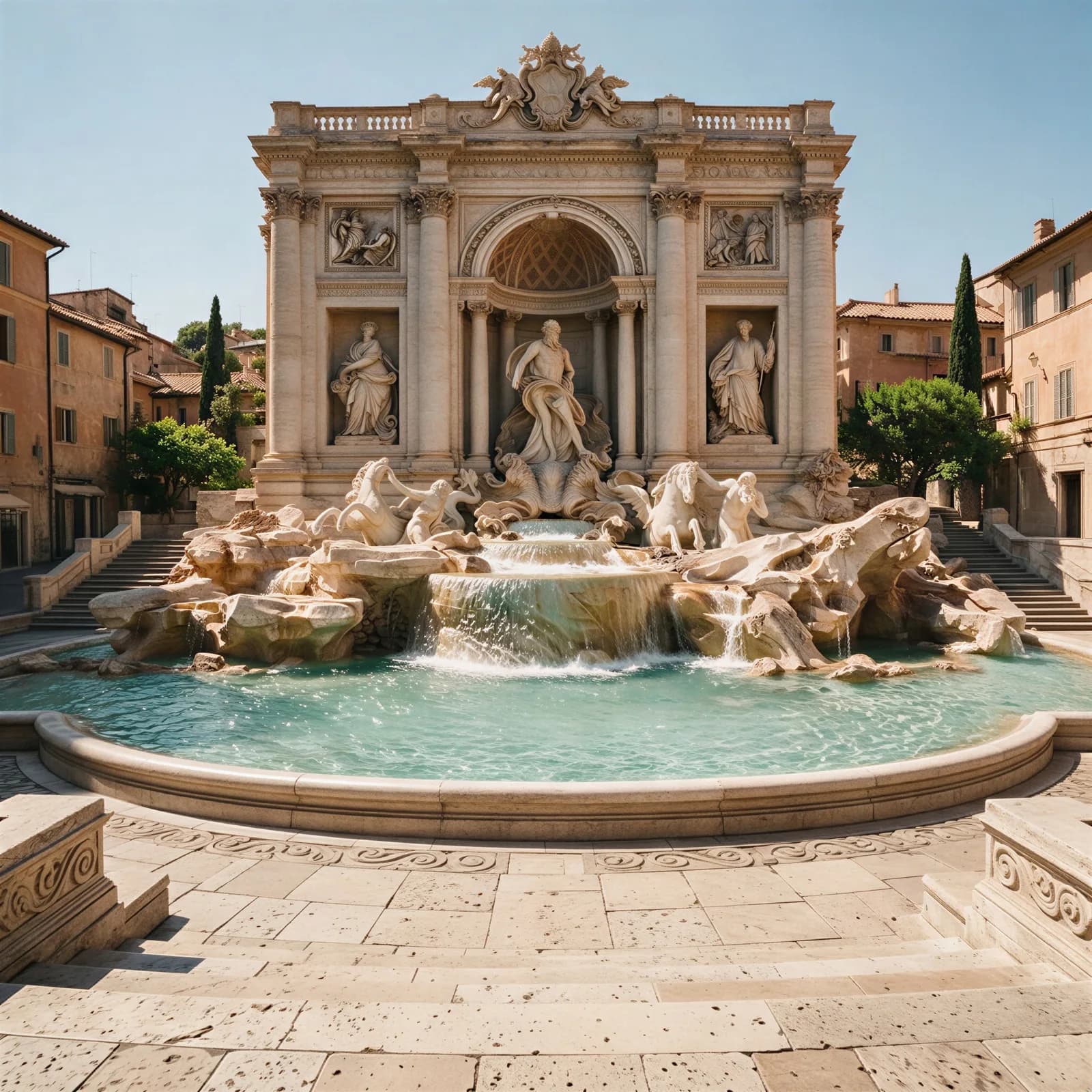
Remove People From Photos
Erase photobombers and strangers, scene rebuilt naturally.

Remove Text From Image
Erase captions, stamps, and logos from a photo.
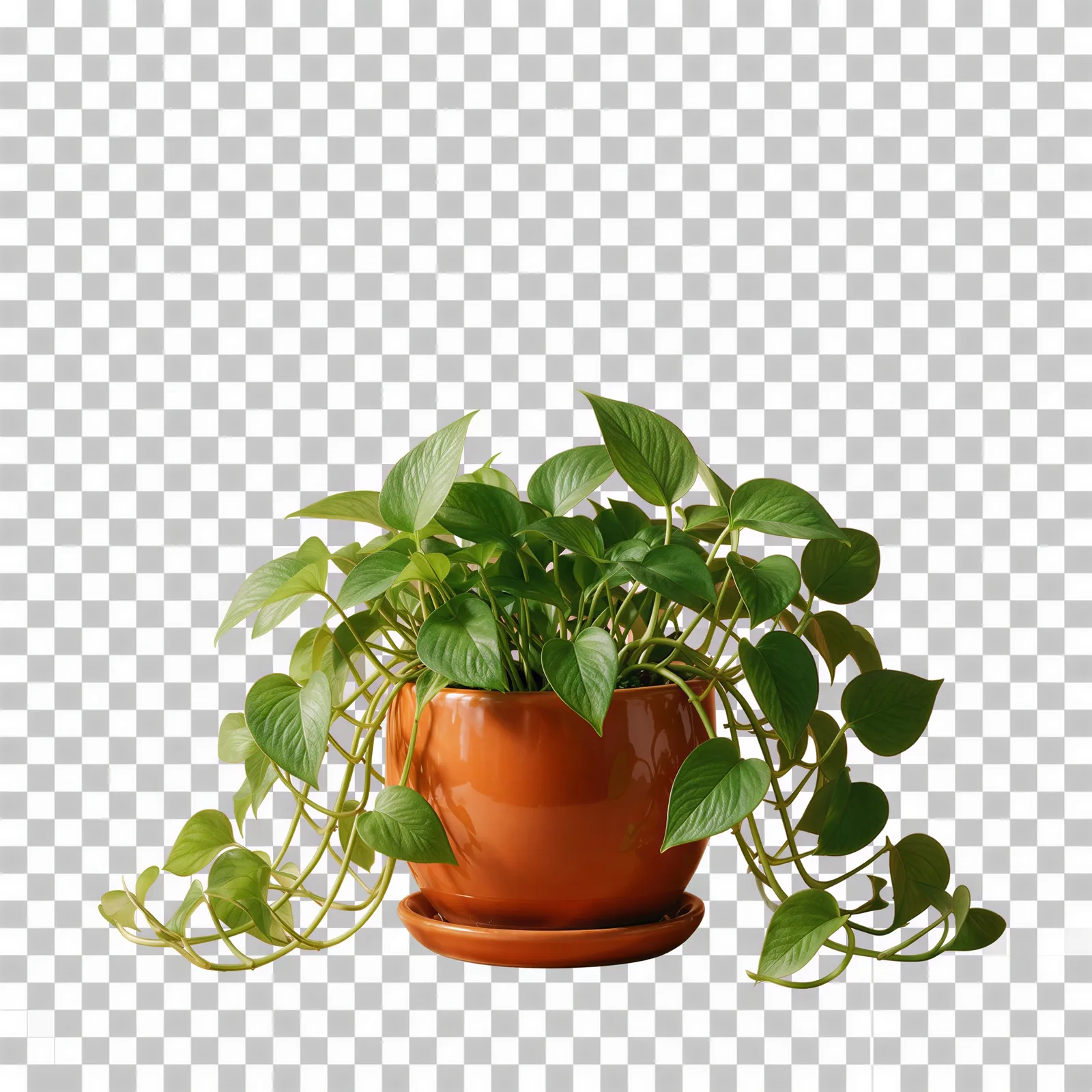
Transparent Background Maker
Cut a clean transparent PNG for logos and cutouts.
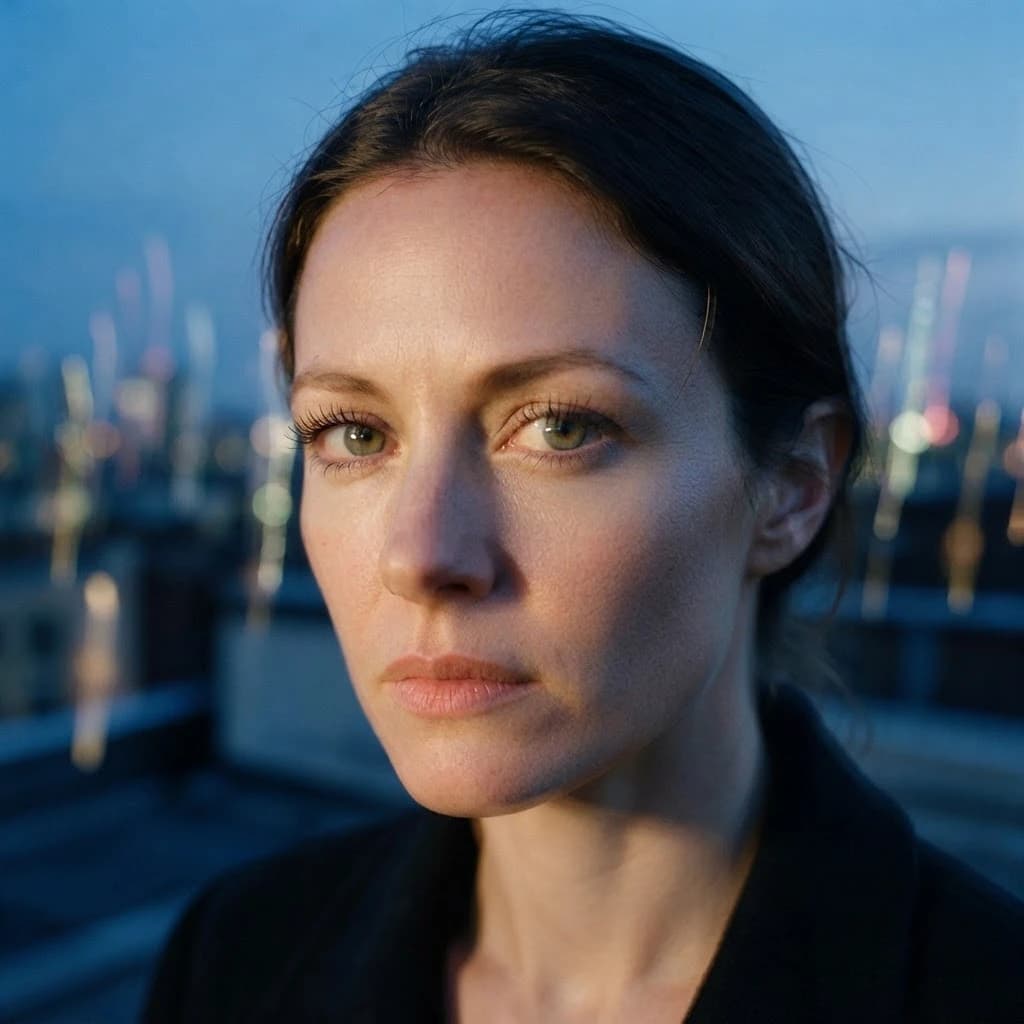
Unblur Image
Sharpen a blurry photo and recover lost detail.

AI Image Editor
Edit any photo by describing the change.
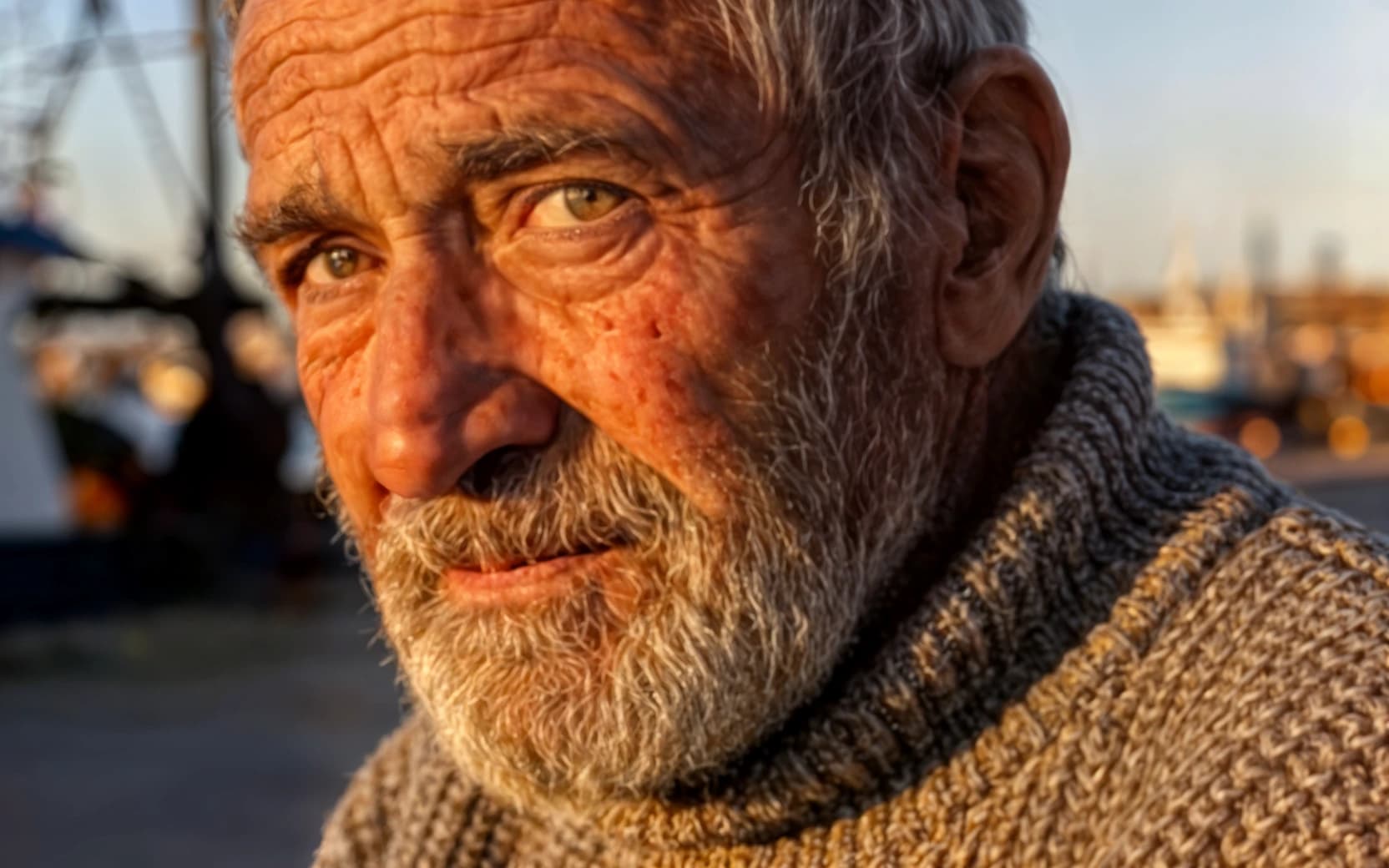
AI Upscaler
Scale images to print resolution.
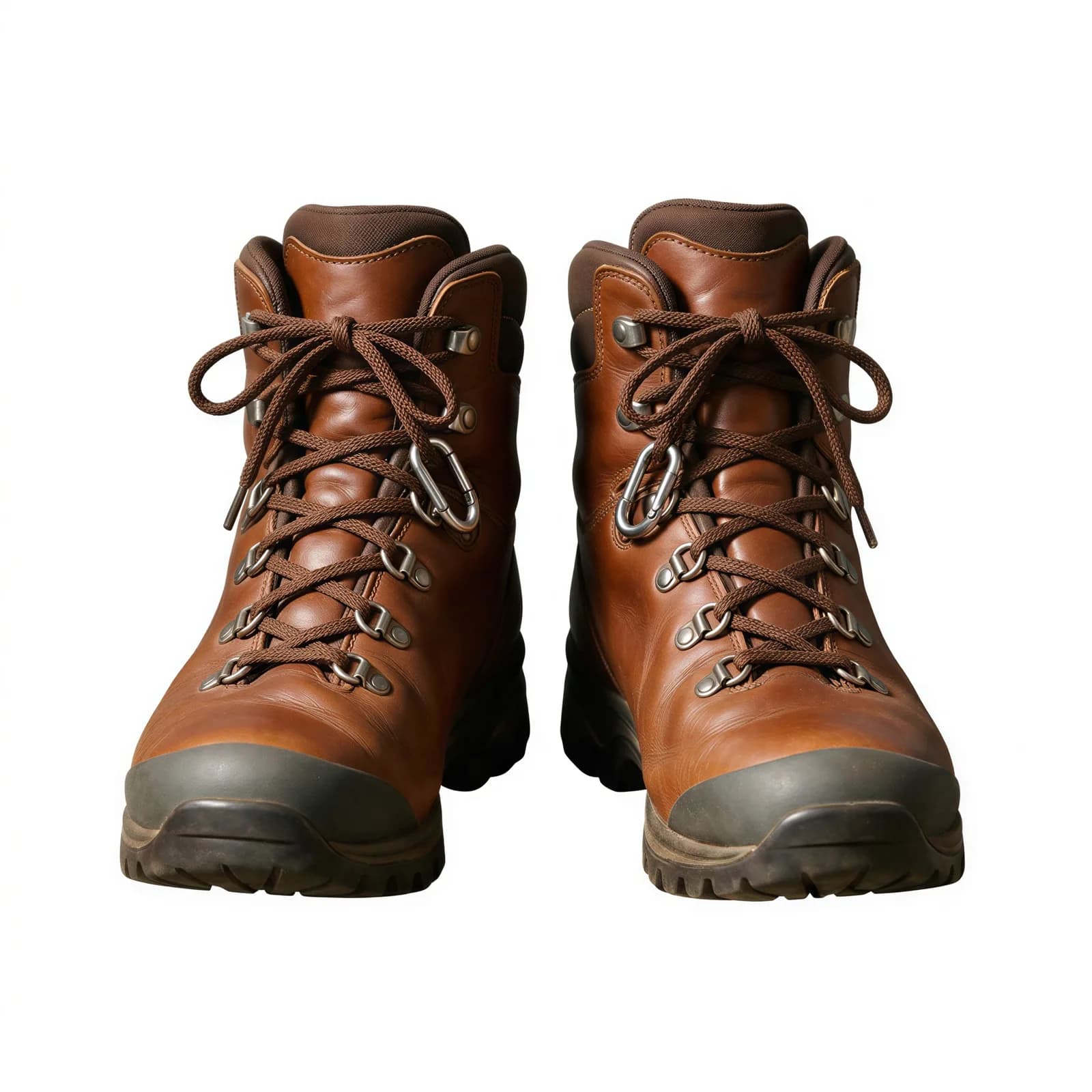
Background Remover
Clean cutouts with crisp edges.
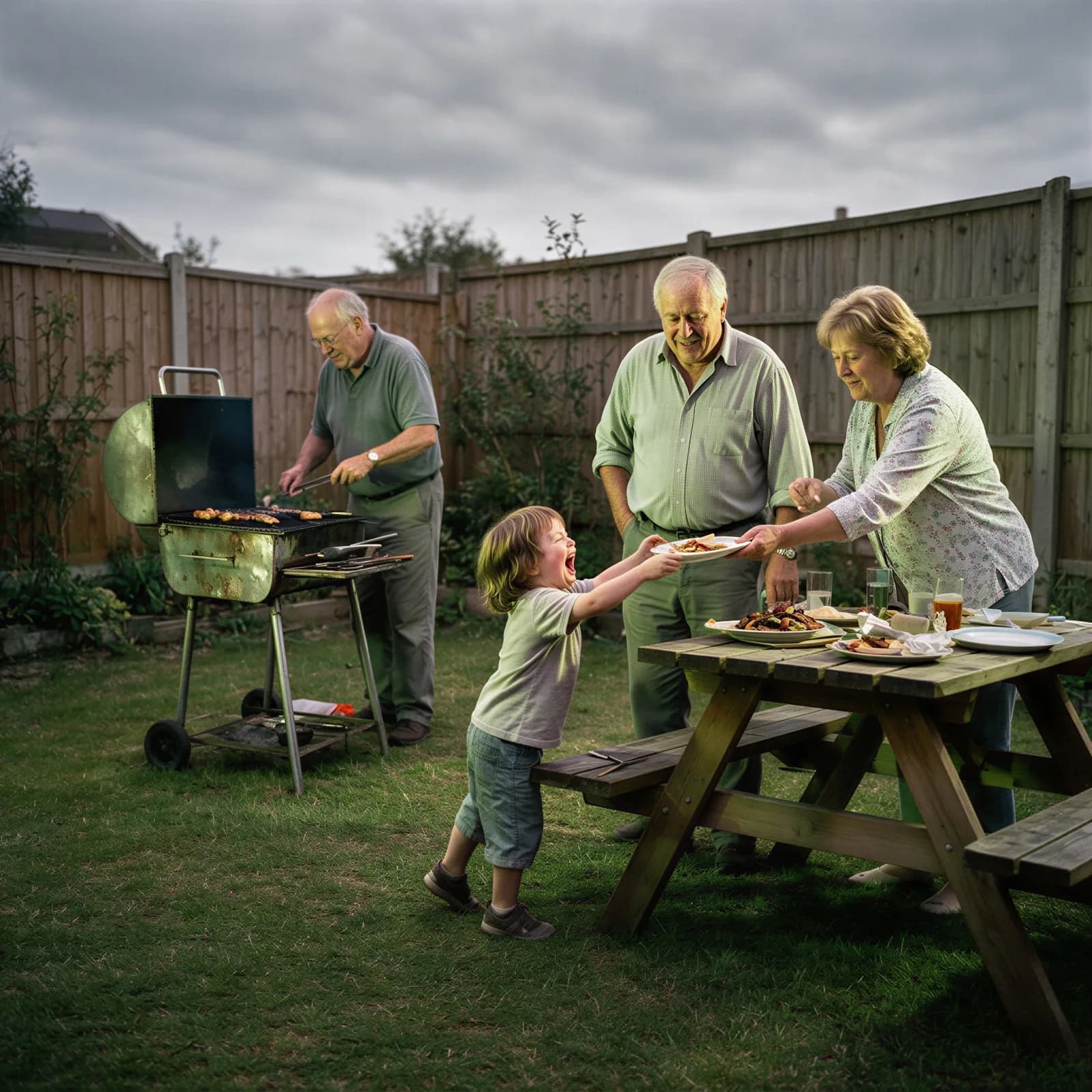
AI Image Enhancer
Fix clarity, color, and lighting in one pass.