

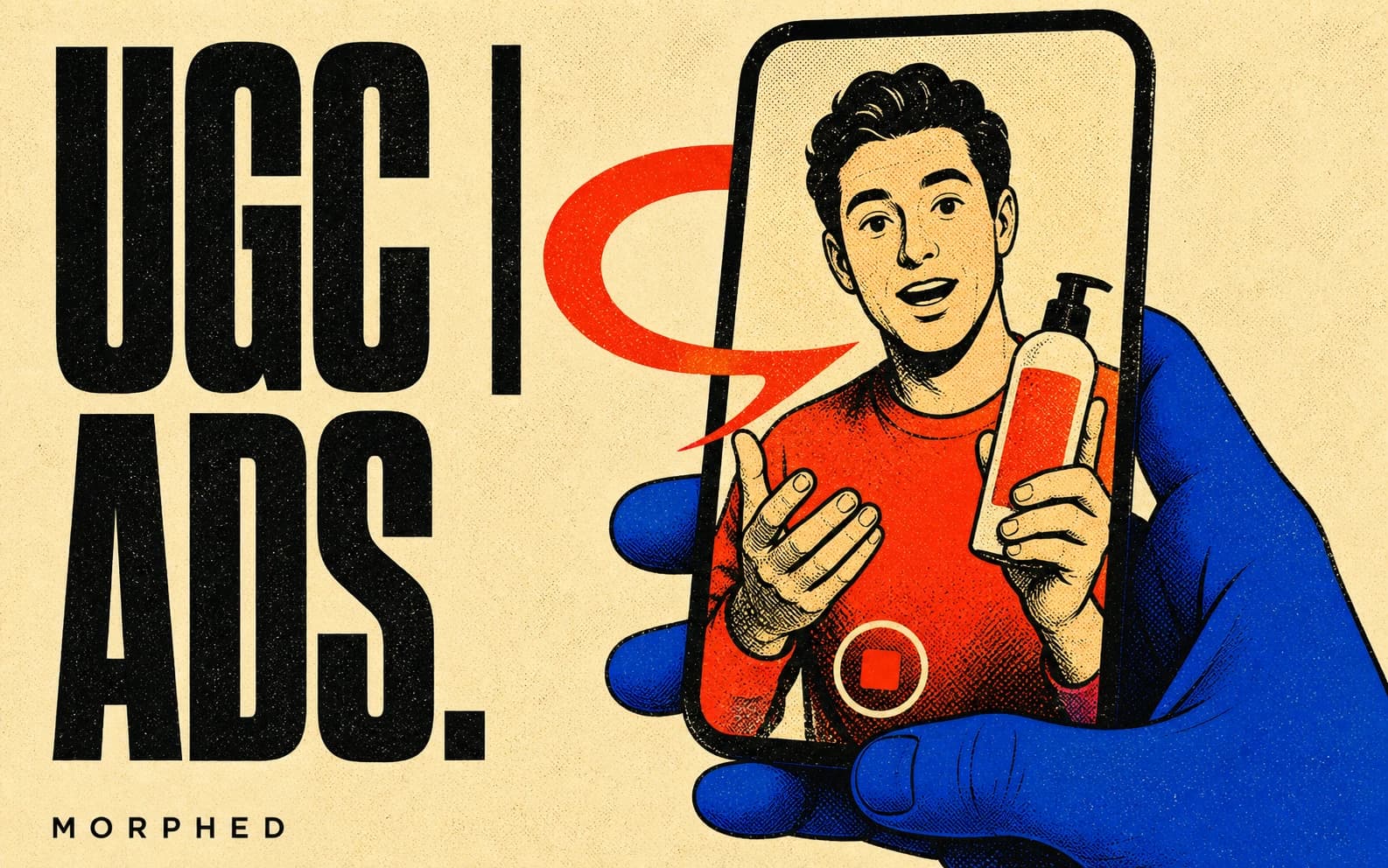
UGC-style ads — a real-looking person talking to camera, handheld product demos, casual testimonial energy — have dominated paid social performance for years because they don't look like ads. The bottleneck was always production: sourcing creators, briefing them, waiting a week, paying $150–$500 per video, and getting one usable take.
AI video models crossed the believability line for this format in the last year. Talking humans with synced speech, handheld camera feel, and kitchen-counter lighting are now generatable on demand — the engine behind Morphed's AI UGC ads workflow. Here's what actually works, model by model, and where the compliance lines sit.
Quick Comparison
| Approach | Best At | Realism | Audio | Consistent Creator |
|---|---|---|---|---|
| Veo 3.1 | Talking-to-camera hooks | Excellent | Native, synced | Via reference stills |
| Sora 2 | Handheld/casual realism | Excellent | Native | Limited |
| Talking Avatar | Long scripts, recurring face | Very good | Script-driven | Yes — same face every ad |
| Kling V3 Pro | Product handling b-roll | Very good | No | Via reference stills |
| Seedance 2.0 | Volume b-roll variants | Good | No | Reference variant |
All except Sora 2 (retired on Morphed on September 24, 2026) run inside Morphed, which matters for UGC more than any other format — winning ad accounts are built on volume testing across styles.
1. Veo 3.1 — Best for Talking-to-Camera Hooks
The core UGC unit is a person looking into a phone camera and delivering a hook line. Veo 3.1 generates this with synced speech audio — mouth movement matching words, natural gesture, believable room tone. Prompt the demographic, setting, energy, and the exact line you want delivered.
Prompt pattern: "Casual selfie-style video, woman in her late 20s in a bright kitchen, holding a skincare bottle, speaking to camera enthusiastically: 'Okay I did not expect this to work this fast.' Handheld phone camera feel, natural light."
Weak spot: clip length — hooks and single beats, not 60-second scripts. Chain clips or hand long scripts to an avatar workflow.
2. Sora 2 — Best Casual Realism
Sora 2 nails the texture of UGC: slightly imperfect framing, motion blur, authentic-feeling environments. It's the strongest choice for non-talking UGC beats — the get-ready-with-me shot, the package-opening, the before/after pan — where vibe matters more than dialogue precision. Sora 2 was retired on Morphed on September 24, 2026; for similar shots on Morphed, use Veo 3.1 or Kling.
Weak spot: holding a specific product's label perfectly through motion; keep tight product inserts on Kling and cut them in.
3. Talking Avatar — Best for Long Scripts and a Recurring Creator
For full 30–60 second testimonial scripts and a consistent "face of the brand" across dozens of ads, the talking avatar workflow wins: create a creator once (generate their portrait with Nano Banana Pro, keeping the same face via reference images), then drive them with any script — including cloned voice — ad after ad.
Weak spot: slightly more "presented" than Veo's candid feel — best for the explainer/testimonial middle of the ad, with Veo/Sora hooks up front.
4. Kling V3 Pro — Best Product-Handling B-roll
Hands applying, pouring, unboxing, swatching: Kling V3 Pro animates your real product photos into handling shots with the product staying accurate — the insert shots that make a UGC ad feel like a demo rather than a monologue. (Full product workflow in our e-commerce video guide.)
5. Seedance 2.0 — Volume Testing Engine
Creative testing wins on iteration count. Seedance 2.0 generates fast and cheap in native 9:16, and the Reference variant holds your product or creator across variants — generate ten hook variations, test, remake winners at higher fidelity.
The AI UGC Ad Assembly Line
- Write hooks first. 5–10 one-line hooks per angle (problem, curiosity, social proof, before/after).
- Generate hook clips with Veo 3.1 — one per hook, varying the person and setting.
- Generate the body: avatar delivering the script, plus 2–3 Kling product-handling inserts.
- Cut 9:16 with captions. Burn-in captions are non-negotiable for sound-off viewing — Morphed's subtitle generator handles this.
- Test, kill, iterate. Winning hook → 5 new variants of it tomorrow. This loop is the entire advantage over creator sourcing.
Compliance: The Lines That Matter
- Label AI content where platforms require it (TikTok's AI toggle; Meta's disclosure for photorealistic people in certain categories).
- Never fake testimonials. An AI person saying "I bought this and it cured my acne" presented as a real customer is a deceptive-advertising problem in most jurisdictions, not just a platform violation. Frame AI creators as spokespeople/dramatizations, and keep product claims substantiated.
- Don't clone real people. Only use likenesses you have rights to; never generate a real creator or celebrity without written permission.
Frequently Asked Questions
What's the best AI UGC generator overall?
A stack, not a single tool: Veo 3.1 hooks, avatar bodies, Kling product inserts — all inside Morphed so the loop stays fast.
Do AI UGC ads actually perform?
The format performs when the hook and offer are right — same as human UGC. AI's edge is iteration speed: testing 20 hooks a week finds winners that testing 3 never would.
Can I make the same AI creator appear in every ad?
Yes — generate the creator's portraits with reference-image consistency, then animate. A recurring face compounds recognition across your account.
How do I add captions?
Generate them automatically with Morphed's AI subtitle generator — word-level timing, styled burn-ins, done before export.
Build your UGC testing engine with every leading model in one place. Start creating on Morphed →
Related: AI Talking Avatar | E-commerce Video Guide | AI Video Generator for TikTok | AI Voice Cloning Tools | AI Subtitle Generator