

Kling V3 Pro
The professional tier of Kling V3 — sharper detail and steadier subjects for client-grade video.
to start generating videos with Kling V3 Pro
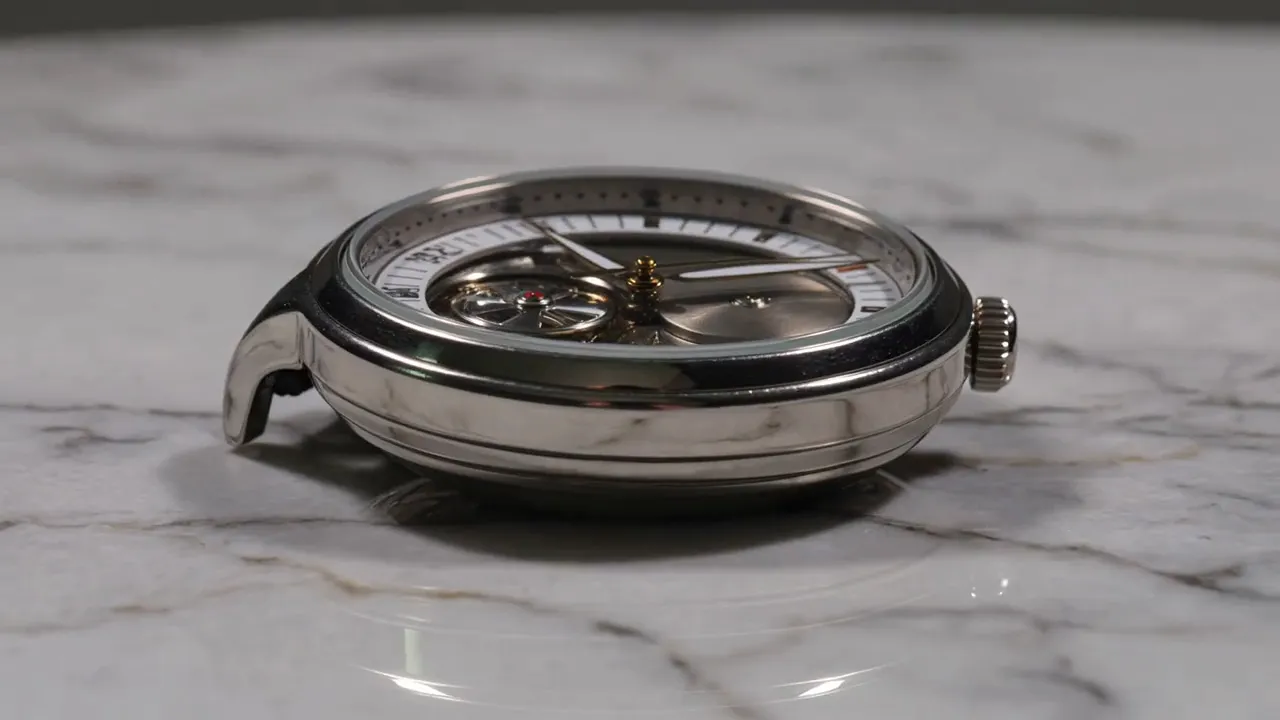
Generated with Kling V3 Pro
“Cinematic close-up of rain hitting a spider web in slow motion, macro detail”
What Sets It Apart
Production-Grade Detail
Pro resolves finer textures than Standard — skin, fabric weave, water droplets — and holds them stable across the full clip.

Steadier Faces & Subjects
Noticeably better identity consistency on people and animals through motion and turns.
Complex Scene Handling
Multi-subject scenes, reflections, and particle effects (rain, sparks, spray) render with fewer artifacts.
Same V3 Camera Control
Full cinematography vocabulary — orbits, dollies, drone moves — executed with Pro-tier polish.
Built For
Client Deliverables
Polished clips ready for brand and agency work.
Ad Creative
High-detail product and lifestyle shots for paid campaigns.
Music & Mood Films
Atmospheric sequences with reliable subject coherence.
Hero Web Video
Landing page background loops that hold up at full width.
Technical Specifications
How Kling V3 Pro Compares
Every model below is available on Morphed — switch between them with the same prompt.
| Model | Credits | Type | Best for |
|---|---|---|---|
| Kling V3 ProThis modelKling | 18 / second | Text to Video | Client Deliverables |
 Kling V3 StandardKling Kling V3 StandardKling | 13 / second | Text to Video | Social Video |
 Kling V3 4KKling Kling V3 4KKling | 60 / second | Text to Video | Product & Luxury Advertising |
 Veo 3.1Google Veo 3.1Google | 20 / second | Text to Video | Premium Video |
Frequently Asked Questions


Create with Kling V3 Pro in three steps
Describe your idea
Write a prompt, or start from one of the examples above. Kling V3 Pro handles detailed, multi-part prompts well.
Generate & iterate
Pick duration and aspect ratio, then generate. Re-roll or refine the prompt until the motion feels right.
Download or keep editing
Export in full resolution, or send the result to another model on Morphed — upscale it, animate it, or edit it.
Ready to create with Kling V3 Pro?
Create an account, then pick a plan to start generating. Plans start at $9/month — 30% off your first 3 months, cancel anytime.