

Sora 2
OpenAI's video model, retired on Morphed on September 24, 2026 — cinematic AI video with strong prompt understanding.
For the same kinds of shots, use Veo 3.1, Kling 2.6 or Seedance 2.0.
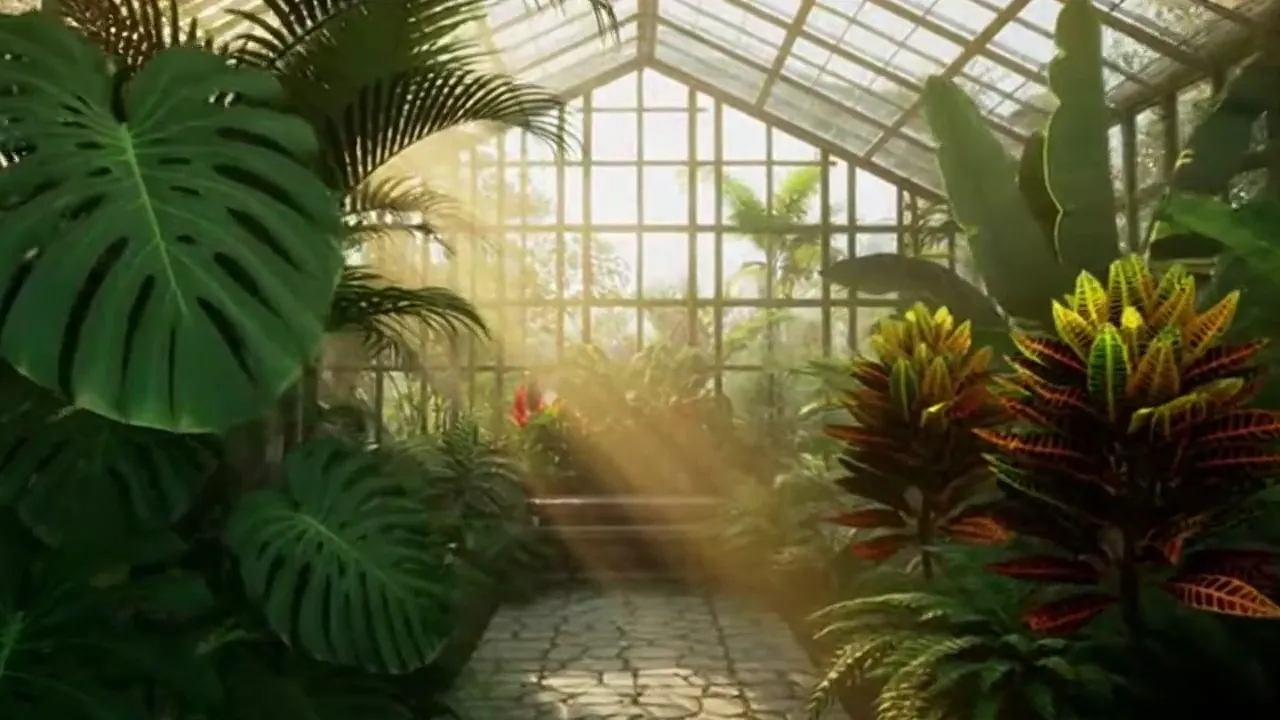
Generated with Sora 2
“A slow dolly shot through a sunlit greenhouse filled with tropical plants”
What Sets It Apart
GPT-Level Understanding
Built on OpenAI's language model foundation, Sora 2 interprets complex, nuanced prompts better than most video models.
Cinematic Quality
Produces video with natural camera movements, consistent lighting, and coherent scene continuity.
Long Duration
Supported clips up to 20 seconds, with audio always included.
Image-to-Video
Animate still images into video clips, preserving the source image's composition and style.
Built For
Social Media Video
Create viral-ready short-form video content for TikTok, Reels, and Shorts.
Concept Videos
Visualize video concepts and storyboards before committing to production.
B-Roll & Stock
Generate supplementary footage for video projects and presentations.
Product Demos
Create animated product showcases and demonstrations.
Technical Specifications
How Sora 2 Compares
Every model below is available on Morphed — switch between them with the same prompt.
| Model | Credits | Type | Best for |
|---|---|---|---|
| Sora 2This modelOpenAI | 10 / second | Text to Video | Social Media Video |
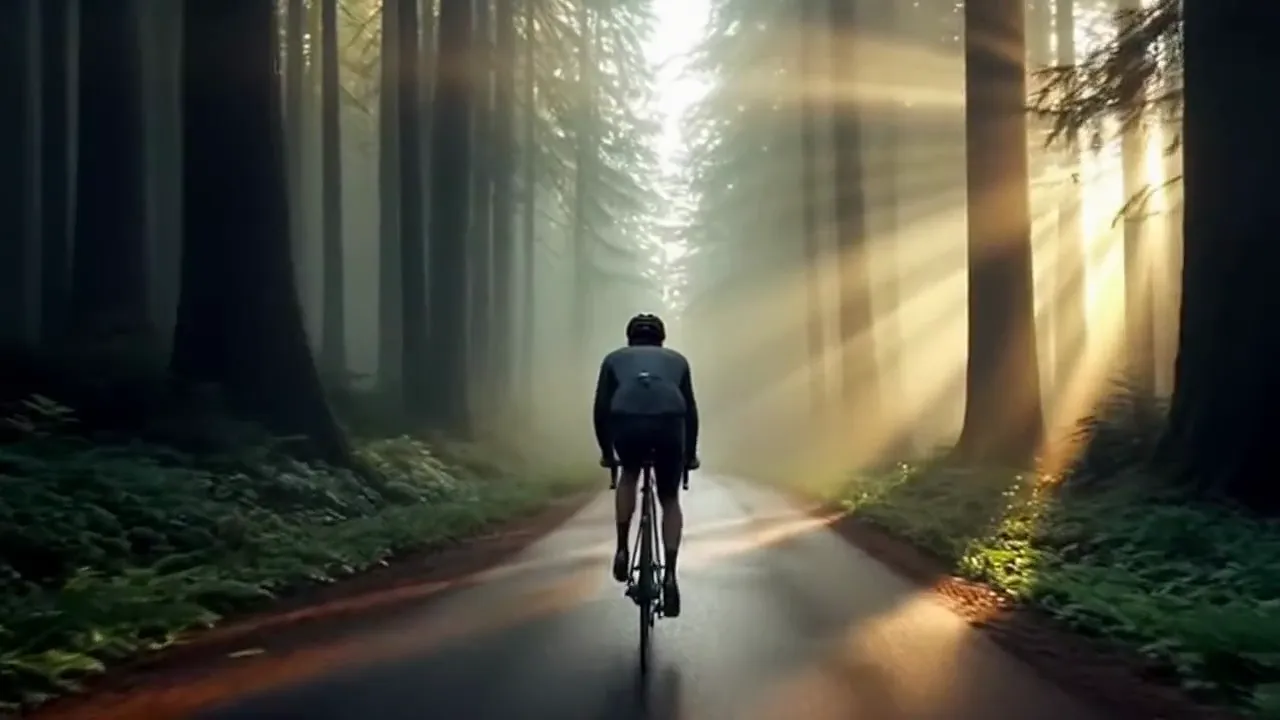 Sora 2 ProOpenAI Sora 2 ProOpenAI | 30 / second | Text to Video | Professional Content |
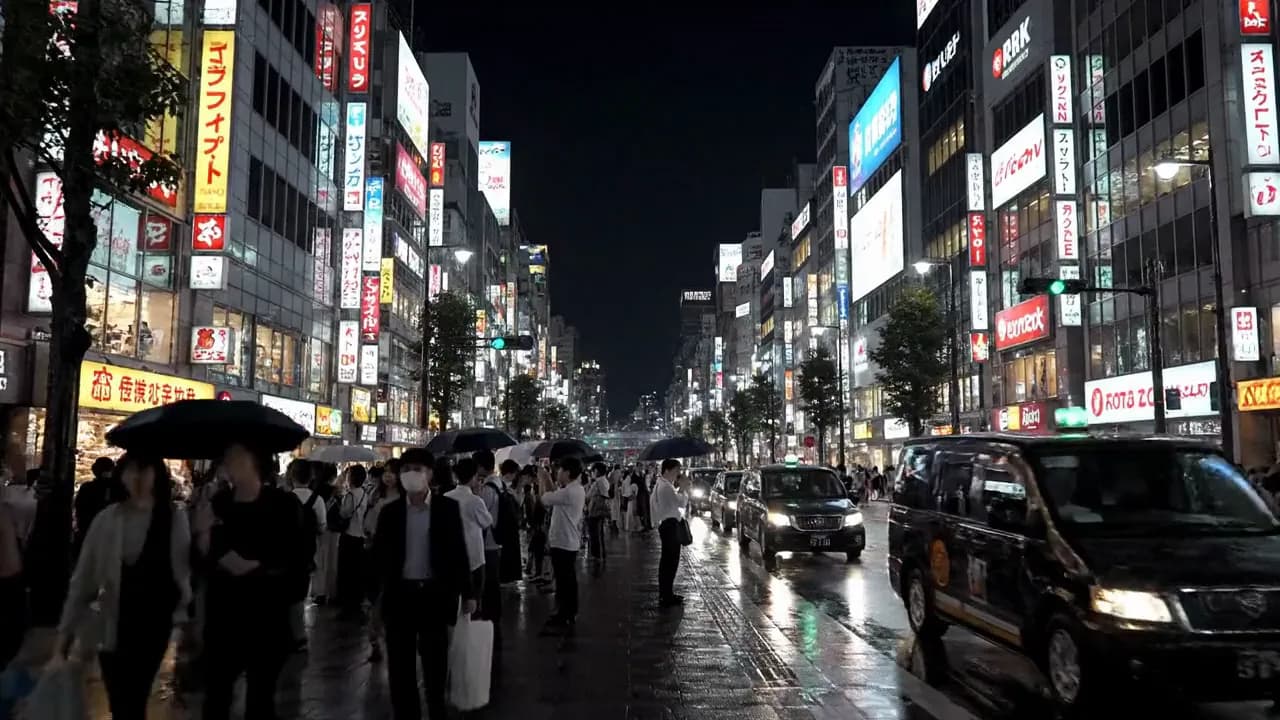 Veo 3Google Veo 3Google | 29 / second | Text to Video | Sound-Enabled Content |
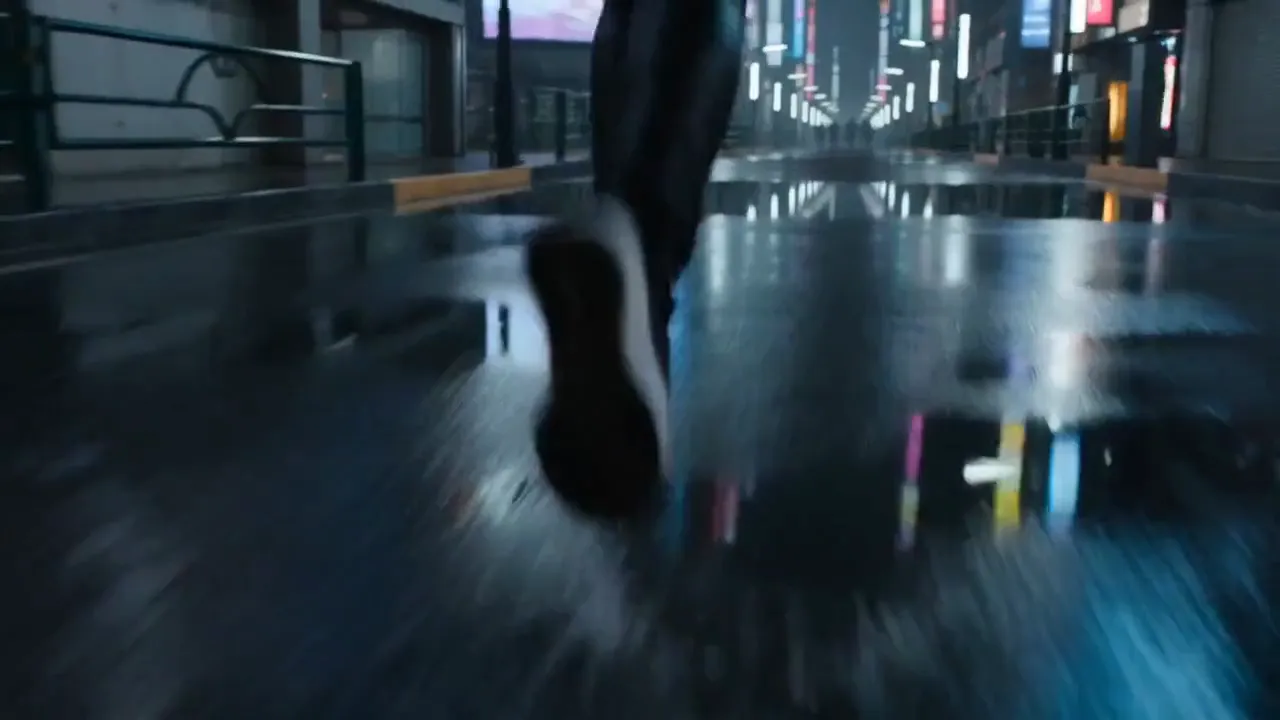 Seedance 2.0Bytedance Seedance 2.0Bytedance | 43.5 / second | Text to Video | Cinematic Content |
 Kling 2.6Kling Kling 2.6Kling | 11 / second | Text to Video | Action Content |
Frequently Asked Questions


Ready to create with a current video model?
Create an account, then pick a plan to start generating. Plans start at $9/month — 30% off your first 3 months, cancel anytime.