

Sora 2 Pro
OpenAI's premium video model, retired on Morphed on September 24, 2026 — output up to 1080p.
For the same kinds of shots, use Veo 3.1, Kling 2.6 or Seedance 2.0.
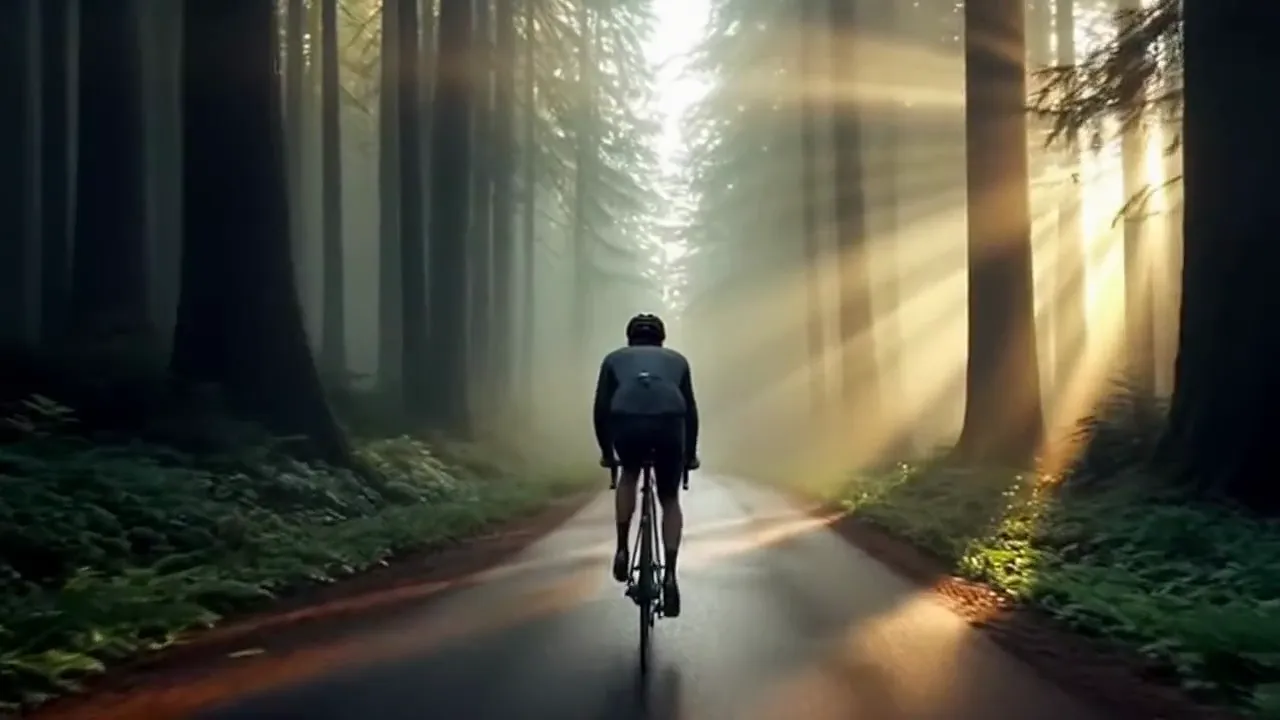
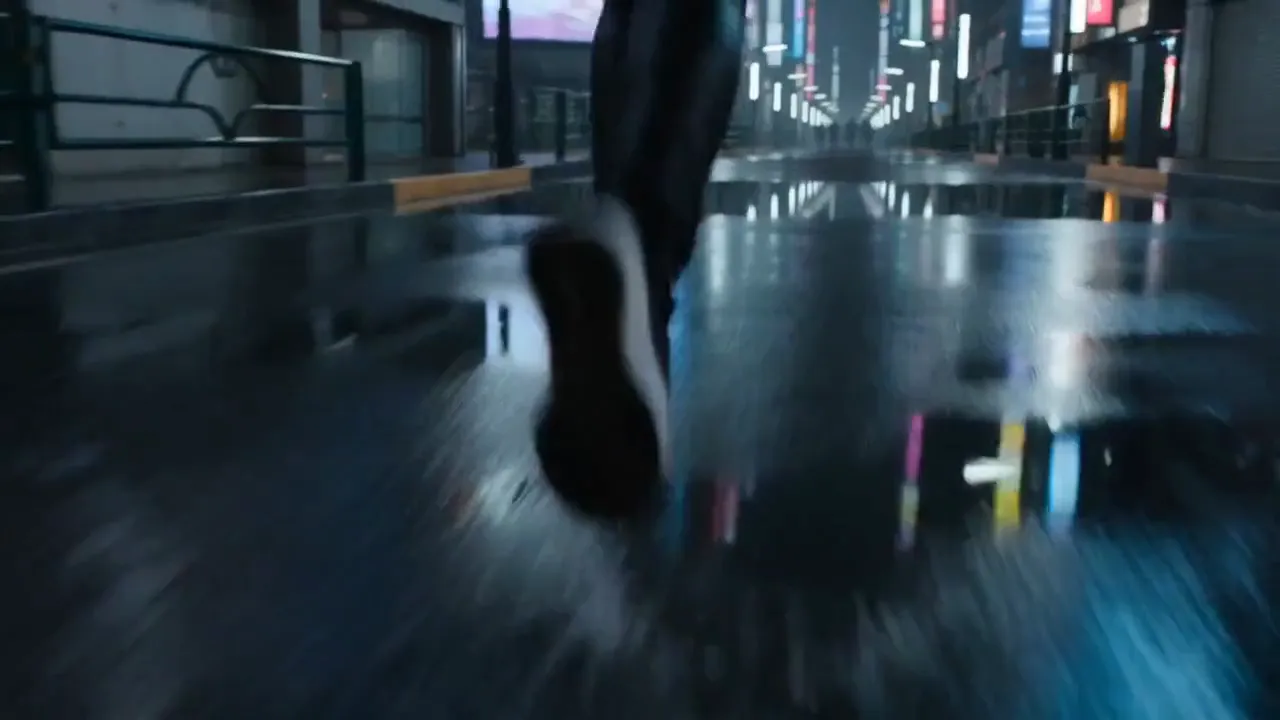
Generated with Sora 2 Pro
“Cinematic tracking shot following a cyclist through misty forest roads at dawn”
What Sets It Apart
HD & Full HD Output
Generate videos in 720p or 1080p resolution — professional quality for any distribution channel.
Premium Visual Quality
Higher fidelity than standard Sora 2 with sharper details, better lighting, and more refined motion.
Extended Duration
Supported up to 20-second clips at professional resolution, with audio always included.
Image-to-Video
Animate images into high-resolution video clips.
Built For
Professional Content
Create broadcast-ready video content for professional channels.
Advertising
Generate high-quality video ads and campaign content.
Film Pre-Viz
Create high-resolution pre-visualization clips for film projects.
Client Deliverables
Produce polished video content for client presentations.
Technical Specifications
How Sora 2 Pro Compares
Every model below is available on Morphed — switch between them with the same prompt.
| Model | Credits | Type | Best for |
|---|---|---|---|
| Sora 2 ProThis modelOpenAI | 30 / second | Text to Video | Professional Content |
 Sora 2OpenAI Sora 2OpenAI | 10 / second | Text to Video | Social Media Video |
 Veo 3Google Veo 3Google | 29 / second | Text to Video | Sound-Enabled Content |
 Veo 3.1Google Veo 3.1Google | 29 / second | Text to Video | Premium Video |
 Seedance 2.0Bytedance Seedance 2.0Bytedance | 43.5 / second | Text to Video | Cinematic Content |
Frequently Asked Questions


Ready to create with a current video model?
Create an account, then pick a plan to start generating. Plans start at $9/month — 30% off your first 3 months, cancel anytime.