

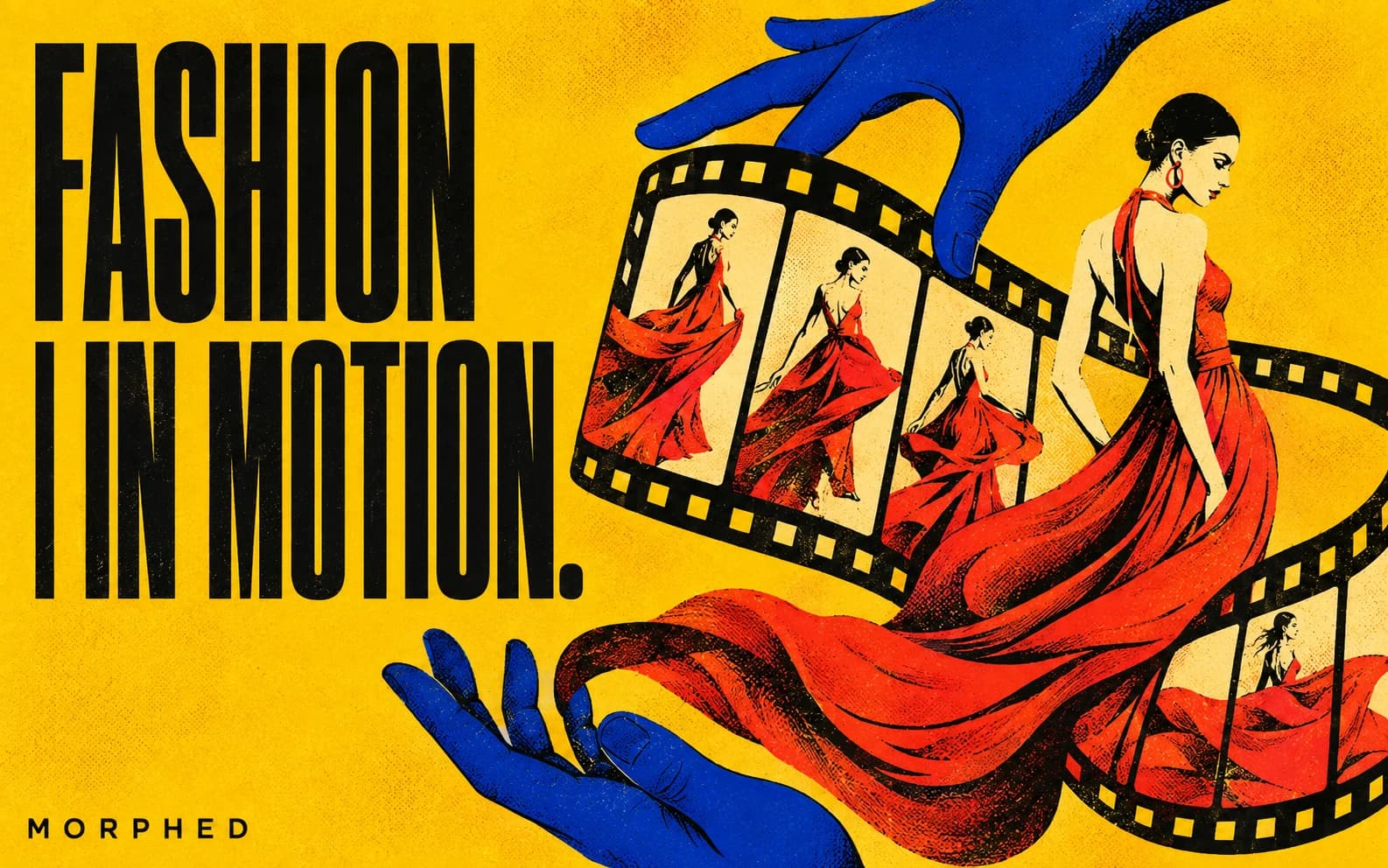
Fashion sells motion — how a fabric moves is half the reason to buy it — but video has always been the most expensive asset in the fashion content stack: models, studios, stylists, and a day rate that limits video to hero pieces. AI video now turns a single styled still into runway walks, fabric-in-motion clips, and editorial scenes, which means every SKU can move, not just the campaign looks.
The constraint that shapes everything: the garment is the product. Print, drape, color, and construction must stay exactly true in every frame. That rules out text-to-video for the clothes themselves and makes image-to-video from a real (or virtually tried-on) still the mandatory starting point. We compared the leading models under that workflow.
Quick Comparison
| Model | Best At | Fabric Physics | Garment Fidelity | Max Quality |
|---|---|---|---|---|
| Kling V3 Pro | Runway walks, fabric motion | Excellent | Excellent | Up to 4K |
| Veo 3.1 | Editorial narrative scenes | Excellent | Excellent | 1080p + audio |
| Sora 2 | High-concept campaign visuals | Very good | Good | 1080p + audio |
| Seedance 2.0 | Social volume, model reference | Very good | Very good | 1080p |
| Hailuo 2.3 Pro | Budget lookbook clips | Good | Good | 1080p |
All except Sora 2 (retired on Morphed on September 24, 2026) run inside Morphed, alongside the image-side tools fashion teams live in: virtual try-on, clothes changer, and the fashion prompt library.
1. Kling V3 Pro — Best for Fabric and Runway Motion
Fabric physics is the fashion test, and Kling V3 Pro passes it most convincingly: silk flows with weight, tailoring holds structure, pleats and fringe move independently. The classic shots — runway walk toward camera, slow turn, wind-blown editorial stance — come out looking shot, and the 4K variant holds texture detail (knit, weave, sequins) that 1080p smears.
Prompt pattern: "The model walks slowly toward the camera down a minimalist runway, garment flowing naturally with each step, studio lighting, steady camera, fabric detail sharp."
2. Veo 3.1 — Best for Editorial Scenes
Campaign-style narrative — the model stepping out of a car at night, turning in golden-hour light, moving through a brutalist interior — is Veo 3.1's strength: the most natural human movement and scene light, with garment fidelity holding through the story beat. Native audio (heels, street ambience) adds texture for full-screen social.
3. Sora 2 — Best for High-Concept Campaigns
For the fashion-film end of the spectrum — surreal sets, impossible environments, dreamlike transitions — Sora 2 delivers the strongest art direction. Use it for world-building shots and mood; keep tight garment close-ups on Kling, where label-accurate detail is safer. Sora 2 was retired on Morphed on September 24, 2026; there, use Veo 3.1 for these shots.
4. Seedance 2.0 — Best for Social Volume and Model Consistency
Drops and social calendars need dozens of clips per collection. Seedance 2.0 is the fast, cheap iteration engine in native 9:16, and Seedance 2.0 Reference holds your brand model's identity across clips directly at the video stage.
5. Hailuo 2.3 Pro — Budget Lookbook Option
For animating a whole lookbook where each piece needs one simple motion clip, Hailuo 2.3 Pro's lower credit cost per clip is worth benchmarking on your garments.
The Fashion Video Pipeline
- Create the on-model still. Photograph it, or put the garment on a model digitally with virtual try-on — flat-lay or ghost-mannequin photo in, on-model image out.
- Lock your brand model. Reference-based image generation (Nano Banana Pro) keeps one consistent face across the entire collection — a virtual house model.
- Animate per shot type. Walk/turn/fabric motion → Kling. Editorial scene or concept film → Veo. Social variants → Seedance.
- QC the garment. Frame-by-frame on print alignment, color, closures, and hems. Regenerate misses — it's minutes.
- Cut for channel. 9:16 with music for Reels/TikTok, 4:5 for feed, 16:9 for the PDP and lookbook page. Upscale hero clips via the video upscaler.
Disclosure and Ethics Notes
- Label AI models where required. Disclosure rules for AI-generated fashion models are tightening (EU AI Act transparency provisions; several US state laws). Building disclosure into captions now is cheap insurance.
- Represent the product honestly. Color accuracy and fit representation rules apply to AI footage exactly as to photography.
- Use likenesses you own. A generated house model avoids the consent and licensing questions of animating real models' images without contract coverage.
Frequently Asked Questions
What's the best AI fashion video generator?
Kling V3 Pro for garment motion, Veo 3.1 for editorial — run both in Morphed with virtual try-on feeding the stills.
Can I make videos from flat-lay product photos?
Yes — virtual try-on puts the garment on a model first, then image-to-video animates the result. Flat-lay direct to video doesn't produce usable fashion footage.
How do small brands use this practically?
One styled still per SKU → one 6-second motion clip per SKU → every product page and social post gets video. The whole catalog moves for roughly the cost of one traditional model day.
Does it work for jewelry and accessories?
Yes — macro motion (catching light, on-body movement) works well, with the same fidelity QC. Product-focused workflows are covered in our e-commerce video guide.
Put your collection in motion — try-on, model consistency, and every leading video model in one place. Start creating on Morphed →
Related: Virtual Try-On | AI Clothes Changer | Nano Banana Prompts for Fashion | E-commerce Video Guide | AI Influencer Studio