

Kling V3 4K
Native 4K AI video — Kling's highest resolution model at 60 credits per second.
to start generating videos with Kling V3 4K
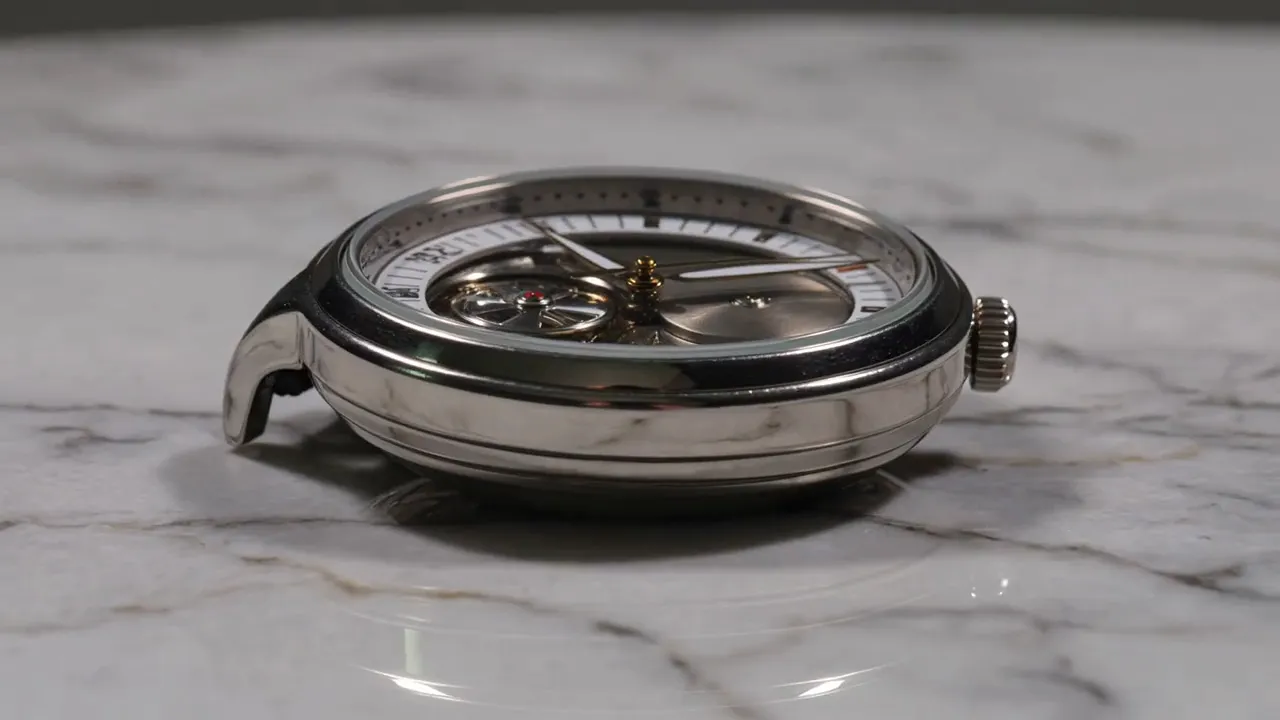
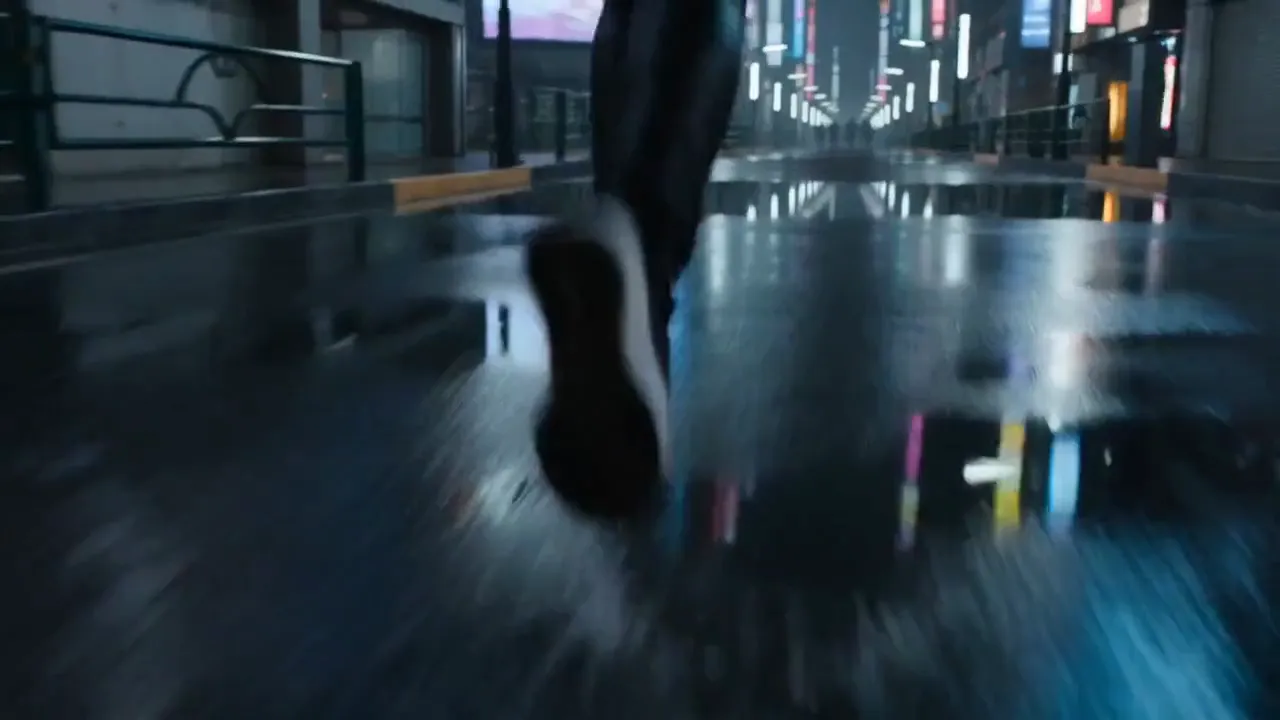
Generated with Kling V3 4K
“A slow orbit around a luxury watch on a marble surface, every scratch and reflection visible in 4K”
What Sets It Apart
Native 4K Resolution
Generates video at true 4K — not upscaled. Every frame is rendered at full resolution for broadcast and large-screen distribution.
Kling Motion Quality
Inherits the Kling family's best-in-class motion consistency with physically plausible weight, momentum, and camera movement.
Audio Support
Optional synchronized audio generation for immersive 4K video with ambient sound.
Extended Duration
Supports 3 to 15 second clips — longer than most premium video models.
Built For
Product & Luxury Advertising
Generate 4K product showcase videos where texture, finish, and material detail drive purchasing decisions.
Large-Screen Display
Create content for 4K monitors, digital signage, trade show displays, and event screens.
Broadcast & Streaming
Produce broadcast-standard 4K footage for television, YouTube 4K, and streaming platforms.
Architectural Visualization
Generate detailed walkthrough and establishing shots where resolution reveals material and spatial detail.
Technical Specifications
How Kling V3 4K Compares
Every model below is available on Morphed — switch between them with the same prompt.
| Model | Credits | Type | Best for |
|---|---|---|---|
| Kling V3 4KThis modelKling | 60 / second | Text to Video | Product & Luxury Advertising |
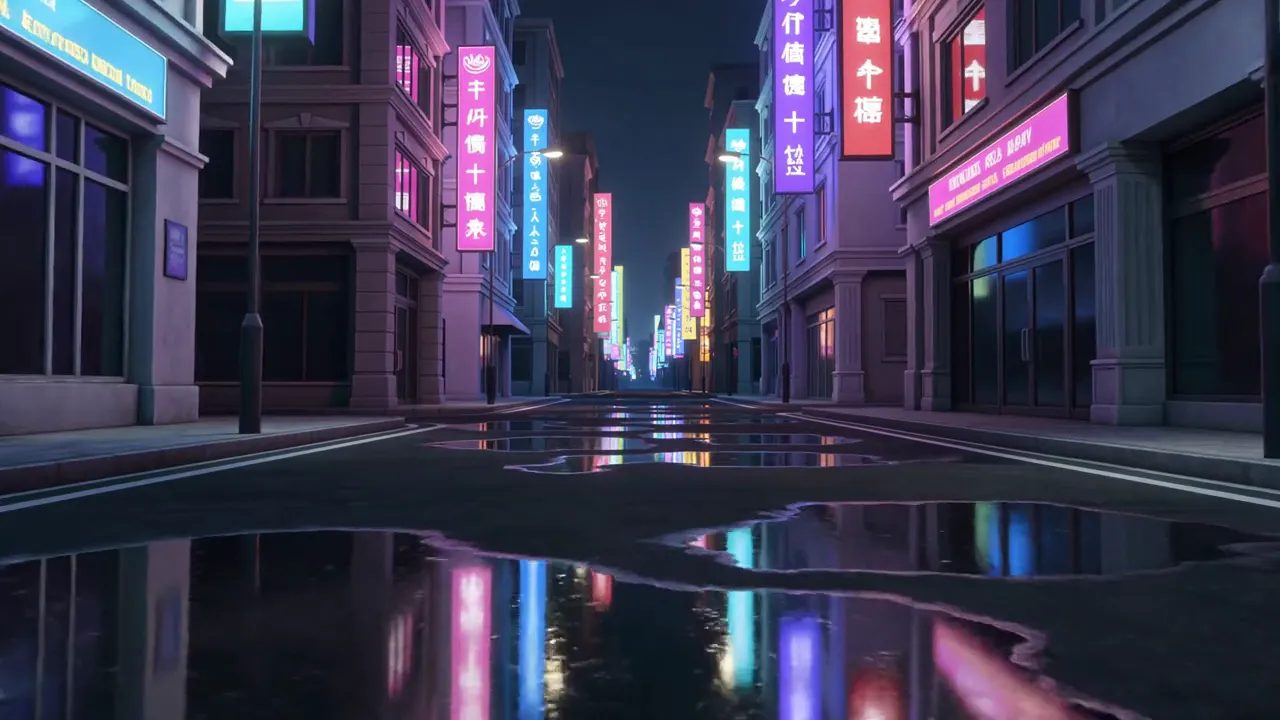 Kling O3 4KKling Kling O3 4KKling | 60 / second | Text to Video | Creative & Art Direction |
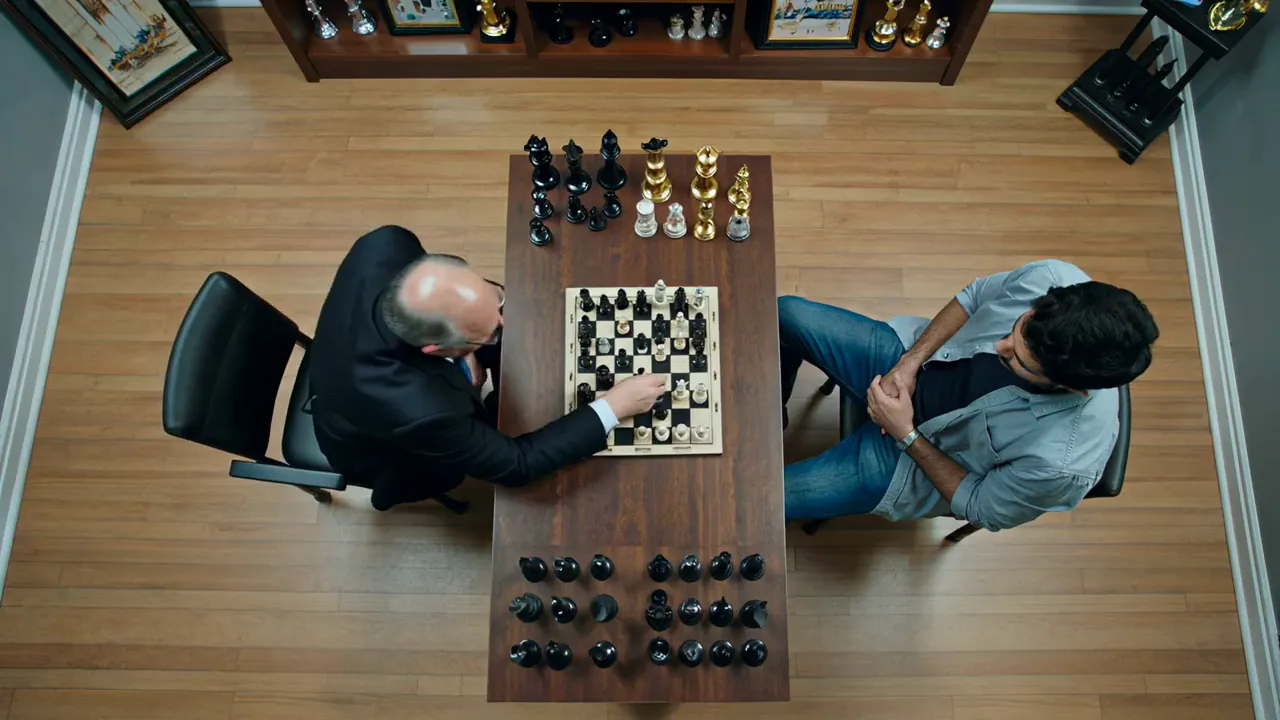 Kling 2.1 MasterKling Kling 2.1 MasterKling | 28 / second | Text to Video | Film & Broadcast |
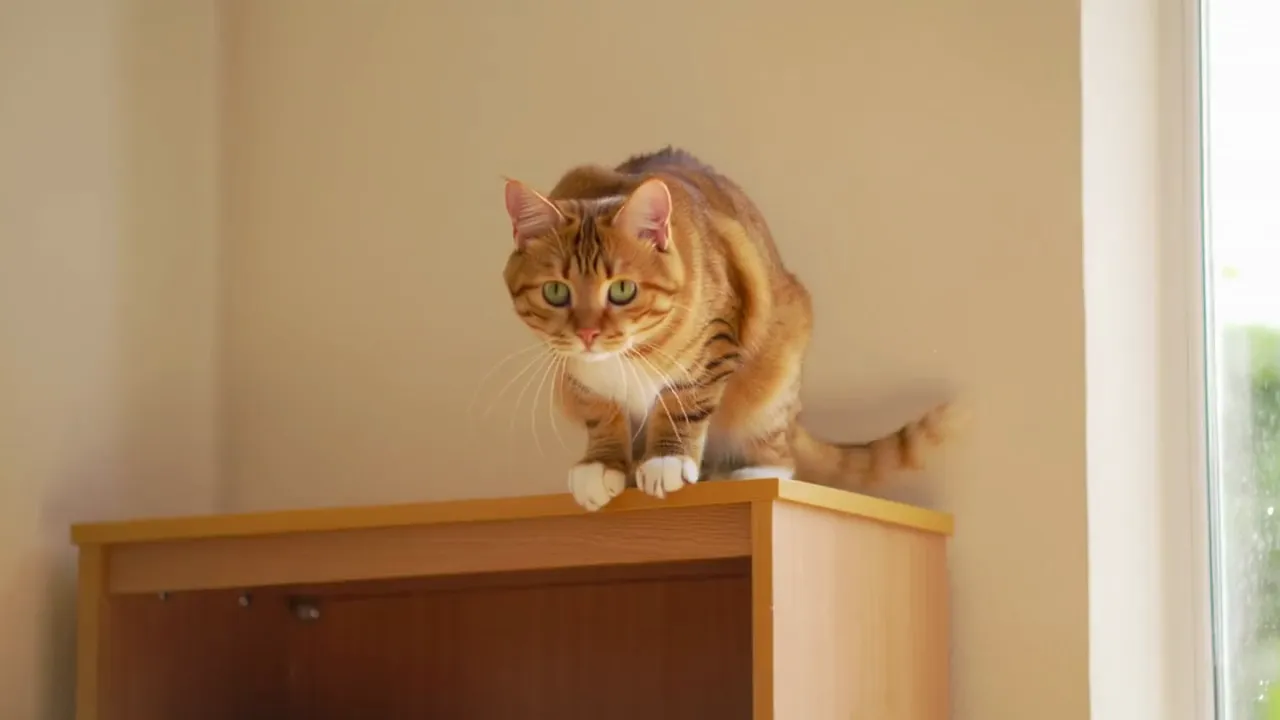 Kling 2.6Kling Kling 2.6Kling | 11 / second | Text to Video | Action Content |
 Seedance 2.0Bytedance Seedance 2.0Bytedance | 43.5 / second | Text to Video | Cinematic Content |
Frequently Asked Questions


Create with Kling V3 4K in three steps
Describe your idea
Write a prompt, or start from one of the examples above. Kling V3 4K handles detailed, multi-part prompts well.
Generate & iterate
Pick duration and aspect ratio, then generate. Re-roll or refine the prompt until the motion feels right.
Download or keep editing
Export in full resolution, or send the result to another model on Morphed — upscale it, animate it, or edit it.
Ready to create with Kling V3 4K?
Create an account, then pick a plan to start generating. Plans start at $9/month — 30% off your first 3 months, cancel anytime.