

Kling 2.1 Master
Kling's premium model — maximum quality at 40 credits per second for cinematic output.
to start generating videos with Kling 2.1 Master
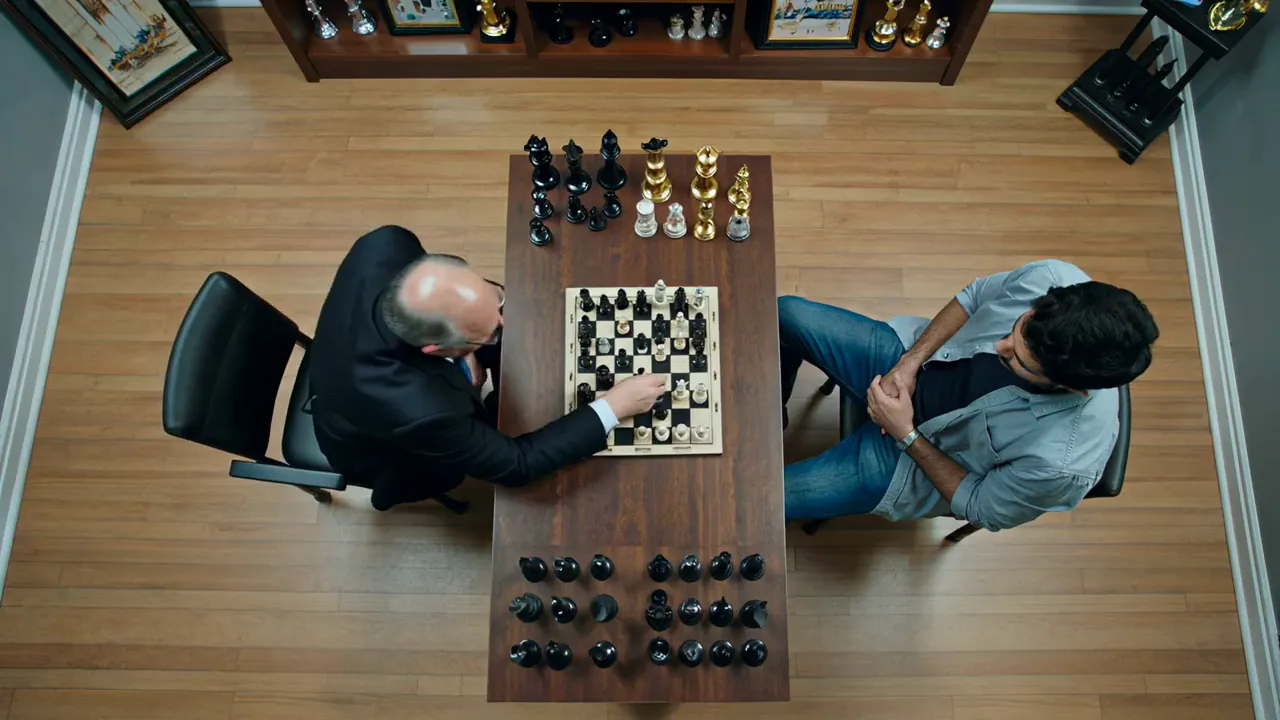
Generated with Kling 2.1 Master
“Hyper-realistic cinematic sequence of a chess match, dramatic overhead angle”
What Sets It Apart
Maximum Kling Quality
The highest quality output in the Kling family — cinema-grade motion, detail, and visual fidelity.
Superior Motion
The most sophisticated motion rendering available — complex choreography, fluid camera moves, and natural physics.
Silent Output
Generates video without audio, ready for professional sound design in post.
Image-to-Video
Premium-quality image animation for professional projects.
Built For
Film & Broadcast
Create broadcast-quality video content for professional distribution.
Premium Advertising
Generate high-production-value video ads and commercial content.
Showcase Work
Produce portfolio-quality video that demonstrates AI's creative potential.
Complex Motion
Generate videos with sophisticated choreography and physical interactions.
Technical Specifications
How Kling 2.1 Master Compares
Every model below is available on Morphed — switch between them with the same prompt.
| Model | Credits | Type | Best for |
|---|---|---|---|
| Kling 2.1 MasterThis modelKling | 40 / second | Text to Video | Film & Broadcast |
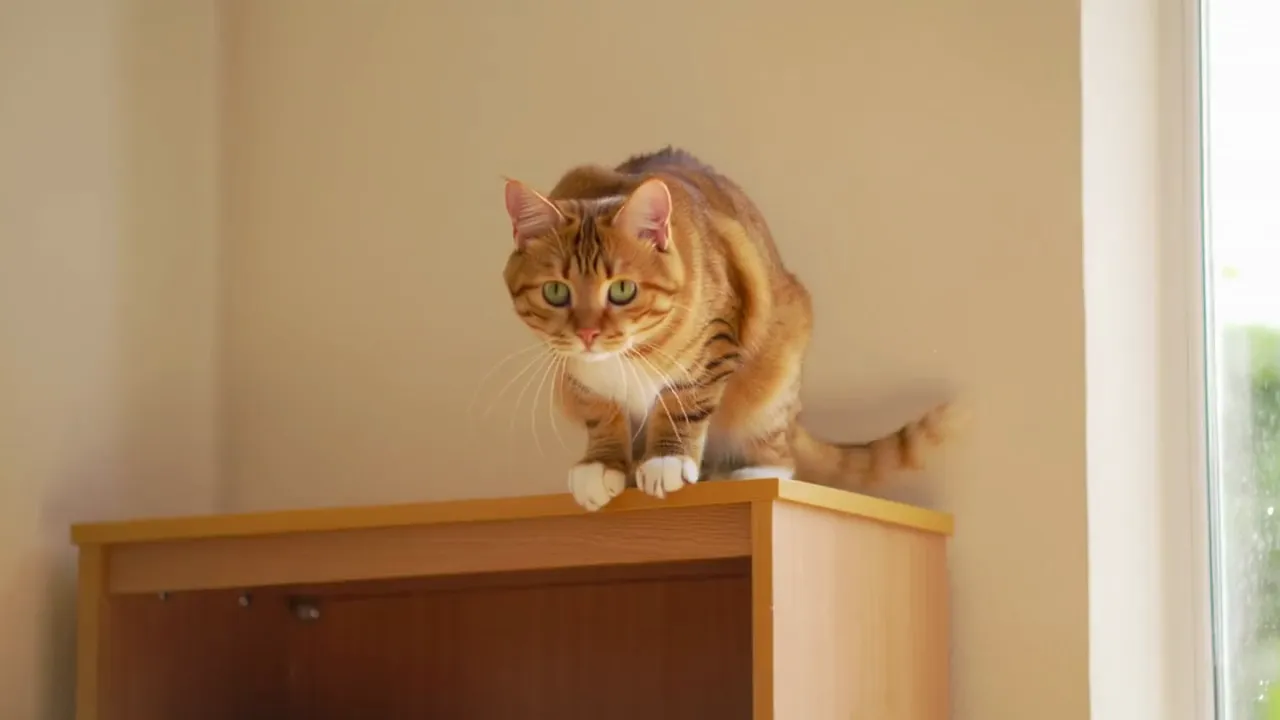 Kling 2.6Kling Kling 2.6Kling | 11 / second | Text to Video | Action Content |
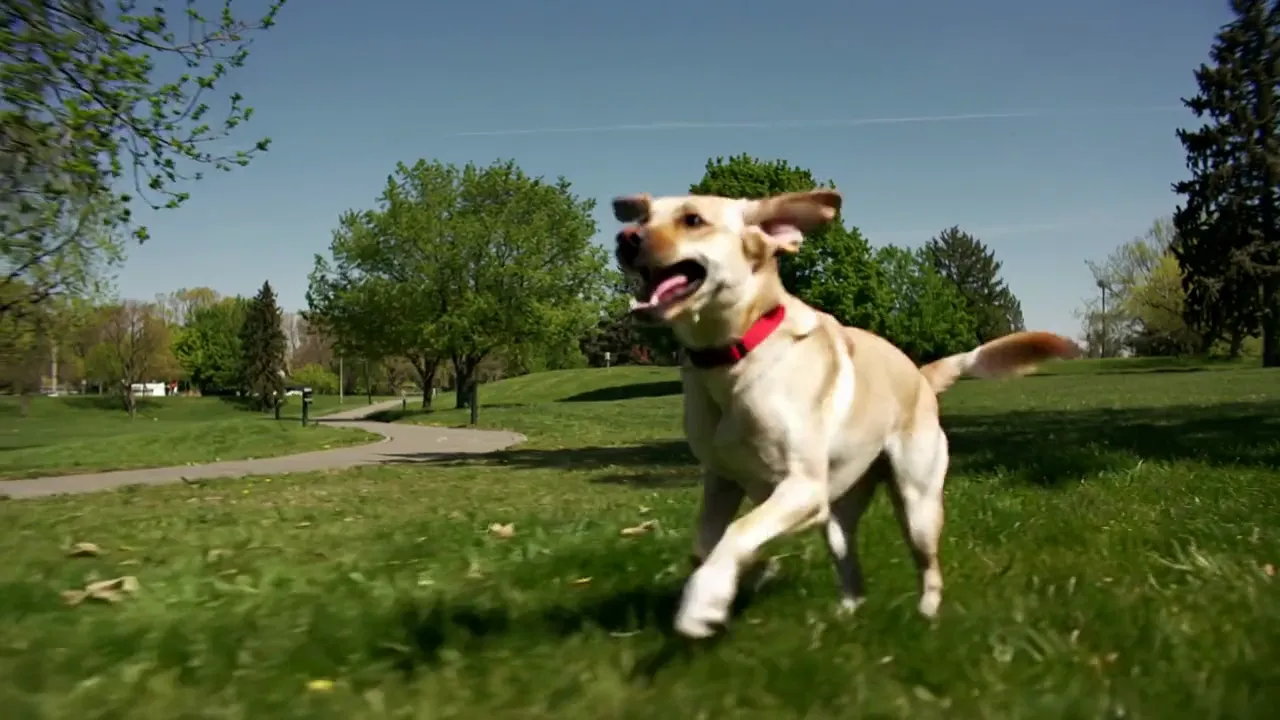 Kling 2.5 TurboKling Kling 2.5 TurboKling | 10 / second | Text to Video | Rapid Content |
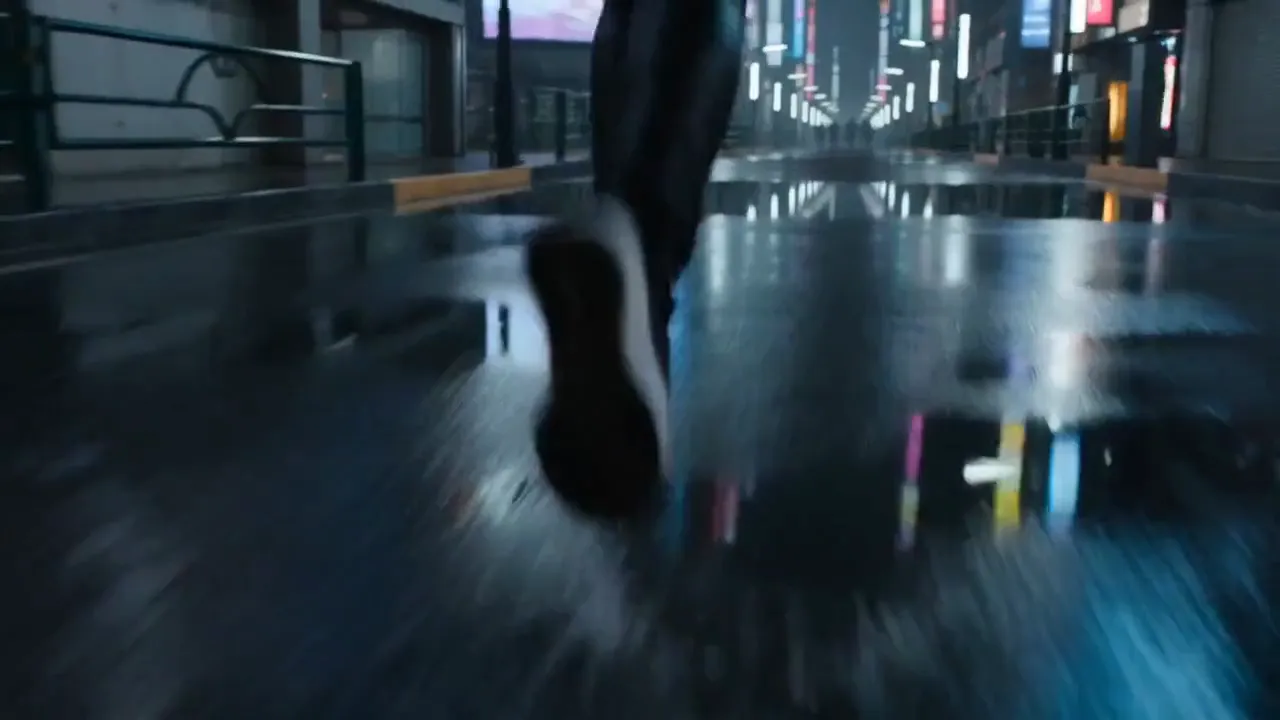 Seedance 2.0Bytedance Seedance 2.0Bytedance | 43.5 / second | Text to Video | Cinematic Content |
Frequently Asked Questions


Create with Kling 2.1 Master in three steps
Describe your idea
Write a prompt, or start from one of the examples above. Kling 2.1 Master handles detailed, multi-part prompts well.
Generate & iterate
Pick duration and aspect ratio, then generate. Re-roll or refine the prompt until the motion feels right.
Download or keep editing
Export in full resolution, or send the result to another model on Morphed — upscale it, animate it, or edit it.
Ready to create with Kling 2.1 Master?
Create an account, then pick a plan to start generating. Plans start at $9/month — 30% off your first 3 months, cancel anytime.