

AI Subtitle Generator
Auto Captions For Every Video
Transcribe and caption your videos automatically. Word-accurate subtitles with social-ready styling, burned into the render — because most of your audience watches on mute.
Drop a photo here
JPG, PNG or HEIC · up to 20 MB
Plans from $9/mo · Cancel anytime

How it works in 3 steps
Upload, review the transcript, render.
Upload your video
Add any video with speech — a short, a clip, or a full-length recording.
AI transcribes it
Speech becomes a word-timestamped transcript you can review and edit.
Style & render
Pick a caption style and export your video with clean, accurate captions burned in.
Captions That Keep People Watching
Accurate, styled, and rendered into the video.
- Word-Accurate Transcription
- Speech is transcribed with per-word timestamps, so captions land exactly when each word is spoken — no drift, no lag.
- Styled, Not Just Subtitled
- Captions are rendered in clean, high-contrast styles built for vertical video — including word-highlight animation as the speaker talks.
- Burned Into the Render
- Captions are baked into the exported MP4, so they display identically on every platform and device.
- Minutes, Not Hours
- A full video is transcribed and captioned in the time it takes to make coffee — no manual typing or timing.
- Fully Editable Text
- Fix names, jargon, and punctuation in the transcript before rendering — you have final say over every word.
- Made for Social Video
- Part of the same workflow that clips long videos into 9:16 shorts, so captioning happens where you already edit.
Where Captions Pay Off
From shorts to courses.
- TikTok, Reels & Shorts
- Most short-form video is watched on mute — captions are what keep viewers watching.
- Podcast Clips
- Caption audiogram-style clips so the conversation works without sound.
- Courses & Tutorials
- Make instructional content accessible and easier to follow.
- Marketing Videos
- Ads and product videos convert better when the message survives the mute button.
- Accessibility
- Serve deaf and hard-of-hearing viewers on every video you publish.
- Interviews & Talks
- Caption speaker content for social distribution after events.
Questions
Start creating in minutes
Plans from $9/mo · Cancel anytime
Explore more AI tools

AI Talking Avatar
Add a voice to a photo and get natural lip sync.
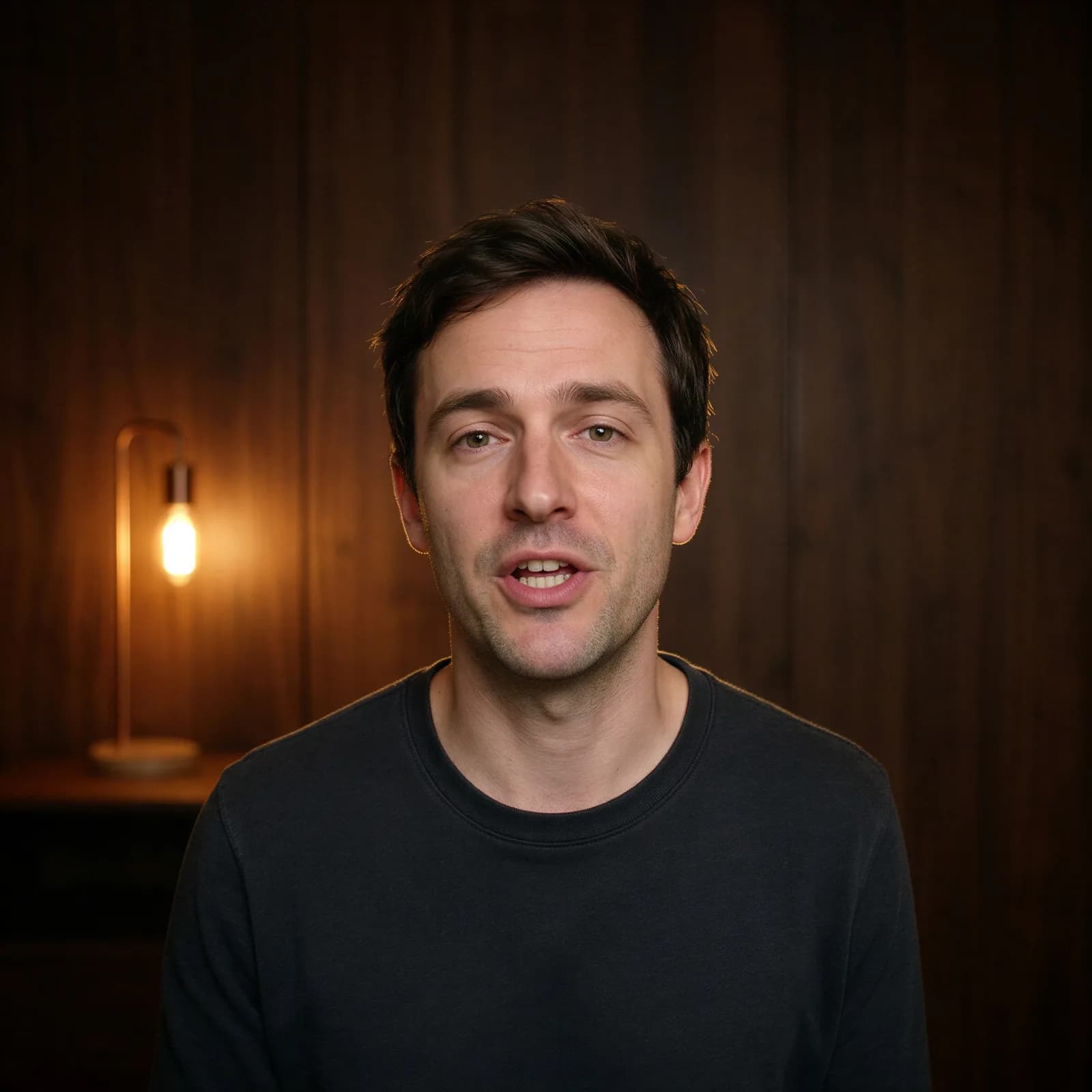
AI Video Background Changer
Swap a video's scene with a text prompt — no green screen.
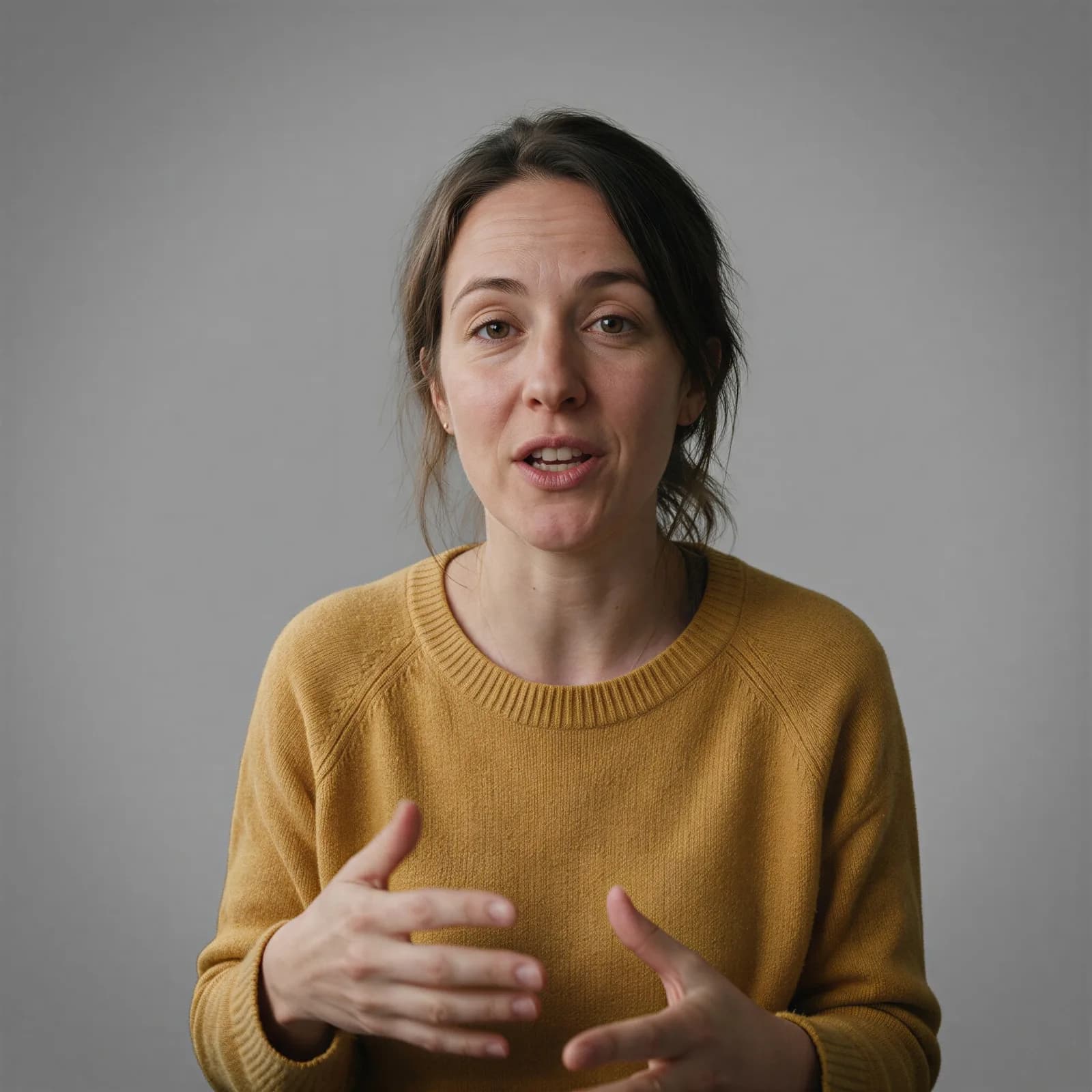
AI Video Background Remover
Cut a video background out frame by frame, no green screen.
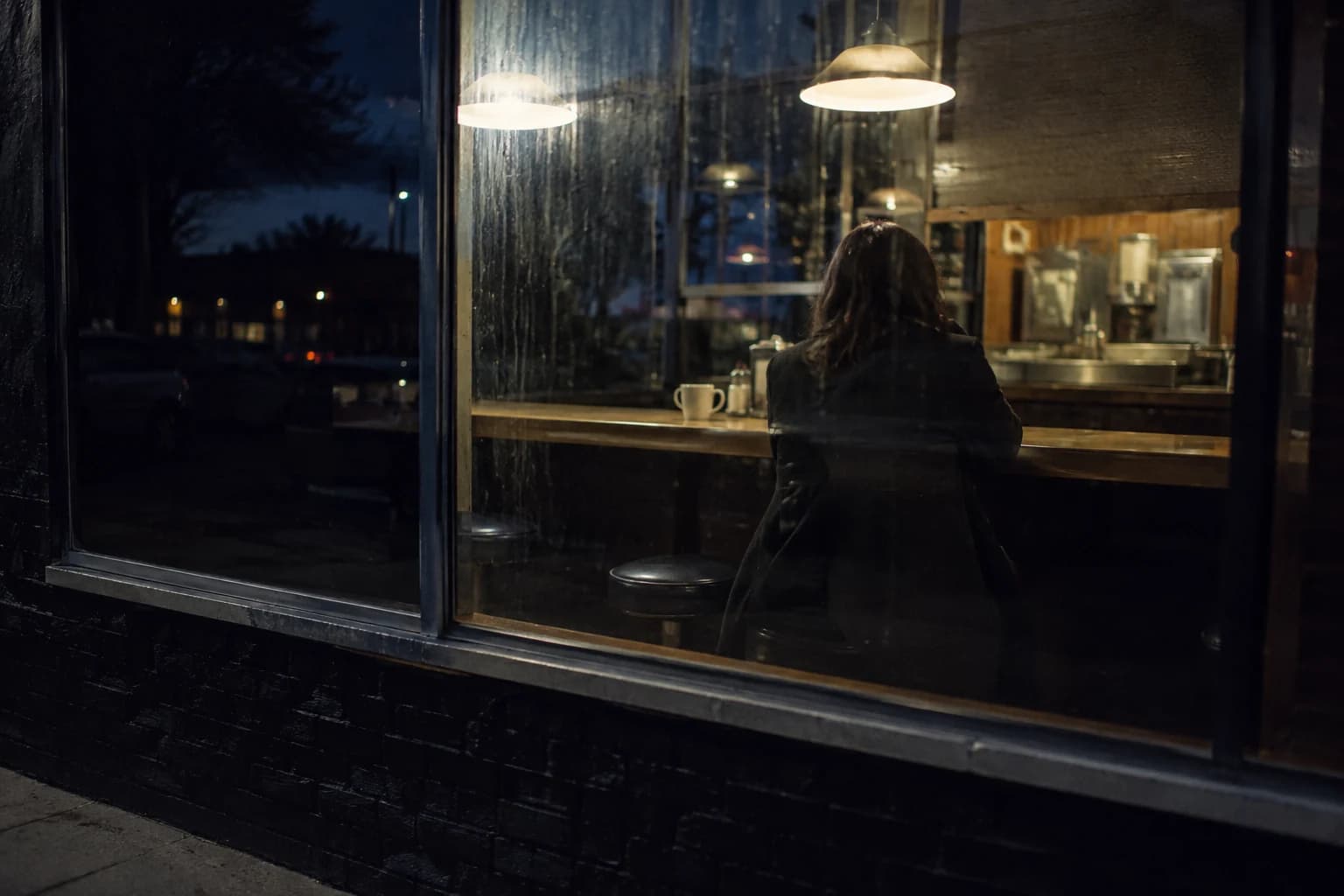
AI Video Composer
Combine clips, voiceover, captions, and motion into one video.
AI Video Face Swap
Swap a face through a full video, frame-accurate.
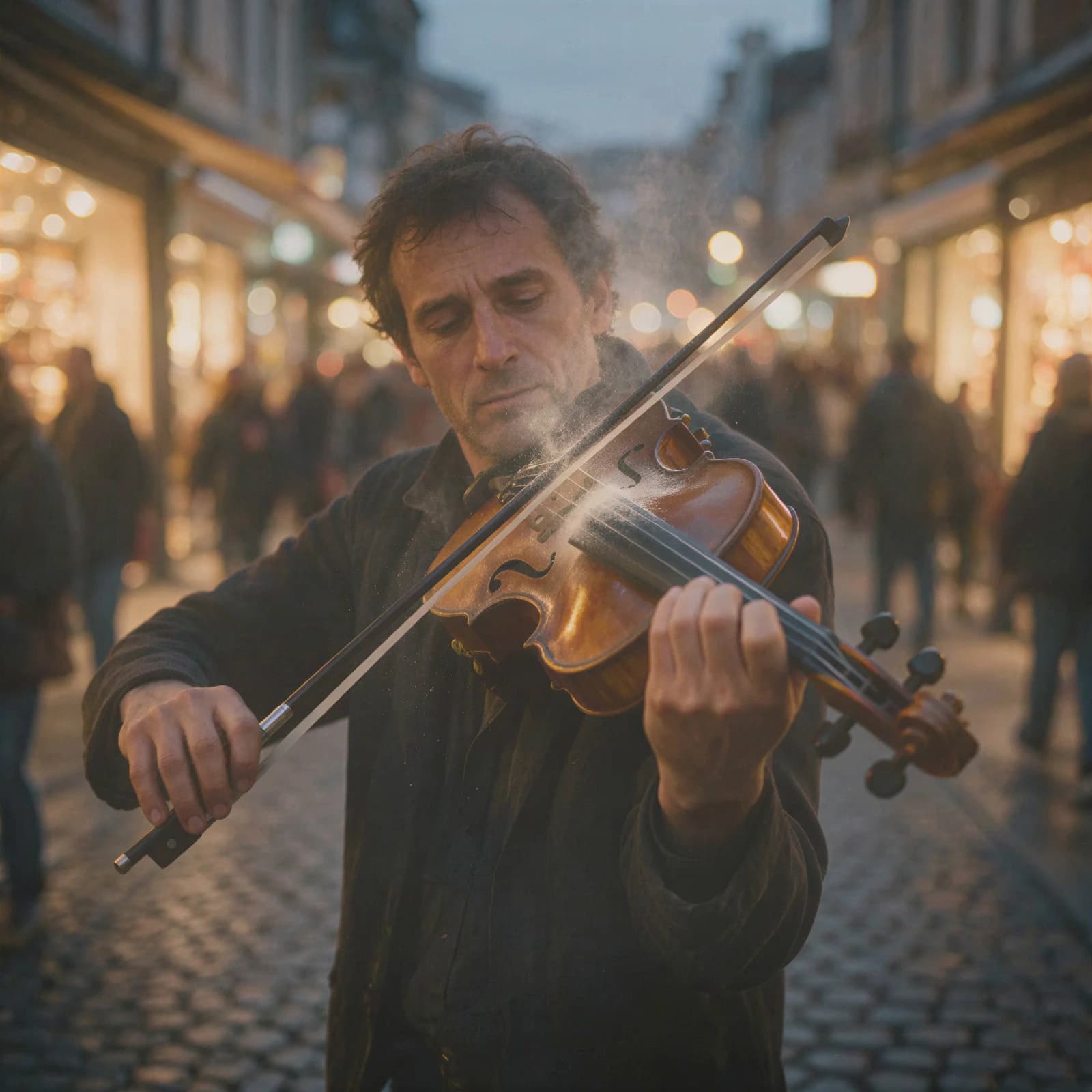
AI Video Enhancer
Sharpen blurry or low-res video up to 4K.

Animate Old Photos
Bring a still portrait to life with gentle motion.
Long Video to Shorts
Turn a long video into clipped, captioned shorts.