

Remove & Replace Any Video Background
Cut out or swap any video background with AI — no green screen. Frame-accurate masking, clean edges, and transparent or brand-new backgrounds in seconds, with no watermark.
Every frontier model. One studio.
- Seedance 2.0
- Gemini Omni Flash
- Veo 3.1
- Sora 2 Pro
- Kling 2.6
- Nano Banana 2
- Seedream 5.0 Pro
- Flux 2 Pro
- WAN 2.6
- GPT Image 1.5
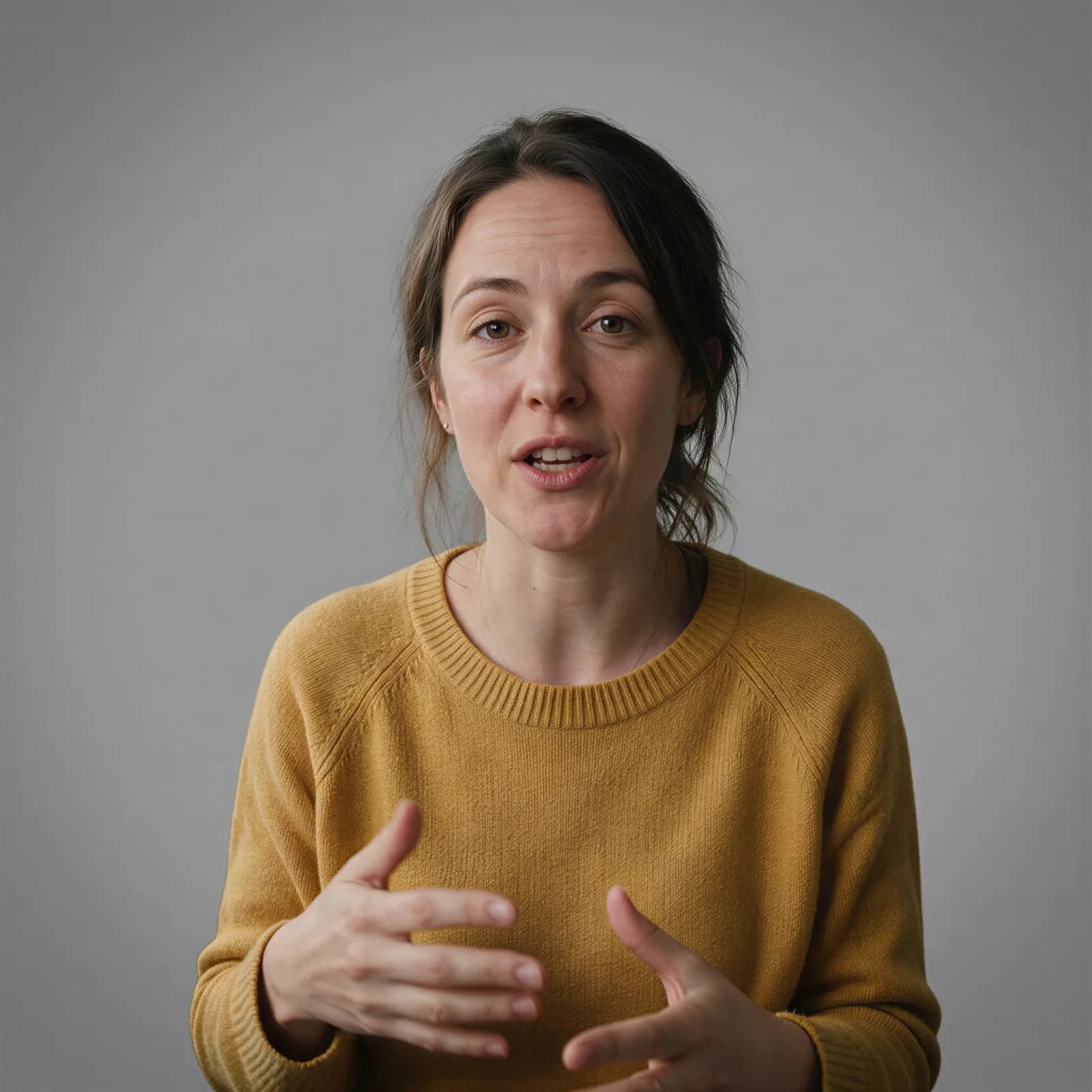
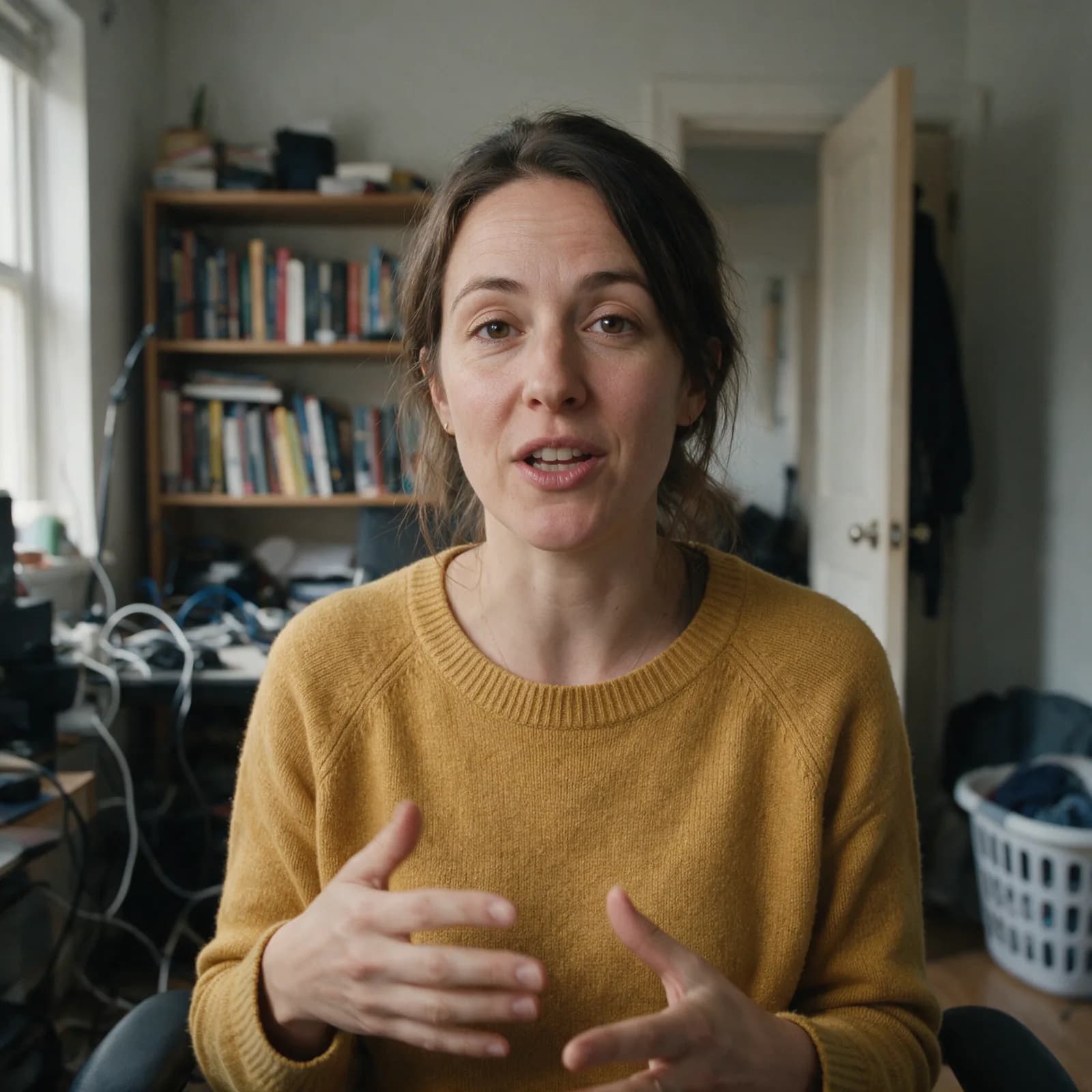
Green-Screen Results Without a Green Screen
Automatic, frame-accurate matting for any clip.
No Green Screen Needed
The AI separates your subject from the background automatically — shoot anywhere and still get a clean cutout.
Frame-Accurate Masking
Subjects are tracked and matted across every frame, holding clean edges through motion and gestures.
Remove or Replace
Export a transparent background, or drop your subject into a brand-new scene with matched framing.
Clean Edges & Hair
Fine detail like hair and soft edges is preserved, so the result looks cut by hand, not crudely keyed.
Fast & Automatic
Skip manual rotoscoping. Upload a clip and get a matted result in a fraction of the time.
High-Resolution Output
Download clean, watermark-free video ready for your editor, stream, or social post.
How to remove a video background in 3 steps
Upload, choose remove or replace, and download.
Upload your video
Add any clip with a clear subject — no green screen required.
Remove or replace
Choose a transparent background or pick a new scene to drop your subject into.
Generate & download
The AI mattes every frame and you download a clean, high-resolution video.
Made with Morphed
Real generations, straight out of the studio — no cherry-picked mockups.
Who Uses It
From streamers to film VFX.
Creators & Streamers
Cut yourself out for overlays, reactions, and clean talking-head clips.
Marketing & Ads
Place talent on branded backgrounds across many campaign variants.
E-learning & Tutorials
Drop a presenter onto slides or scenes without a studio.
Product & Demos
Isolate a product or person for clean, distraction-free footage.
Social Content
Swap backgrounds to fit any trend, vibe, or platform.
Film & VFX
Generate quick mattes for compositing without manual rotoscoping.
Questions, answered
Start creating in minutes
Plans start at $9/month — 30% off your first 3 months, cancel anytime.
Explore more AI tools
AI Video Composer
Combine clips, voiceover, captions, and motion into one video.
AI Video Face Swap
Swap a face through a full video, frame-accurate.
AI Video Sharpener
Sharpen blurry or low-res video up to 4K.
Animate Old Photos
Bring a still portrait to life with gentle motion.
Long Video to Shorts
Turn a long video into clipped, captioned shorts.
Sketch to Video AI
Turn a sketch into a moving starting frame.
AI Storyboard Generator
Shot-by-shot storyboard frames for film and ads.
URL to Video
Paste a product URL, get a video ad — no filming.