

AI Storyboard Generator
Shot-by-Shot Frames from a Text Prompt
Describe each shot and generate storyboard frames with AI — wide, medium, and close-up framing with a consistent look across the sequence. High resolution, no watermark.
Plans from $9/mo · Cancel anytime
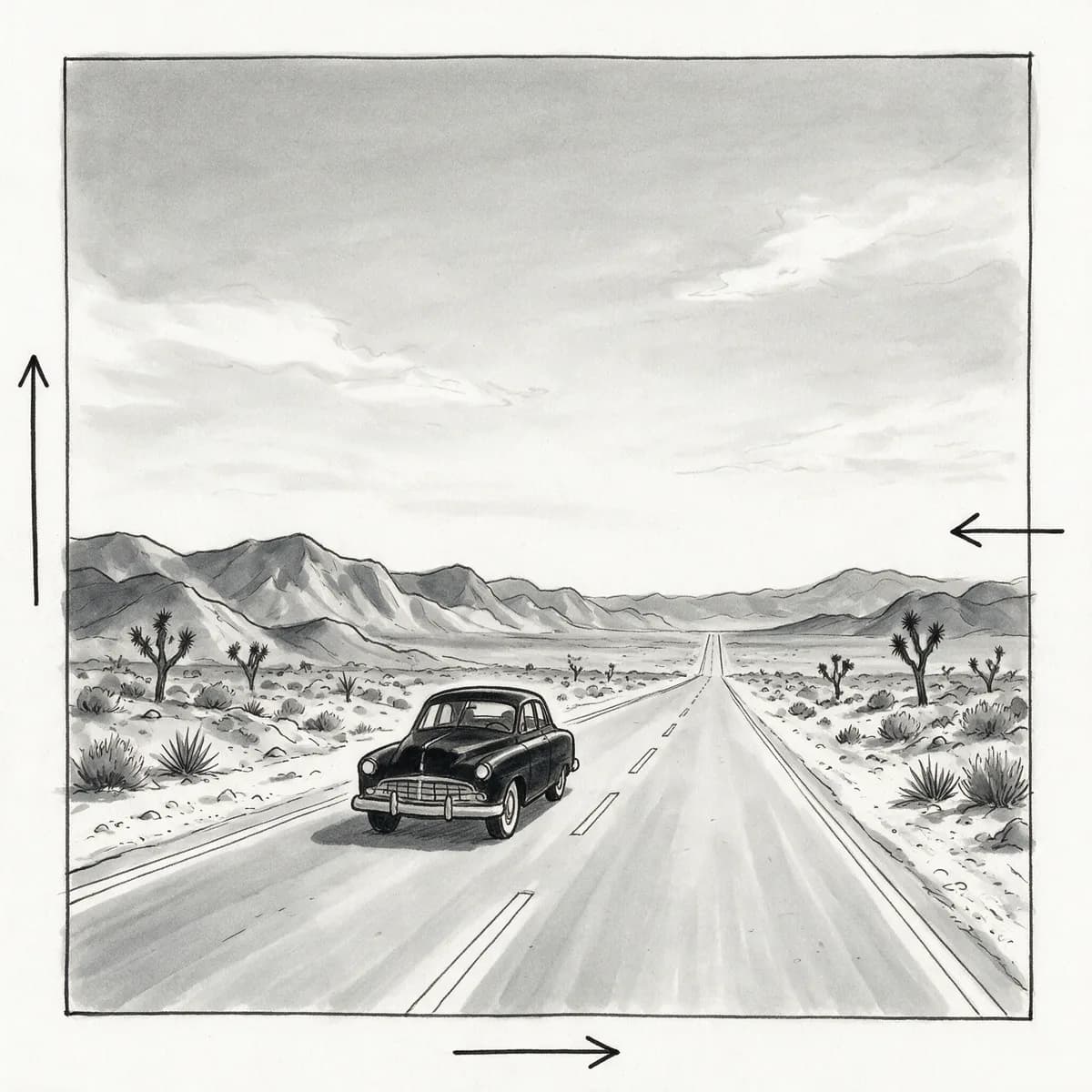
Real results
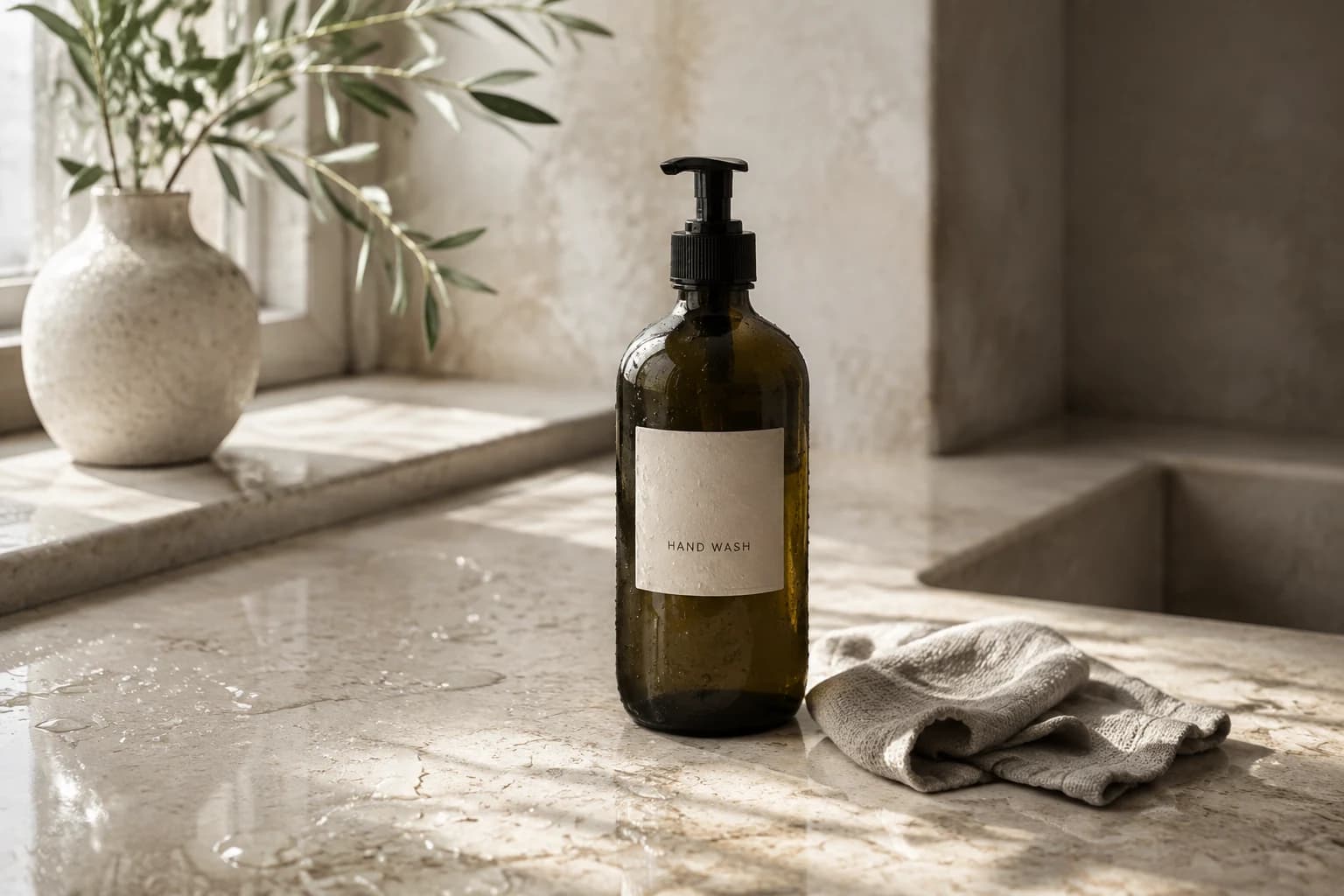
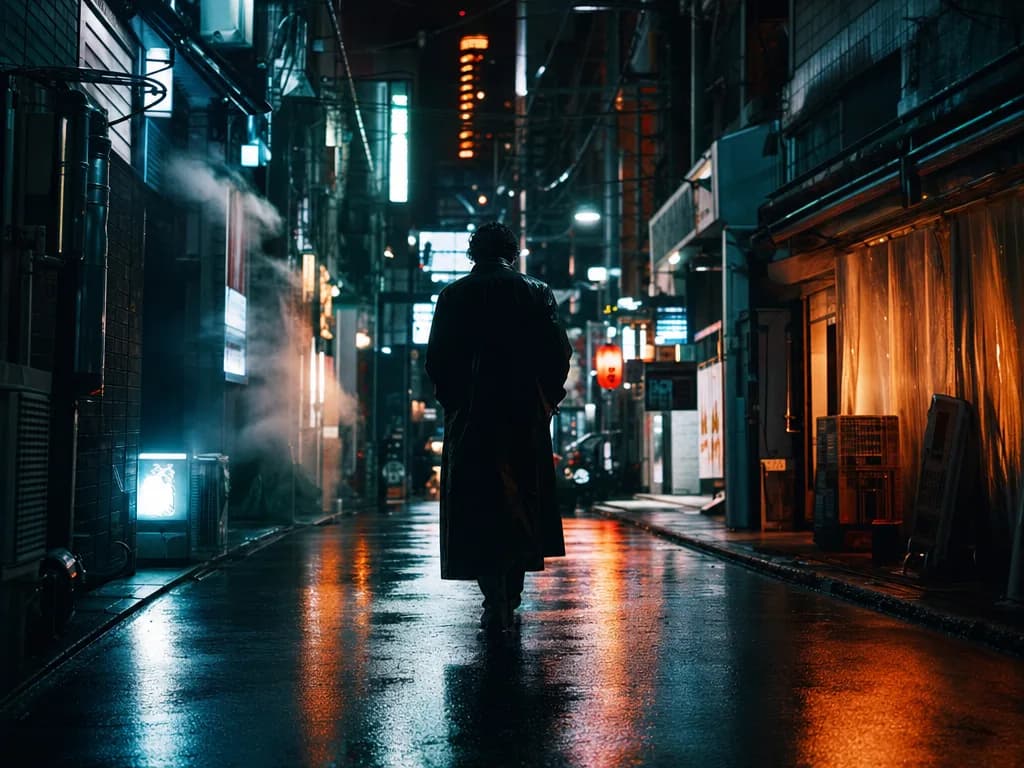
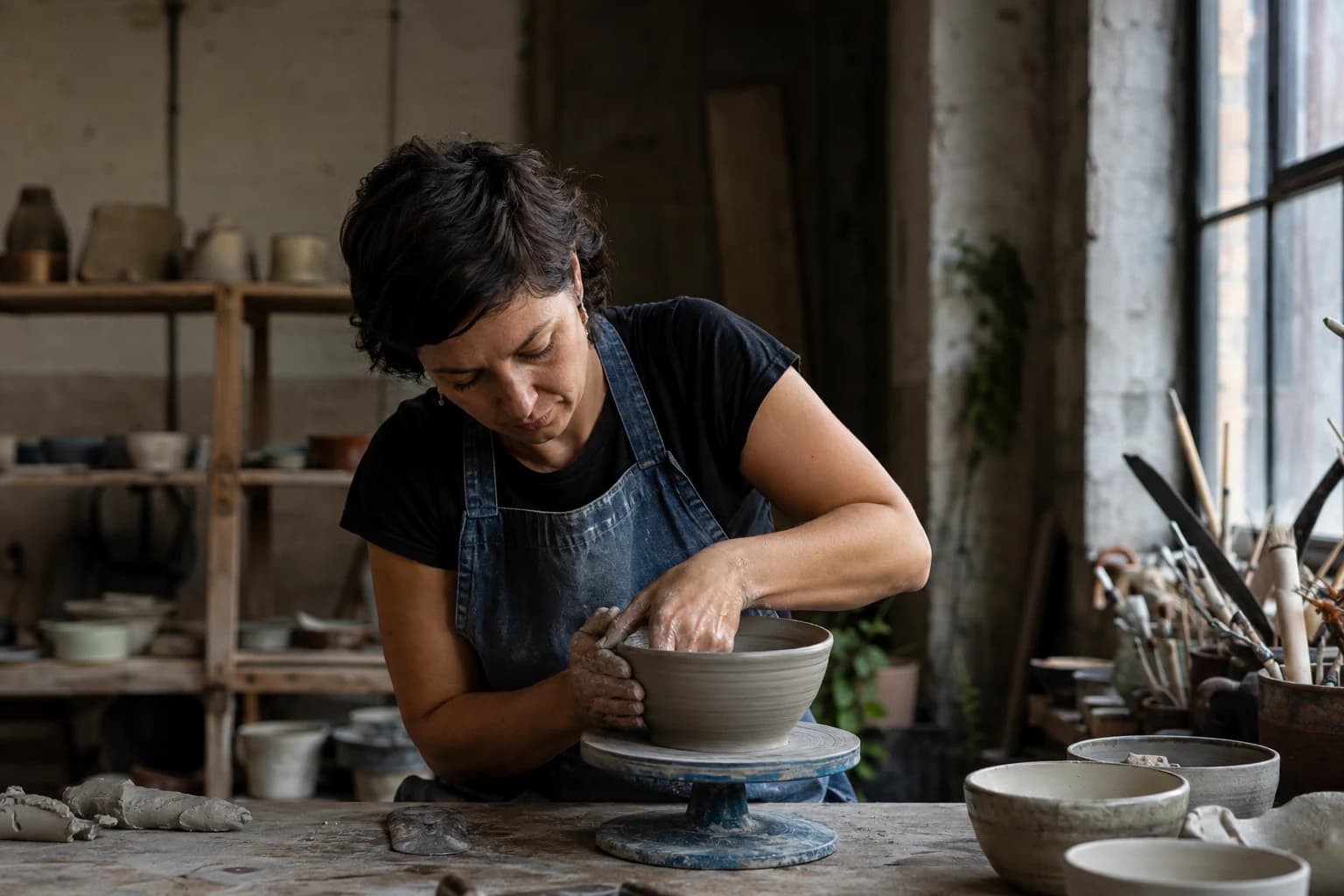
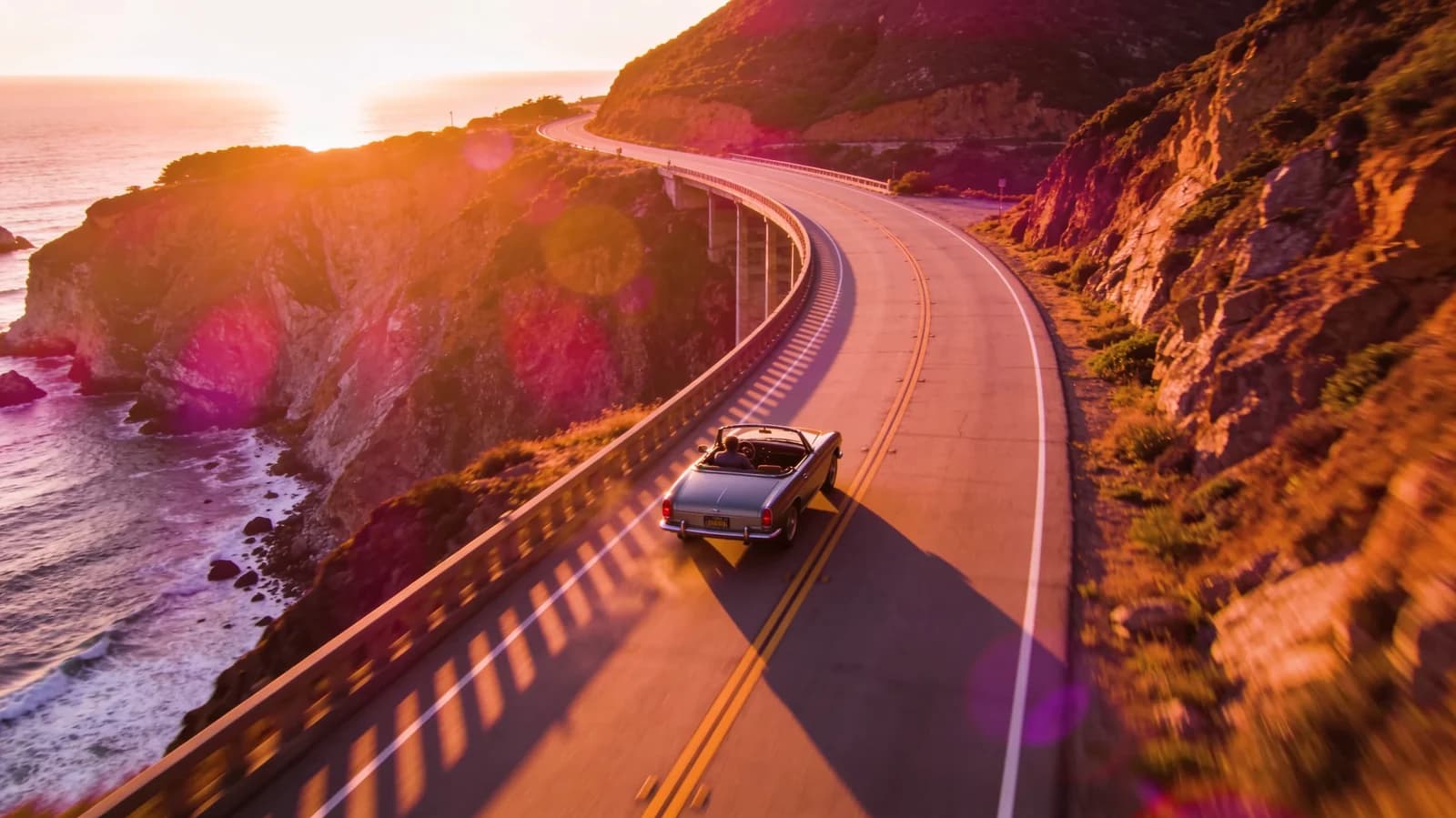
Every image is a Morphed render. No stock, no mockups.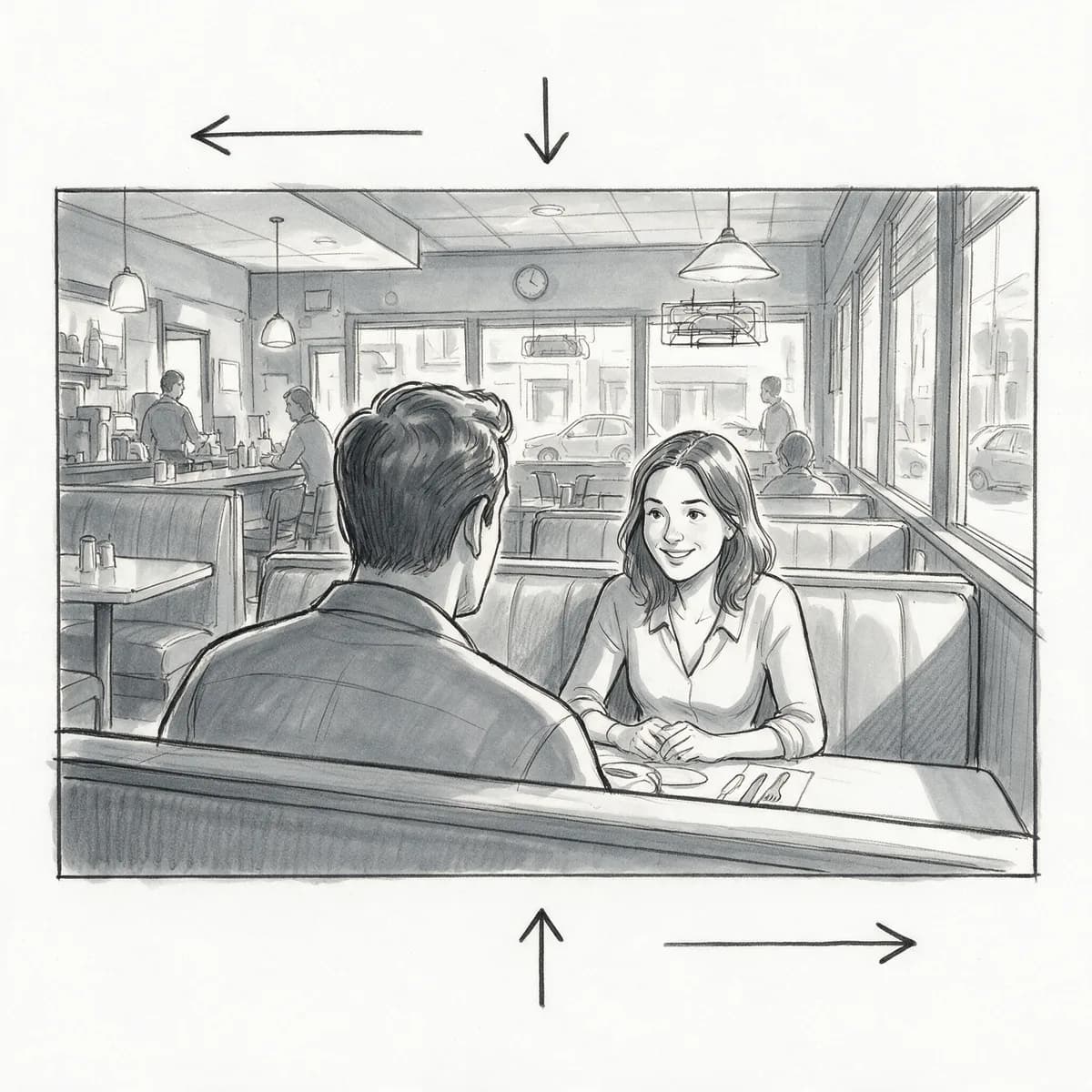
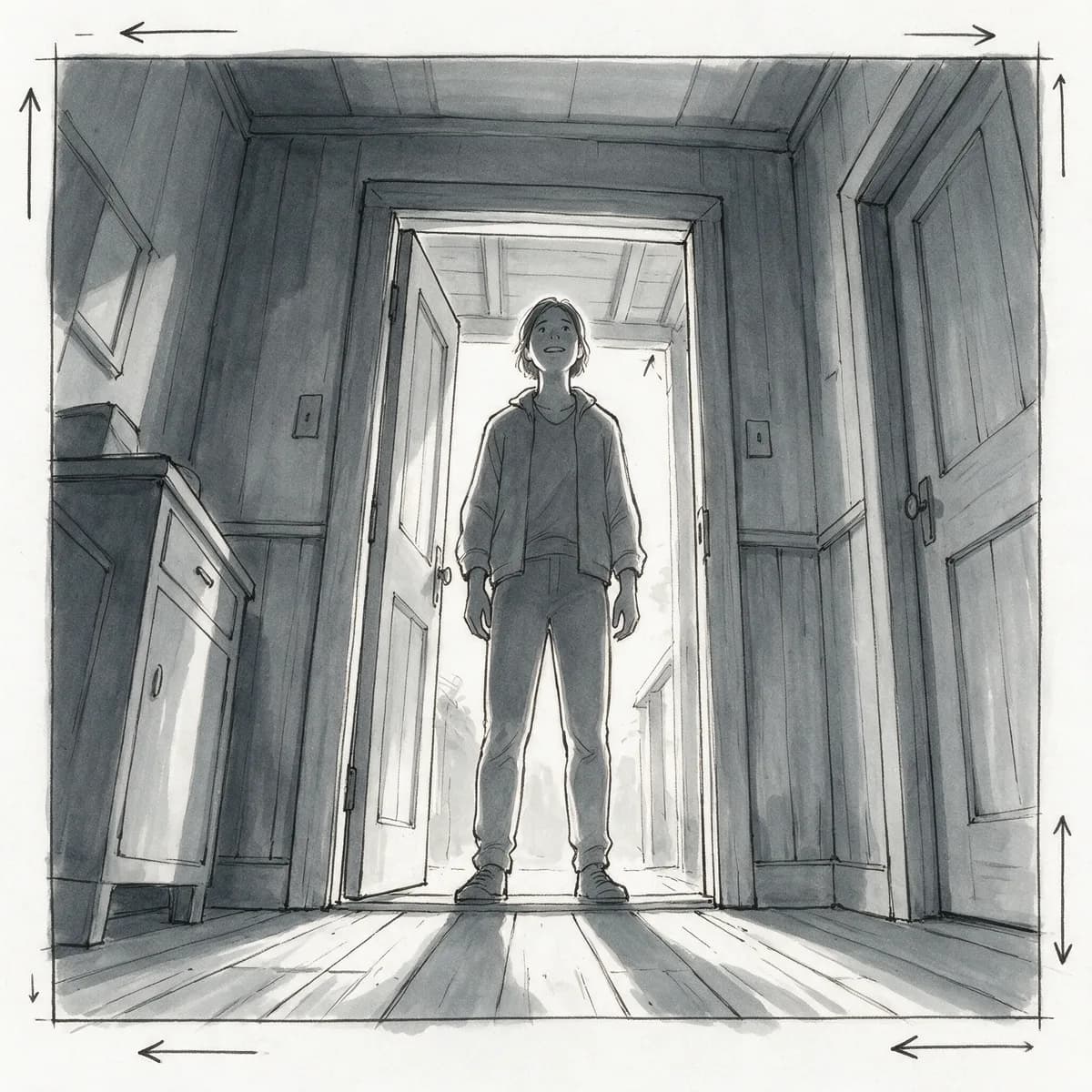
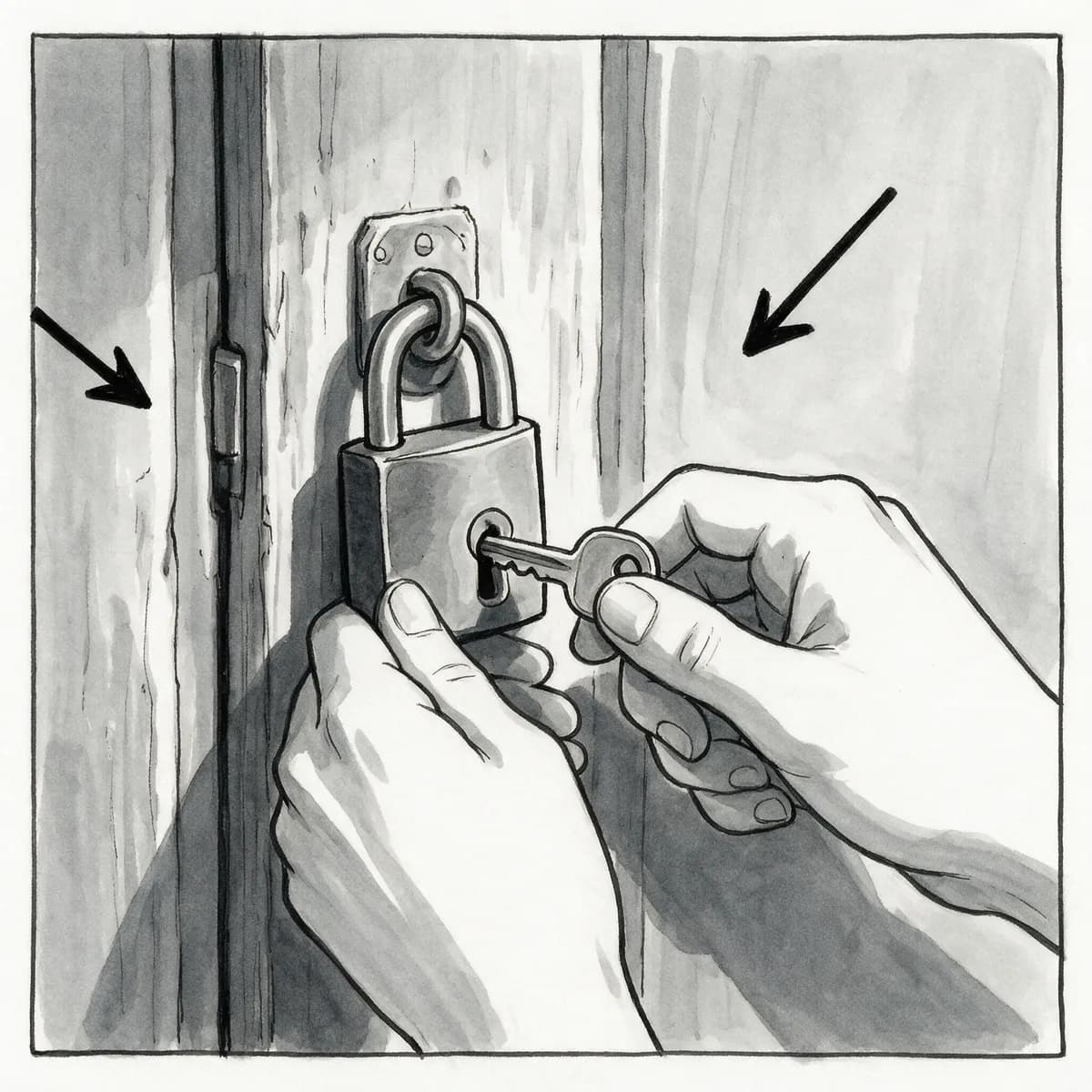
How to make an AI storyboard in 3 steps
Describe a shot, generate the next, and download.
Describe your first shot
Write the scene, framing, and mood for the opening frame of your sequence.
Generate the next shots
Describe each following shot, using a reference image to keep characters and settings consistent.
Download the sequence
Get high-resolution frames for your storyboard, watermark-free.
Plan Your Sequence, Shot by Shot
Consistent frames for film, ads, and animation.
- Describe Each Shot
- Write what happens in a scene and the AI generates a frame for that shot.
- Wide, Medium & Close-Up Framing
- Specify the shot type in your prompt to plan coverage the way a director would.
- Consistent Style Across Frames
- Keep the same visual style — lighting, color, and mood — across an entire sequence.
- Reference-Guided Consistency
- Use a reference image to help keep a character or setting consistent from shot to shot.
- Fast Iteration
- Generate a shot in seconds so you can block out a whole sequence quickly.
- High-Resolution Export
- Download clean, watermark-free frames ready to present or print.
Who Uses the AI Storyboard Generator
From filmmakers to game studios.
- Filmmakers & Directors
- Plan shot coverage and visualize scenes before a shoot.
- Ad & Commercial Concepts
- Pitch a spot with a clear visual sequence instead of a text-only script.
- Animators
- Block out key frames before moving into full animation.
- Game Cinematics
- Visualize in-game cutscenes and cinematic sequences early.
- Comic & Graphic Novel Planning
- Rough out panel layouts and pacing before final art.
- Content Creators Planning Shorts
- Map out a video shot by shot before filming.
Questions
Start creating in minutes
Plans from $9/mo · Cancel anytime
Explore more AI tools
URL to Video
Paste a product URL, get a video ad — no filming.
Video Prompt Generator
Turn a reference video into a reusable AI prompt.
AI Video Generator
Turn a prompt or photo into a short clip.
AI Video Editor
Edit and restyle footage by describing the change.
Text to Video
Write a scene, get a moving shot.
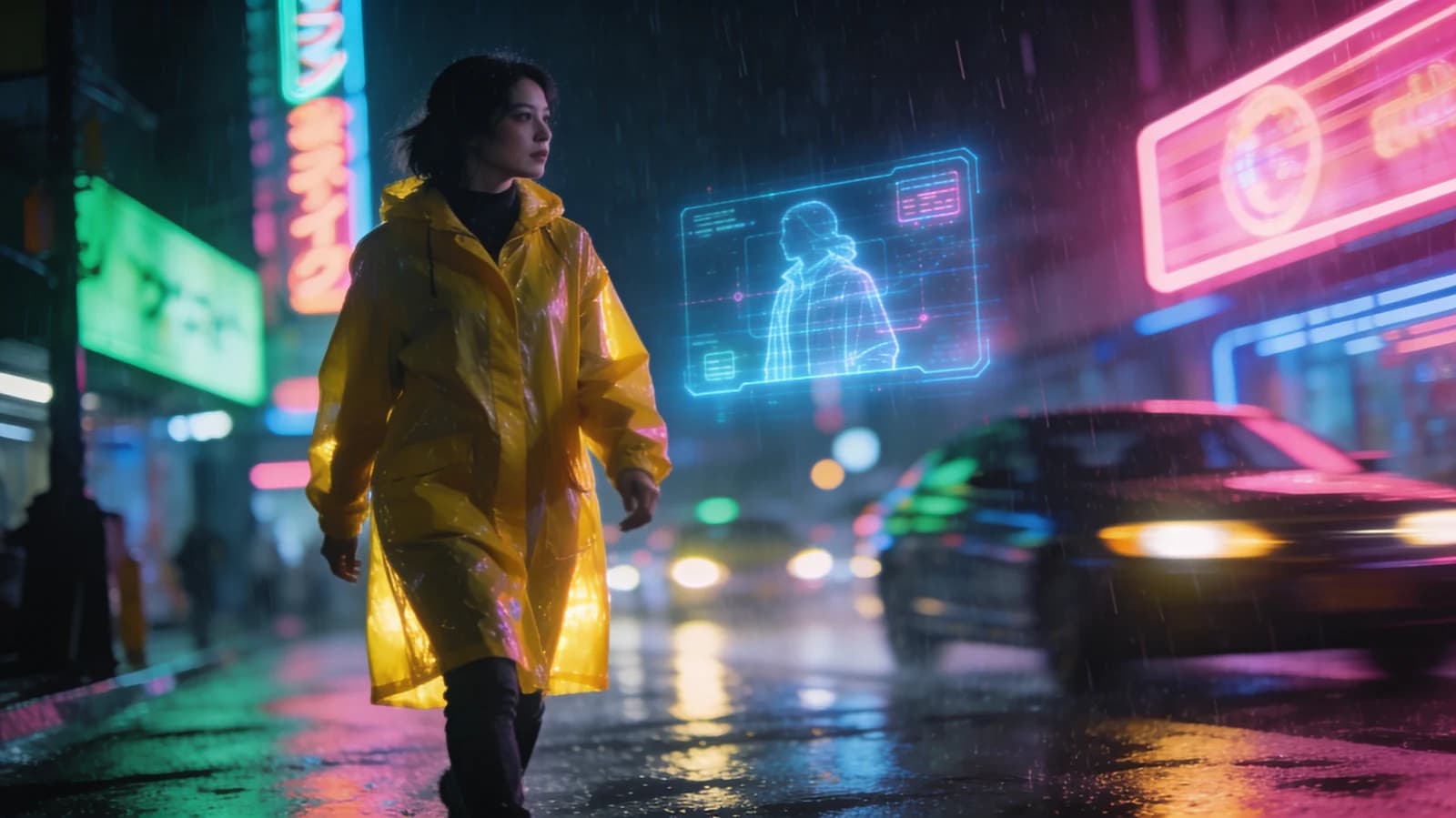
Image to Video
Animate a still into a living clip.
Cinematic Video Generator
Film-grade shots with camera moves.
AI Commercial Generator
Product spots without a film crew.