

Edit Videos with a Text Prompt
Restyle, extend, reframe, and transform any clip with AI — just describe the change in plain words. No timeline, no keyframes, no learning curve. High resolution, no watermark.

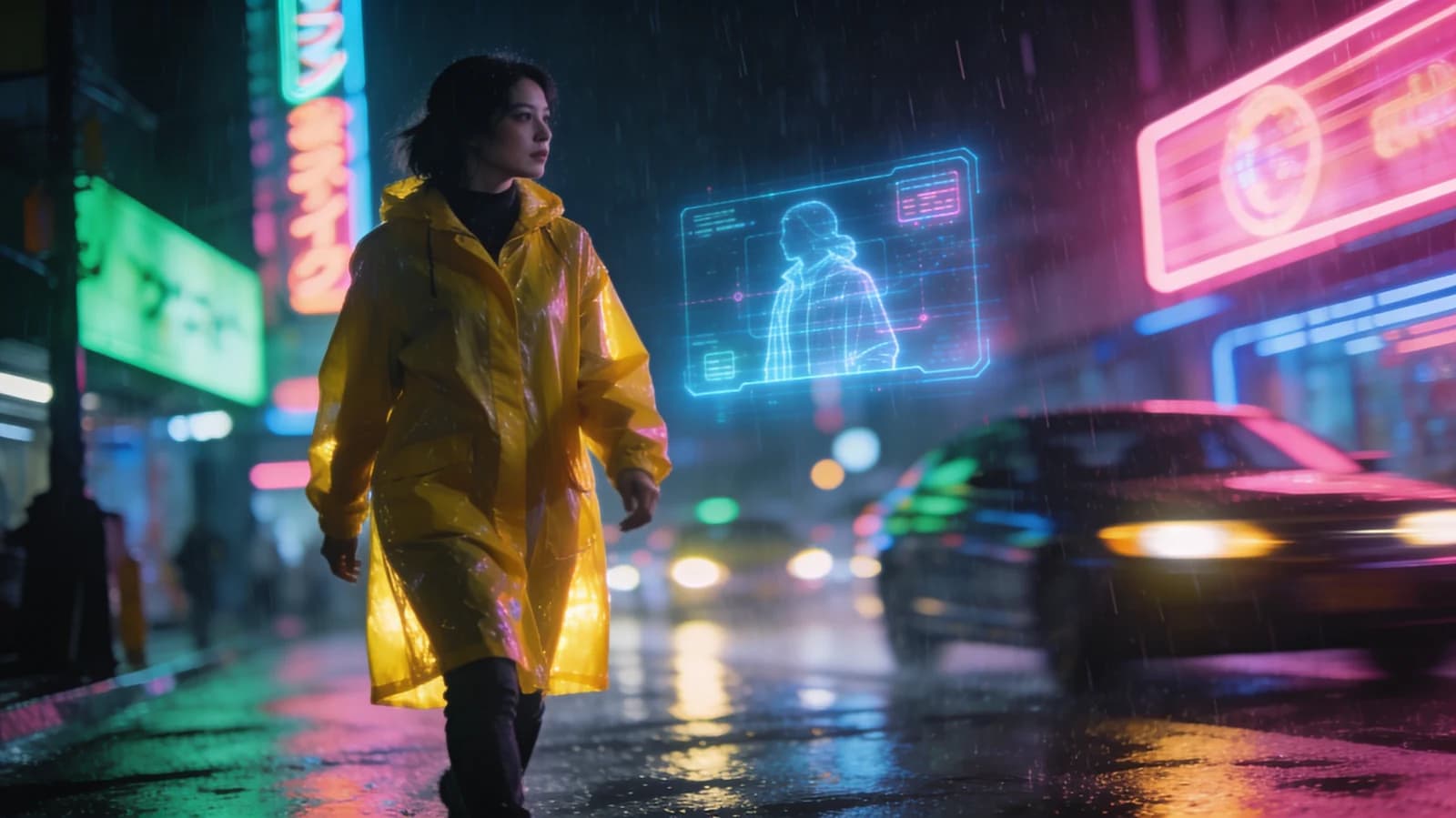
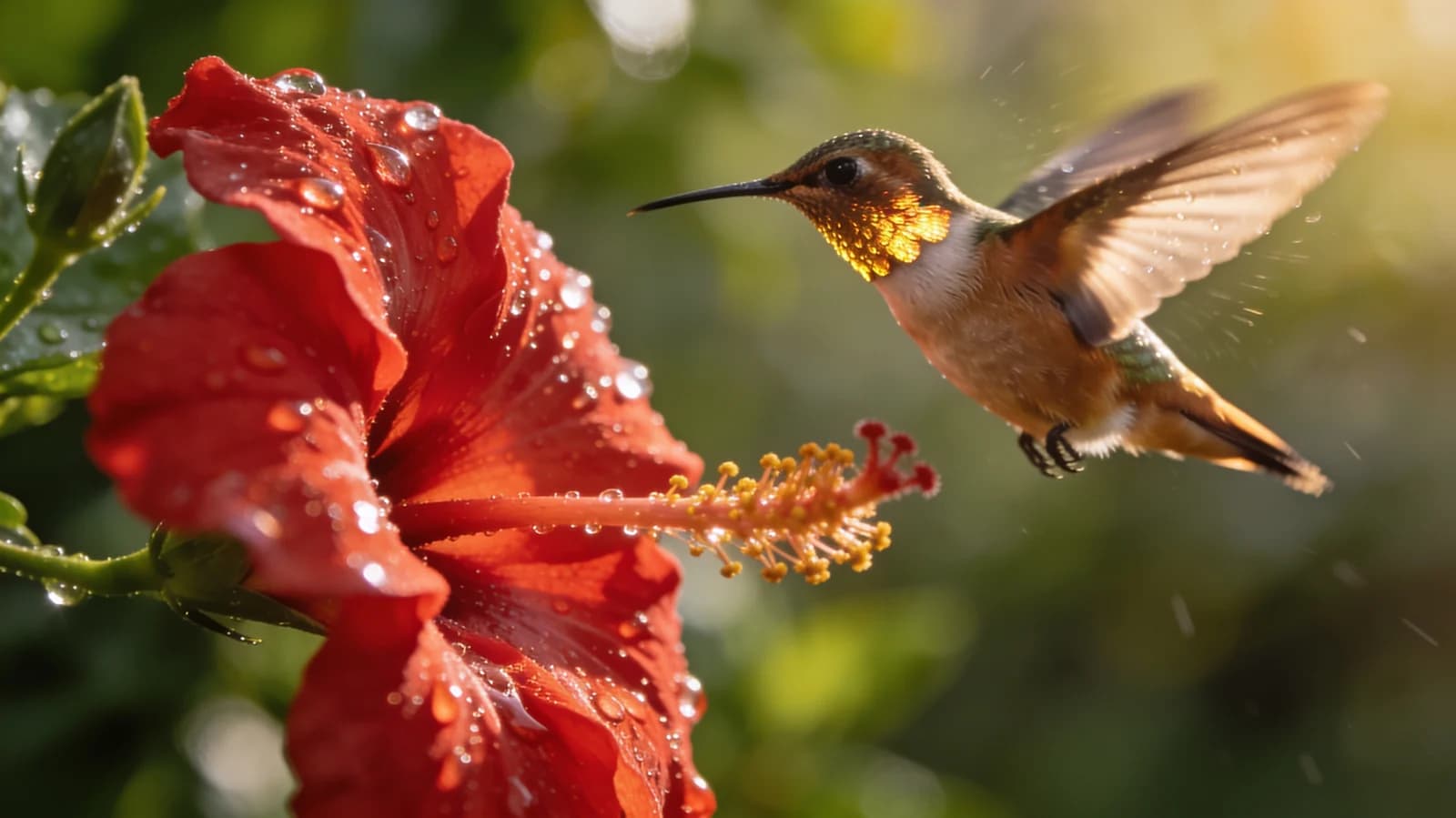

Every frontier model. One studio.
- Seedance 2.0
- Gemini Omni Flash
- Veo 3.1
- Sora 2 Pro
- Kling 2.6
- Nano Banana 2
- Seedream 5.0 Pro
- Flux 2 Pro
- WAN 2.6
- GPT Image 1.5
Transform Footage in a Sentence
Prompt-based editing that skips the timeline entirely.
Edit by Text Prompt
Describe the change you want — a new style, season, time of day, or look — and the AI transforms your clip.
Restyle Any Clip
Turn footage into anime, cinematic, painterly, or branded styles while keeping the motion intact.
Extend & Reframe
Lengthen shots, generate new endings, or reframe for vertical and square without reshooting.
Scene & Object Changes
Swap backgrounds, change weather, or alter elements in a scene with a simple instruction.
No Timeline Skills
Skip the complex editor. Achieve transformations that used to take hours with a single prompt.
High-Resolution Output
Export clean, watermark-free video ready to publish or drop into your existing edit.
How to edit a video in 3 steps
Upload, describe the edit, and download.
Upload your video
Add the clip you want to edit, restyle, or transform.
Describe the edit
Tell the AI what to change — style, scene, length, or look — in plain words.
Generate & download
Get your transformed video in minutes, high resolution and watermark-free.
Made with Morphed
Real generations, straight out of the studio — no cherry-picked mockups.
Who Uses the AI Video Editor
From social creators to agencies.
Social Creators
Restyle and reframe clips fast for every platform and trend.
Marketing Teams
Generate on-brand video variants without a full edit cycle.
Filmmakers
Prototype looks, extend shots, and explore styles quickly.
Agencies
Turn one piece of footage into many creative directions.
E-commerce
Refresh product and lifestyle clips with new looks and scenes.
Education & Content
Transform raw footage into polished, stylized lessons and explainers.
Questions, answered
Start creating in minutes
Plans start at $9/month — 30% off your first 3 months, cancel anytime.
Explore more AI tools
Text to Video
Write a scene, get a moving shot.
Image to Video
Animate a still into a living clip.
Cinematic Video Generator
Film-grade shots with camera moves.
AI Commercial Generator
Product spots without a film crew.
AI Ad Generator
Scroll-stopping ad clips in minutes.
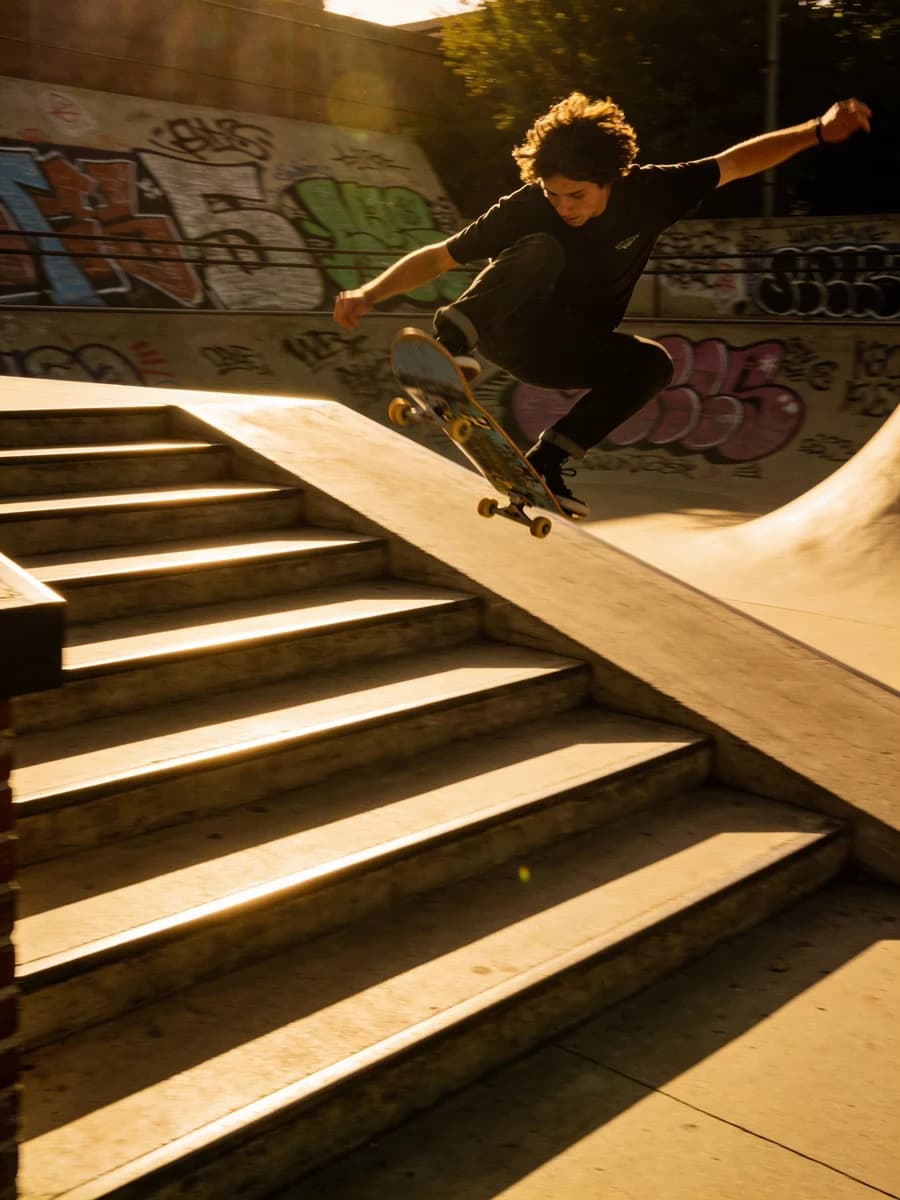
Video to Video
Restyle a video while keeping the motion.
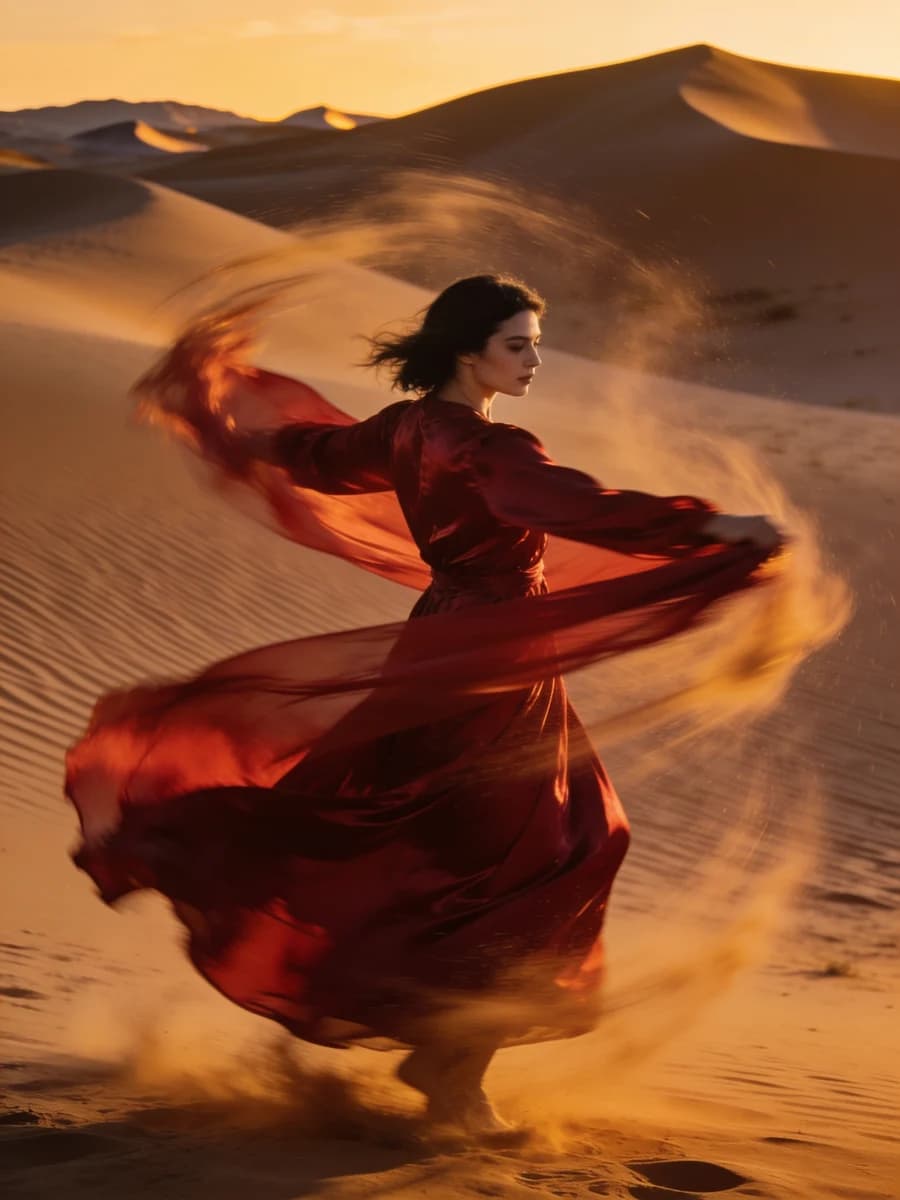
AI Shorts Studio
Vertical shorts built for the feed.
Faceless Video Generator
Narrated videos with no camera needed.