

AI Video Composer
Build the Story. Direct Every Scene.
Turn prompts, images, and clips into one editable video. Control the shot, camera motion, timing, text, voice, music, and transition before you render.
Plans from $9/mo · Cancel anytime
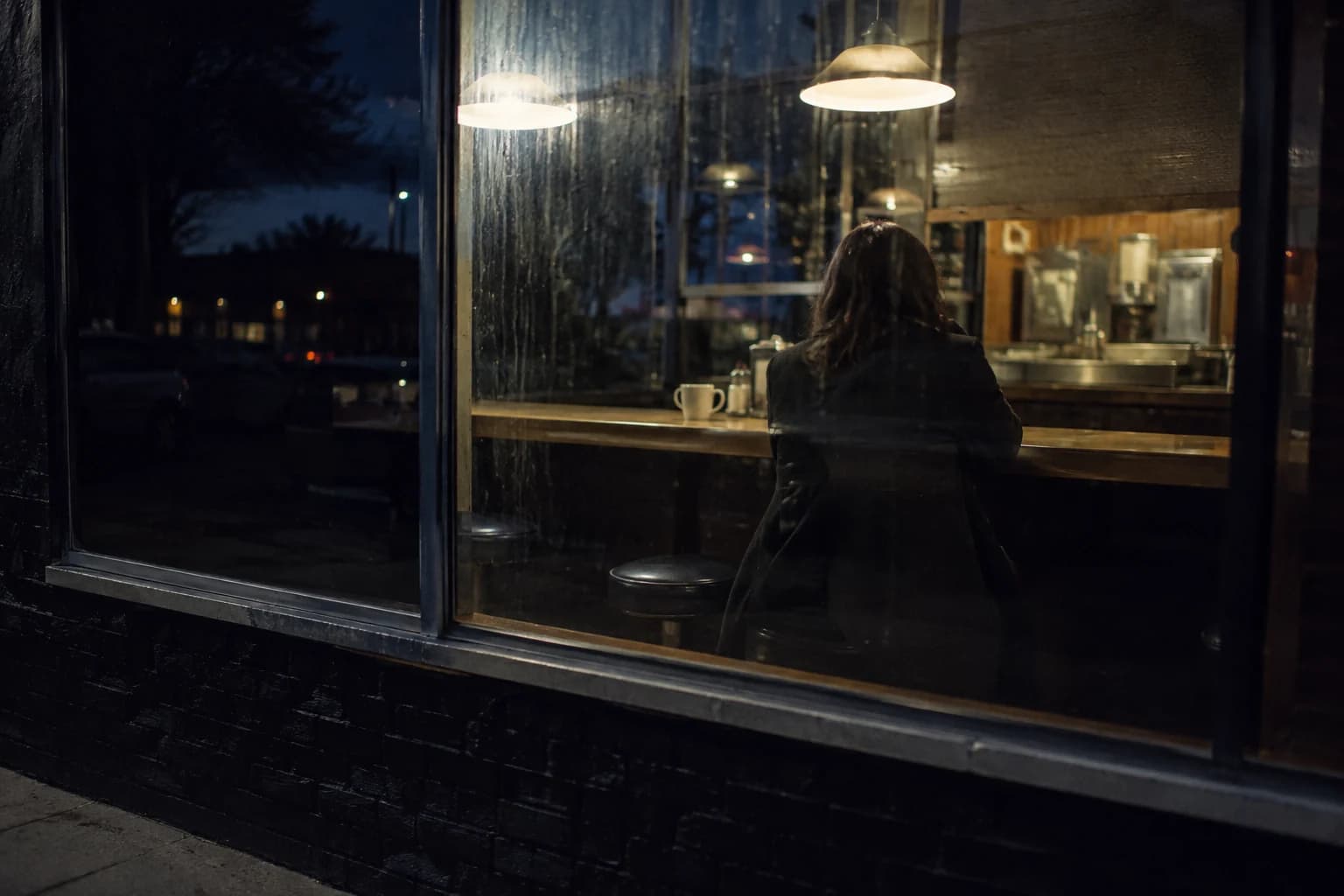
- Opening scene
- Main sequence
- Closing shot
From Idea to Finished Cut
Generate the structure, direct the scenes, export the video.
Start from a prompt or template
Describe the video, pick a format, and let Morphed create an editable scene structure — or begin blank.
Direct every scene
Choose visuals, motion, text, transitions, voiceover, and timing while watching the sequence update.
Render one finished video
Preview the complete cut and export a platform-ready MP4 when every scene feels right.
A Real Composer, Not a One-Shot Generator
Keep creative control after the AI gives you a first cut.
- Editable Multi-Scene Timeline
- Arrange, duplicate, trim, and reorder scenes without starting over when the story changes.
- 12 Camera Motions
- Preview handheld, zoom, pan, tilt, orbit, follow, and dolly movement on the actual scene before rendering.
- Generate Inside Each Scene
- Create or replace scene images and clips with model, duration, resolution, and reference controls in context.
- Voiceover and Sound
- Add AI narration per scene, layer background music, and control volume, ducking, and fades.
- Transitions and Text Systems
- Choose transitions, caption styles, text placement, and visual templates that stay consistent across the cut.
- Production-Ready MP4
- Preview the full sequence, inspect render history, and export a clean video for social, ads, or presentations.
One Timeline, Many Formats
Built for repeatable creative work, from ads to editorial stories.
- Product Campaigns
- Combine product stills, generated scenes, offers, and voiceover into a complete campaign video.
- Faceless Stories
- Build narrated explainers, history videos, and visual essays from generated scenes.
- Travel and Real Estate
- Turn location photos into paced walkthroughs with motion, labels, music, and transitions.
- Lookbooks and Portfolios
- Create editorial sequences that give every image deliberate movement and timing.
- Social Slideshows
- Produce vertical, square, or landscape videos for Reels, TikTok, Shorts, and feeds.
- Agency Deliverables
- Keep projects editable, revise individual scenes, and rerender without rebuilding the whole video.
Questions
Start creating in minutes
Plans from $9/mo · Cancel anytime
Explore more AI tools

AI Video Face Swap
Swap a face through a full video, frame-accurate.
AI Video Enhancer
Sharpen blurry or low-res video up to 4K.
Animate Old Photos
Bring a still portrait to life with gentle motion.
Long Video to Shorts
Turn a long video into clipped, captioned shorts.
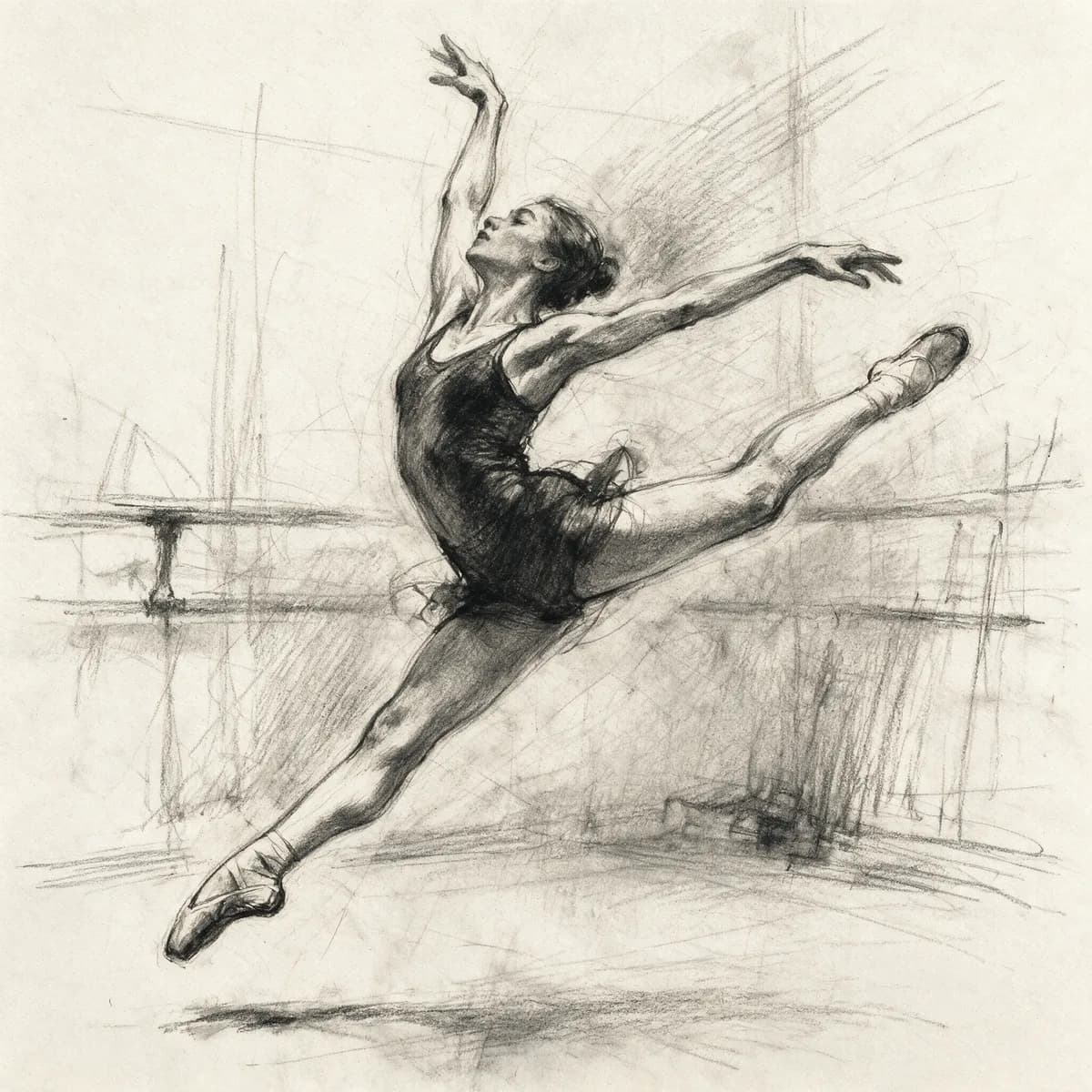
Sketch to Video AI
Turn a sketch into a moving starting frame.
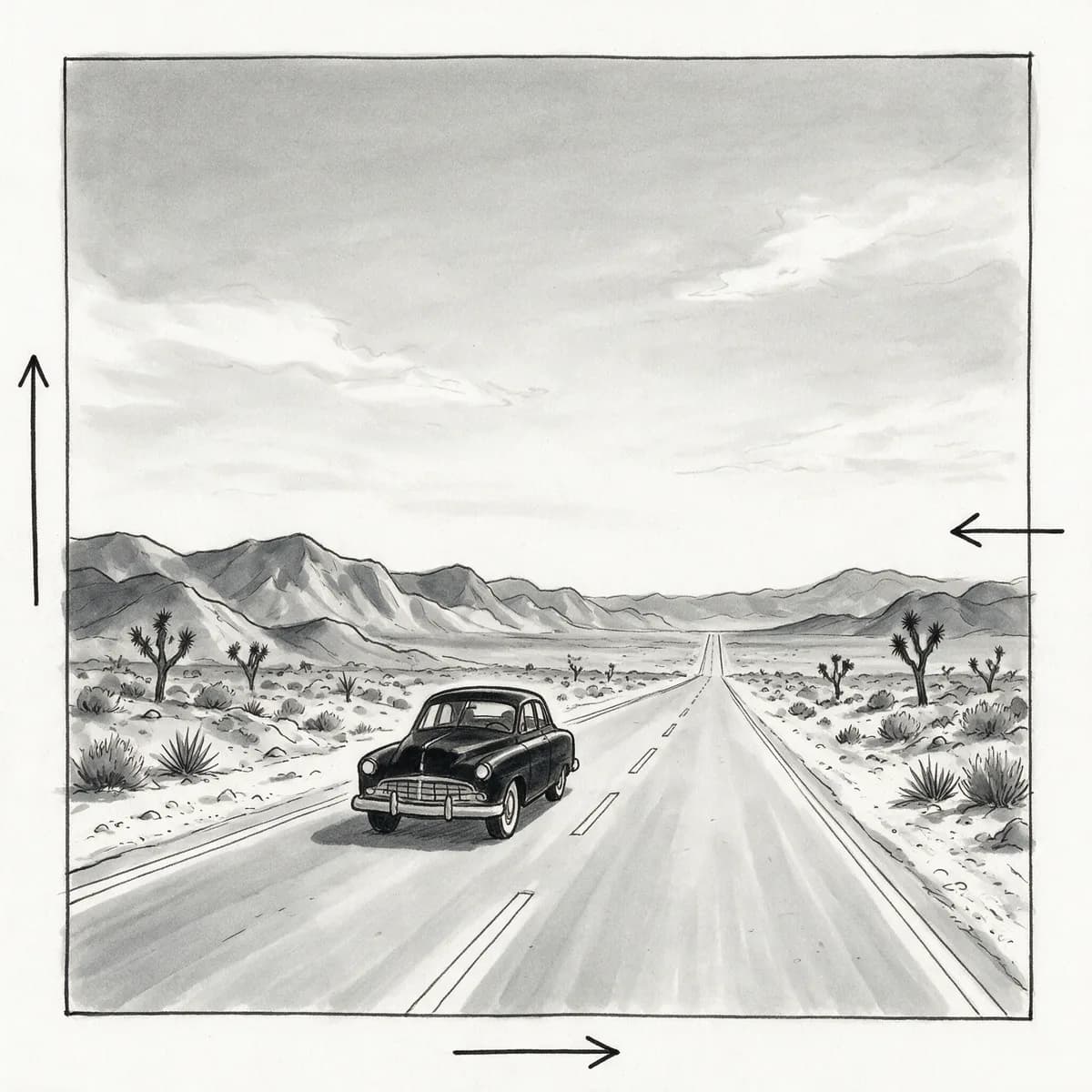
AI Storyboard Generator
Shot-by-shot storyboard frames for film and ads.

URL to Video
Paste a product URL, get a video ad — no filming.
Video Prompt Generator
Turn a reference video into a reusable AI prompt.