

Sketch to Video AI
Turn Any Sketch Into a Moving Video
Upload a sketch or drawing as your starting frame, describe the motion, and generate a video with AI. Compare frontier models to find the right animated look.
Plans from $9/mo · Cancel anytime
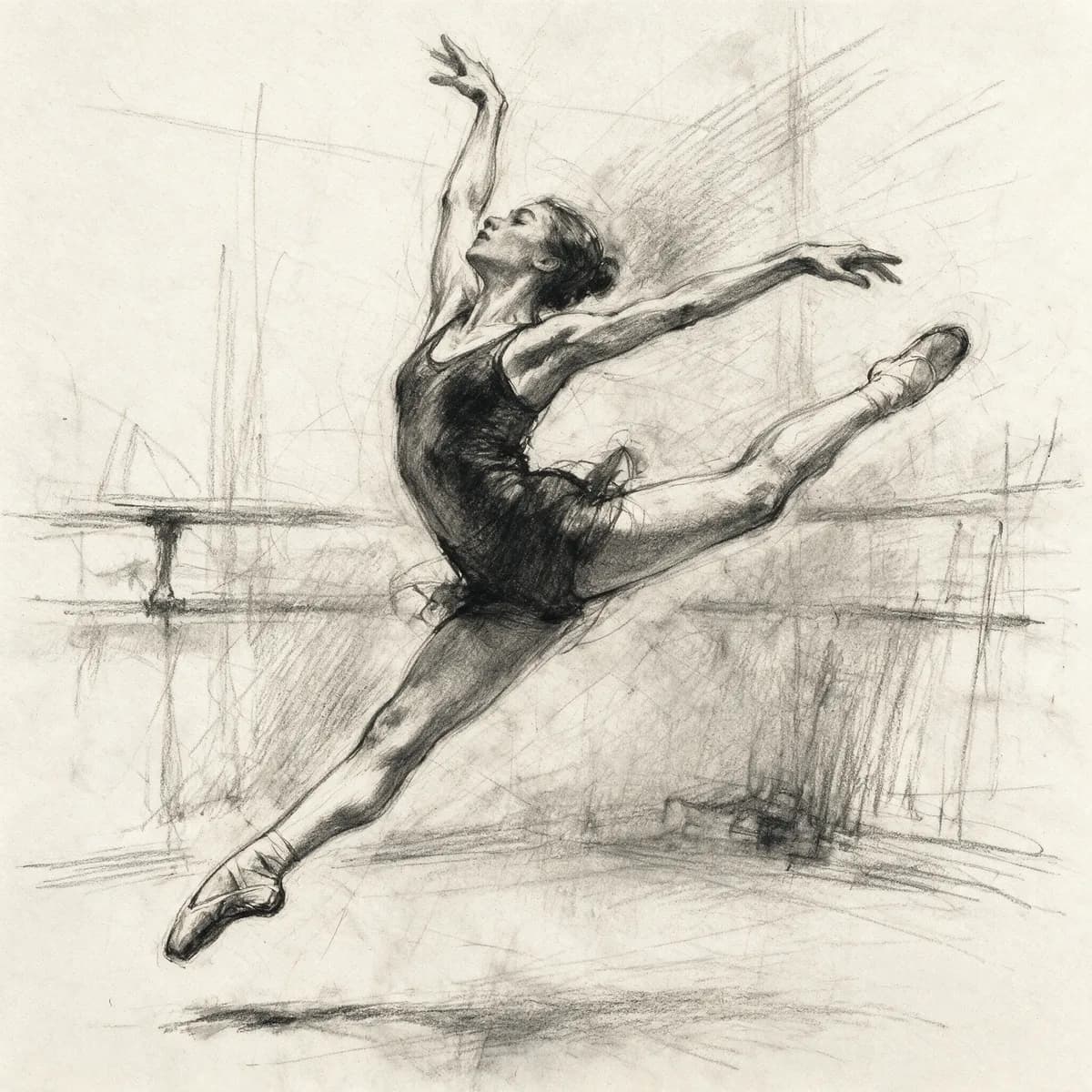
How to animate a sketch in 3 steps
Upload, describe the motion, and download.
Upload your sketch
Add the drawing, sketch, or concept art you want to bring to life.
Describe the motion
Write what should move, and pick a video model from the picker.
Generate & download
Get your animated clip in minutes, high resolution and watermark-free.
From Still Sketch to Moving Clip
Prompt-based motion for any drawing or concept art.
- Any Sketch as the Starting Frame
- Upload a hand-drawn sketch, concept art, or rough illustration as the image the video is built from.
- Describe the Motion in Plain Words
- Tell the AI how your sketch should move — a turn, a gesture, a camera push — in a simple sentence.
- Multiple Frontier Video Models
- Generate with Kling, Veo, Wan, Seedance, and more, and pick the model that fits your drawing style.
- Model Picker for Every Style
- Compare models side by side to find the one that animates your sketch most naturally.
- Fast Turnaround
- Get a moving clip from a still sketch in minutes, not a full animation production timeline.
- No Watermark, High Resolution
- Download your animated sketch at high resolution, free of any Morphed branding.
Who Uses Sketch to Video AI
From illustrators to indie game studios.
- Illustrators & Artists
- Bring static illustrations to life to share as motion content online.
- Storyboard Artists
- Preview how a storyboard panel might move before committing to full production.
- Animators & Students
- Quickly test motion ideas on rough sketches before refining a full animation.
- Concept Designers
- Turn character and environment concept art into short animated previews.
- Indie Game Developers
- Animate concept sketches for pitches, trailers, and social teasers.
- Social Creators
- Turn drawings and doodles into shareable moving clips for feeds and Shorts.
Questions
Start creating in minutes
Plans from $9/mo · Cancel anytime
Explore more AI tools
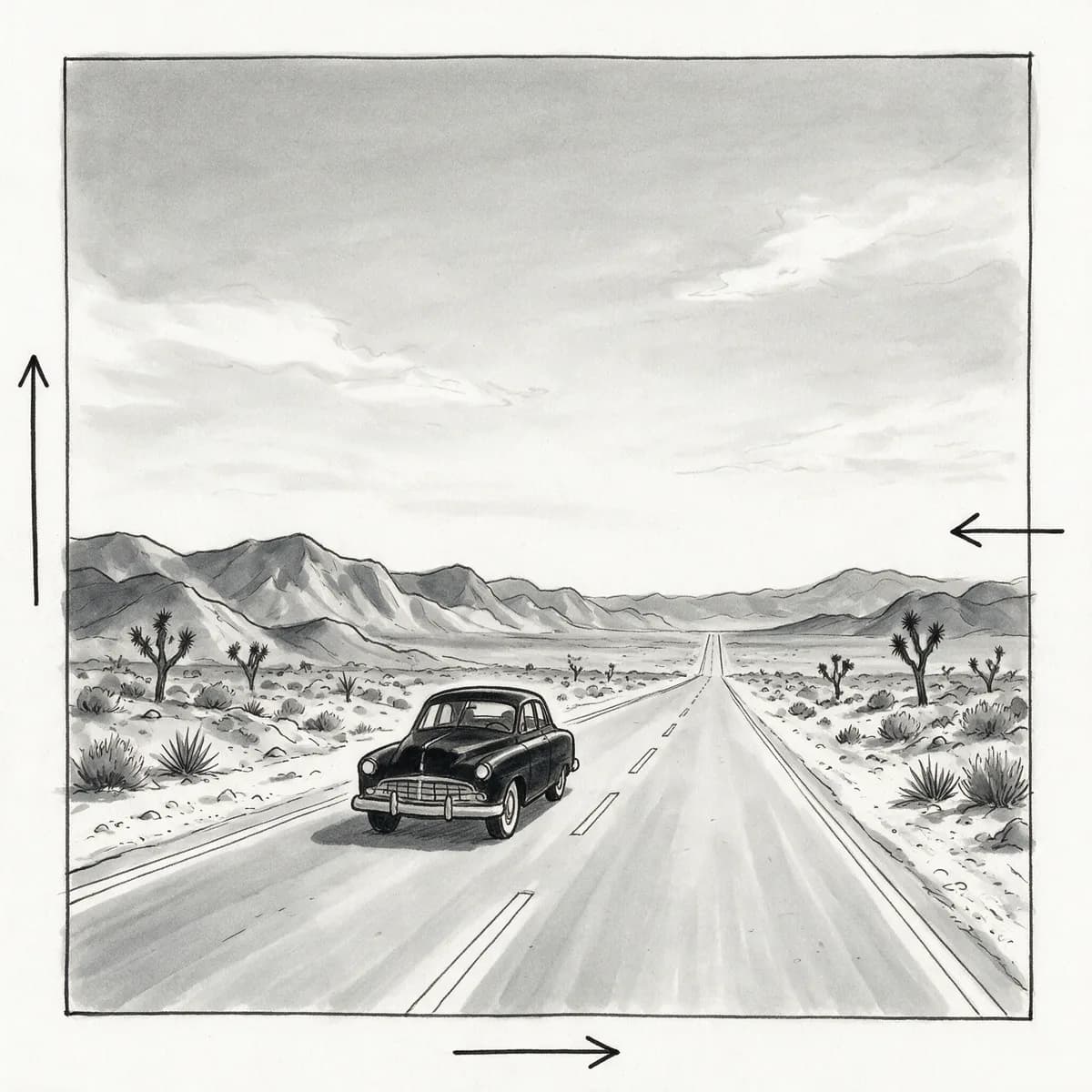
AI Storyboard Generator
Shot-by-shot storyboard frames for film and ads.

URL to Video
Paste a product URL, get a video ad — no filming.
Video Prompt Generator
Turn a reference video into a reusable AI prompt.
AI Video Generator
Turn a prompt or photo into a short clip.
AI Video Editor
Edit and restyle footage by describing the change.

Text to Video
Write a scene, get a moving shot.
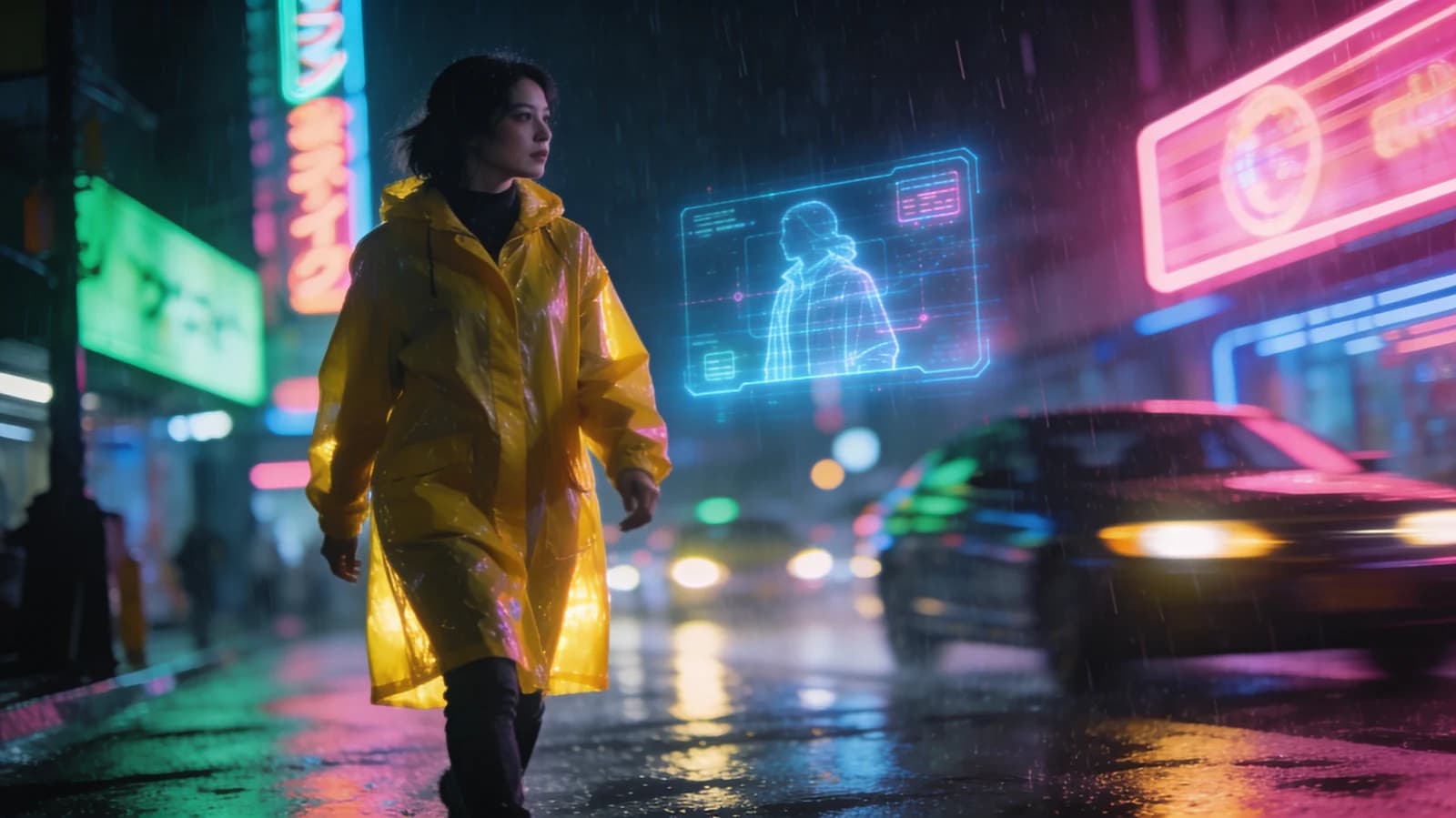
Image to Video
Animate a still into a living clip.
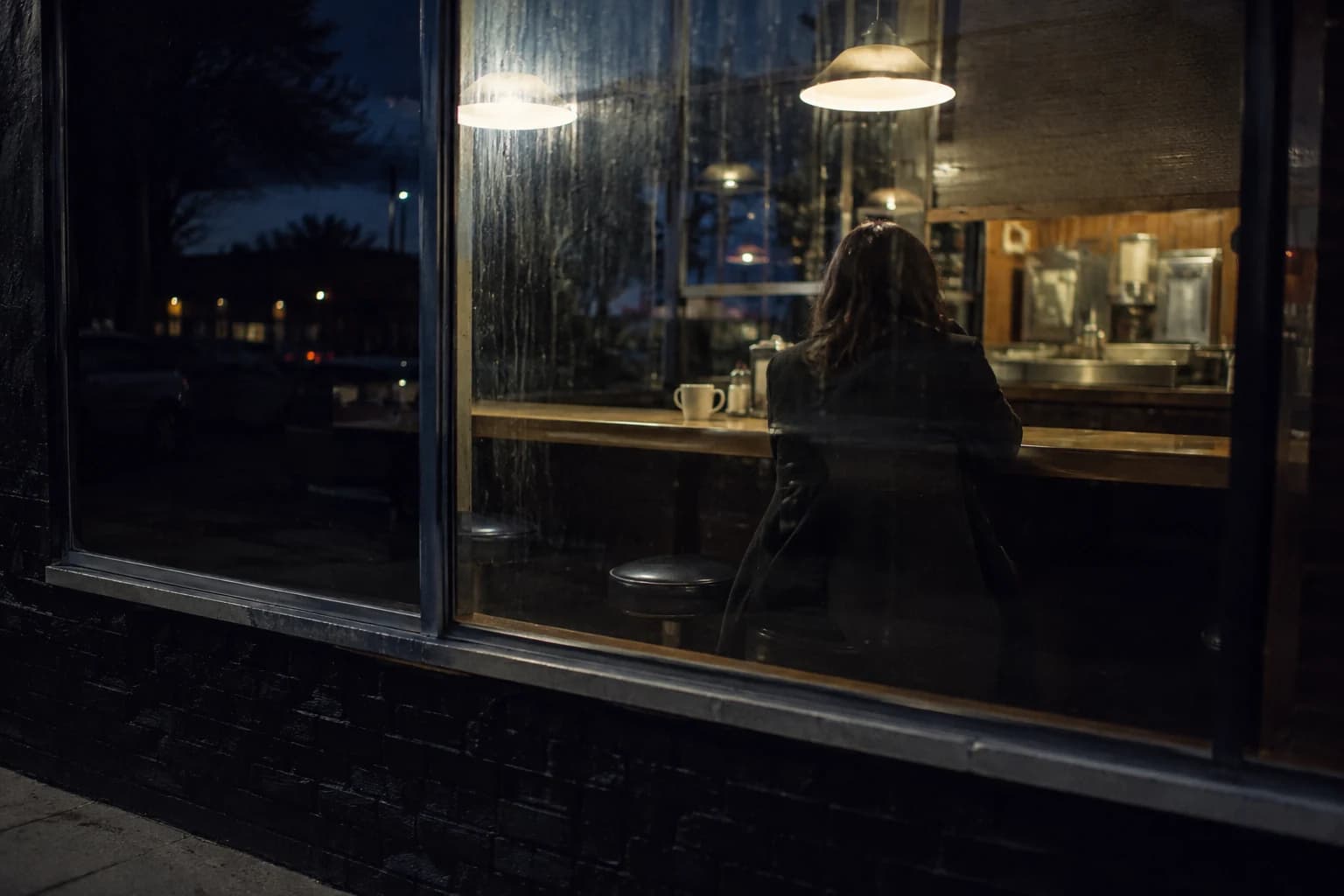
Cinematic Video Generator
Film-grade shots with camera moves.