

AI Video Background Changer
Change Any Video Scene with a Text Prompt
Describe a new location, weather, or time of day and the AI changes your video's scene — no green screen, no manual masking. Your subject and motion stay intact.
Drop a photo here
JPG, PNG or HEIC · up to 20 MB
Plans from $9/mo · Cancel anytime
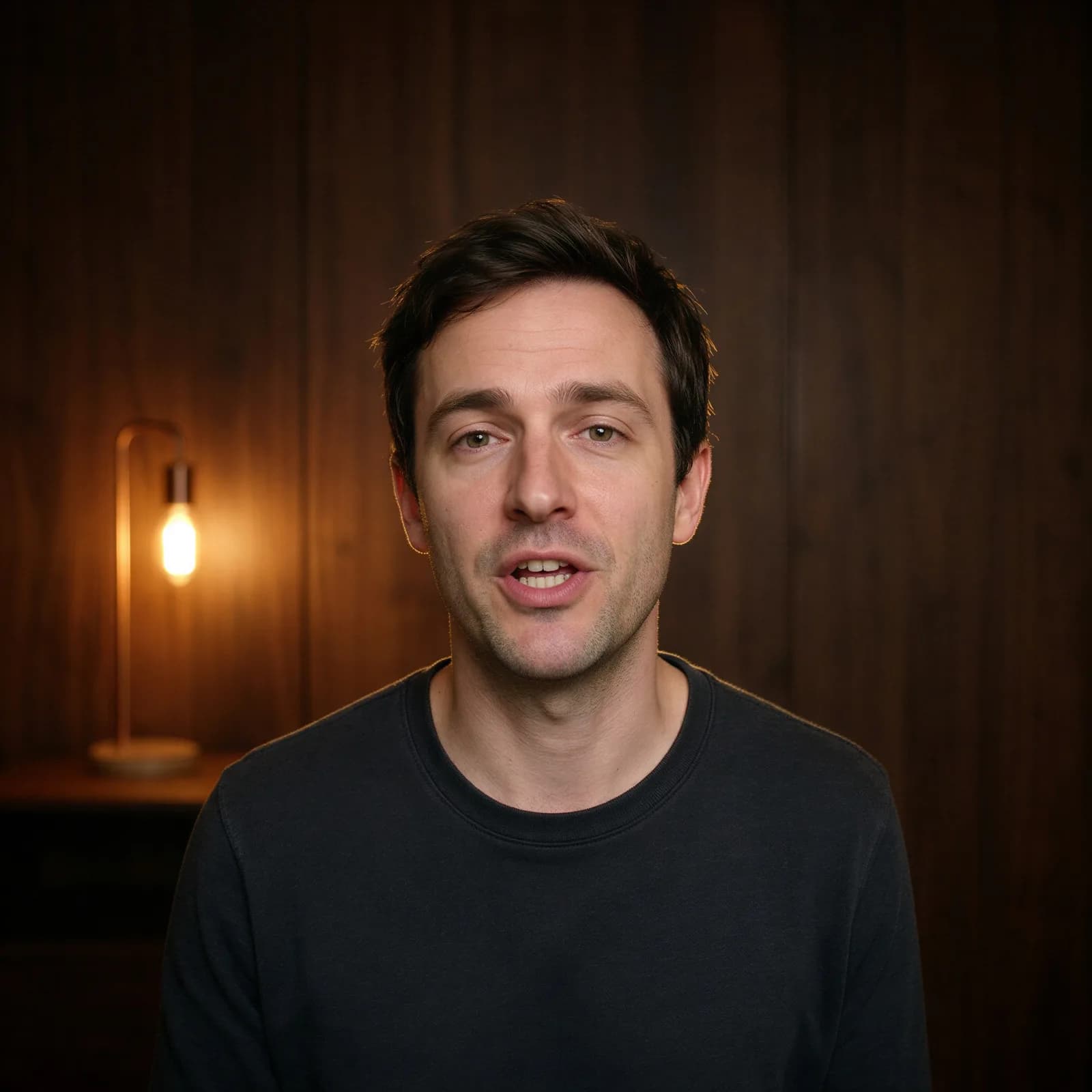
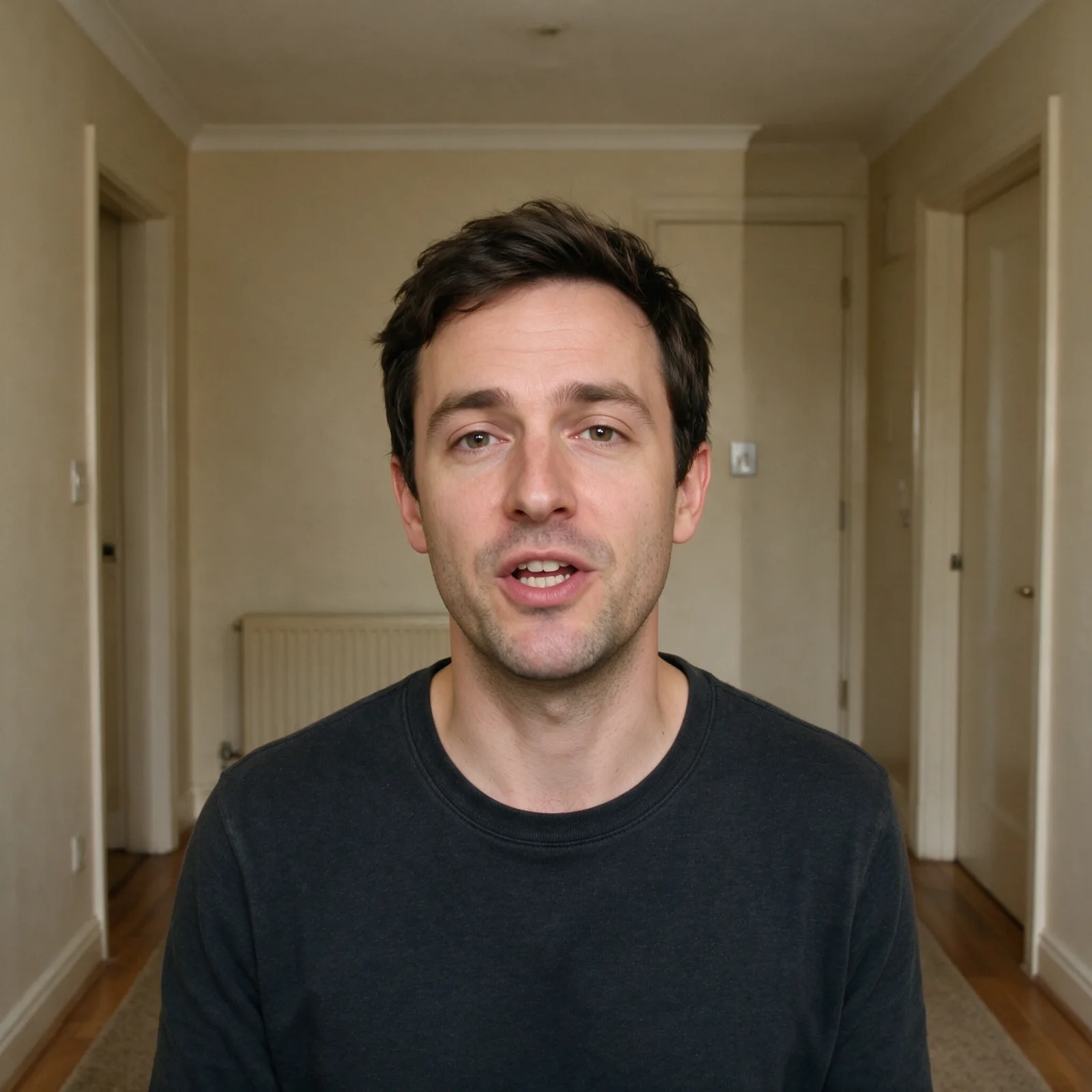
How to change a video background in 3 steps
Upload, describe the scene, and download.
Upload your video
Add the clip whose background or scene you want to change.
Describe the new background
Write the location, setting, weather, or time of day you want instead.
Generate & download
Get your scene-changed video in minutes, watermark-free.
A New Scene, No Green Screen
Prompt-based scene changes for any clip.
- Describe the New Scene
- Write what you want behind your subject — a beach, a studio, a city street — and the AI generates it.
- Change Setting, Weather & Time of Day
- Move a scene from day to night, sunny to overcast, indoors to outdoors, all from a text prompt.
- Keep Your Subject & Motion Intact
- The AI restyles the scene around your footage while keeping the original motion and timing consistent.
- Any Backdrop, Any Style
- From realistic locations to stylized sets, describe the backdrop you need and get a matching result.
- No Manual Masking Required
- Skip rotoscoping and green-screen setup. The scene change is driven entirely by your prompt.
- High-Resolution, No Watermark
- Download a clean, high-resolution video with no Morphed branding.
Who Uses the AI Video Background Changer
From solo creators to production agencies.
- Creators & Vloggers
- Move a talking-head clip into a new setting without traveling or reshooting.
- Marketing Teams
- Produce campaign variants of the same footage across different backdrops.
- Real Estate & Travel Content
- Show the same walkthrough or clip in different lighting, weather, or seasons.
- Product & Demo Videos
- Place a product demo in a new setting that fits the campaign or platform.
- Streamers
- Refresh stream intros and clips with new scenes without a green-screen setup.
- Agencies
- Deliver multiple scene variants from one client shoot instead of rebooking locations.
Questions
Start creating in minutes
Plans from $9/mo · Cancel anytime
Explore more AI tools
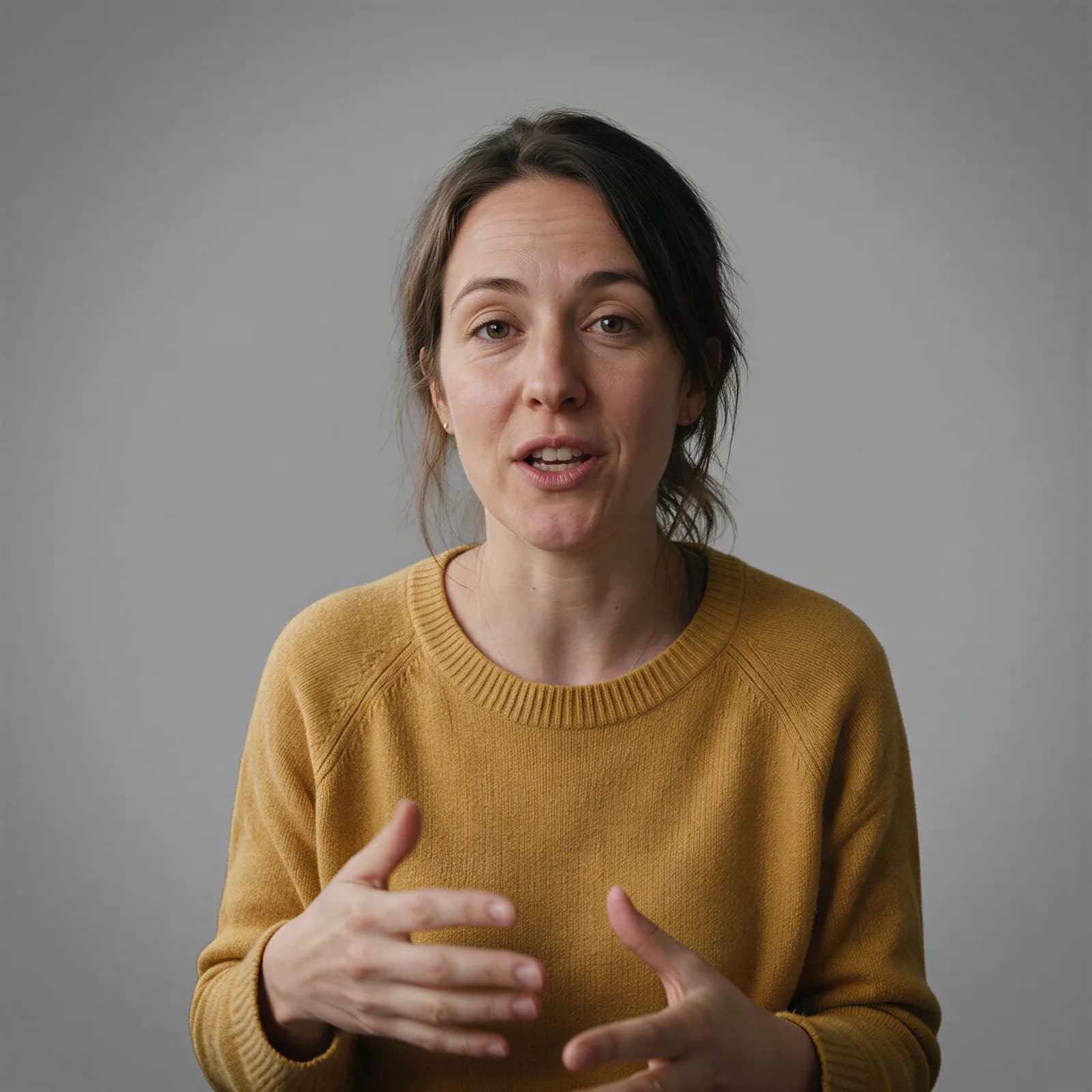
AI Video Background Remover
Cut a video background out frame by frame, no green screen.
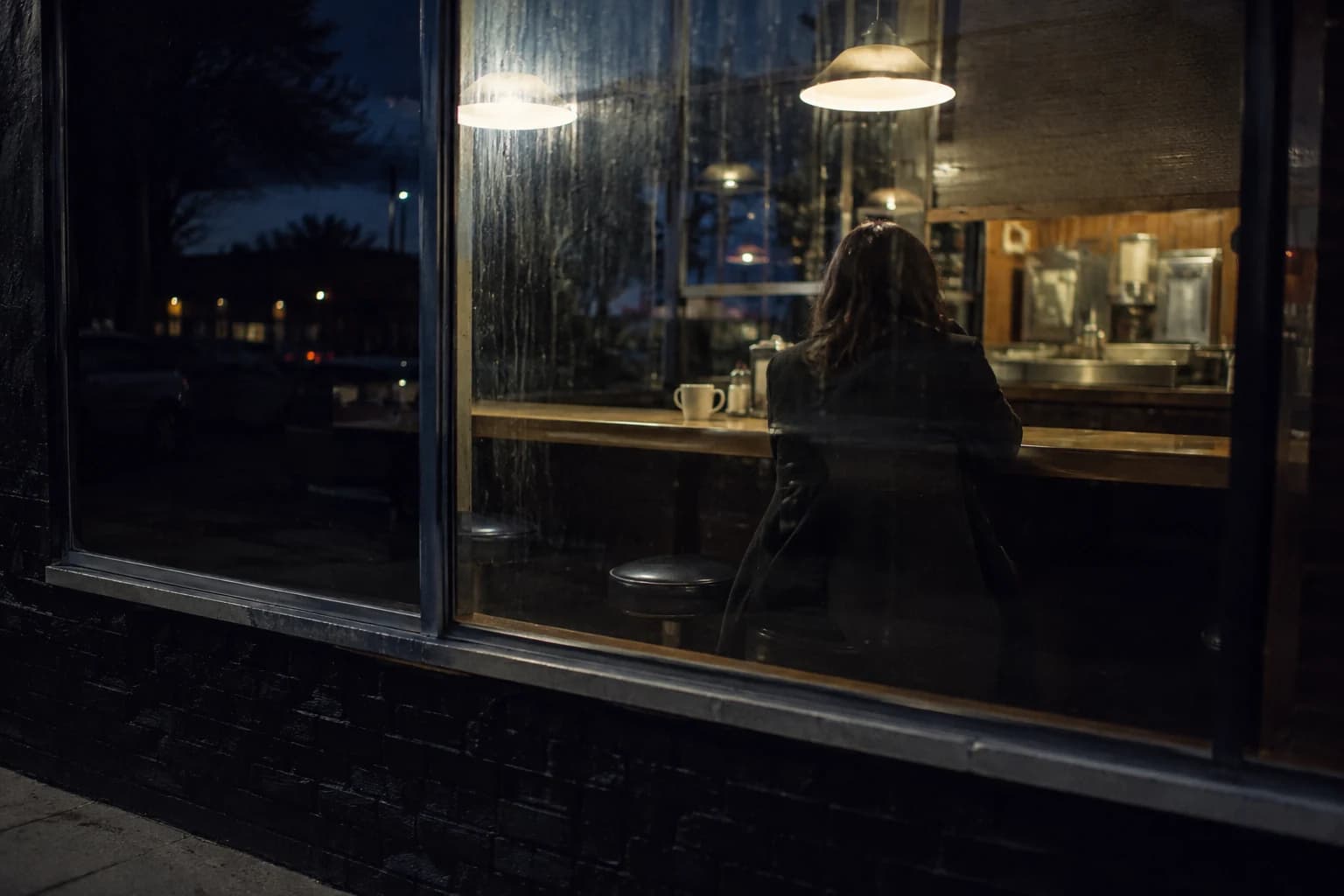
AI Video Composer
Combine clips, voiceover, captions, and motion into one video.

AI Video Face Swap
Swap a face through a full video, frame-accurate.
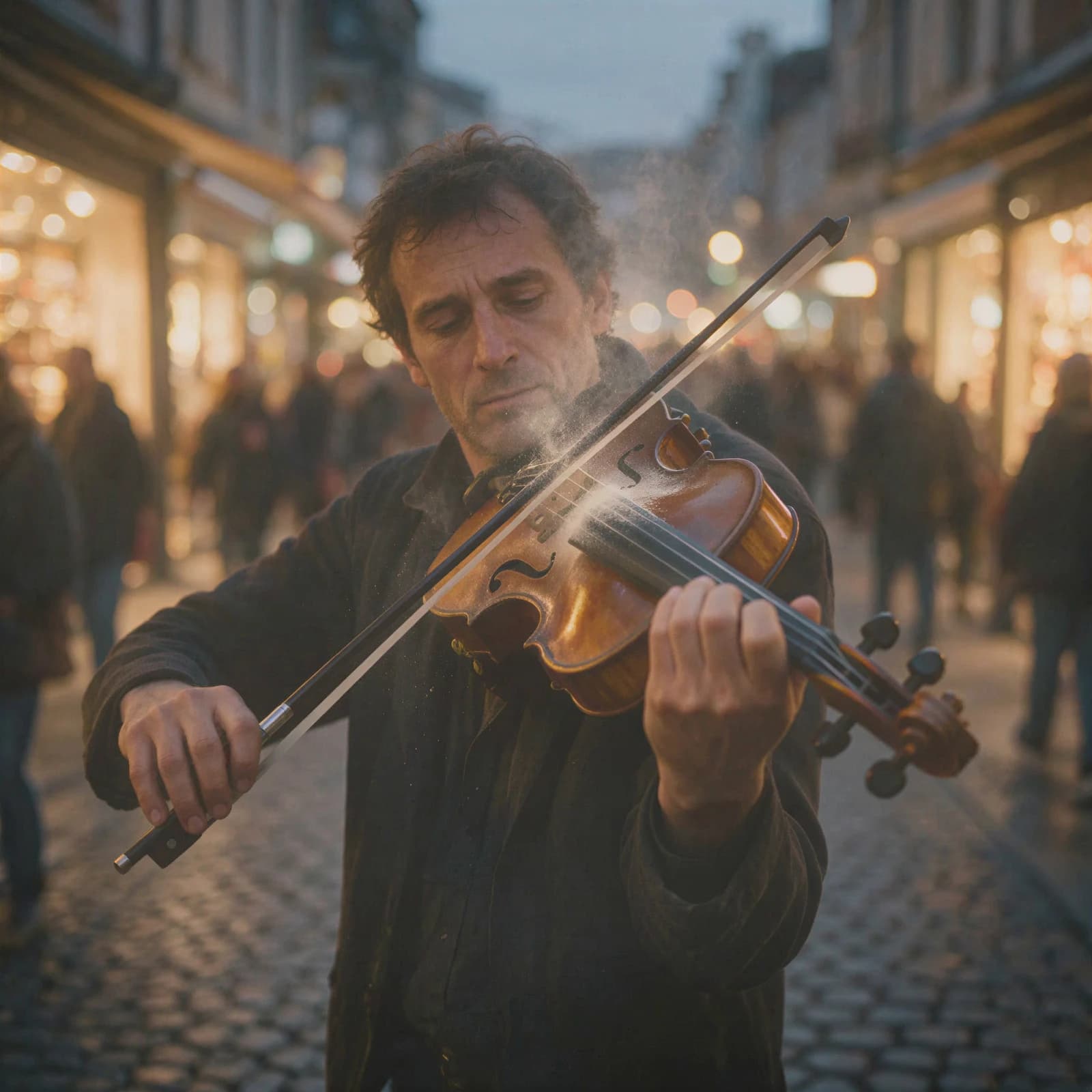
AI Video Enhancer
Sharpen blurry or low-res video up to 4K.
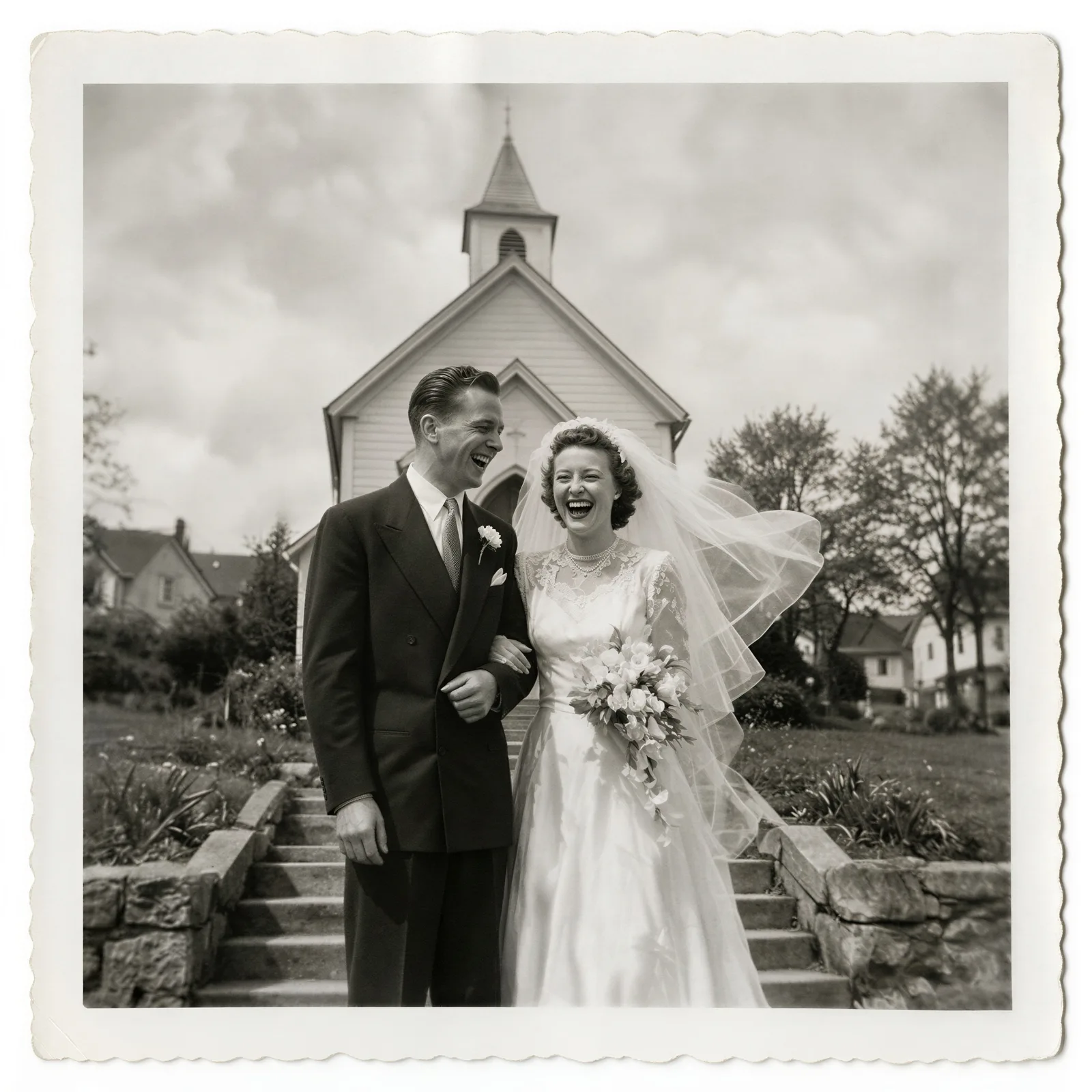
Animate Old Photos
Bring a still portrait to life with gentle motion.

Long Video to Shorts
Turn a long video into clipped, captioned shorts.
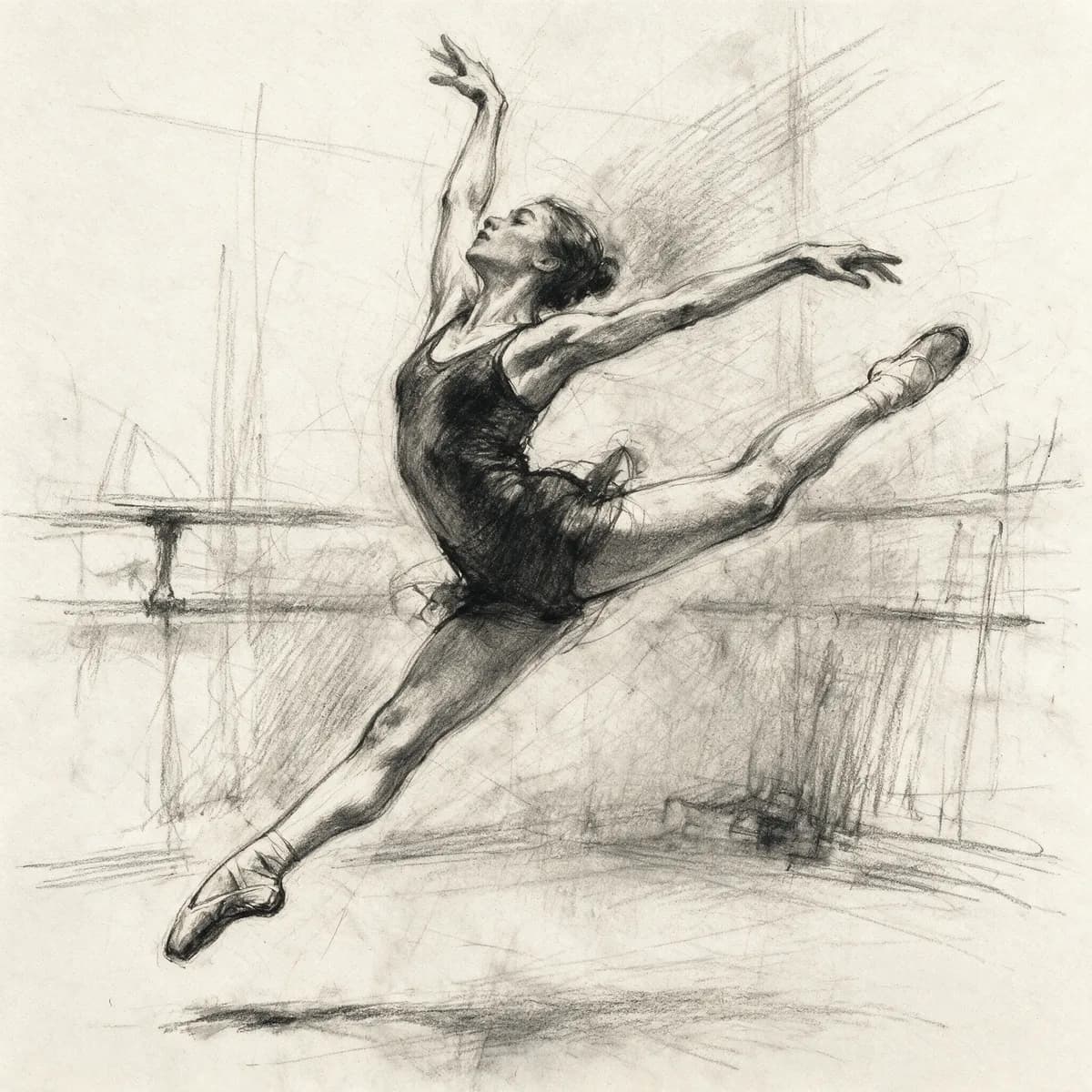
Sketch to Video AI
Turn a sketch into a moving starting frame.
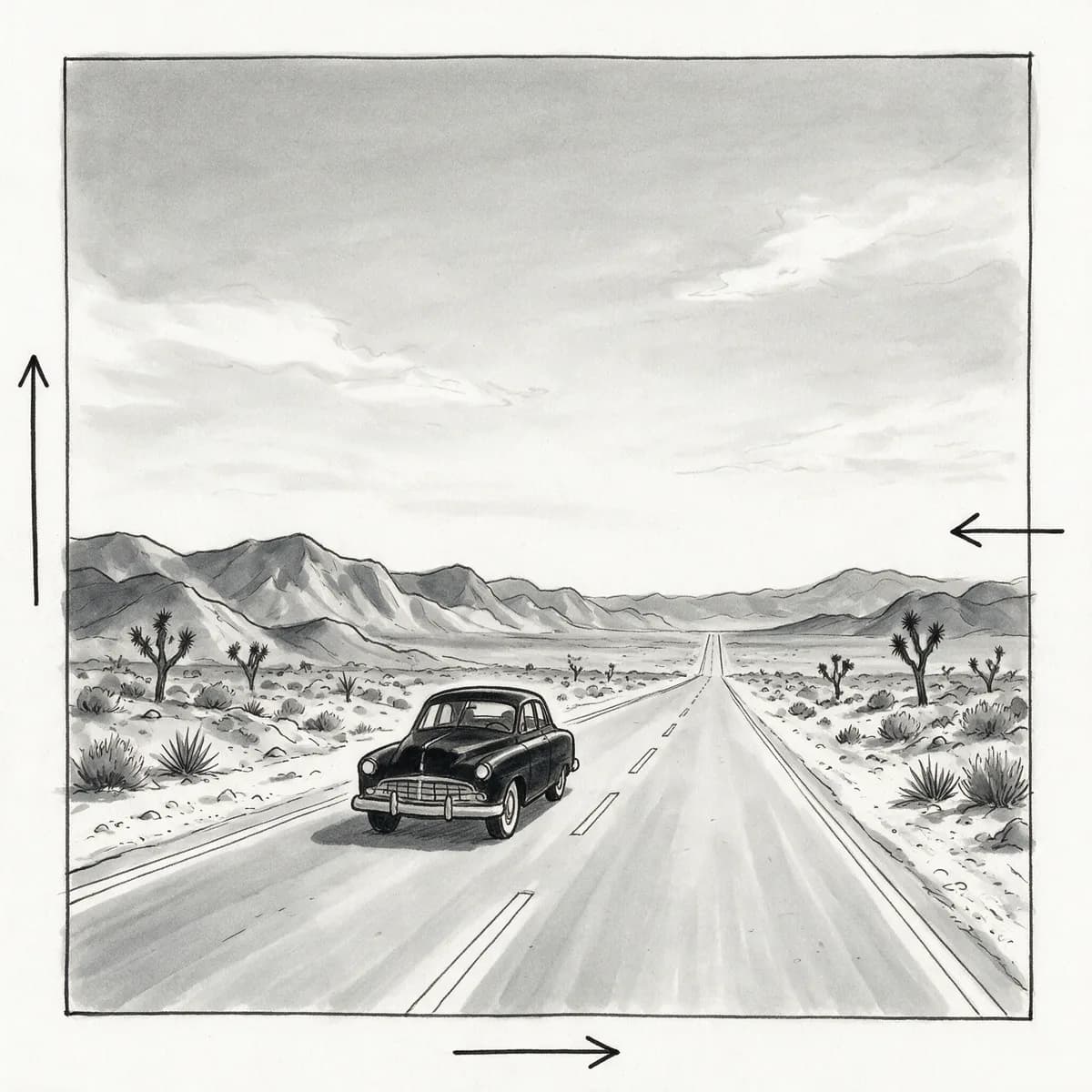
AI Storyboard Generator
Shot-by-shot storyboard frames for film and ads.