

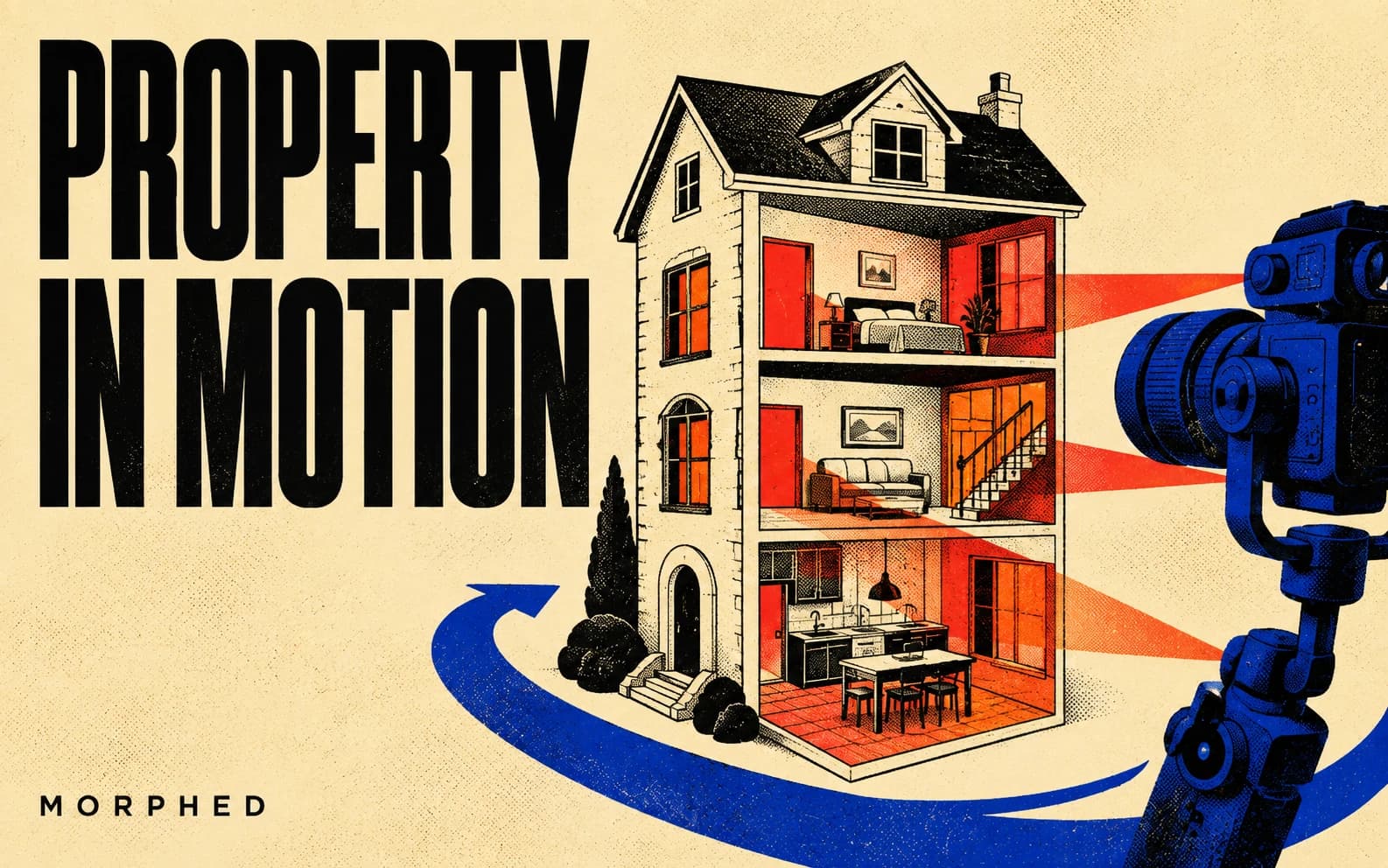
Listings with video get more inquiries, but most properties never get video because a videographer costs $300–$1,000 per listing and takes days to schedule. AI video generation changed that equation this year: you can now turn the listing photos you already have into smooth walkthrough and flyover footage in minutes, for a few dollars per property.
The catch is that real estate is unforgiving for AI video. Viewers know what rooms look like, straight lines must stay straight, and any warped doorframe or melting countertop destroys trust instantly. We compared the leading video models specifically on real estate footage — interior walkthroughs, exterior flyovers, neighborhood b-roll, and lifestyle scenes — to see which ones hold up.
The core workflow for every model here is image to video: start from a real listing photo so the property stays accurate, and let the model add camera motion. Pure text to video is useful only for generic b-roll (neighborhood streets, coffee shops, sunsets) where accuracy doesn't matter.
Quick Comparison
| Model | Best At | Geometry Stability | Max Quality | Speed |
|---|---|---|---|---|
| Veo 3.1 | Interior walkthroughs | Excellent | 1080p, native audio | Moderate |
| Kling V3 Pro | Exteriors, flyovers | Excellent | Up to 4K (V3 4K) | Moderate |
| Seedance 2.0 | Fast social clips | Very good | 1080p | Fast |
| Sora 2 | Lifestyle scenes | Good | 1080p, audio | Moderate |
| Hailuo 2.3 Pro | Budget b-roll | Good | 1080p | Fast |
All except Sora 2 (retired on Morphed on September 24, 2026) run inside Morphed, so you can use the right model per shot instead of committing to one.
1. Veo 3.1 — Best for Interior Walkthroughs
Interior camera motion is the hardest real estate shot: the model must move a camera through a room while keeping walls plumb, floors flat, and furniture solid. Veo 3.1 handles this better than any other model here. A slow dolly from the entry into the living room stays geometrically coherent, reflections in windows and mirrors behave, and the motion feels like a gimbal operator rather than a drifting dream.
Prompt pattern that works: "Slow, smooth dolly forward through the living room toward the windows, steady gimbal motion, natural afternoon light, no people." Keep motion slow — fast moves are where every model starts to warp.
Weak spot: clip length. You're building a listing video from multiple 6–8 second shots, one per room, edited together — which mirrors how real listing videos are cut anyway.
2. Kling V3 Pro — Best for Exteriors and Flyovers
Rising drone-style reveals of the facade, orbit shots around the property, golden-hour establishing shots — Kling V3 Pro produces the most cinematic exterior motion, and the V3 4K variant delivers resolution high enough for cropping and reframing. Landscaping, rooflines, and driveways hold their shape through the move.
Prompt pattern: "Aerial drone shot slowly rising and pulling back to reveal the full property and yard, golden hour, smooth cinematic motion."
Weak spot: interiors are good but a half-step behind Veo on tight geometry like kitchen cabinetry.
3. Seedance 2.0 — Best for Fast Social Clips
For Reels and TikTok listing teasers, Seedance 2.0 generates quickly and handles vertical 9:16 output well, making it the volume workhorse: animate five listing photos, cut them into a 20-second vertical teaser, post the same day. See our Seedance 2.0 image-to-video guide for prompt specifics.
Weak spot: peak fidelity trails Veo and Kling on hero shots — use it for pace, not the signature shot.
4. Sora 2 — Best for Lifestyle Scenes
Neighborhood coffee shops, families in parks, morning light on a quiet street — the aspirational b-roll between property shots. Sora 2 generates these from text with native audio, and since they're generic scenes, its occasional object-permanence quirks don't matter the way they would inside a listed property. Sora 2 was retired on Morphed on September 24, 2026; for similar shots on Morphed, use Veo 3.1 or Kling.
Weak spot: don't use it for footage of the actual property; text-to-video invents details, and invented details in a listing are a misrepresentation risk.
5. Hailuo 2.3 Pro — Best Budget Option
Hailuo 2.3 Pro delivers solid image-to-video motion at a lower credit cost, making it worth testing for high-volume agencies animating dozens of photos per week where per-clip cost dominates.
The Listing Video Workflow
- Shoot or gather stills. Your existing listing photos are the input — wide, well-lit, verticals corrected.
- Optionally stage first. Virtually stage or declutter photos in an AI image editor before animating. Disclose virtual staging per your MLS rules.
- Animate each room. One 6–8s clip per key space: exterior reveal (Kling), entry-to-living dolly (Veo), kitchen pan (Veo), primary suite push (Veo), backyard orbit (Kling).
- Assemble. Cut clips together with titles and music — a 60–90 second listing video, or a 20-second vertical teaser for social.
- Upscale if needed. Run hero clips through an AI video upscaler for 4K delivery.
Compliance Notes
- Never fabricate the property. Camera motion on real photos: fine. Generating rooms, finishes, or views that don't exist: misrepresentation.
- Disclose virtual staging. Most MLSs require it for photos and video alike.
- Watch the fine details. Review every clip for warped lines before publishing — AI's rare geometry errors are exactly what sharp-eyed buyers screenshot.
Frequently Asked Questions
What's the best AI video model for real estate?
Veo 3.1 for interiors, Kling V3 Pro for exteriors. Listings need both, which is the argument for a multi-model platform like Morphed over a single-model subscription.
Can I make a full walkthrough video with AI?
Yes — as a sequence of per-room clips cut together, the same structure as professionally shot listing videos. A continuous single-take walkthrough of a specific real property is beyond current models.
Do AI listing videos actually help sell?
Video listings consistently draw more engagement than photo-only listings, and the bigger effect is for the agent: consistent video content is the strongest listing-presentation differentiator at pitch time.
What do I do about photos with bad lighting?
Fix the photo first — relight, correct color, and enhance in Morphed's image editor — then animate the corrected photo. Garbage in, garbage out applies doubly to image-to-video.
Turn your listing photos into video with every leading model in one place. Start creating on Morphed →
Related: Image to Video AI | AI Real Estate Photo Editor | Nano Banana Prompts for Real Estate | Best AI Video Generators | Best Image to Video AI Tools