

AI Long Video Generator
Build Longer Videos by Chaining Scenes, Not Stretching Clips
Script-to-scenes, AI voiceover, captions, and music in one editable project. Generate a longer video by structuring it as scenes instead of forcing one clip past its natural limit.
Plans from $9/mo · Cancel anytime

Real results
Every image is a Morphed render. No stock, no mockups.

How to build a long video in 3 steps
Script, fill in scenes, render.
Start with a script or outline
Write or paste your script and get it broken into a scene-by-scene structure.
Fill in every scene
Generate visuals, add voiceover and captions, and set pacing for each scene.
Render the full video
Export one continuous MP4 built from every scene in your project.
Length Comes From Structure, Not a Bigger Model
Scene-by-scene control across the full runtime.
- Scene-by-Scene Structure
- Long videos are built as a sequence of scenes, not one endless generation — each scene is its own editable unit.
- Script to Scene Breakdown
- Paste or write a script and get it split into scenes with suggested visuals, timing, and pacing to start from.
- Voiceover Across the Runtime
- Add AI narration scene by scene so a five-minute video sounds consistent from the first frame to the last.
- Captions for the Whole Video
- Auto-generated captions carry across every scene, keeping longer videos watchable with the sound off.
- Transitions That Hide the Seams
- Consistent transitions and pacing between scenes make a chained sequence feel like one continuous video.
- One Finished Export
- Render the full sequence as a single MP4 regardless of how many scenes went into building it.
Who Uses the AI Long Video Generator
From YouTube channels to training content.
- YouTube Channels
- Produce longer videos than a single-clip generator can support, with consistent pacing.
- Course and Training Content
- Break a lesson into scenes with narration and captions for a full-length module.
- Documentary-Style Stories
- Chain narrated scenes into a longer story arc without a camera crew.
- Company Updates
- Turn a longer internal update or recap into one polished video instead of a slide deck.
- Compilation Content
- Combine multiple generated or uploaded scenes into a single longer upload.
- Podcast Repurposing
- Turn a long-form script or transcript into a visual video with voiceover and captions.
Questions
Start creating in minutes
Plans from $9/mo · Cancel anytime
Explore more AI tools

AI Marketing Video Maker
Campaign videos with voiceover, captions, and a CTA.

AI Movie Generator
Direct camera moves and build a trailer-style short.
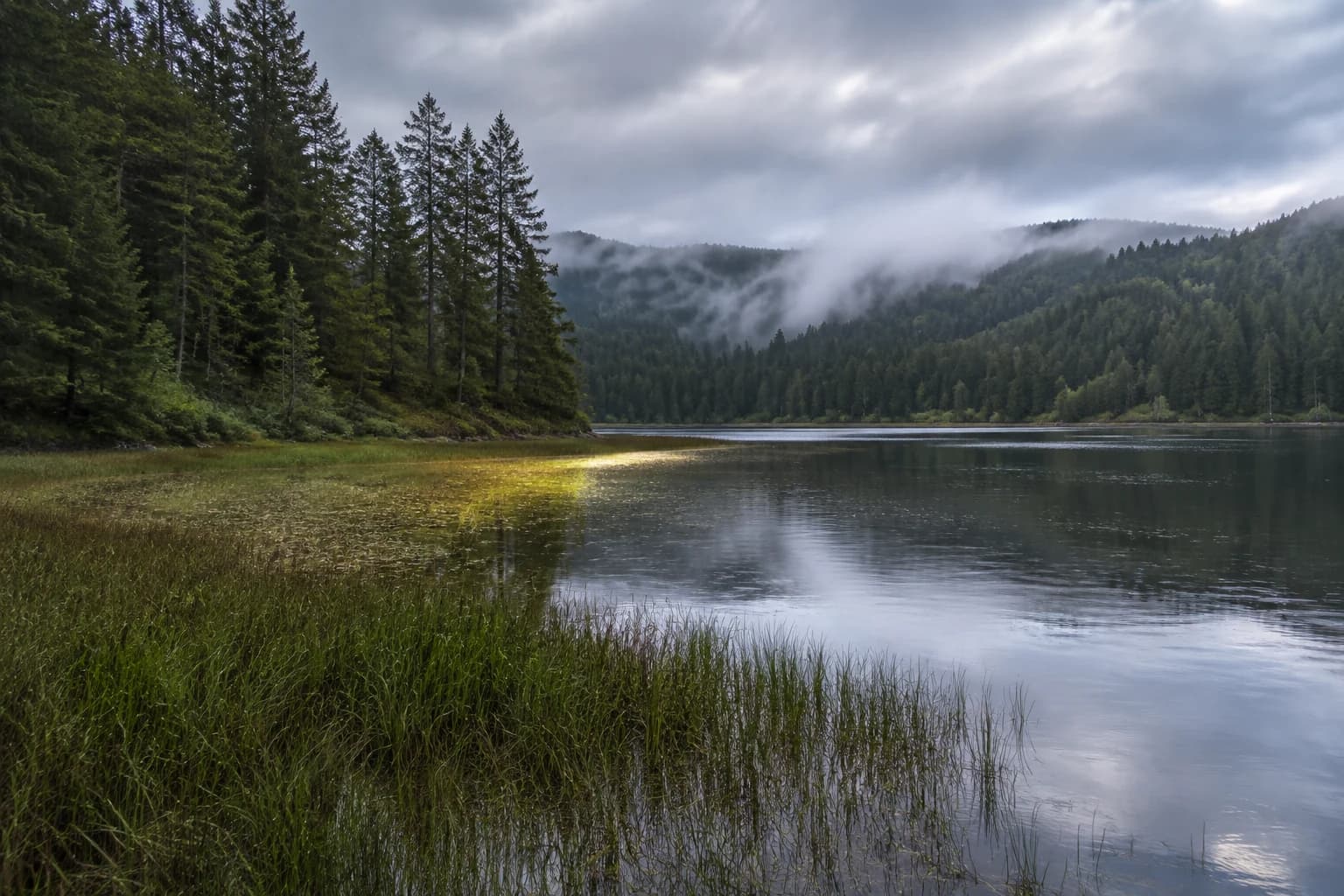
AI Nature Video Generator
Landscapes and wildlife in motion from a prompt.
AI Short Video Generator
Vertical AI video for Reels, TikTok, and Shorts.

AI Subtitle Generator
Auto-transcribed, styled captions for any clip.

AI Talking Avatar
Add a voice to a photo and get natural lip sync.
AI Video Background Changer
Swap a video's scene with a text prompt — no green screen.
AI Video Background Remover
Cut a video background out frame by frame, no green screen.