

Seedance 2.5
One continuous take, up to 30 seconds, with the sound already in it - from text or a single image.
to start generating videos with Seedance 2.5
Generated with Seedance 2.5
“A twenty-something travel vlogger talks straight into the camera on a moving Lisbon tram, gripping the overhead rail as morning light strobes through the windows.”
What Sets It Apart
Thirty seconds in one take
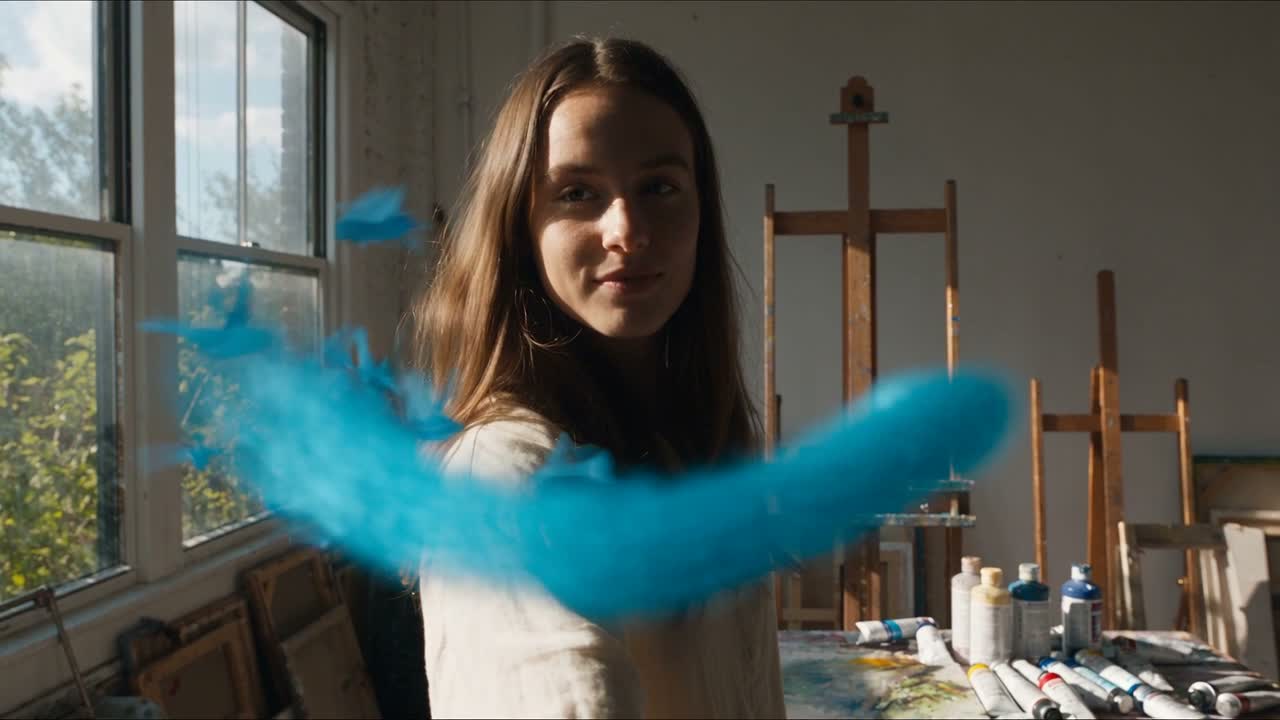
Seedance 2.5 holds a single continuous shot for up to 30 seconds - long enough for a scene, not just a moment - while keeping subjects, lighting, and physics coherent.
Sound in the same pass
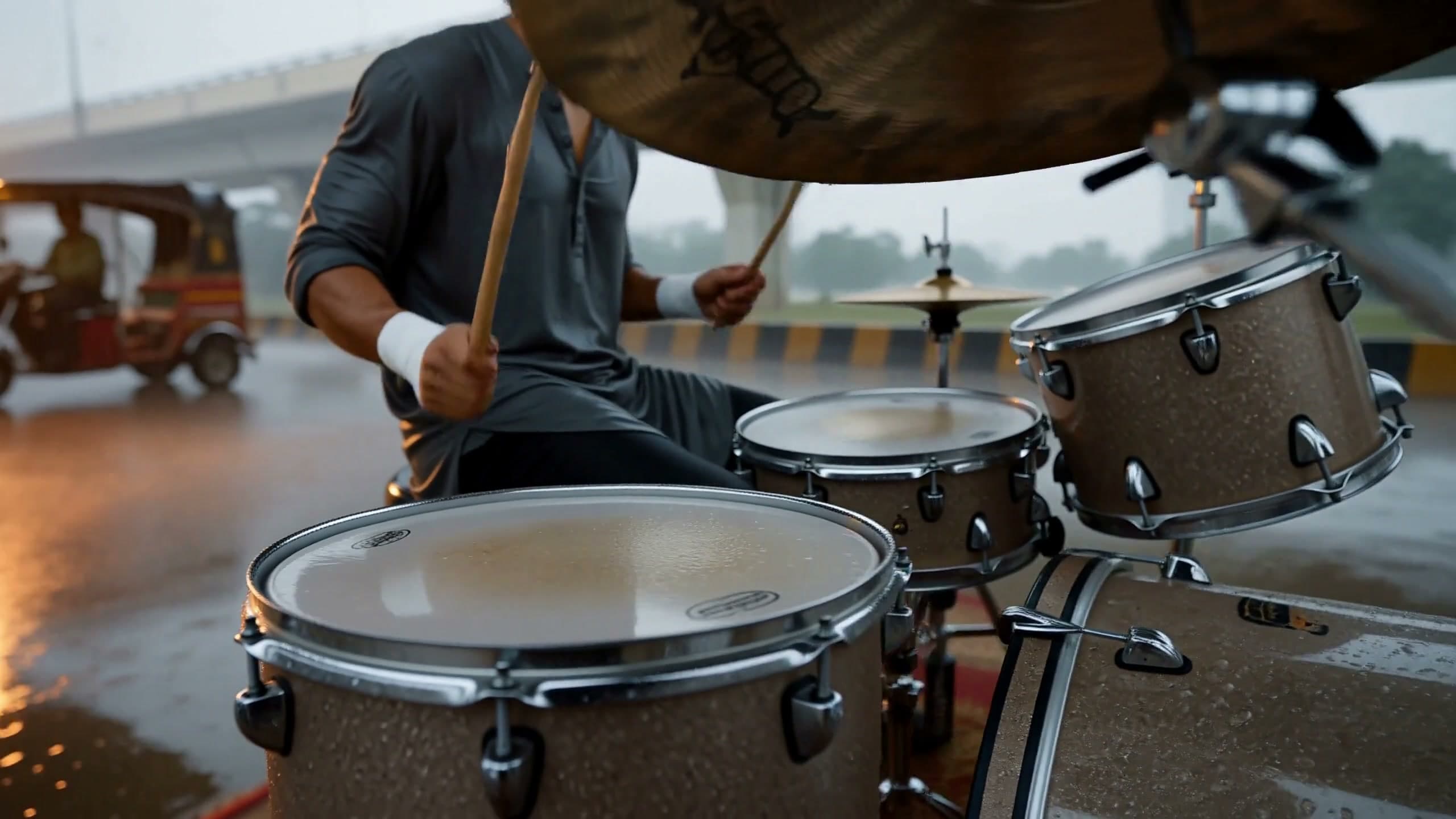
Optional native audio generates dialogue, room tone, and effects together with the picture, included in the listed credit rate.
Reference-to-video workflow
Morphed also offers a dedicated Seedance 2.5 Reference page for briefs with up to 30 images, 10 videos, and 10 audio clips.
Draft at 480p, finish at 720p
Use 34 credits per second while you iterate, then 73 credits per second for the version you ship. Audio is included at both resolutions.
Built For
Creator-led ads
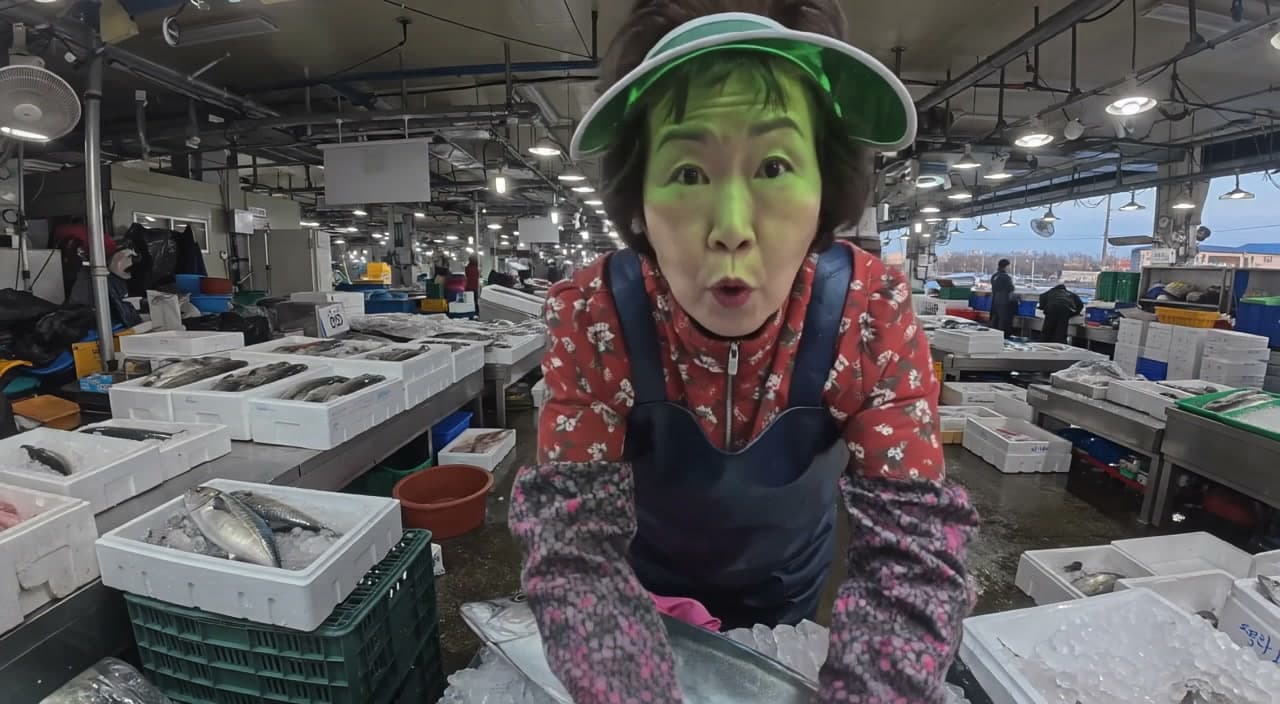
Turn a photo and voice reference into a consistent spokesperson video for TikTok, Reels, and Shorts.
Product hero shots
Generate rotating product films and unboxing moments from a clean product image.
Cinematic b-roll
Create continuous camera moves for intros, trailers, and looping backgrounds without a film crew.
Audio-synced scenes
Bind a reference track with @Audio1 and guide motion and performance with the sound.
Technical Specifications
How Seedance 2.5 Compares
Every model below is available on Morphed — switch between them with the same prompt.
| Model | Credits | Type | Best for |
|---|---|---|---|
| Seedance 2.5This modelBytedance | 73 / second | Text to Video | Creator-led ads |
 MiniMax H3MiniMax MiniMax H3MiniMax | 40 / second | Text to Video | Creator-Style Vertical Video |
 FLUX 3 VideoBlack Forest Labs FLUX 3 VideoBlack Forest Labs | 25 / second | Text to Video | Talking-Head Creator Content |
 Seedance 2.0Bytedance Seedance 2.0Bytedance | 43.5 / second | Text to Video | Cinematic Content |
 Veo 3.1Google Veo 3.1Google | 20 / second | Text to Video | Premium Video |
Frequently Asked Questions


Create with Seedance 2.5 in three steps
Describe your idea
Write a prompt, or start from one of the examples above. Seedance 2.5 handles detailed, multi-part prompts well.
Generate & iterate
Pick duration and aspect ratio, then generate. Re-roll or refine the prompt until the motion feels right.
Download or keep editing
Export in full resolution, or send the result to another model on Morphed — upscale it, animate it, or edit it.
Ready to create with Seedance 2.5?
Create an account, then pick a plan to start generating. Plans start at $9/month — 30% off your first 3 months, cancel anytime.