

MiniMax H3
One model for text, image, and reference-driven video - up to 2K, up to 15 seconds.
to start generating videos with MiniMax H3
Generated with MiniMax H3
“A Nigerian ceramicist in a sunlit workshop pulls a tall vase on the wheel, clay slipping through her fingers, slow push-in on her hands, 16:9.”
What Sets It Apart
Three ways in
Start from a written prompt, a still image, or a reference set. Text-to-video, image-to-video, and reference-to-video all run on the same model in Morphed.
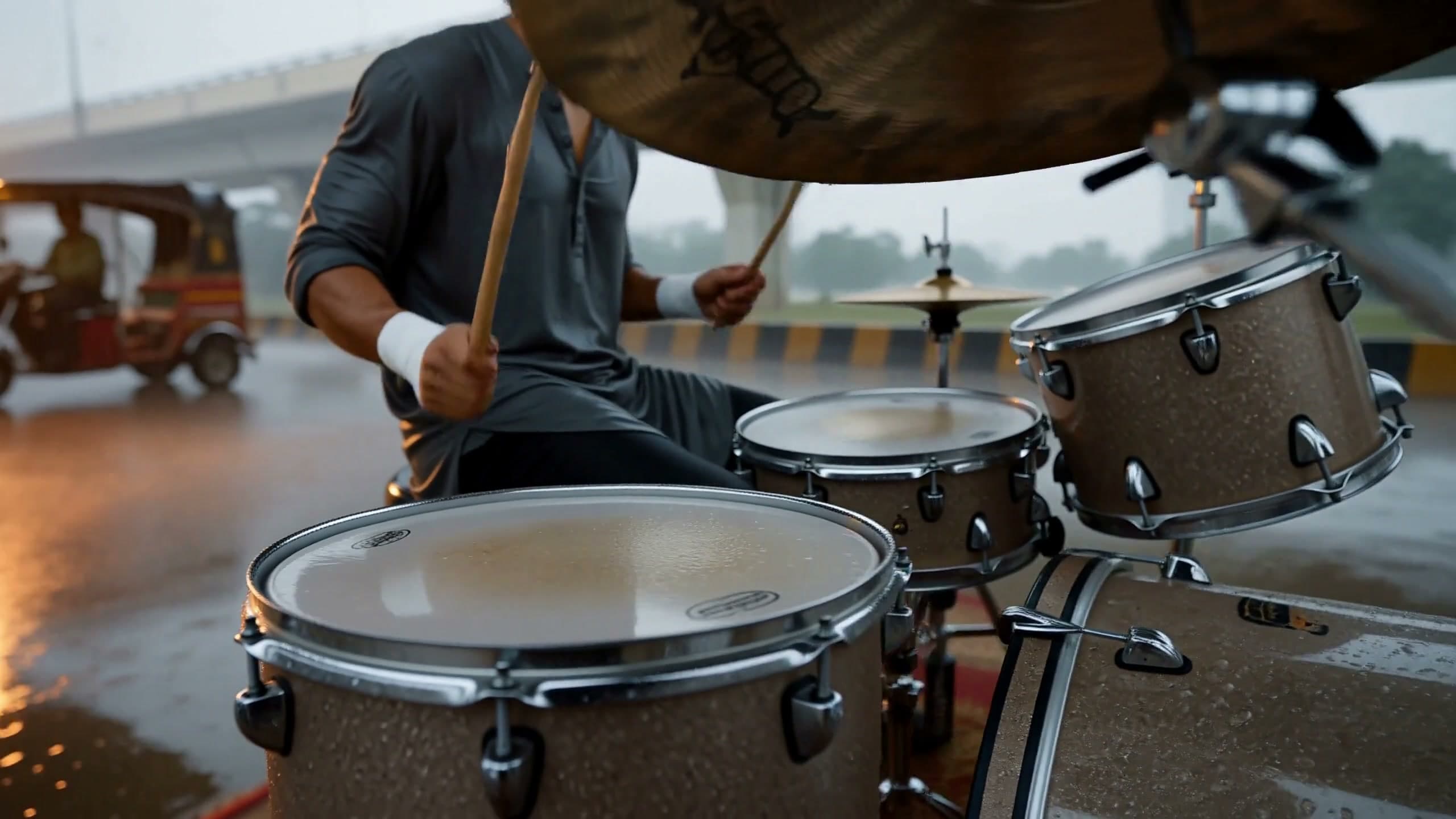
References that guide the take
Reference mode accepts up to 9 images, 3 videos, and 3 audio clips as guidance for a single generation, so you can point at the look, motion, and sound instead of describing every detail.
Up to 2K, 5 to 15 seconds
Render at up to 2K in 21:9, 16:9, 4:3, 1:1, 3:4, or 9:16 - vertical hooks and widescreen scenes come out of the same place.
Priced by the second
40 credits per second, so you know what a 15-second 2K clip costs before you hit generate.
Built For
Creator-Style Vertical Video
Candid, handheld-feeling pieces to camera with expressive body language and cloth movement, built for 9:16 feeds.
Reference-Guided Campaigns
Use look books, product stills, and motion references to guide the visual direction of a generation.
Movement & Performance
Dance, choreography, and full-body expression where the camera follows a performer through space.
Stills into Motion
Turn an existing image into a moving shot while starting from framing and mood you have already chosen.
Technical Specifications
Modes and tiers
Each row is its own option in the Morphed model picker.
| Variant | What changes | Credits / second | Max length, resolution |
|---|---|---|---|
| MiniMax H3 | Text-to-video and image-to-video | 40 | 15s, 2K |
| MiniMax H3 Reference | Reference-to-video: up to 12 references (images, videos, audio clips) | 40 | 15s, 2K |
How MiniMax H3 Compares
Every model below is available on Morphed — switch between them with the same prompt.
| Model | Credits | Type | Best for |
|---|---|---|---|
| MiniMax H3This modelMiniMax | 40 / second | Text to Video | Creator-Style Vertical Video |
 Hailuo 2.3 ProMiniMax Hailuo 2.3 ProMiniMax | 70 / video | Text to Video | Professional Content |
 Seedance 2.0Bytedance Seedance 2.0Bytedance | 43.5 / second | Text to Video | Cinematic Content |
 Kling V3 ProKling Kling V3 ProKling | 18 / second | Text to Video | Client Deliverables |
 Veo 3.1Google Veo 3.1Google | 29 / second | Text to Video | Premium Video |
Frequently Asked Questions


Create with MiniMax H3 in three steps
Describe your idea
Write a prompt, or start from one of the examples above. MiniMax H3 handles detailed, multi-part prompts well.
Generate & iterate
Pick duration and aspect ratio, then generate. Re-roll or refine the prompt until the motion feels right.
Download or keep editing
Export in full resolution, or send the result to another model on Morphed — upscale it, animate it, or edit it.
Ready to create with MiniMax H3?
Create an account, then pick a plan to start generating. Plans start at $9/month — 30% off your first 3 months, cancel anytime.