

FLUX 3 Video
Type the scene, or start from your own image, and FLUX 3 Video writes the sound with it - dialogue, room tone, and ambience arrive in the same generation.
to start generating videos with FLUX 3 Video
Generated with FLUX 3 Video
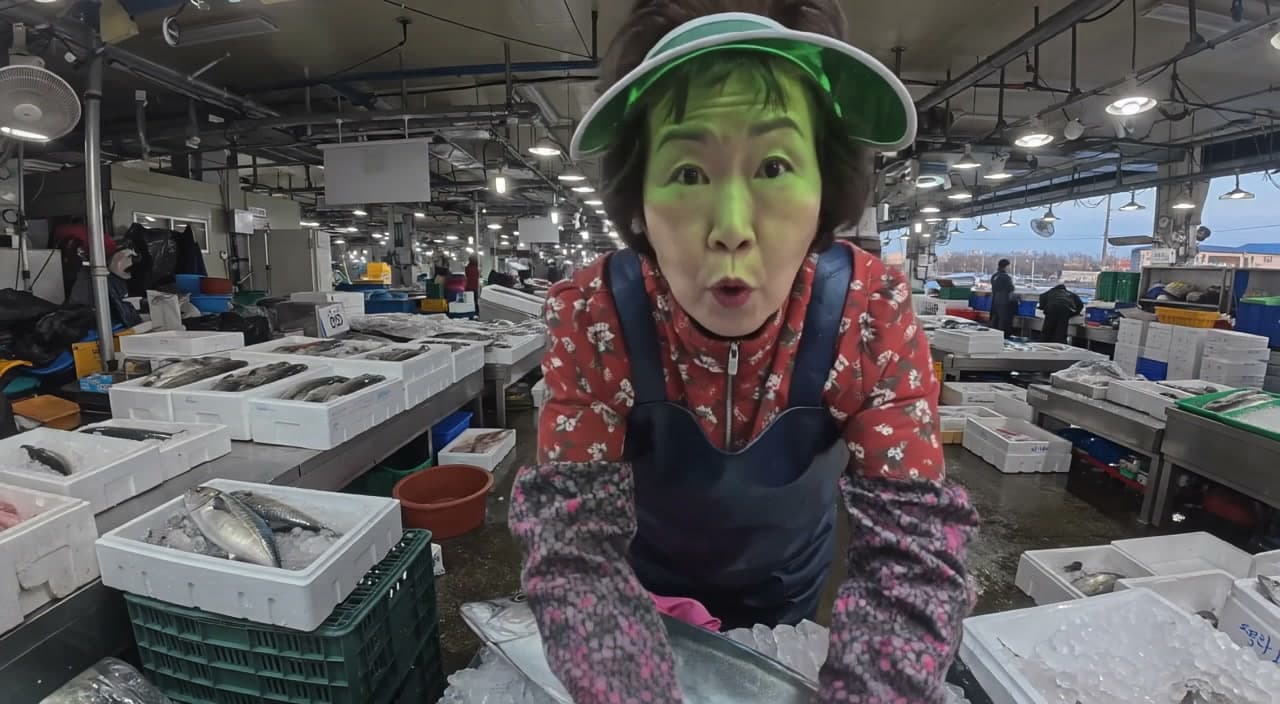
“A Ghanaian barista at an open window counter explains today's single-origin to the camera over the hiss of a steam wand, vertical 9:16, handheld.”
What Sets It Apart
Audio comes with the video
Speech, room tone, and ambience are generated natively alongside the picture and included in the listed credit rate - no separate audio pass.
Up to 20 seconds
Enough runway for a piece to camera with a setup, a turn, and a payoff in a single generation.
720p or 1080p
Draft at 720p for 25 credits per second, then finish the keeper at 1080p for 42.
Text or image in
Start from a prompt, or upload a still and describe how it moves. Image-to-video costs the same as text-to-video: 25 credits per second at 720p, 42 at 1080p.
Built For
Talking-Head Creator Content
Vlogs, hot takes, and pieces to camera where the voice and the picture are generated together.
Scripted Ad Reads
Short spots with spoken lines and a believable acoustic space instead of a silent clip and a separate voiceover.
Ambience-Led Scenes
Workshops, kitchens, streets, and rehearsal rooms where the sound of the space does half the storytelling.
Animate a Still
Bring a product shot, a portrait, or a frame from another model to life with sound, without describing the whole scene again.
Technical Specifications
How FLUX 3 Video Compares
Every model below is available on Morphed — switch between them with the same prompt.
| Model | Credits | Type | Best for |
|---|---|---|---|
| FLUX 3 VideoThis modelBlack Forest Labs | 25 / second | Text to Video | Talking-Head Creator Content |
| Gemini Omni FlashGoogle | 22 / second | Text to Video | Sound-On Social Video |
 Veo 3.1Google Veo 3.1Google | 29 / second | Text to Video | Premium Video |
| Happy Horse 1.1Alibaba | 26 / second | Text to Video | Dialogue Scenes |
 Kling 2.6Kling Kling 2.6Kling | 11 / second | Text to Video | Action Content |
Frequently Asked Questions


Create with FLUX 3 Video in three steps
Describe your idea
Write a prompt, or start from one of the examples above. FLUX 3 Video handles detailed, multi-part prompts well.
Generate & iterate
Pick duration and aspect ratio, then generate. Re-roll or refine the prompt until the motion feels right.
Download or keep editing
Export in full resolution, or send the result to another model on Morphed — upscale it, animate it, or edit it.
Ready to create with FLUX 3 Video?
Create an account, then pick a plan to start generating. Plans start at $9/month — 30% off your first 3 months, cancel anytime.