

Grok Imagine Video 1.5 Lite
Short video clips with sound from xAI, starting at 3 credits per second.
to start generating videos with Grok Imagine Video 1.5 Lite
What Sets It Apart
Audio Included
Every clip comes with sound generated alongside the picture. There is no audio switch and no extra charge.
Low Draft Cost
Text-to-video costs 3 credits per second at 480p and 4.5 at 720p, so a 6-second 720p clip is 27 credits.
Text or Image Start
Write a prompt, or upload a still and describe how it should move. Image-to-video keeps the shape of your image.
Seven Aspect Ratios
16:9, 4:3, 3:2, 1:1, 2:3, 3:4, and 9:16, in 5, 6, 10, or 15-second clips.
Built For
Prompt Testing
Try a shot idea at 480p or 720p before you spend on a higher-end video model.
Social Clips
Short vertical clips with ambient sound for Reels, TikTok, and Shorts.
Animate a Still
Bring a product shot or illustration to life with a few seconds of motion and sound.
High-Volume B-Roll
Background clips for edits, slides, and pages where many short shots matter more than one perfect one.
Technical Specifications
How Grok Imagine Video 1.5 Lite Compares
Every model below is available on Morphed — switch between them with the same prompt.
| Model | Credits | Type | Best for |
|---|---|---|---|
Grok Imagine Video 1.5 LiteThis modelxAI | 4.5 / second | Text to Video | Prompt Testing |
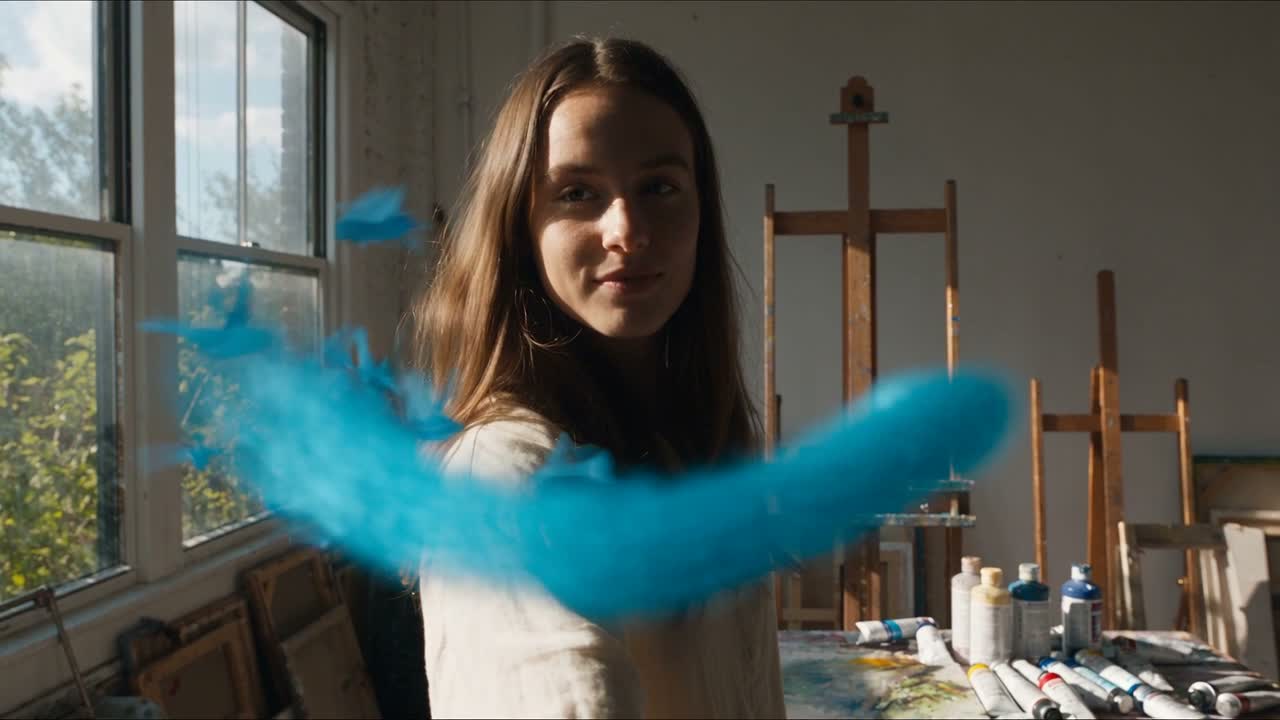 Seedance 2.5Bytedance Seedance 2.5Bytedance | 73 / second | Text to Video | Creator-led ads |
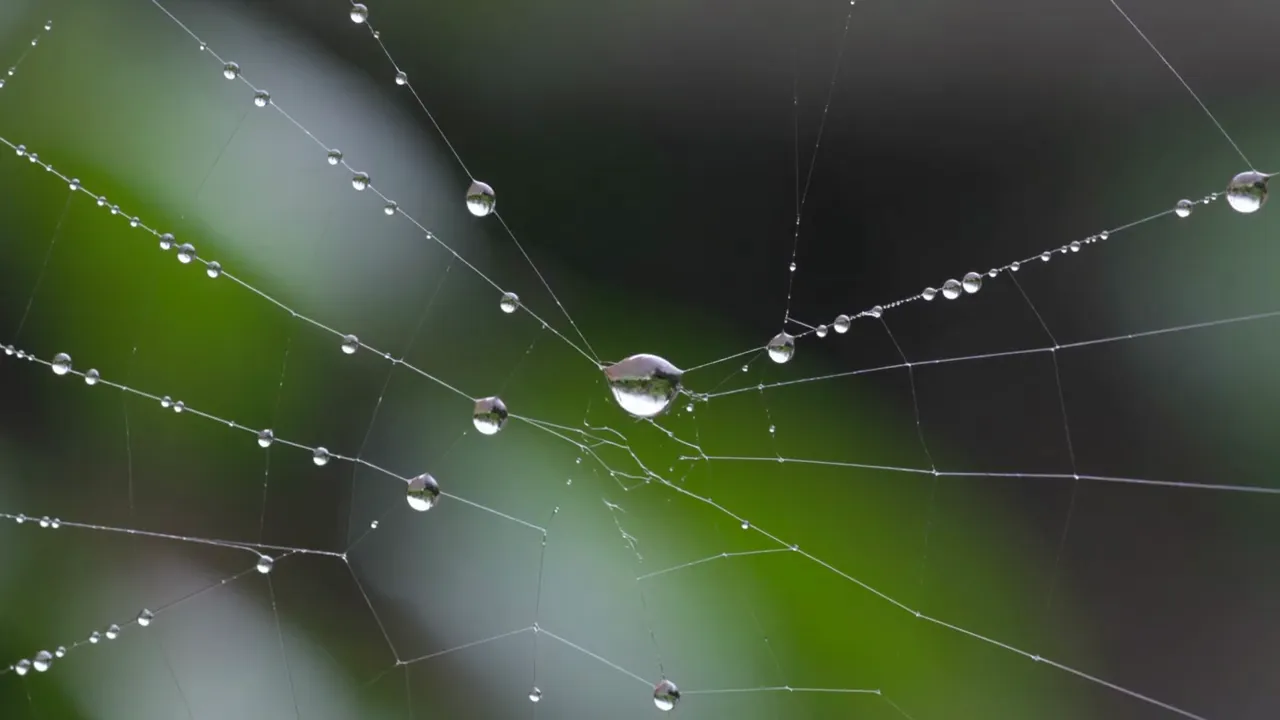 Kling V3 ProKling Kling V3 ProKling | 18 / second | Text to Video | Client Deliverables |
| Happy Horse 1.1Alibaba | 26 / second | Text to Video | Dialogue Scenes |
| MiniMax H3 Max TurboMiniMax | 6 / second | Text to Video | — |
Frequently Asked Questions


Create with Grok Imagine Video 1.5 Lite in three steps
Describe your idea
Write a prompt, or start from one of the examples above. Grok Imagine Video 1.5 Lite handles detailed, multi-part prompts well.
Generate & iterate
Pick duration and aspect ratio, then generate. Re-roll or refine the prompt until the motion feels right.
Download or keep editing
Export in full resolution, or send the result to another model on Morphed — upscale it, animate it, or edit it.
Ready to create with Grok Imagine Video 1.5 Lite?
Create an account, then pick a plan to start generating. Plans start at $9/month — 30% off your first 3 months, cancel anytime.