

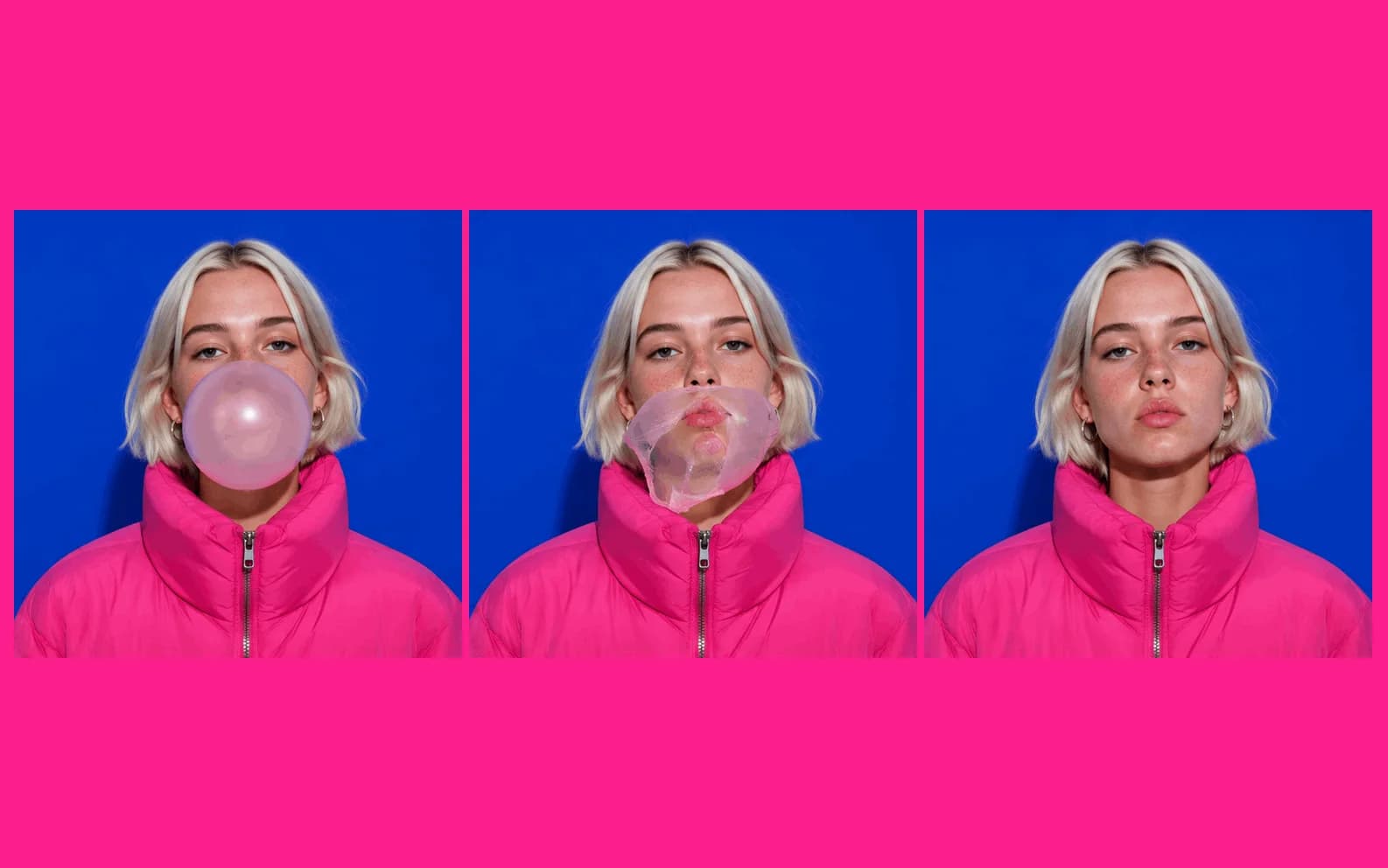
GPT Image 2.6 comes in two tiers on Morphed, Flare and Sunburst. A still costs 12 credits at the default medium quality and an edit costs 14. It also makes looping GIFs for 24 credits at the default: 1:1, nine frames, 512x512, from a text prompt only. You can draw on an image to guide an edit. All of it needs a paid plan.
OpenAI announced ChatGPT Images 2.6 with GIFs and reference images. OpenAI also says the two new API models, Flare and Sunburst, generate images 50% faster than before. That number is OpenAI's, not our measurement.
This post covers what you get on Morphed, what it costs, and how the GIF output works.
What you get on Morphed
- Stills and edits: GPT Image 2.6 Flare and GPT Image 2.6 Sunburst.
- GIFs: the Flare GIF and Sunburst GIF presets.
- Markup editing: draw on an image in the Edit studio to guide the change.
What each quality costs
| Quality | Still | Edit |
|---|---|---|
| Low | 4 credits | 6 credits |
| Medium (default) | 12 credits | 14 credits |
| High | 40 credits | 42 credits |
| Extra high | 70 credits | 72 credits |
| Maximum | 150 credits | 152 credits |
Stay on medium until the image is right. Use low to rough out a layout. One maximum still costs more than twelve medium stills, so save it for the image you keep.
Flare and Sunburst cost the same, so price does not pick your tier. This post does not rank them. Run your own brief on both, which is 24 credits at medium.
GPT Image 2.6 GIF: how it works
A GIF is a fixed format. You write the prompt and the preset does the rest.
| Setting | GIF output |
|---|---|
| Cost | 24 credits at the default |
| Aspect ratio | 1:1 only |
| Size | 512x512 |
| Frames | Nine, at 200 ms per frame |
| Playback | Looping |
| Input | Text prompt only, no input image |
Nine frames at 200 ms is 1.8 seconds per loop. That is not much time. Give it one action.
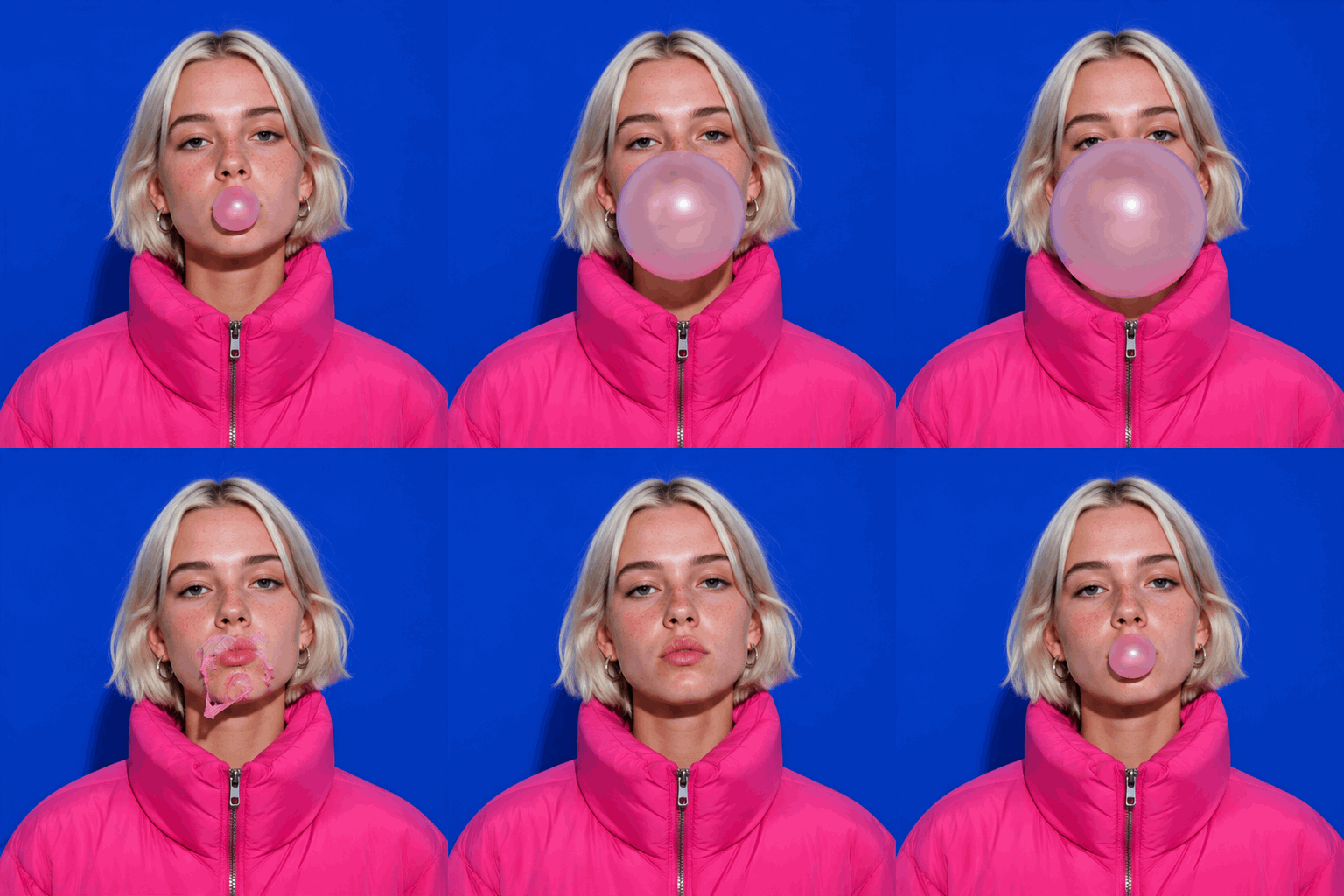
Here is the prompt for that GIF.
A seamless looping animated GIF. Young Scandinavian woman, 22, platinum blonde bob, freckles, hot pink oversized puffer jacket, on a flat saturated cobalt blue studio wall and floor. Medium shot. She blows a huge bubblegum bubble, it pops on her face, it resets, forever, her eyes bored and looking straight at the camera. Bold, bright, crisp photographic look, hard studio light, no text, no logos.
What it does right:
- It says what it is first. "A seamless looping animated GIF" is the opening line.
- It writes the loop. The words "it resets, forever" say how the clip gets back to the start.
- It keeps the set simple. One subject, one flat wall. All the change happens in the bubble.
When to use GPT Image 2.6
- You want a still or an edit at a clear price. Medium is the place to start.
- You want a short loop, not a video. The GIF presets make one from a text prompt.
- Pointing is easier than describing. Markup lets you draw on the area you want changed.
- You need a start frame for video. Our Kling 4.0 clip began as the first frame of this GIF, sharpened with a GPT Image 2.6 edit.
When not to use it
- You want to animate your own image. GIF output does not take an input image. Use image-to-video on Kling 4.0 or Kling 4.0 Flash.
- You want a wide or vertical loop. GIFs are 1:1 only.
- You need more than nine frames, or sound. A GIF stops at 1.8 seconds with no audio. Both Kling 4.0 models start at 3 seconds with native audio always on.
- You need a GIF larger than 512x512. The size is fixed.
Coming from GPT Image 2.5
Our GPT Image 2.5 comparison came out before 2.6, so it does not include these models. Read it for a method to repeat on your own briefs, not as a verdict on 2.6.
Try it
Open GPT Image 2.6 Flare or Sunburst for stills, or a GIF preset for a loop. All of them need a paid plan. Morphed has no free generation.