

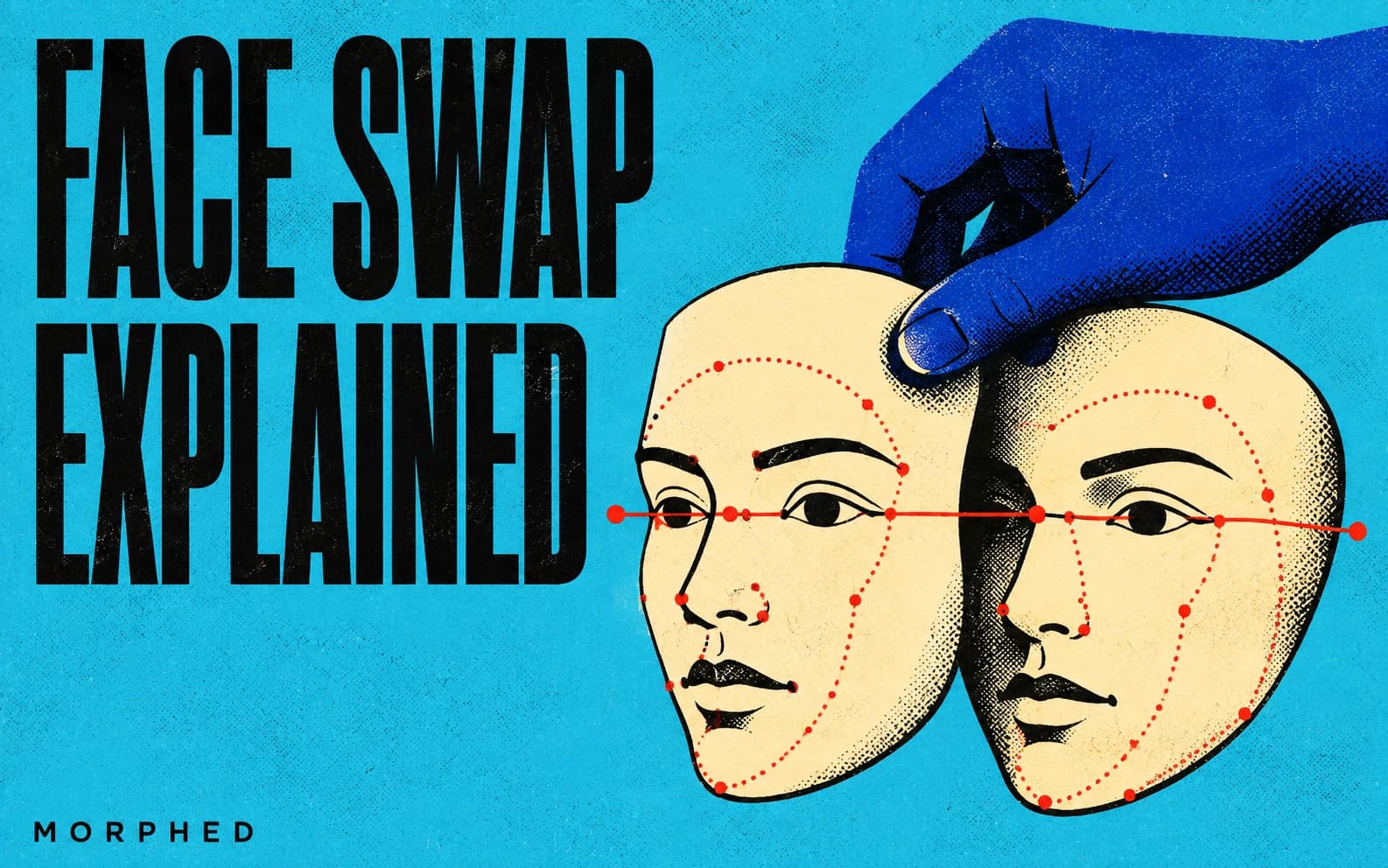
Modern AI face swap is a four-stage pipeline: face detection and landmarks (typically InsightFace buffalo_l), identity encoding into an ArcFace vector, generation that fuses source identity with target attributes (GAN-based like InSwapper/SimSwap for speed, diffusion-based for fidelity), and blending plus restoration (CodeFormer/GFPGAN). One-shot models swap from a single photo with no training. Last verified June 2026.
Face swap apps make it look like magic: upload one photo, get a convincing identity transfer in three seconds — the same core pipeline behind Morphed's AI face swap tool. Under the hood, every tool — from consumer apps to open-source projects like FaceFusion — runs a version of the same four-stage pipeline. Understanding it explains why some swaps look flawless and others scream "filter," and helps you pick the right tool for your use case.
This is the technical companion to our ranked review of the best AI face swap tools. That post covers which tool to use; this one covers how they work.
The Four-Stage Pipeline
Strip away the branding and every face swap does this:
| Stage | What happens | Typical components |
|---|---|---|
| 1. Detect | Find faces, locate landmarks (eyes, nose tip, mouth corners, jawline) | InsightFace buffalo_l, RetinaFace |
| 2. Encode | Compress the source face into an identity vector | ArcFace embeddings |
| 3. Generate | Build a face wearing source identity on target attributes | InSwapper, SimSwap, diffusion swappers |
| 4. Blend | Color match, feather edges, restore detail, composite back | Masked composition, CodeFormer, GFPGAN |
Stage 1: Detection and Landmarks
The pipeline starts by finding the face and locking reference points. Most production systems use InsightFace's open-source detection stack (the buffalo_l model pack is the de facto standard). Landmark accuracy decides whether the final swap is anatomically aligned or subtly "off" — a few pixels of error at the eye corners reads as uncanny even when everything else is perfect. This stage is also where most failures on extreme angles, occlusion (hands, glasses, hair), and small faces originate.
Stage 2: Identity Encoding
The source face is converted into a compact numerical fingerprint — not pixels, but an abstracted representation of bone structure, eye spacing, and signature features. The standard here is ArcFace, a face-recognition embedding originally built to verify identities, repurposed to transfer them. This embedding is what makes one-shot swapping possible: a single photo yields a vector that fully describes "what makes this face this person."
Stage 3: Generation — Where GANs and Diffusion Diverge
This is the stage where architectures genuinely differ.
GAN-based swapping (the speed path). SimSwap (ACM Multimedia 2020) introduced the key idea: instead of training one model per identity like the original deepfakes, inject the identity embedding into a generic encoder-decoder — one model, any face pair. InsightFace's InSwapper refined this into the consumer standard: the ArcFace vector conditions a StyleGAN2-based encoder-decoder, identity and attribute features are fused through adaptive instance normalization, and the decoder outputs the swapped face. Variants are named for internal resolution: inswapper_128 is the open baseline powering Roop, FaceFusion, and countless apps; inswapper_512 targets production quality; a live-optimized variant handles real-time camera feeds.
Diffusion-based swapping (the fidelity path). Newer research systems (DiffFace, REFace, and the ID-constrained conditioning methods in 2025–2026 papers) treat the swap as conditional inpainting: mask the target face, then denoise it back guided by two decoupled signals — the source identity embedding and the target's attribute features (expression, pose, lighting), injected through cross-attention. The two-path identity/attribute design measurably improves both identity similarity and expression preservation. The cost is speed: diffusion swaps run seconds-per-frame where GANs run frames-per-second.
The practical rule in 2026: GANs for real-time and volume, diffusion for quality-critical stills. This split is narrowing as diffusion gets distilled, but it has not closed.
Stage 4: Blending and Restoration
The most underrated stage. A technically correct identity transfer with bad compositing still looks fake. Production pipelines do:
- Region extraction — process only the aligned face crop (typically 512x512), not the full frame.
- Color and lighting match between the generated face and the surrounding skin.
- Face-shaped masked composition with feathered edges at the hairline and jaw.
- A restoration pass — CodeFormer or GFPGAN — to clean GAN artifacts and recover skin texture. This single step is responsible for much of the "2026 swaps look so much better" effect.
Real-Time Face Swapping
Live swapping (DeepFaceLive, FaceFusion's live mode, Deep-Live-Cam derivatives) is the same pipeline run under a latency budget. The engineering tricks: detect once and track across frames instead of re-detecting; process a minimal region of interest around the face; pre-allocate GPU memory; and run detection and swapping in a shared pass. Tuned pipelines hit real-time single-face swaps on consumer GPUs. Real-time multi-face video remains hard outside specialized commercial systems — and diffusion swappers cannot do real-time at all yet.
Training-Based vs One-Shot: Why Hollywood Still Trains
One-shot models won the consumer market because they are instant. But per-identity training (the DeepFaceLab lineage) still produces more accurate sustained video replacement — which is why feature-film VFX and long-form professional work still train dedicated models on hundreds of frames per identity. The trade-off is days of GPU time versus three seconds.
For most creator use cases — personalized marketing, character continuity, entertainment content — one-shot quality crossed the "good enough" line years ago, especially with a restoration pass.
Advanced Techniques: Fixing Each Failure Mode
Most swaps you can spot in half a second fail in one of a few predictable ways: pasted-on lighting, a jawline seam, dead eyes, or flicker in video. Each has a specific technique that fixes it, and each one improves a stage of the pipeline above.
Multiple Reference Images for Identity
The single biggest quality lever. One source photo gives the model one view of an identity; three to five references covering different angles, expressions, and lighting give it a robust representation that survives pose changes. Three to five varied shots beat twenty near-duplicates, and at least one should be non-frontal. Reference-capable models like Nano Banana Pro accept several images of the same person and hold identity across generated scenes. If the result resembles someone's driver's-license photo but not them, add references with their natural expressions.
Lighting and Color Harmonization
Lighting mismatch is the most common giveaway: a studio-lit face pasted into golden-hour footage. Advanced pipelines estimate the destination's illumination (direction, temperature, hardness) and re-render the face under it. Diffusion swappers do this implicitly; older landmark-paste tools don't. If a result sits flat against a directional scene, relight it with an image relighter or switch to a generation-based swap. The fastest check is the catchlights in the eyes: matched catchlights mean a well-integrated swap.
Occlusion-Aware Blending
Hands, glasses, and hair strands in front of the face are where hard-mask swaps fail. Segmentation-aware blending detects the occluders and composites the swap behind them, with a feathered boundary that keeps the destination's skin grain. To test a tool, use a photo where hair crosses the cheek or glasses sit on the nose: a good pipeline renders the occluder crisply over the new face, a weak one smears it into the skin.
Expression and Gaze Transfer
Identity embeddings deliberately discard expression. That is correct for identity, but naive swaps then flatten the target's expression into a neutral mask. Advanced pipelines carry the destination photo's expression and gaze direction onto the swapped identity. Pick destination photos with the expression you want; if a laughing target comes out smirking, the tool is discarding expression, and switching tools beats fighting it.
Temporal Consistency in Video
Swapping each frame independently produces identity flicker: the face subtly morphs frame to frame, and human vision is very good at spotting it. The fix is to track the face through the shot, condition each frame's swap on its neighbors, and re-lock identity when the face re-enters frame. Head turns are the stress test, because profile views carry the least identity information and cheap tools drift exactly when the head moves. Morphed's video face swap handles tracking and temporal conditioning automatically; on FaceFusion or InsightFace-derived stacks, enable the temporal smoothing and occlusion-mask options (off by default in many builds) and expect manual cleanup on fast motion.
Scene-Level Consistency: Cast the Face, Don't Paste It
For one identity across many shots, scenes, and outfits, the frontier approach is generation-first: build a reference set once, generate every scene with identity locked, then animate stills with image-to-video where needed. This is how consistent AI influencers, brand characters, and UGC-style ads are built, and because the face is generated in place rather than blended in, it sidesteps most boundary and lighting problems entirely.
Quality Checklist
Before publishing any swap, check:
| Check | What to look for |
|---|---|
| Lighting | Face illumination matches scene direction and warmth; eye catchlights match |
| Boundaries | No seams at jaw or hairline; hair and glasses render over the face |
| Expression | Destination expression preserved, not flattened |
| Texture | Skin grain matches the photo's noise or film character |
| Video | No flicker; identity holds through head turns |
Two finishing notes. For high-resolution output, upscale the final with an AI upscaler rather than swapping at low resolution and enlarging. For old or damaged photos, restore the photo first, then swap, and add matching film grain afterward so the new face doesn't look cleaner than the print.
What This Means for Choosing a Tool
- Need speed and volume (memes, templates, batches): GAN-based consumer tools. Our face swap tool rankings cover the field.
- Need maximum still-image quality: tools running diffusion swap or
inswapper_512-class models with restoration passes. - Need a consistent character across many scenes rather than literal face replacement: identity-consistent generation often beats swapping. Morphed approaches this with saved characters — save a character from a few photos, generate consistent images of it, and personalize with face swap where needed.
- Need full local control: open-source InsightFace InSwapper or FaceFusion, with the GPU and setup time that implies.
The Detection Arms Race and the Rules
Two closing realities. First, every improvement in swapping drives improvement in detection — provenance metadata (C2PA), invisible watermarking, and forensic classifiers are increasingly standard on platforms. Assume swapped media is detectable. Second, the legal layer is real in 2026: non-consensual intimate imagery, fraud, and election-related synthetic media are criminalized across many jurisdictions, and most US states have synthetic media statutes. Get consent from identifiable people, disclose where platforms require it, and use tools that enforce content policies.
Want the applied version — which tools actually deliver this pipeline best? Read the 8 best AI face swap tools in 2026, or start creating on Morphed for face swap inside a full generation pipeline.
Frequently Asked Questions
How does AI face swapping work technically?
Four stages: detect the face and landmarks, encode the source identity into an ArcFace vector, generate a face that fuses source identity with target attributes (via GAN or diffusion), then blend and restore with masked composition and a CodeFormer/GFPGAN pass.
What is one-shot face swapping?
Swapping any face from a single reference photo with no per-identity training. InsightFace's InSwapper made this standard by conditioning a StyleGAN2-based encoder-decoder on an ArcFace identity embedding.
GAN vs diffusion face swap: which is better?
GANs (InSwapper, SimSwap) are near real-time and power most apps; diffusion swappers produce higher fidelity on hard angles and lighting but run far slower. Use GANs for live and volume work, diffusion for quality-critical stills.
What are inswapper_128 and inswapper_512?
InsightFace InSwapper variants named for internal face resolution. inswapper_128 is the open baseline behind Roop and FaceFusion; inswapper_512 targets production quality; a live variant supports real-time camera swapping.
Why do some face swaps look fake?
Usually stage-4 problems: landmark misalignment, color mismatch with scene lighting, hard mask edges at hairline and jaw, or no restoration pass. Flattened expressions and frame-to-frame flicker in video are the other common tells. Identity transfer is rarely the weak link in modern tools.
How many reference photos do I need?
Three to five covering different angles and expressions beats twenty near-duplicates. Include at least one non-frontal view.
How do you keep a swapped face consistent in video?
Track the face across frames and condition each swap on neighboring frames instead of swapping frame by frame. That keeps identity stable through head turns and occlusions without flicker.
Is AI face swapping legal?
The technology is legal; abusive uses are not. Non-consensual imagery, fraud, and deceptive synthetic media carry criminal liability in many jurisdictions. Get consent, disclose where required, and see our face swap tools guide for tools with sensible content policies.