AI Anime Video Generator
Animate anime characters, shot by shot
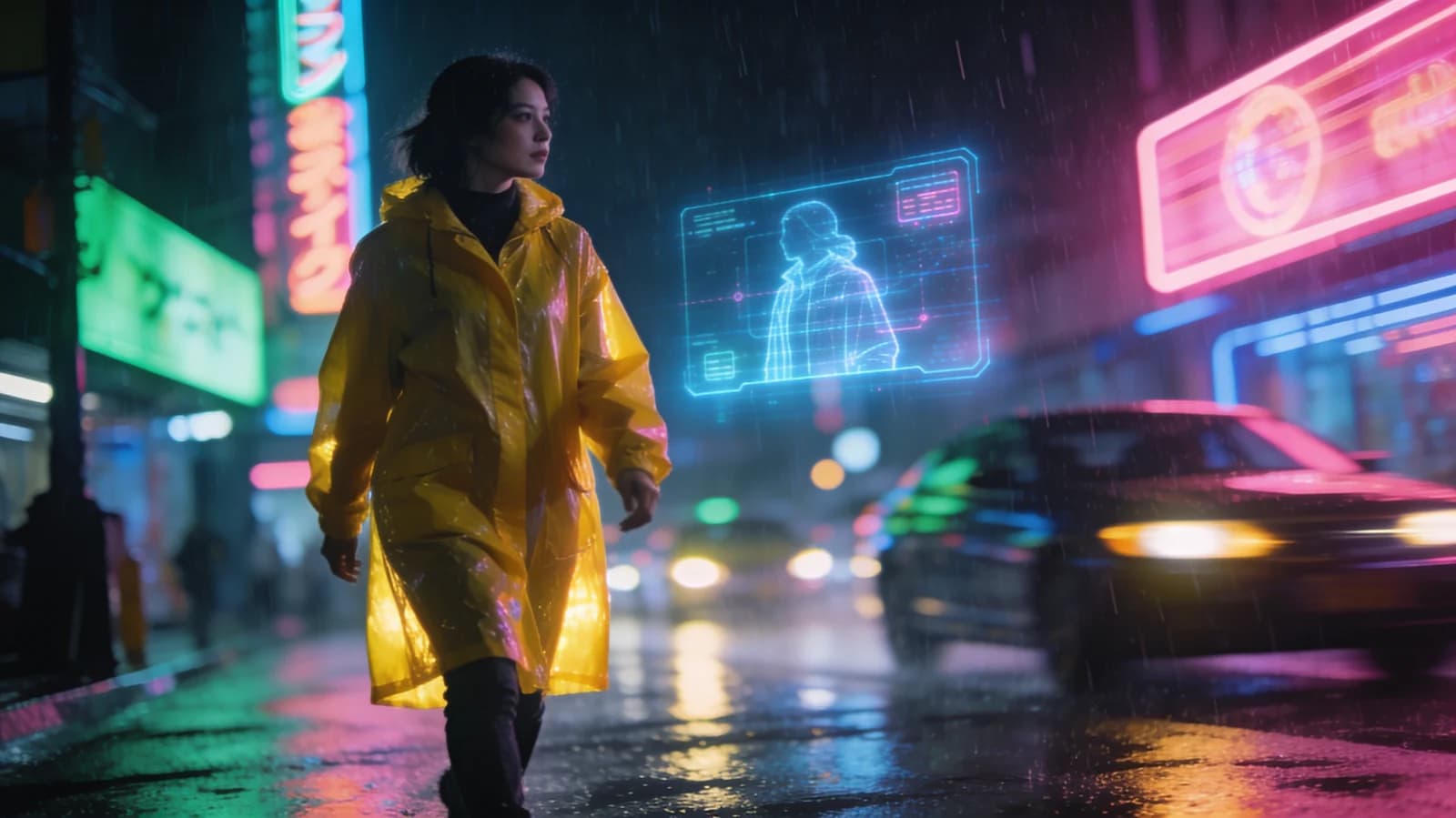
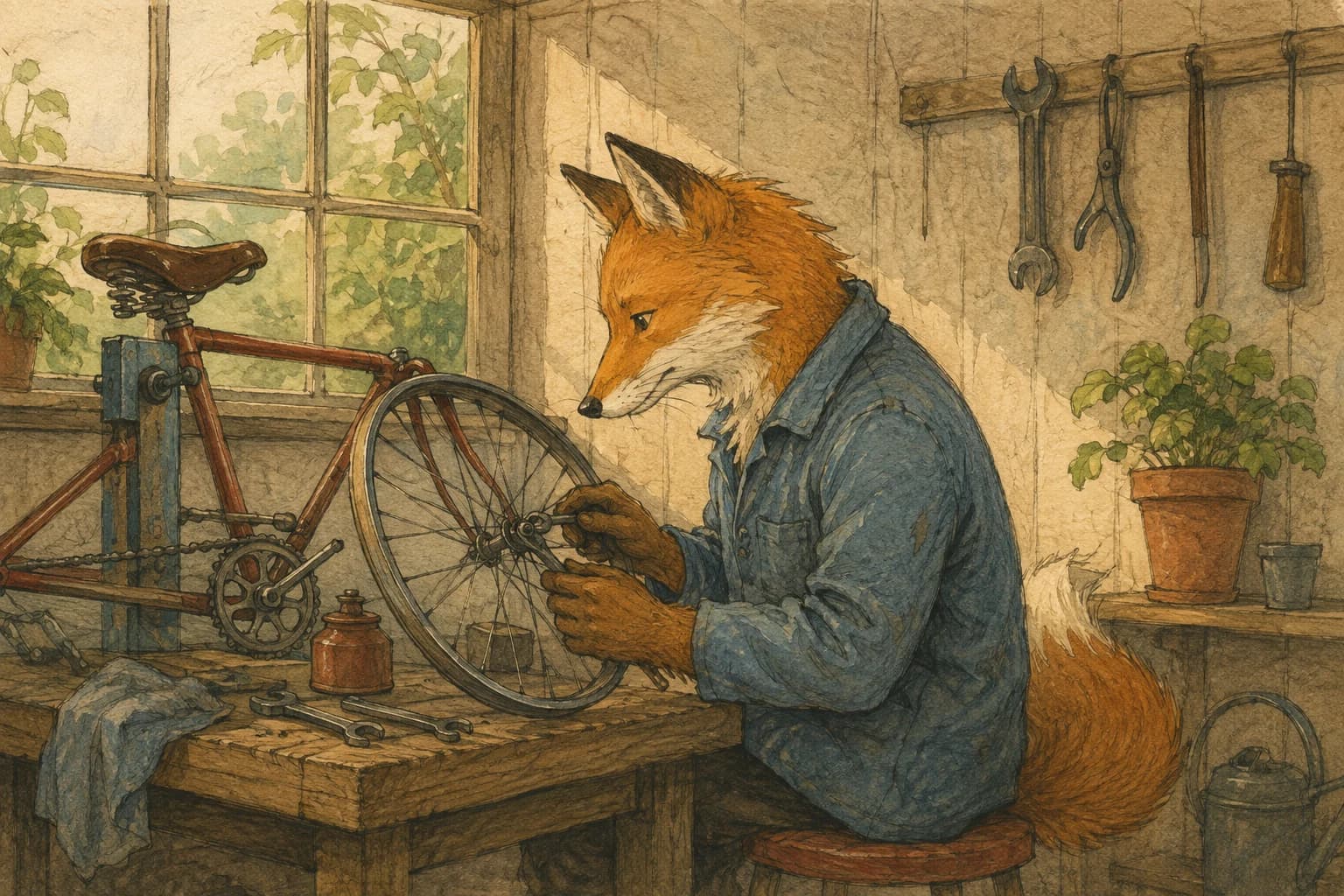
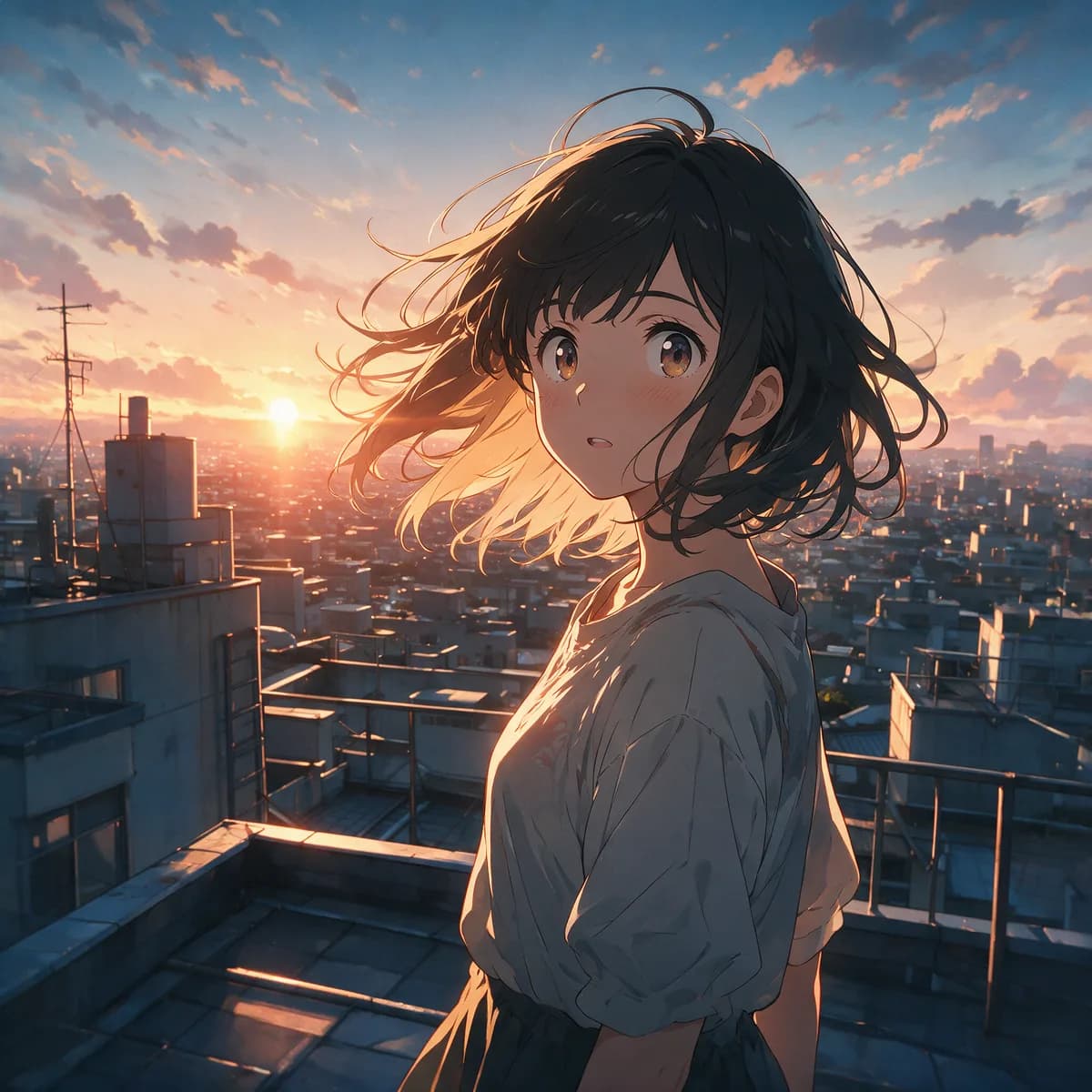
Morphed's AI anime video generator turns an anime still, a written prompt or your own live-action footage into short anime clips, using image-to-video models such as Seedance, Kling and Hailuo or an anime restyle pass, and reference images help one character stay on model from shot to shot.
From 1.5 credits per second · Plans from $9/mo, 30% off your first 3 months
Make an anime shot in 3 steps
Start from a still or a prompt
Upload an anime character image, or describe the shot and name the anime style.
Direct one action per shot
A head turn, a hair flip, a step forward. Small actions keep the line art stable.
Reuse the character
Feed the same character image into the next shot so the design stays on model.
Writing the prompt
- Name the style
- Say "anime", then be specific: cel shading, clean ink linework, flat colour, painted background. Vague prompts drift toward 3D or photoreal.
- One action per shot
- Describe a single movement and where it ends. Two actions in one shot is where limbs and faces start to melt.
- Keep the camera calm
- A locked or slow camera keeps linework steady. Save fast moves for shots without a close-up face.
- Start from a strong still
- Image-to-video usually holds a character design better than text alone. Make the key frame first, then animate it.
Ways to make anime video
- Image to anime video
- Animate an anime still you made or own with image-to-video models such as Seedance, Kling, Hailuo and WAN.
- Text to anime video
- Describe the shot and the anime style. Some models, including Seedance 2.0 and Kling V3, can also generate sound.
- Video to anime
- Upload live-action footage and apply the Anime restyle preset. Motion and timing come from your clip.
- Talking clips in anime ink
- Shorts Studio's Ink Anime look re-renders a talking-head clip as 2D anime ink with manga speed-line beats.
- Keep a character on model
- Reference-to-video models such as Seedance 2.0 Reference take your character images, and Character Studio trains a character for consistent stills.
- Upscale the keeper
- Topaz Gaia 2 and Gaia CG in the video upscaler are tuned for animation. Upscale the final shot, not every take.
What an anime shot costs
Test motion on a cheap model, then re-render the keeper on a premium one.
| Model | Input | Credits / second |
|---|---|---|
| Seedance Pro Fast | Prompt or image | 1.5 (480p) · 3.5 (720p) · 7 (1080p) |
| Hailuo 2 | Prompt or image · 6 or 10 s | 6.5 |
| WAN 2.5 | Prompt or image | 7.5 (480p) · 14.5 (720p) · 21.5 (1080p) |
| Kling V3 Standard | Prompt or image | 13 without sound |
| Seedance 2.0 | Prompt, image or reference images | from 21 (480p) |
| FLUX.3 Video Edit | Your video, with the Anime restyle preset | 6 |
A 6-second Hailuo 2 shot is 39 credits, about $0.54 on the $9 Basic plan (650 credits). Plans from $9/month, 30% off your first 3 months.
Where anime video still breaks
- Line art can wobble
- Fast action and big camera moves are where clean linework most often boils or warps. Short shots with one action hold up best.
- Characters drift between shots
- Reference images help, but hair, outfit details and eye shape can still change from one shot to the next. Budget for re-rolls.
- One short shot per generation
- Most models make 3 to 15 seconds at a time. A scene is several shots cut together, not one long render.
- No lip sync to your own voice track
- Some models generate speech with the video, but Morphed has no separate lip-sync or dubbing tool for audio you record yourself.
Questions
Animate your first anime shot
From 1.5 credits per second · Plans from $9/mo, 30% off your first 3 months