

Kling V3 Standard
Kling's third generation at its most accessible — cinematic motion without the pro price.
to start generating videos with Kling V3 Standard
Generated with Kling V3 Standard
“A paper boat drifting down a rain-soaked gutter, camera tracking alongside at street level”
What Sets It Apart
V3 Architecture, Standard Price
The same third-generation Kling foundation as the Pro and 4K tiers — improved physics, coherent motion, and stable subjects — at 13 credits per second.

Believable Physics
Kling V3's standout upgrade is physical plausibility: water, cloth, smoke, and collisions behave convincingly.
Strong Camera Language
Understands cinematography terms — push-in, tracking, handheld, locked-off — and executes them reliably.
Practical Default
For social content and drafts, Standard delivers most of Pro's quality at roughly 70% of the cost.
Built For
Social Video
Short cinematic clips for Reels, TikTok, and Shorts.
Storyboard Previz
Test shots and camera moves before committing to Pro or 4K renders.
B-Roll Generation
Atmospheric cutaway footage for edits and explainers.
Concept Pitches
Moving mood pieces for client and stakeholder pitches.
Technical Specifications
How Kling V3 Standard Compares
Every model below is available on Morphed — switch between them with the same prompt.
| Model | Credits | Type | Best for |
|---|---|---|---|
| Kling V3 StandardThis modelKling | 13 / second | Text to Video | Social Video |
 Kling V3 ProKling Kling V3 ProKling | 18 / second | Text to Video | Client Deliverables |
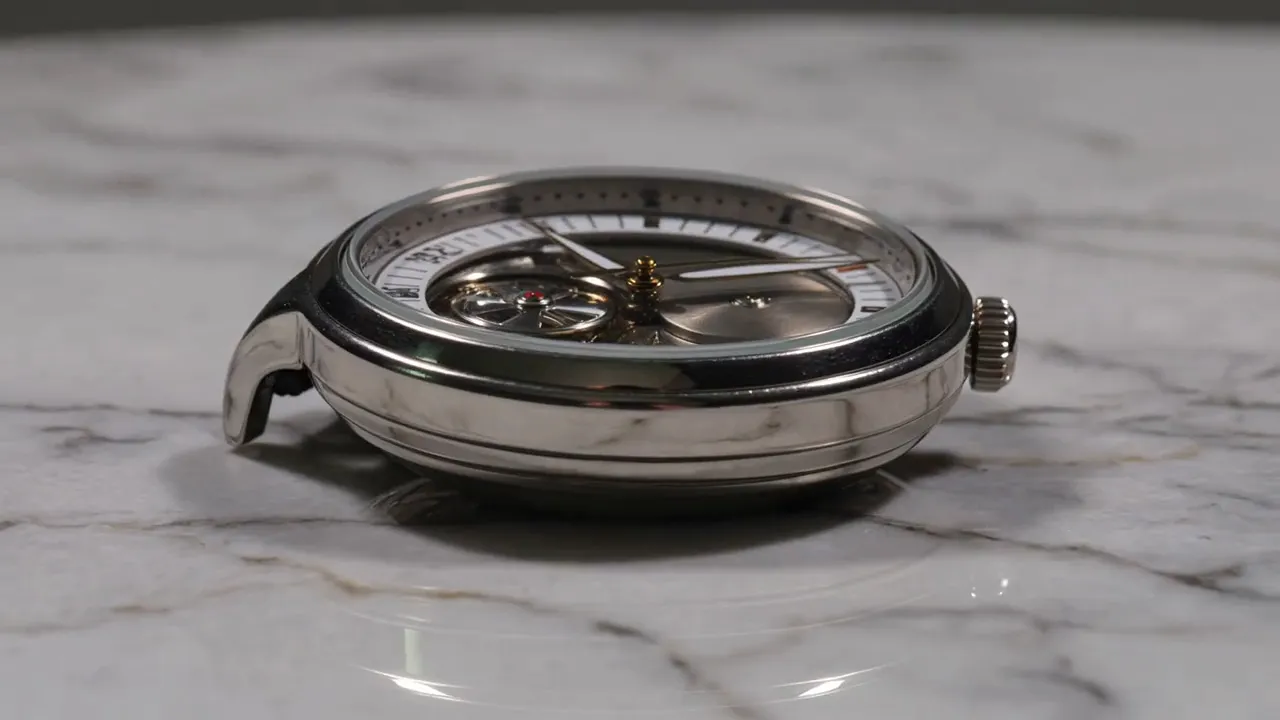 Kling V3 4KKling Kling V3 4KKling | 60 / second | Text to Video | Product & Luxury Advertising |
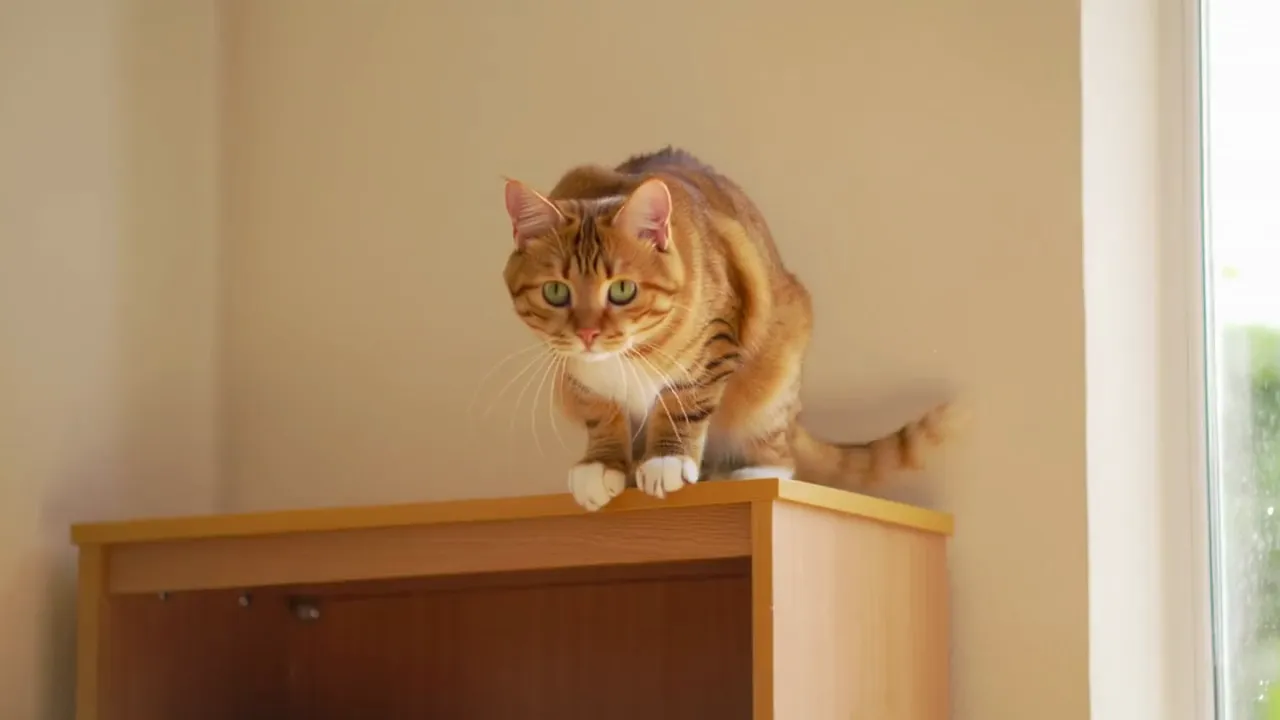 Kling 2.6Kling Kling 2.6Kling | 11 / second | Text to Video | Action Content |
Frequently Asked Questions


Create with Kling V3 Standard in three steps
Describe your idea
Write a prompt, or start from one of the examples above. Kling V3 Standard handles detailed, multi-part prompts well.
Generate & iterate
Pick duration and aspect ratio, then generate. Re-roll or refine the prompt until the motion feels right.
Download or keep editing
Export in full resolution, or send the result to another model on Morphed — upscale it, animate it, or edit it.
Ready to create with Kling V3 Standard?
Create an account, then pick a plan to start generating. Plans start at $9/month — 30% off your first 3 months, cancel anytime.