

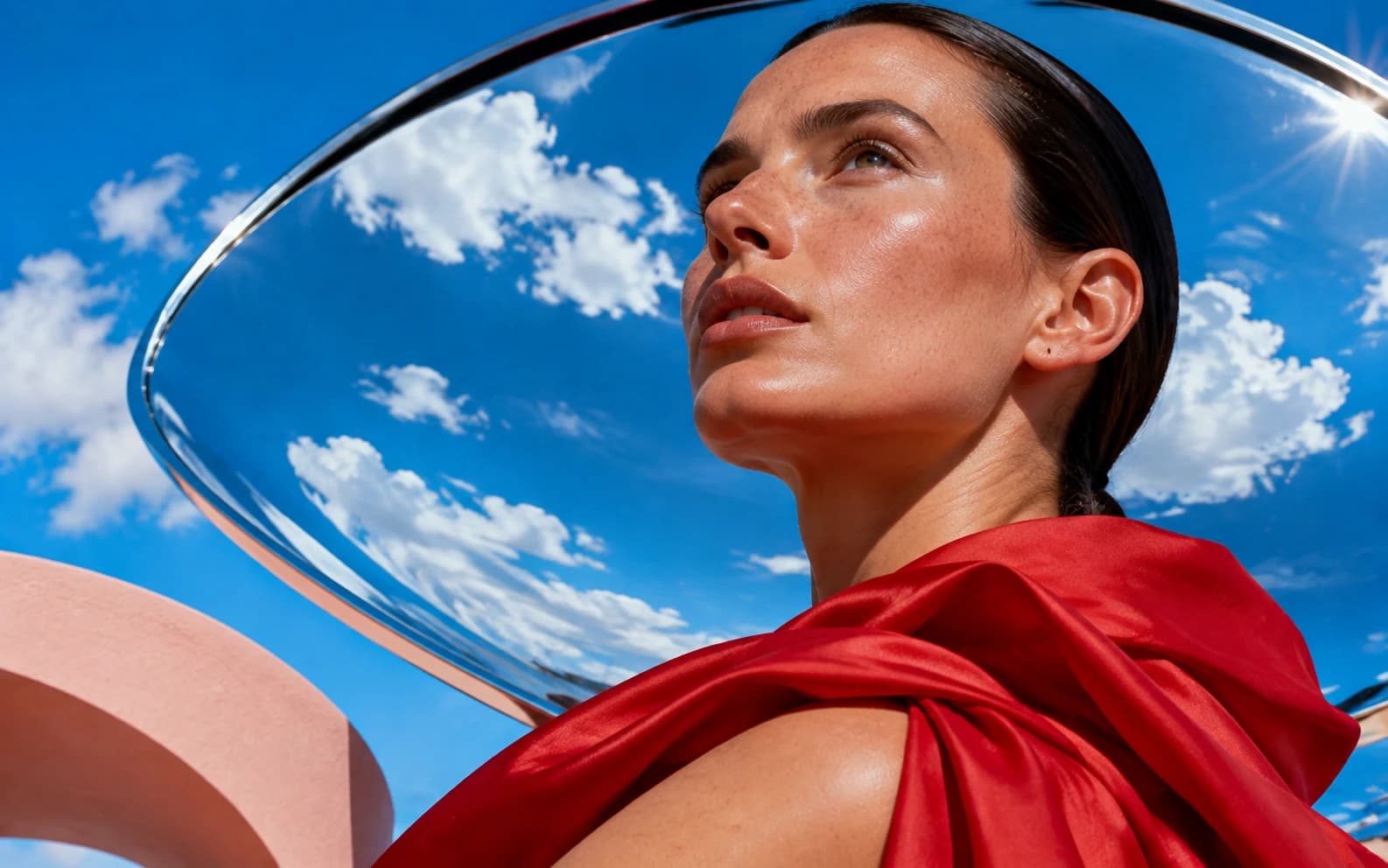
Most realistic AI image generators in 2026: FLUX.2 and Imagen 4 (natural skin, lighting, anatomy), Seedream 4.5 (commercial/product looks, native 4K), Nano Banana Pro (realism + editing/identity). Kill the "AI look" by prompting camera/lens/film stock specifics and avoiding "hyperrealistic 8K" clichés. Costs on Morphed: 1.5-4 credits per image, a guided free start, no card needed. Upscale to 8K for print. Last verified June 2026.
"Realistic" is the most-requested and least-delivered promise in AI image generation. Every tool claims photorealism; most output still has the tells — waxy skin, impossible shadows, that over-saturated digital sheen. The difference between "obviously AI" and "indistinguishable from a photo" comes down to two choices: the model and the prompt's photographic specificity.
Both are fixable in the next five minutes.
The realism leaderboard, June 2026
| Model | Credits/image | Realism strength | Watch out for |
|---|---|---|---|
| FLUX.2 (Pro/Max) | 3-7 | Skin texture, lighting physics, fine detail | Slightly "edited" default grade |
| Imagen 4 | 4 | Most natural unprocessed-photo look | Less prompt control over fine layout |
| Seedream 4.5 | 4 | Commercial/product photography, native 4K | Defaults toward clean studio looks |
| Nano Banana Pro | 15 | Realism with editing + identity preservation | Cost — use it when control matters |
| Flux 2 Flash | 1.5 | 80% of FLUX realism at a fraction of cost | Fine textures soften at 100% zoom |
| Qwen Image | 3 | Honest, unstylized realism, open-source | Less dramatic lighting range |
The pattern: diffusion-lineage models built on photographic data (FLUX, Imagen, Seedream) beat instruction-first models (GPT Image) on pure realism, while GPT Image wins on complex content reasoning. The full breakdown is in our AI image generation models guide.
The prompt formula that kills the "AI look"
The single biggest upgrade isn't a better model — it's prompting like a photographer instead of a fantasy artist.
Anchor to a real camera setup:
A woman reading in a café window seat, morning light,
shot on 85mm f/1.8, shallow depth of field,
Kodak Portra 400, natural skin texture, candid
Camera, lens, aperture, and film stock force the model toward photographic physics: believable depth of field, real-world dynamic range, film-like color.
Cut the realism clichés. "Hyperrealistic, ultra-detailed, 8K, masterpiece" pushes models toward the over-rendered digital-art look you're trying to escape — those tags correlate with ArtStation renders in training data, not photographs.
Add imperfection. Real photos have flaws: "slight motion blur on the hand", "uneven window light", "visible skin pores", "candid, not posed". Perfection is the tell.
Name the photography genre. "Street photography", "editorial portrait", "real estate interior", "product shot on seamless white" — each carries an entire lighting and composition grammar the model knows.
The four remaining tells (and the fix for each)
- Waxy skin → FLUX.2 or Imagen 4, plus "natural skin texture, visible pores". If a result is otherwise perfect, one editing pass — "make the skin texture more natural" — rescues it.
- Impossible lighting → name a single light source in the prompt ("lit by the window on the left"). Conflicting shadows come from unspecified lighting.
- Garbled background text → either prompt "no text or signage", or generate with Seedream 4.5, which renders legible text. Stray gibberish is a one-prompt text removal fix.
- HDR over-saturation → "muted colors, natural color grading, unedited look" — or a film stock reference, which implies the grade.
Realistic people, consistently
One realistic face is easy; the same realistic face across fifty images is the hard problem — and the one that matters for brand characters, AI influencers, and storytelling. Re-rolling prompts won't do it. Identity-preserving pipelines will: Morphed's AI influencer studio keeps one face consistent across unlimited scenes, and the AI portrait generator workflow covers single-subject realism in depth.
From realistic to usable
Generation is step one of a realistic-image pipeline:
- Upscale for print. Native output is 1-4MP; the AI upscaler takes winners to 8K from 3 credits — enough for posters and packaging.
- Edit instead of re-rolling. A 90%-right image plus one prompt edit beats gambling on a fresh generation.
- Animate it. Image-to-video models turn a realistic still into b-roll-grade motion.
Generate your first realistic batch
All the models in this guide — FLUX.2, Imagen 4, Seedream 4.5, Nano Banana, Qwen — run in Morphed under one credit balance: 1 credit ≈ $0.01, a guided free start, no card needed. Run the same photographic prompt across three models, compare at 100% zoom, and you'll know your default within ten minutes.
Related reading: