

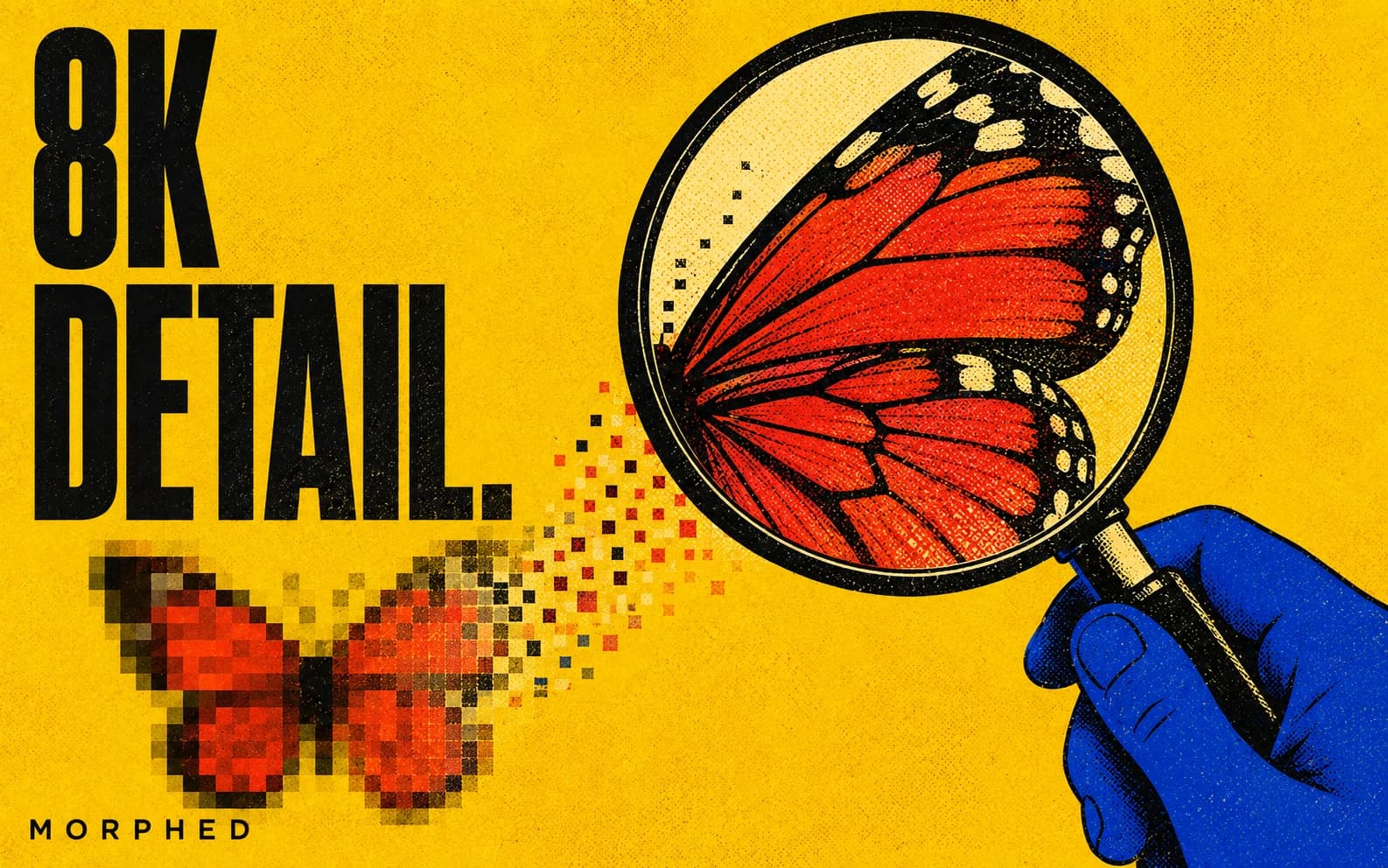
8K AI upscaling: 8K ≈ 7680px wide (~33MP at 16:9). Upscalers with 4x factors reach it in one pass from ~2000px sources, or two passes from smaller images. Topaz-class models (up to 96MP output, face enhancement) are the quality benchmark; SeedVR2 is the value pick at 3 credits/image on Morphed. Real use cases: large-format print, hard crops, zoomable e-commerce. Video upscaling tops out at 4K in 2026. Last verified June 2026.
"8K" gets thrown around loosely in upscaler marketing, so let's anchor the number first: 8K UHD is 7680 × 4320 — about 33 megapixels. That's four times the pixels of 4K and sixteen times 1080p. Getting an image there with AI is entirely doable in 2026; getting there well requires knowing which models can actually output that resolution, what source size you need, and when the whole exercise is worth the credits.
This is the deep-dive companion to our AI image upscaler tool page and our photo enhancer rankings.
The Math: What It Takes to Reach 8K
Upscalers work in multiplication factors, typically up to 4x per pass. So your path to 7680px depends on your source:
| Source width | Path to 8K (7680px) | Passes |
|---|---|---|
| ~2000px (modern phone photo) | 4x | 1 |
| ~1024px (AI-generated image) | 4x → ~4096px → 2x | 2 |
| ~512px (old web image) | 4x → 2048px → 4x | 2 |
| Tiny thumbnails (under 300px) | Possible but quality-limited | 2-3 |
Two-pass upscaling is normal practice, not a hack — but each pass synthesizes detail on top of synthesized detail, so quality is bounded by your source. A sharp 2000px photo reaches stunning 8K; a 200px thumbnail reaches technically 8K with soft, painterly detail.
The other constraint is the model's output ceiling. Many free upscalers silently cap at 2K or 4K regardless of advertised factors. Topaz-class tiered processing handles up to 96MP — nearly 3x the pixels of 8K — which is why it remains the print-shop standard.
What "Adding Detail" Means at 8K Scale
Super-resolution models don't stretch pixels; they generate statistically plausible detail conditioned on the image content — skin texture, fabric weave, individual leaves. At 2x this is subtle. At 8K scale, the model is inventing the majority of the pixels, and model choice becomes visible:
- Faces are the highest-risk content. At 8K print sizes, generic upscaling produces waxy or subtly wrong faces. Use a model with dedicated face enhancement (Topaz exposes face enhancement strength and creativity controls for exactly this).
- Text and logos can warp under heavy synthesis. Topaz's Text Refine mode exists for this case.
- Noise gets enhanced too if you don't denoise first — upscale a noisy image and you get very high-resolution noise. Good pipelines denoise and remove compression artifacts in the same pass.
- Creativity controls matter: ClarityAI Crystal exposes a creativity slider from 0 (faithful) to 1 (generative). For 8K product or archival work, keep it near 0; for stylized art, higher values add interest.
The Honest Question: Do You Need 8K?
Where 8K genuinely pays:
- Large-format print. At 150 DPI viewing distance, 8K covers a ~50-inch-wide print. Posters, canvas, trade-show graphics, and album art need these pixels.
- Crop flexibility. An 8K master lets you punch in to a quarter of the frame and still deliver 4K.
- Zoomable e-commerce. Deep-zoom product images convert; 8K masters make every zoom level sharp.
- Archival future-proofing. Restoring a family photo once at maximum quality beats re-doing it every few years.
Where it doesn't: images viewed on screens. A 4K monitor displays ~8MP — an 8K image shows at most a quarter of its pixels. If your output is Instagram or a website, 2x–4x to 2-4K is the rational stop, at a quarter of the cost.
The Workflow on Morphed
- Start with your best source. Original file, not a screenshot; PNG over recompressed JPG.
- Open the upscaler after trying the guided free image with no card. Pick the engine:
- SeedVR2 — 3 credits/image. The value workhorse: factor or target-resolution modes, noise control. Two passes to 8K ≈ 6 credits.
- Topaz — 16 credits/image. The print-grade option: Standard/High Fidelity/Recovery models, subject detection, face enhancement strength controls, up to 96MP output.
- ClarityAI Crystal — 16 credits/image. Sharp, vibrant output with the creativity dial for stylized work.
- For faces, enable face enhancement (Topaz) and keep creativity low for natural results.
- Inspect at 100% zoom before printing — synthesized detail reads differently at print scale than fit-to-screen.
AI-generated images deserve a special note: most generators output 1-2MP, and an 8K upscale is the standard finishing move before print or sale. Generate with Flux 2 or Nano Banana 2, upscale in the same workspace, export.
What About 8K Video?
Short version: not yet. Production video upscalers — Topaz Video AI, ByteDance, and SeedVR2, all of which run in our AI video upscaler — top out at 4K targets in 2026, and 8K video processing costs and delivery bandwidth keep it impractical outside research. If you found this page hunting for 8K video upscaling, the realistic 2026 answer is a high-quality 4K upscale; see the AI video upscaler guide.
For tool comparisons across the whole upscaling field, see best AI photo enhancers and upscalers and our Topaz Gigapixel review.
Frequently Asked Questions
Can AI really upscale an image to 8K?
Yes — 8K is ~7680px wide (~33MP), reachable in one 4x pass from a ~2000px source or two passes from smaller images. Quality is bounded by the source.
What is the best AI upscaler for 8K?
Topaz-class models for maximum quality (up to 96MP output, face enhancement); SeedVR2 for value. Morphed runs both at 16 and 3 credits per image respectively.
Does upscaling to 8K actually add detail?
It synthesizes plausible detail — genuinely sharper at scale, but generated. Use face enhancement for portraits and keep creativity low for faithful output.
When do I actually need 8K resolution?
Large-format print, heavy cropping, deep-zoom e-commerce, and archival masters. For screen-only output, 2-4K is the rational target.
How much does 8K upscaling cost?
On Morphed: ~3-6 credits via SeedVR2 (one or two passes) or 16 credits via Topaz. New accounts can try one guided image free with no card; upscaling runs on a paid plan.
Can I upscale video to 8K too?
No — production video upscaling tops out at 4K in 2026. See the AI video upscaler for what's possible today, and the ranked list of the best AI video upscalers for how the tools compare.