

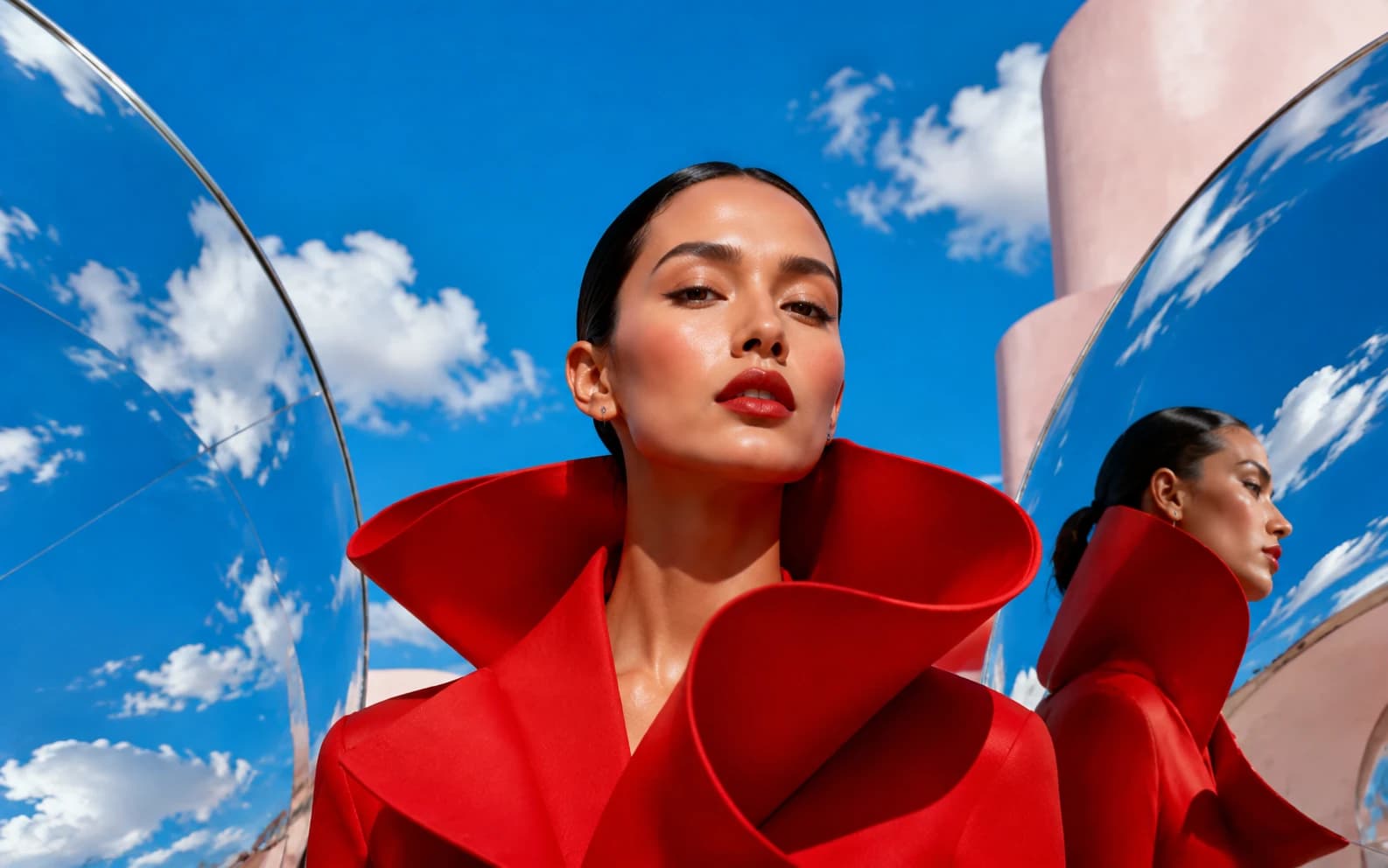
AI portrait generators work two ways: text-to-portrait (describe the person and style) or photo-to-portrait (upload a photo, AI restyles it while preserving likeness). Best models 2026: Nano Banana for identity preservation, Seedream 4.5 for studio quality, Imagen 4 / FLUX.2 for natural skin in text-to-portrait. Costs on Morphed: ~3-4 credits per portrait, a guided free start, no card needed. For professional use, see the dedicated AI headshot pipeline. Last verified June 2026.
Portraits are the hardest thing AI image models do. Landscapes forgive errors; faces don't — we're wired to spot a jaw that's slightly off or skin that's slightly plastic. Which is why "AI portrait generator" results vary so wildly: the model choice matters more here than in any other category.
This guide covers both ways to generate portraits — from text (no reference, describe what you want) and from a photo (your face, restyled) — plus which models actually hold up in 2026.
The two kinds of AI portraits
1. Text-to-portrait: describe it, get it
You write a prompt — "close-up studio portrait of an elderly fisherman, dramatic Rembrandt lighting, 85mm lens, film grain" — and the model invents a person matching it. Perfect for character art, editorial illustration, mood boards, and fictional faces.
Best models: Imagen 4 and FLUX.2 produce the most naturally photographic skin and lighting. Seedream 4.5 excels at commercial-clean looks. For painterly and stylized portraits, Grok Imagine and Nano Banana follow art-style instructions faithfully.
2. Photo-to-portrait: your face, any style
You upload a photo and the model transforms it — new background, new lighting, new outfit, or a whole new medium (oil painting, anime, 3D render) — while keeping the face recognizably yours. This is the technology behind AI headshots and avatar apps, without the app lock-in.
Best models: Nano Banana is the identity-preservation benchmark; this is the use case that made it famous. Seedream 4.5 Edit and FLUX Kontext Pro are strong alternatives. All three run in Morphed's AI image editor.
Portrait styles that consistently work
| Style | Prompt ingredients | Best model |
|---|---|---|
| Studio headshot | "studio lighting, neutral backdrop, 85mm, sharp focus" | Seedream 4.5 |
| Oil painting | "oil on canvas, visible brushstrokes, Rembrandt lighting" | Nano Banana |
| Anime / manga | "anime style, cel shading, detailed eyes" | Grok Imagine |
| Cinematic | "film still, anamorphic, teal and orange grade" | FLUX.2 |
| Vintage film | "Kodak Portra 400, 1970s, soft grain" | Imagen 4 |
| Fantasy character | "elven warrior, intricate armor, dramatic rim light" | Nano Banana Pro |
Steal full prompts from our Nano Banana selfie prompts and aesthetic picture prompts libraries.
Keeping the likeness: what actually matters
Drift — when the output stops looking like you — comes from three controllable factors:
- Source photo quality. Front-facing, sharp, evenly lit, no sunglasses. The model can only preserve what it can see.
- Model choice. Identity preservation is a trained capability, not a given. Nano Banana and Seedream 4.5 were explicitly optimized for it; older models weren't.
- One change per edit. "Make it a studio headshot" then "change the background to navy" beats one mega-prompt. Each pass anchors on the previous result, so likeness compounds instead of degrading.
What it costs
On Morphed, portraits are pay-as-you-go credits (1 credit ≈ $0.01):
- Text-to-portrait: Qwen Image or Seedream 4.0 at 3 credits; Imagen 4 and Nano Banana at 4; Nano Banana Pro at 15 for the hardest jobs.
- Photo-to-portrait edits: Qwen Image Edit at 3 credits, Nano Banana Edit and Seedream 4.5 Edit at 4.
- Finishing: upscale the winner to print resolution from 3 credits.
A guided free start lets you try it, then portraits run on affordable credits with watermark-free downloads — compare that to portrait apps charging $20-40 for a one-time pack.
Professional headshots: the dedicated pipeline
If the goal is specifically a work-ready headshot — LinkedIn, team page, speaker bio — use a purpose-built flow rather than freestyle prompting. Morphed's AI headshot generator handles the source-photo guidance, consistent framing, and professional styling presets, and our best AI headshot generators comparison covers the whole market including BetterPic and Canva.
Generate your first portraits
Upload a photo or start from text in the Morphed studio — 30+ models, a guided free start, no card needed. If portraits lead you to full character work, the AI influencer studio keeps one face consistent across unlimited scenes.
Related reading: