

The portrait a patient studies before they book with you
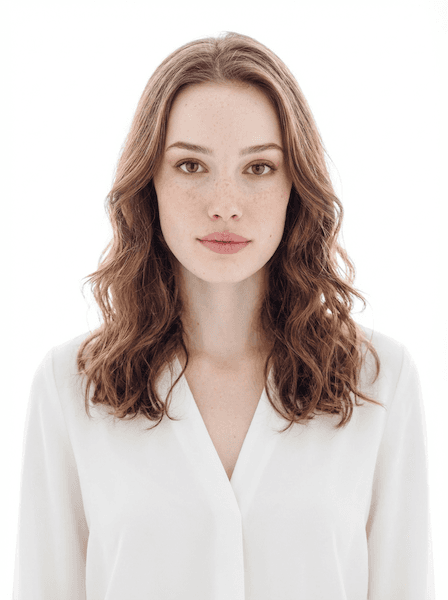
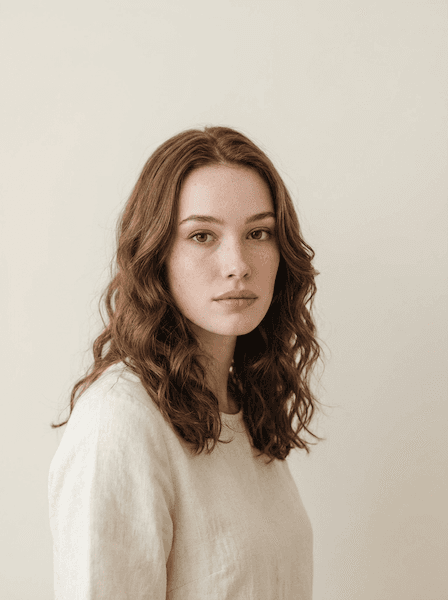
Your photo sits on a find-a-doctor page beside your specialty, your board certifications and the insurance you take. Upload one clear photo and get a portrait composed for that row — warm, current, and consistent with the rest of your department.


Powered by the world's best AI models
100+ models · commercial use included
Your photo is one field in a row of credentials
A patient looking for a new provider almost never arrives at your biography. They arrive at a filtered list: specialty, distance, accepting new patients, in-network. Every row in that list carries the same fields — name, credentials, hospital affiliation, languages spoken, next available appointment — and one photograph. The credentials in that row are, from the patient's point of view, largely interchangeable. Two internists both did a residency. The photo is the only field that is not standardised, so it absorbs a disproportionate share of the decision.
What the patient is actually resolving with it is not competence. They assume competence; the directory has already filtered for it. They are resolving something more private: whether they will be comfortable describing an embarrassing symptom to this person, or being examined by them, or bringing their child to them. That question gets answered from a headshot in under a second, and it is why two equally qualified physicians on the same page book at different rates.
The studio takes one clear source photo and returns up to four variations in a single style. That matters for a health system with three hundred providers, where the practical problem is not one great portrait but three hundred that look like they belong to the same institution and were taken in the same decade.
What goes wrong with clinical portraits
Most provider photos are not bad photographs. They are the wrong photograph, taken for a different purpose.
The badge photo, promoted
Credentialing photos are taken under overhead fluorescents against a blue vinyl backdrop, usually at the end of onboarding when you have been awake for nineteen hours. They exist to confirm identity at a security desk. When someone reuses one on a directory page, the flat top light and the lanyard read as institutional processing rather than as a clinician.
A directory in twelve photographic eras
Large groups accumulate portraits over years: some with white coats, some without, some cropped tight, some with a window behind them. On a single search results page the inconsistency is what the eye picks up first, and it makes an organised health system look like a loose collection of offices.
The white coat used as a reflex
It is reassuring in a surgical or hospitalist context and actively unhelpful elsewhere. A psychotherapist in a coat reads as clinical distance. A paediatrician in a starched coat can read as the person who gives injections. The coat is a signal with a specific meaning, not a neutral default.
Composed read as cold
A neutral, unsmiling expression is the professional norm in most portraiture and a liability in a specialty where patients arrive anxious. In a small directory thumbnail, subtle warmth around the eyes disappears first, so a face that felt merely calm in the original reads as unapproachable by the time it is rendered at 90 pixels.
What patients are asking a physician photo
Patients choosing from a list are usually anxious, often in some discomfort, and frequently doing this at eleven at night on a phone. They are not evaluating your CV. They are performing a rapid, mostly unconscious assessment of what an appointment with you would feel like, and the photograph is the only sensory input they have.
Warmth is doing most of the work, but not warmth alone. A portrait that is entirely soft can undercut a surgeon; one that is entirely composed can lose a family practice. The specialty sets the ratio, and the useful move is to decide deliberately rather than accept whatever a hurried photo session produced.
- Will this person listen to me, or talk over me?
- Would I be comfortable being examined by them?
- Is this a current photo of someone still in practice here?
- Do they look like they belong to this hospital, or like they were pasted in?
From one photo to a directory-ready portrait
Fast enough to do between clinic sessions, consistent enough to roll out department-wide.
Upload one photo
Upload one clear, front-facing photo. Even lighting, eyes visible, and recent — a photo from before a significant change in your appearance will not serve you at the first appointment.
Choose a style
Choose Healthcare, or any of the 65 styles, and set attire, background, lighting and expression to whatever your health system specifies.
Download your pick
Get up to four results in about 30 seconds. Pick the frame that still reads as warm when you shrink it to directory-thumbnail size.
Coat, background and the things marketing will ask for
Clinical portraits carry conventions that other professions do not. Some of them are department policy.
- Ask marketing for the spec before you generate
- Health systems that run a unified directory usually have written requirements: background colour, whether the white coat is mandatory, whether the badge must be visible, how tight the crop should be. Getting that sheet first turns this into a five-minute task rather than a round of revisions with a communications team.
- Decide the coat by specialty, not by habit
- Surgery, hospital medicine, oncology and most inpatient specialties benefit from it. Psychiatry, psychology, therapy, dermatology aesthetics and much of paediatrics generally do not — patients in those settings respond better to something closer to ordinary professional clothing. Dentistry sits in the middle and often lands on scrubs.
- Scrubs are a legitimate choice, in one colour
- For proceduralists and anaesthesia, scrubs read as honest and current where a coat can look staged. The caveat is colour: whatever your unit wears is fine, but a whole department photographed in six different scrub shades makes a directory look disorganised. Pick one and hold it.
- Keep the background quiet and light
- Clean White and Neutral Grey are the safest choices for a directory grid, and both keep a white coat from disappearing into the wall. Soft Gradient adds a little depth for a practice website. Avoid clinical environments as backdrops; a real corridor behind you photographs as clutter and dates quickly when the building is renovated.
- Aim for warmth with composure
- Approachable and Friendly Smile serve primary care, paediatrics, obstetrics and behavioural health. Confident and Thoughtful suit surgery and specialist referral practice, where patients want steadiness more than friendliness. Serious Professional is rarely the right call in medicine, because the person seeing it is already worried.
- Leave the props out
- A stethoscope draped for the camera and a chart held at chest height are the two most reliable ways to make a portrait look like stock photography. If a stethoscope is genuinely around your neck all day, it belongs there. Staged equipment reads as marketing, and patients are unusually good at spotting it.
Styles suited to clinical practice
Four of the 65 studio styles, chosen for how they behave in a provider directory.
One portrait, used in more places than you think
A physician photo does not stay on the directory page. It travels into the patient portal where someone confirms who they are about to see, onto referral letters and printed practice brochures, into hospital newsletters and departmental slide decks, and onto provider review sites that pull it automatically. Each of those crops it differently, which is a good argument for a tightly framed original with a plain background.
Because every run returns up to four variations, generate a small set rather than one image. Keep the warmest for patient-facing surfaces, the more composed one for academic and professional listings, and refresh the whole thing when you change institution, change specialty focus, or notice the photo predates your current role.
Frequently asked questions
Keep looking around
Create your physician headshot
One photo in, up to four variations out, in about 30 seconds.