

Seedance Pro
ByteDance's professional video model — multi-resolution with audio and up to 12-second clips.
to start generating videos with Seedance Pro
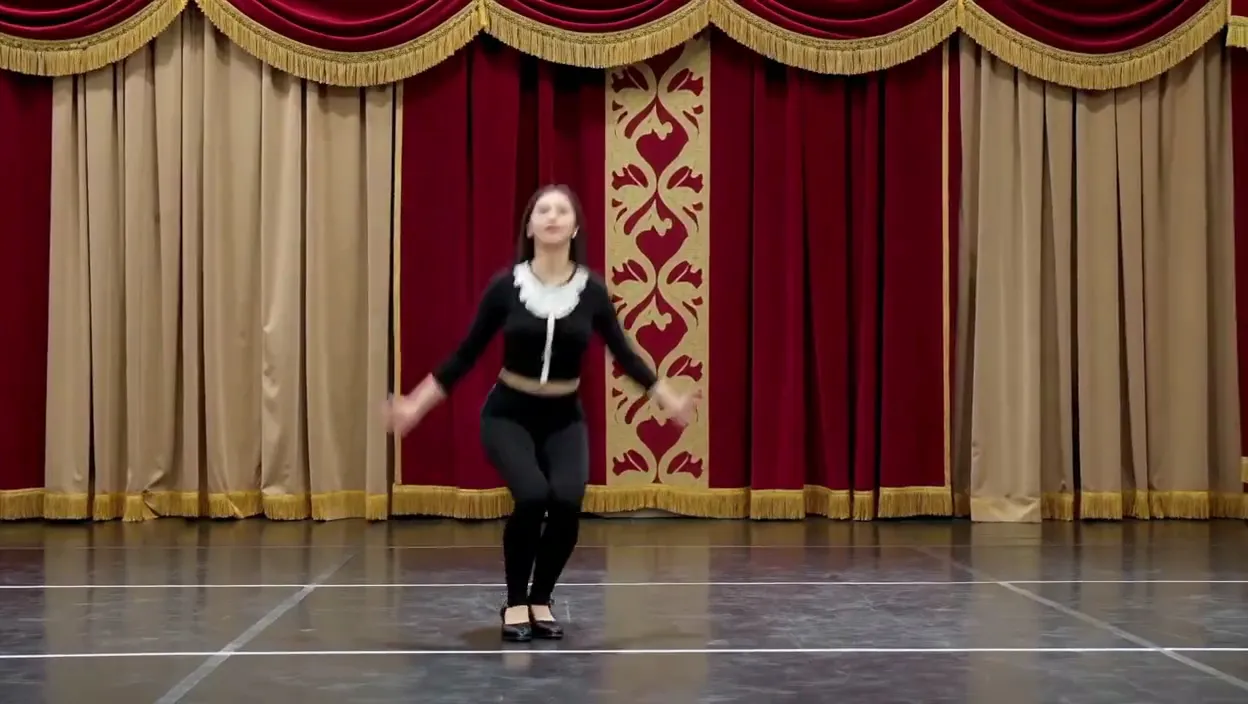
Generated with Seedance Pro
“Cinematic slow-motion of a dancer leaping across a stage, 1080p”
What Sets It Apart
Multi-Resolution
Choose between 480p, 720p, and 1080p output depending on your quality and budget needs.
Audio Support
Optional synchronized audio generation for immersive content.
Wide Format Range
Supports 6 aspect ratios including ultra-wide 21:9 for cinematic content.
Image-to-Video
Animate images with end-frame control for precise start-to-finish transitions.
Built For
Professional Video
Create polished video content at your choice of resolution.
Cinematic Content
Generate ultra-wide cinematic footage for film and media.
Music Videos
Create atmospheric video clips with synchronized audio.
Vertical Video
Produce TikTok and Reels content in 9:16.
Technical Specifications
How Seedance Pro Compares
Every model below is available on Morphed — switch between them with the same prompt.
| Model | Credits | Type | Best for |
|---|---|---|---|
| Seedance ProThis modelBytedance | 17.5 / second | Text to Video | Professional Video |
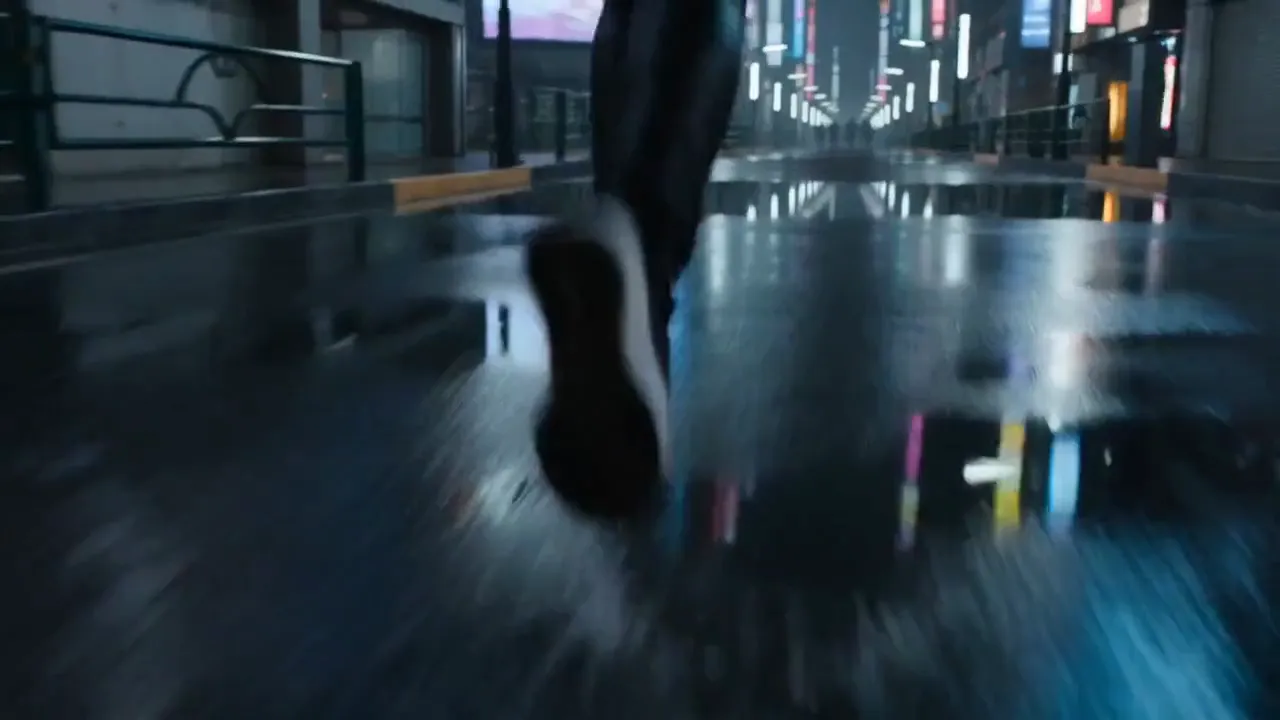 Seedance 2.0Bytedance Seedance 2.0Bytedance | 43.5 / second | Text to Video | Cinematic Content |
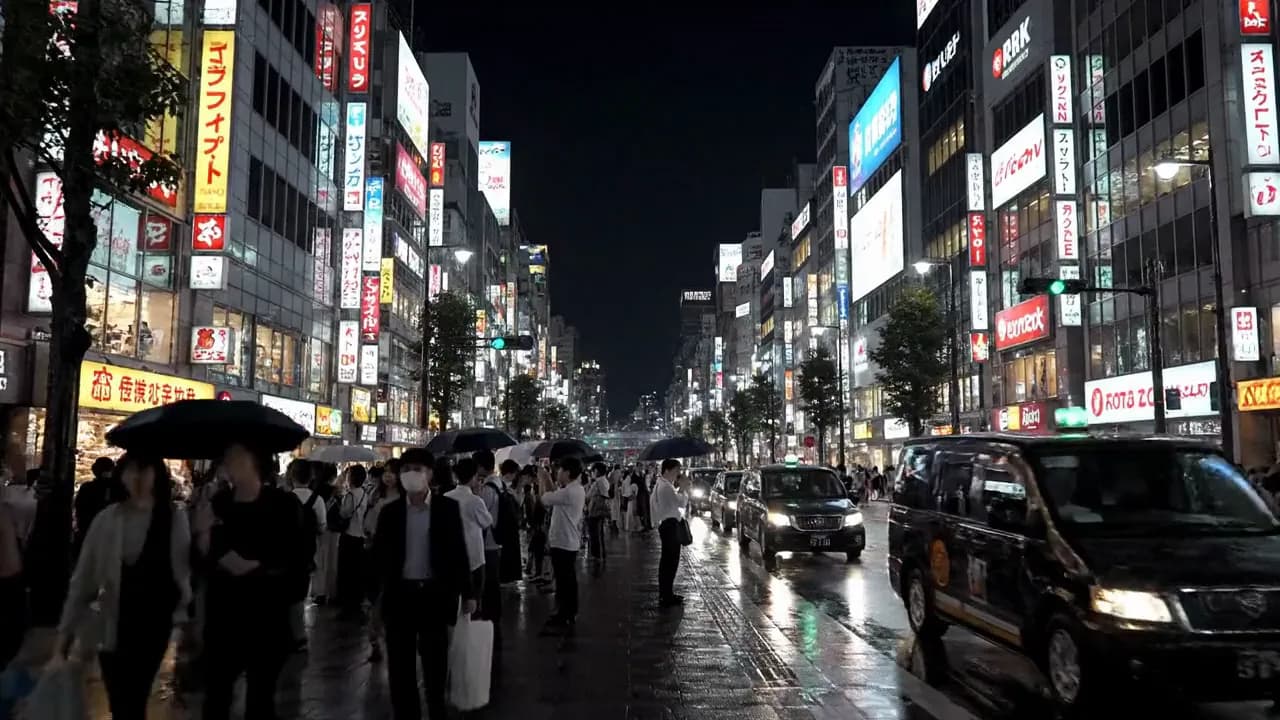 Veo 3Google Veo 3Google | 29 / second | Text to Video | Sound-Enabled Content |
Frequently Asked Questions
Related Models


Create with Seedance Pro in three steps
Describe your idea
Write a prompt, or start from one of the examples above. Seedance Pro handles detailed, multi-part prompts well.
Generate & iterate
Pick duration and aspect ratio, then generate. Re-roll or refine the prompt until the motion feels right.
Download or keep editing
Export in full resolution, or send the result to another model on Morphed — upscale it, animate it, or edit it.
Ready to create with Seedance Pro?
Create an account, then pick a plan to start generating. Plans start at $9/month — 30% off your first 3 months, cancel anytime.