

Krea 3
Krea 3 generates and edits images. Change the setting while the subject stays the same, or combine up to 4 references with one plain instruction.
to start creating with Krea 3
What Sets It Apart
Plain-Language Edits
Describe the change in a sentence, such as a new location, a different outfit or another time of day, and Krea 3 edits the image you uploaded.
Same Subject, New Setting
Upload a photo and change where it happens. fal lists changing the setting while keeping the subject consistent as a core use.
Up to 4 References
Add up to four images in edit mode and say in the prompt what to take from each, then combine them into one result.
Priced by Megapixel
1K costs 4 credits and 2K costs 14.5. In edit mode each reference adds the same amount again, so you can see the total before you generate.
Built For
Change the Setting
Move a person or product into a new place, season, or time of day while it stays recognisably the same.
Combine References
Put a person from one image, a jacket from another, and a street from a third into one picture.
Quick Revision Rounds
Try a change, look at it, and try the next one without a long wait between rounds.
Product Scenes
Place a product shot in several different backdrops for a listing or a campaign.
Technical Specifications
How Krea 3 Compares
Every model below is available on Morphed — switch between them with the same prompt.
| Model | Credits | Type | Best for |
|---|---|---|---|
Krea 3This modelKrea | 4 / image | Text to Image | Change the Setting |
| FLUX 3 KleinFlux | 1.5 / image | Text to Image | Draft Before You Finish |
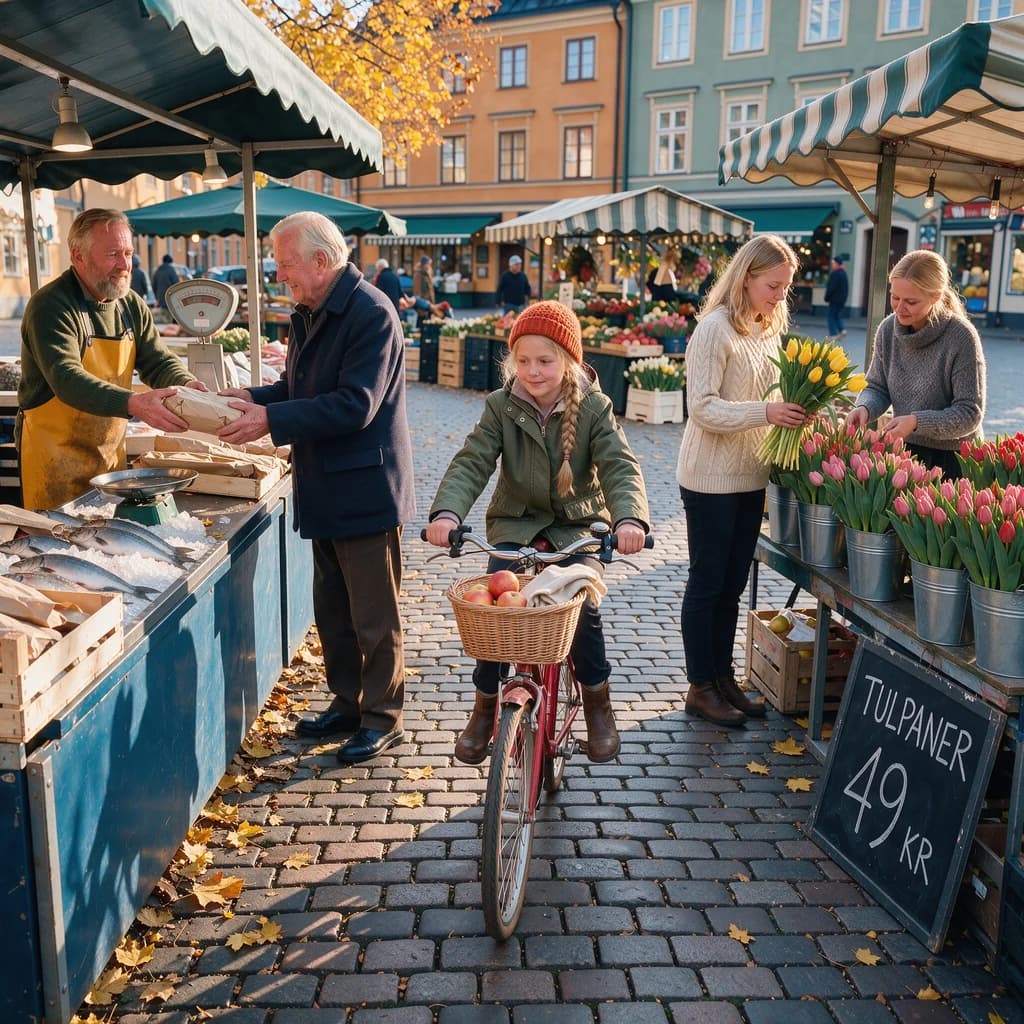 FLUX 3 ImageFlux FLUX 3 ImageFlux | 8 / image | Text to Image | Product & Packaging |
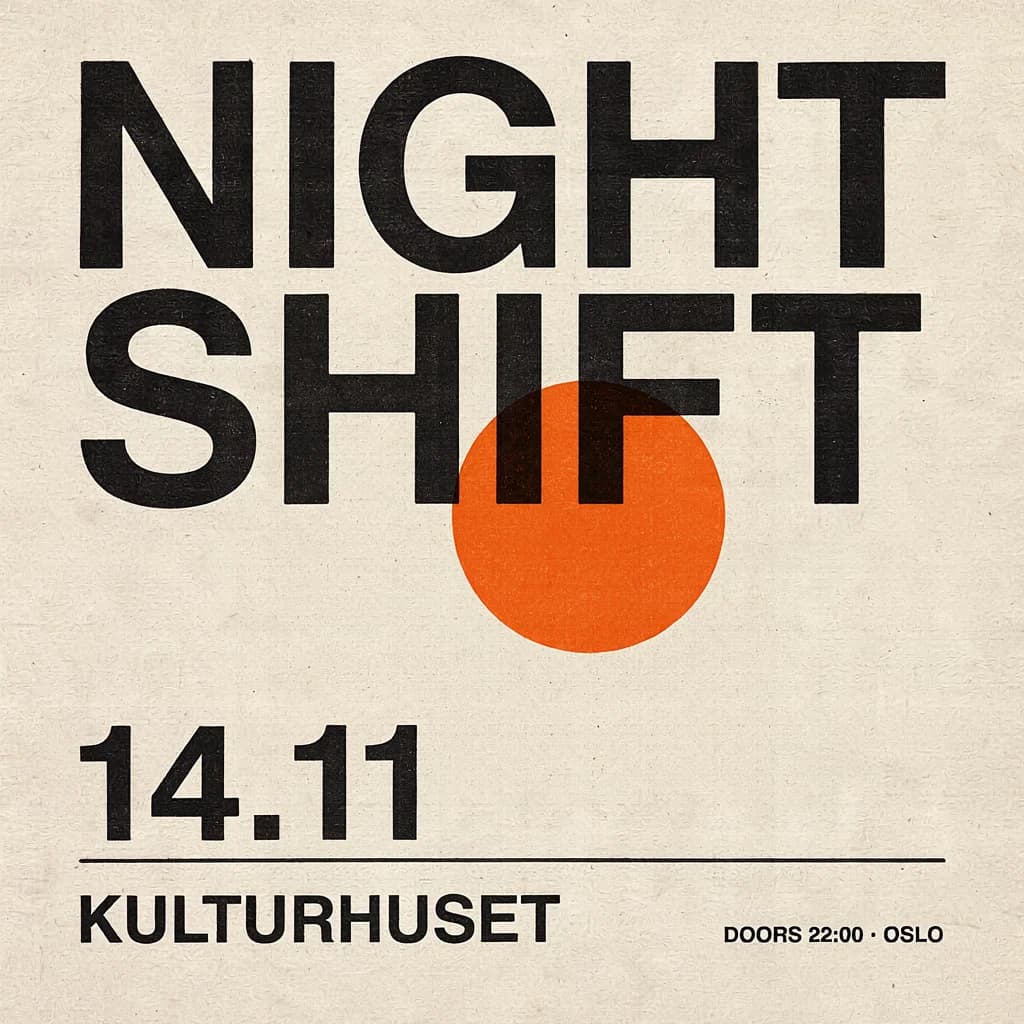 Ideogram 4.5Ideogram Ideogram 4.5Ideogram | 9 / image | Text to Image | Iterative Ad Edits |
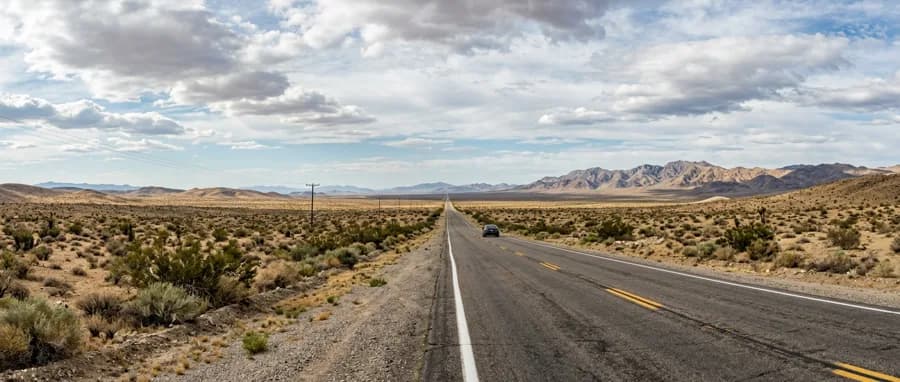 Nano Banana 2.1 🍌Google Nano Banana 2.1 🍌Google | 11.5 / image | Text to Image | Panoramic Content |
Frequently Asked Questions


Create with Krea 3 in three steps
Describe your idea
Write a prompt, or start from one of the examples above. Krea 3 handles detailed, multi-part prompts well.
Generate & iterate
Generate, compare variations, and refine. Each run costs 4 credits per image.
Download or keep editing
Export in full resolution, or send the result to another model on Morphed — upscale it, animate it, or edit it.
Ready to create with Krea 3?
Create an account, then pick a plan to start generating. Plans start at $9/month — 30% off your first 3 months, cancel anytime.