

Kling O3 4K Reference
Animate your reference images in 4K — Kling O3 keeps characters and products true to source.
to start generating videos with Kling O3 4K Reference
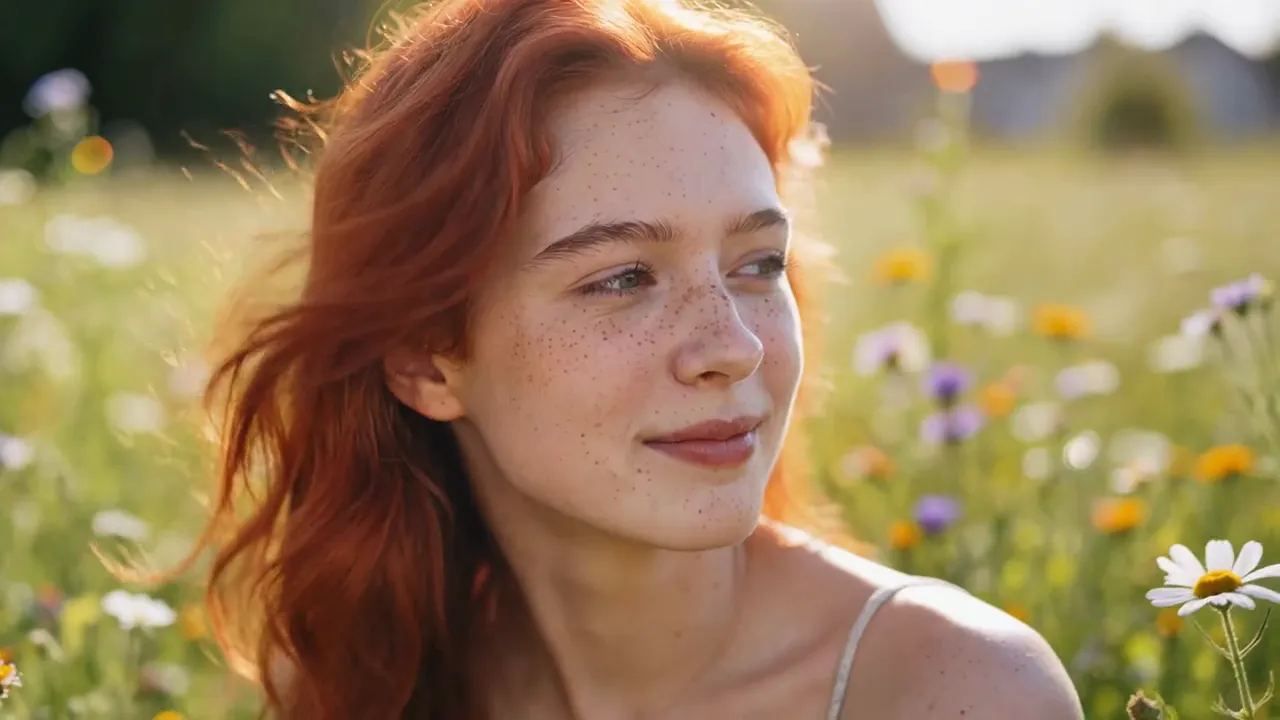
Generated with Kling O3 4K Reference
“Bring this portrait to life: she turns toward the camera and smiles as wind moves her hair”
What Sets It Apart
Reference-Faithful Animation
Feed in one or more reference images and O3 animates them while preserving identity, outfit, product details, and art style.
True 4K Output
Renders at 4K resolution — ready for broadcast, large displays, and high-end campaign use.
Character Consistency
The strongest Kling tier for keeping faces and characters stable across motion, turns, and expression changes.
Brand-Safe Product Motion
Animate packshots and product renders without the model redrawing logos or distorting proportions.
Built For
Character Animation
Bring AI-generated or photographed characters to life consistently.
Product Videos
Turn still packshots into orbiting, light-swept product clips.
Portrait Motion
Subtle living-portrait effects for social and web heroes.
Brand Mascots
Animate mascots and illustrated characters while preserving their design.
Technical Specifications
How Kling O3 4K Reference Compares
Every model below is available on Morphed — switch between them with the same prompt.
| Model | Credits | Type | Best for |
|---|---|---|---|
| Kling O3 4K ReferenceThis modelKling | 60 / second | Image to Video | Character Animation |
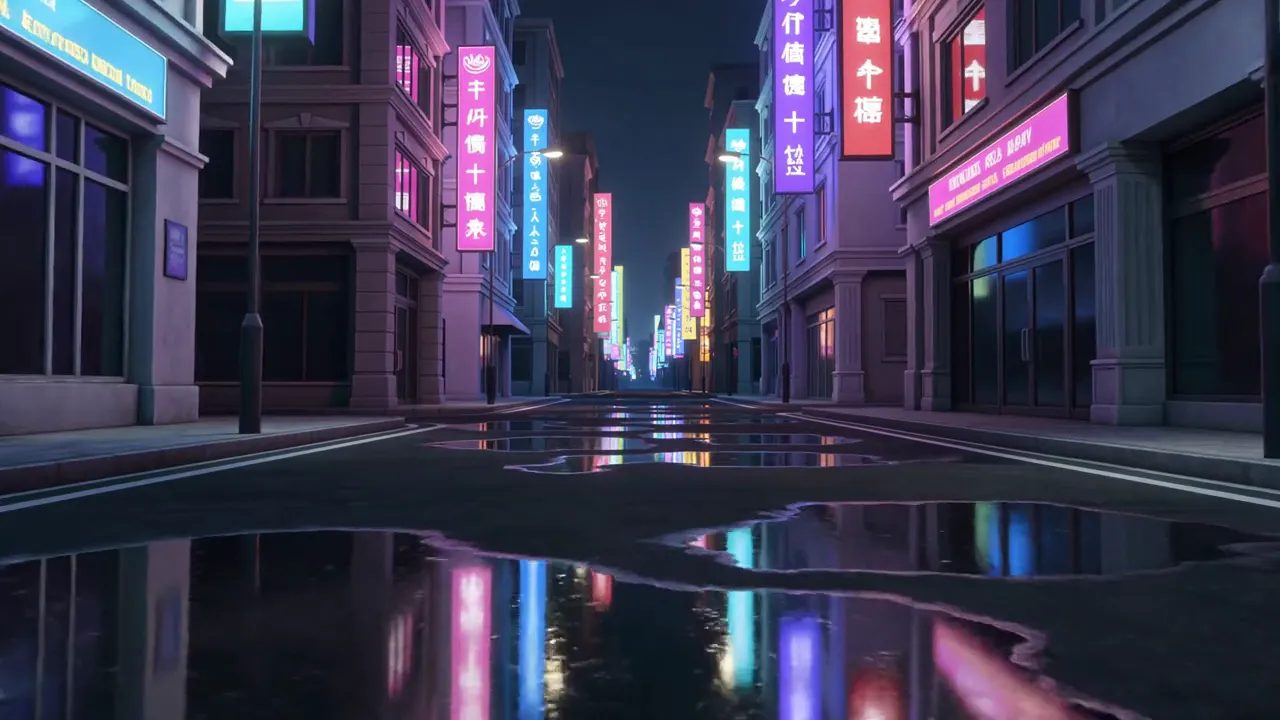 Kling O3 4KKling Kling O3 4KKling | 60 / second | Text to Video | Creative & Art Direction |
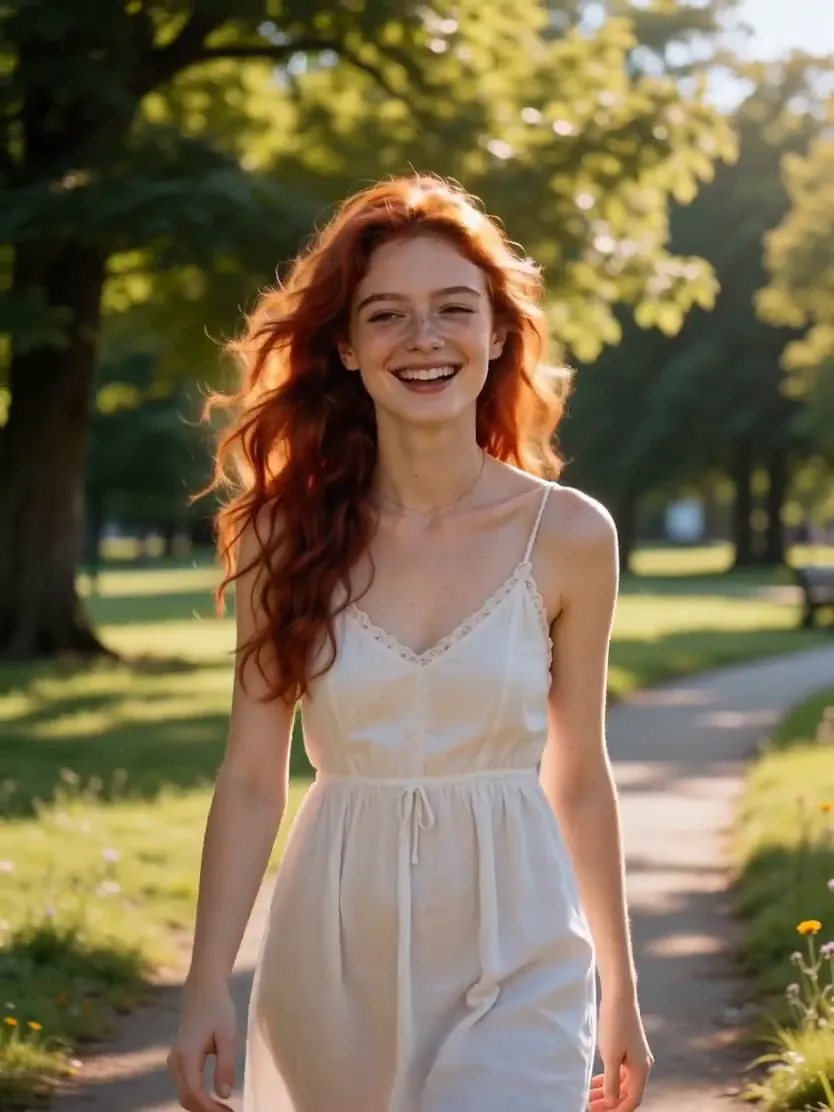 Seedance 2.0 ReferenceBytedance Seedance 2.0 ReferenceBytedance | 43.5 / second | Image to Video | Brand Consistency |
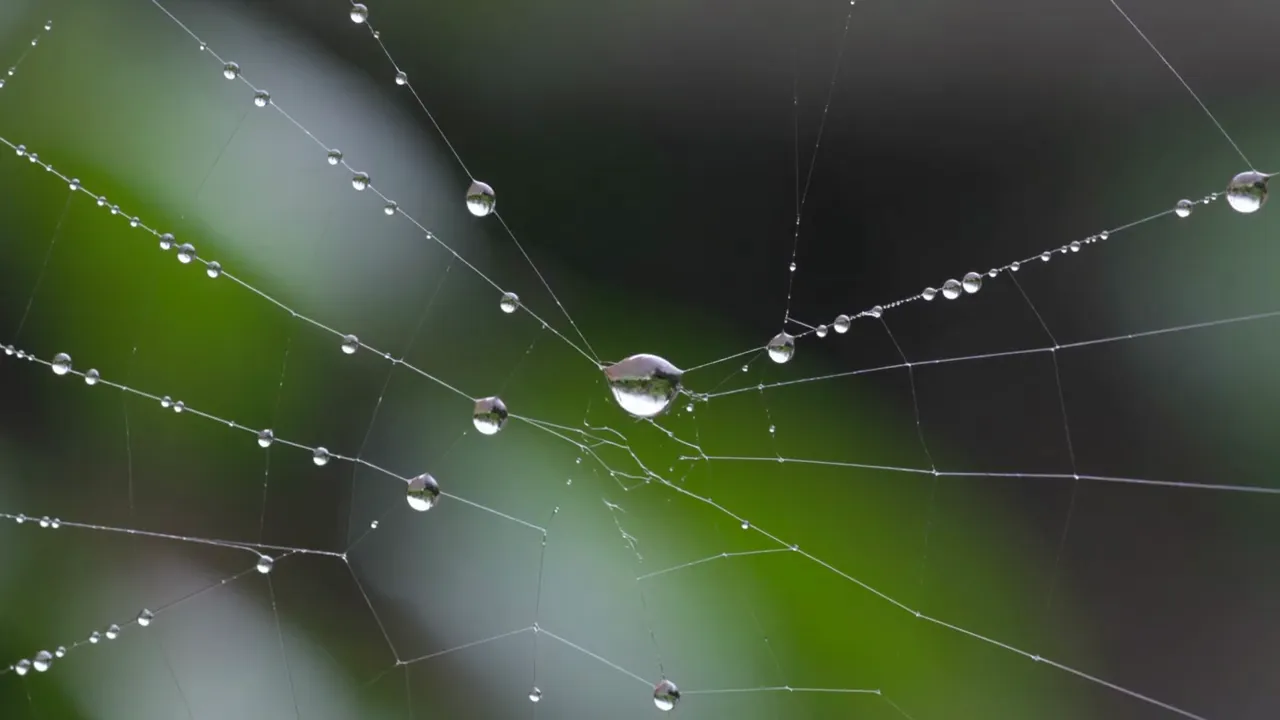 Kling V3 ProKling Kling V3 ProKling | 18 / second | Text to Video | Client Deliverables |
Frequently Asked Questions


Create with Kling O3 4K Reference in three steps
Describe your idea
Write a prompt, or start from one of the examples above. Kling O3 4K Reference handles detailed, multi-part prompts well.
Generate & iterate
Pick duration and aspect ratio, then generate. Re-roll or refine the prompt until the motion feels right.
Download or keep editing
Export in full resolution, or send the result to another model on Morphed — upscale it, animate it, or edit it.
Ready to create with Kling O3 4K Reference?
Create an account, then pick a plan to start generating. Plans start at $9/month — 30% off your first 3 months, cancel anytime.