

Grok Imagine
xAI's creative image model — distinctive aesthetic with wide aspect ratio support.
to start creating with Grok Imagine
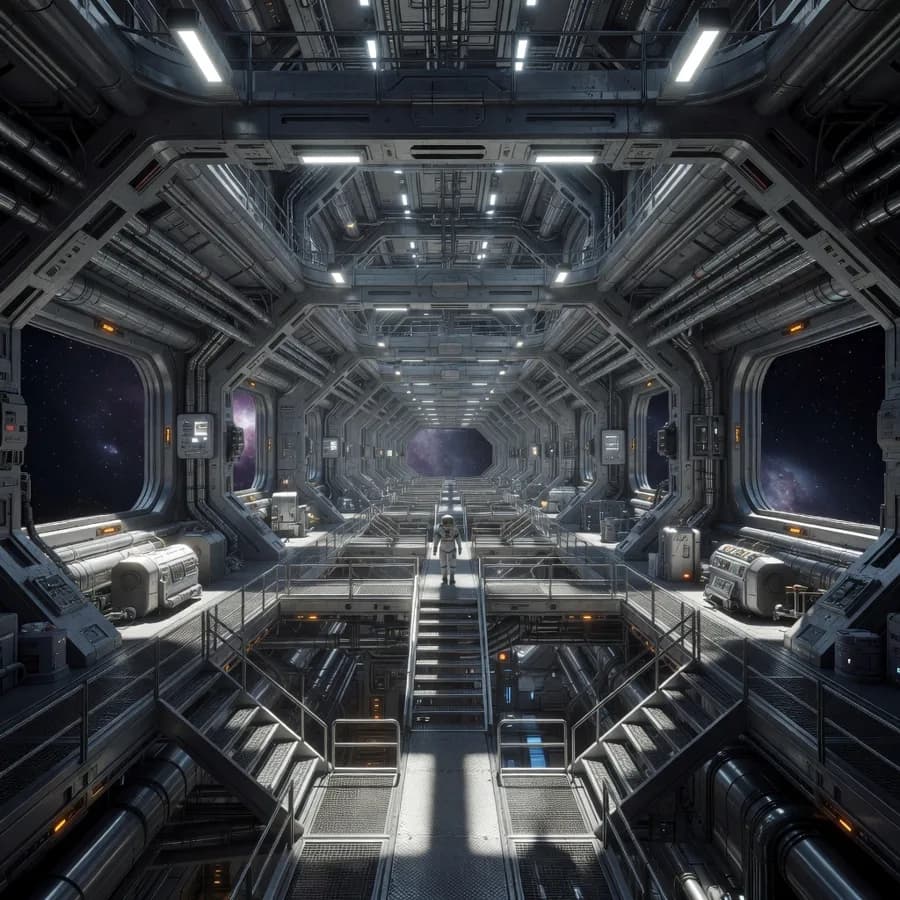
What Sets It Apart
Distinctive Aesthetic
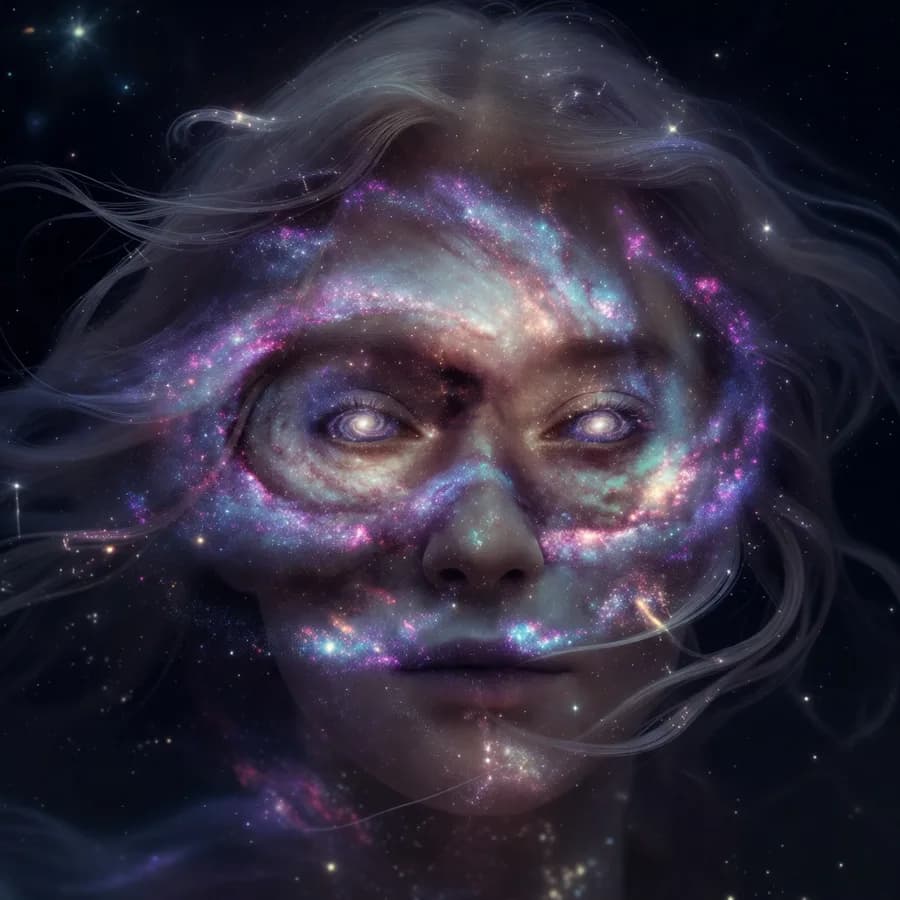
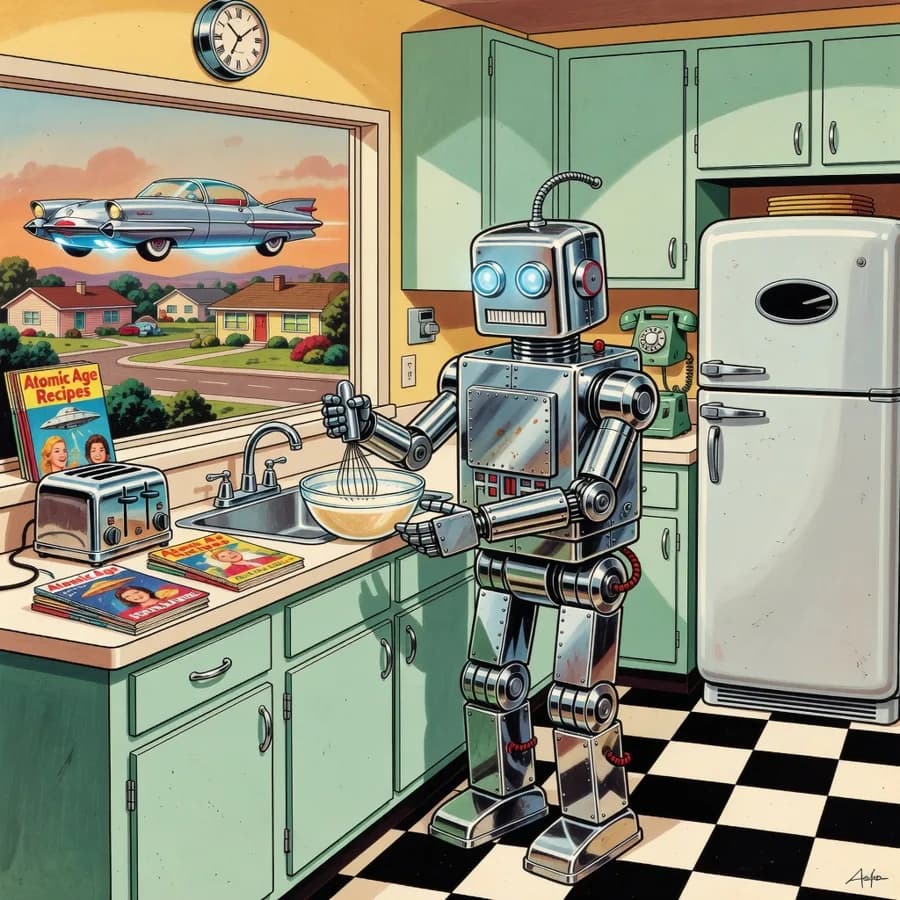
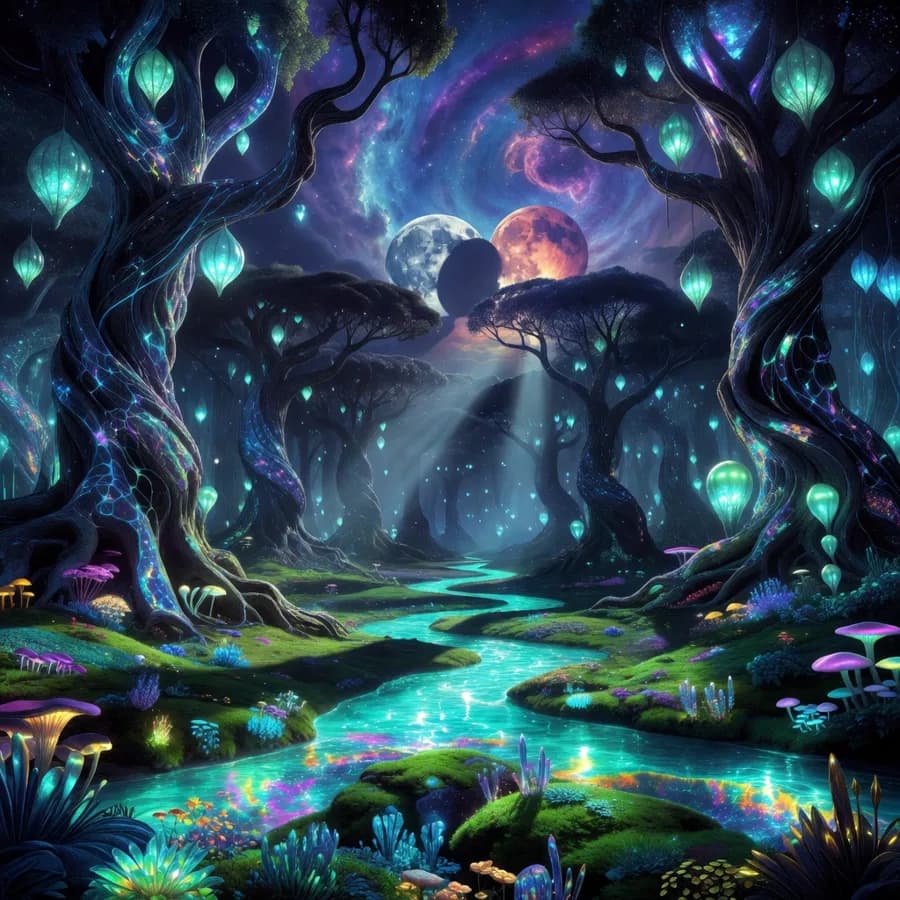
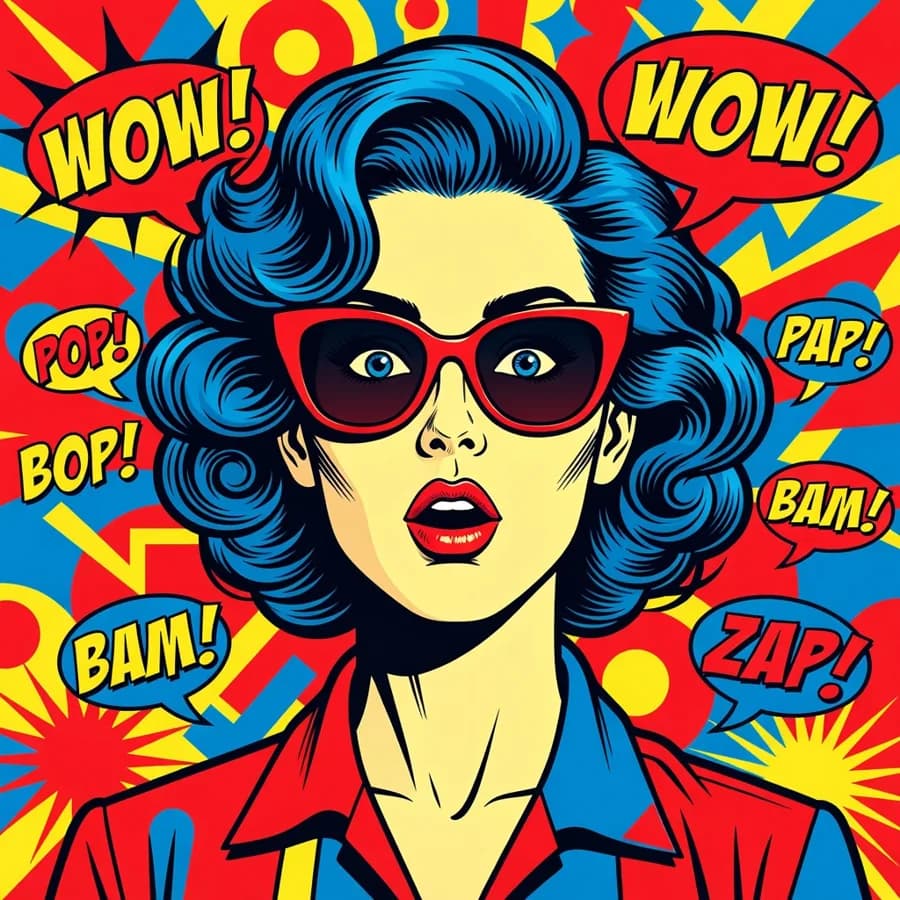
Grok Imagine has a unique visual signature — vibrant colors, bold compositions, and a slightly stylized quality that stands out from more photorealistic models.
Widest Aspect Ratio Range
Supports 12 aspect ratios including ultra-wide 2:1 and ultra-tall 1:2 — more options than any other model on the platform.
Creative Freedom
Excels at imaginative, surreal, and stylized content that other models might interpret too literally.
Edit Support
Includes image editing capabilities for refining generated content.
Built For
Creative Illustration
Generate unique illustrations with a distinctive visual style.
Ultra-Wide Content
Create panoramic images for website headers, banners, and desktop wallpapers.
Social Media
Produce eye-catching social content with bold, attention-grabbing aesthetics.
Concept Art
Explore surreal and imaginative concepts for creative projects.
Technical Specifications
How Grok Imagine Compares
Every model below is available on Morphed — switch between them with the same prompt.
| Model | Credits | Type | Best for |
|---|---|---|---|
| Grok ImagineThis modelxAI | 5 / image | Text to Image | Creative Illustration |
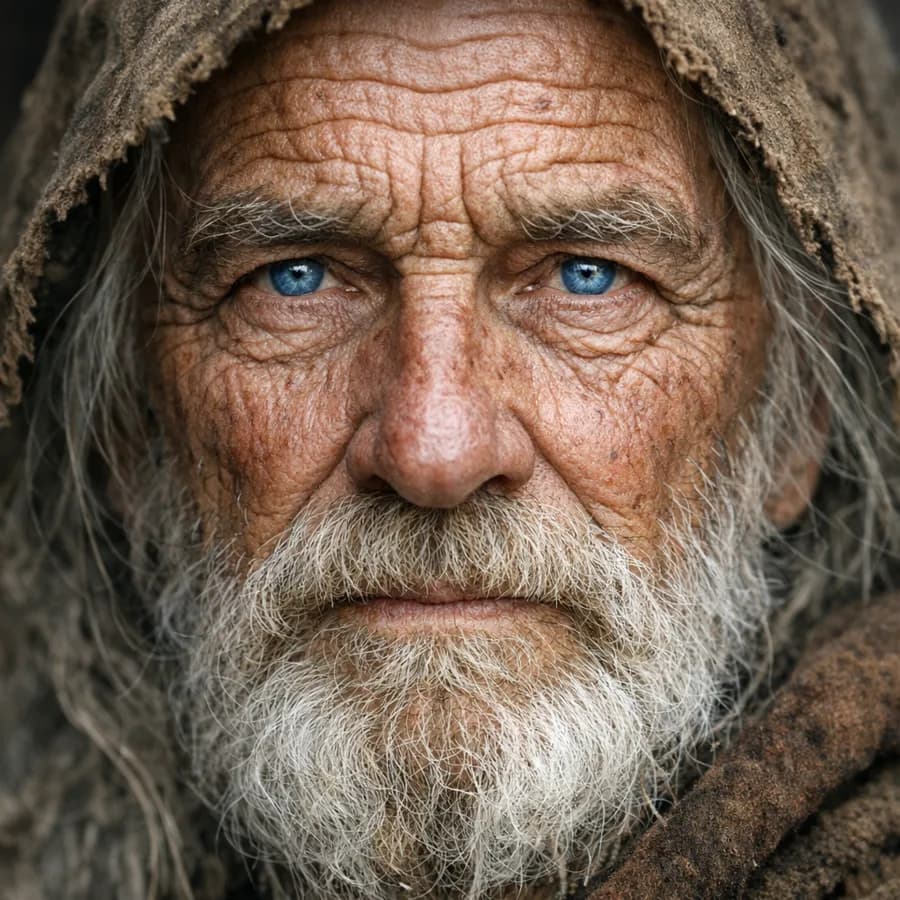 GPT Image 1.5OpenAI GPT Image 1.5OpenAI | 29 / image | Text to Image | Marketing & Advertising |
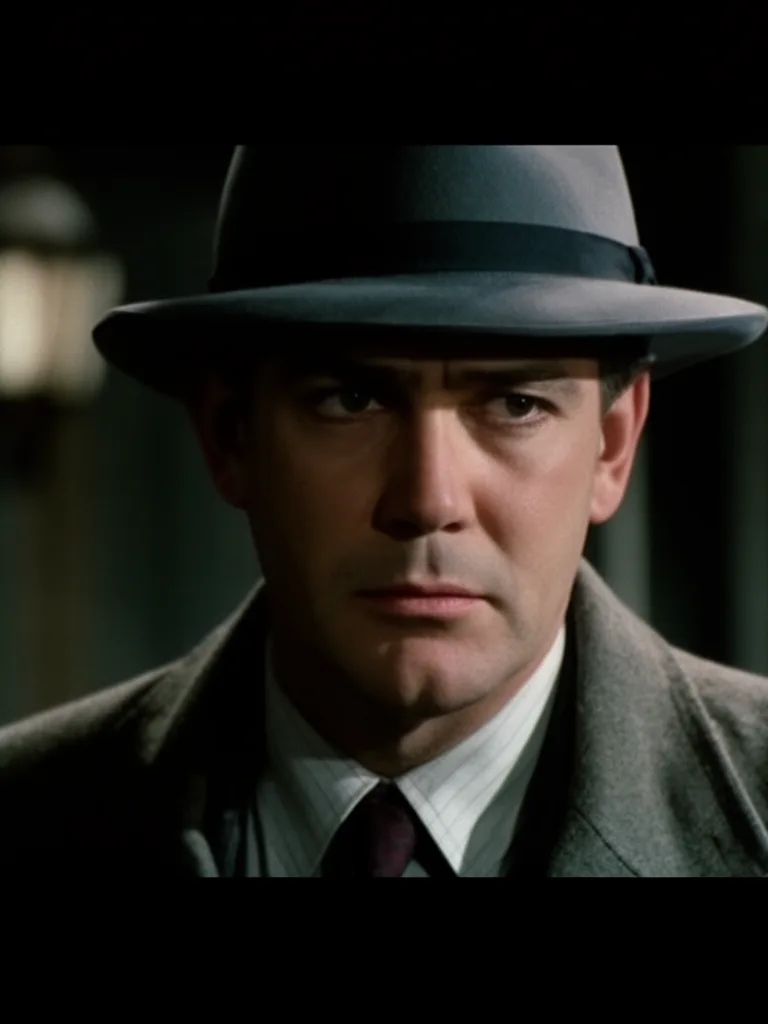 Flux 2Flux Flux 2Flux | 10 / image | Text to Image | Product Photography |
| ReveReve | 6 / image | Text to Image | Fine Art |
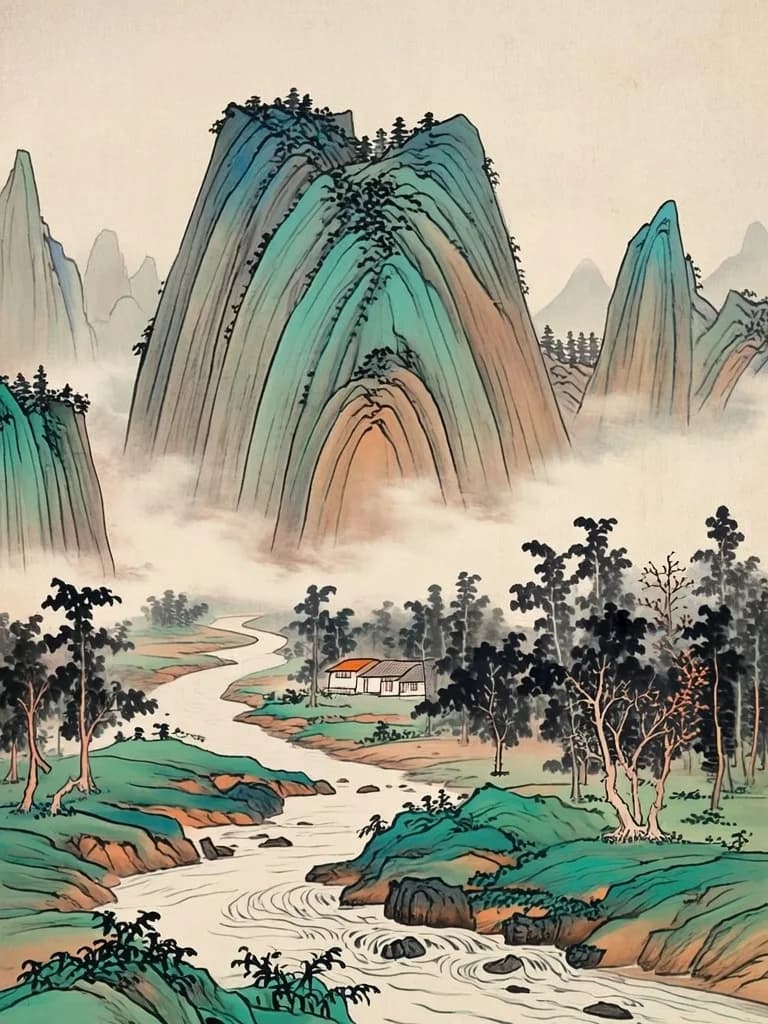 GLM ImageZhipu GLM ImageZhipu | 7.5 / image | Text to Image | Cultural Art |
Frequently Asked Questions


Create with Grok Imagine in three steps
Describe your idea
Write a prompt, or start from one of the examples above. Grok Imagine handles detailed, multi-part prompts well.
Generate & iterate
Generate, compare variations, and refine. Each run costs 5 credits per image.
Download or keep editing
Export in full resolution, or send the result to another model on Morphed — upscale it, animate it, or edit it.
Ready to create with Grok Imagine?
Create an account, then pick a plan to start generating. Plans start at $9/month — 30% off your first 3 months, cancel anytime.