

AI Background Video Generator
Generate Ambient Loops That Sit Behind Your Content
Describe a mood, color, and motion and get an abstract, nature, or atmospheric loop — for streams, screens, and edits. Any format, high resolution, no watermark.
Plans from $9/mo · Cancel anytime
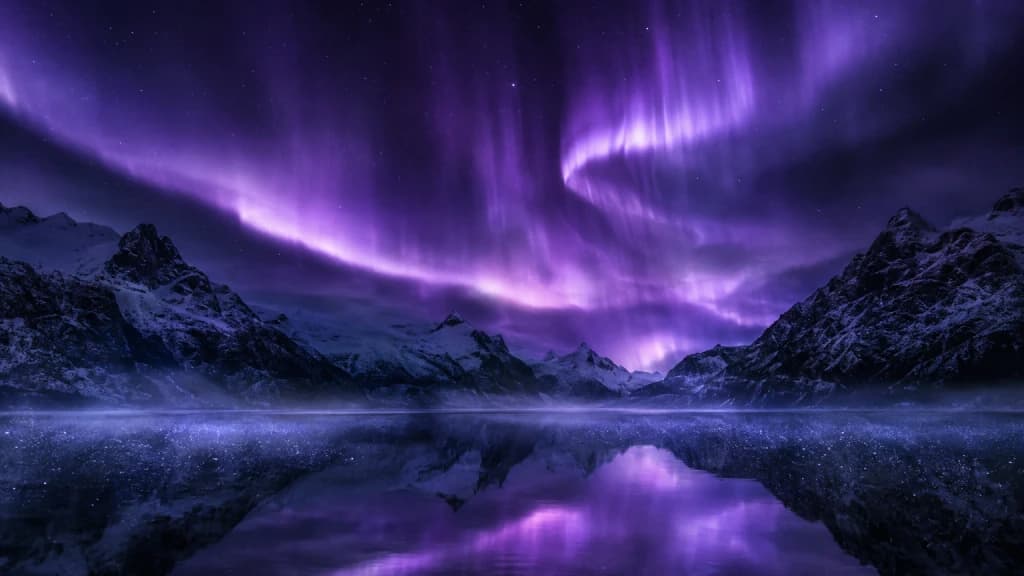
Real results
Every image is a Morphed render. No stock, no mockups.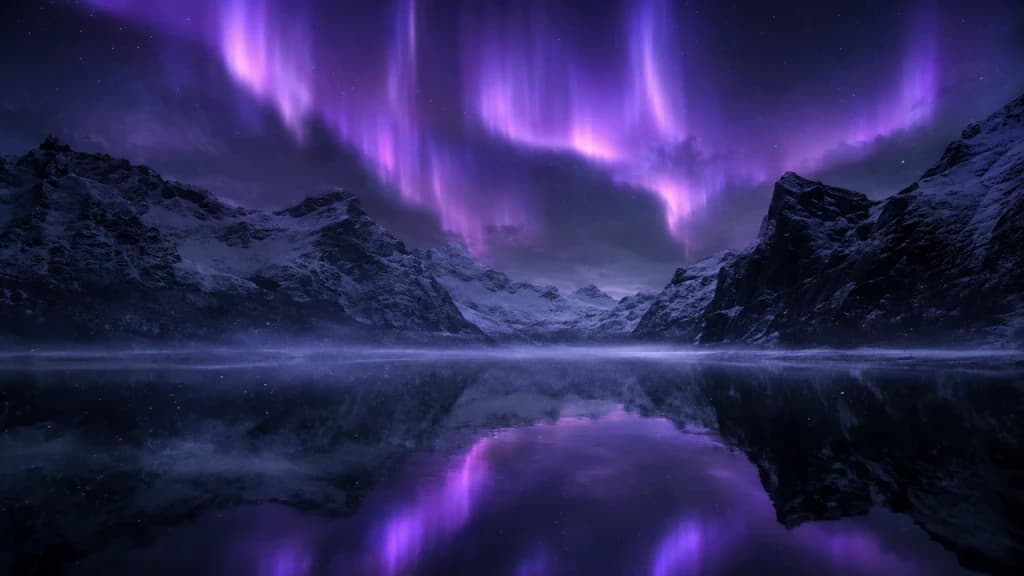
How to generate a background video in 3 steps
Describe, generate, download.
Describe the scene
Set the mood, color, and motion — abstract, nature, or atmospheric.
Generate the loop
Pick a model and render a background clip in your chosen format.
Download and use
Get a high-resolution, watermark-free clip ready to set as a background.
Motion That Supports, Not Distracts
Ambient loops matched to your mood and format.
- Abstract and Ambient Scenes
- Generate flowing color, particles, gradients, and textures from a text prompt — no filming or stock license needed.
- Nature and Mood Loops
- Render rain, clouds, fire, water, and other calming or atmospheric scenes for a screen or backdrop.
- Color and Mood Matching
- Describe the palette and energy you want so the background sits behind your content instead of fighting it.
- Format for Any Screen
- Generate widescreen for streams and presentations, vertical for phone wallpapers, or square for a tile layout.
- Frontier Model Picker
- Compare motion quality across multiple video models to find the smoothest loop for your use.
- Clean, Loop-Ready Export
- Download high-resolution, watermark-free clips ready to set as a live wallpaper, overlay, or backdrop.
Who Uses the AI Background Video Generator
From streamers to digital signage.
- Streamers
- Generate an ambient scene behind a webcam or on a "starting soon" screen.
- Video Editors
- Add motion backgrounds behind titles, lower thirds, and interview cutaways.
- Presentations and Events
- Set an atmospheric loop on a screen behind a speaker or stage.
- Phone and Desktop Wallpapers
- Generate a personal live wallpaper instead of using a stock loop everyone else has.
- Meditation and Wellness Content
- Produce calming nature and ambient loops to accompany narration or music.
- Retail and Digital Signage
- Fill a storefront or lobby screen with branded, mood-matched motion.
Questions
Start creating in minutes
Plans from $9/mo · Cancel anytime
Explore more AI tools

AI Brand Video Generator
On-brand video with consistent style across every scene.
AI Business Video Generator
Company updates and product walkthroughs, ready to post.
AI Car Video Generator
Cinematic car shots from a prompt or your own photo.
AI Event Video Maker
Save-the-dates and highlight recaps from your event photos.
AI Hug Video Generator
Turn two photos into a warm, natural hug.
AI Human Video Generator
People in motion from a prompt or a photo.
AI Invitation Video Maker
Video invitations with narration and on-screen details.
AI Kissing Video Generator
Turn a couple photo into a romantic kiss video.