AI ad maker for Shopify
Ad creative for every SKU in your store
Paste a product page URL and generate ad stills, UGC video, and platform-sized variants without installing anything into your Shopify admin. Batch it across your catalog, priced per generation.
21.5 cr per static ad still · $9/mo starting plan
Drop a photo here
JPG, PNG or HEIC · up to 20 MB
Plans from $9/mo · Cancel anytime
Real results
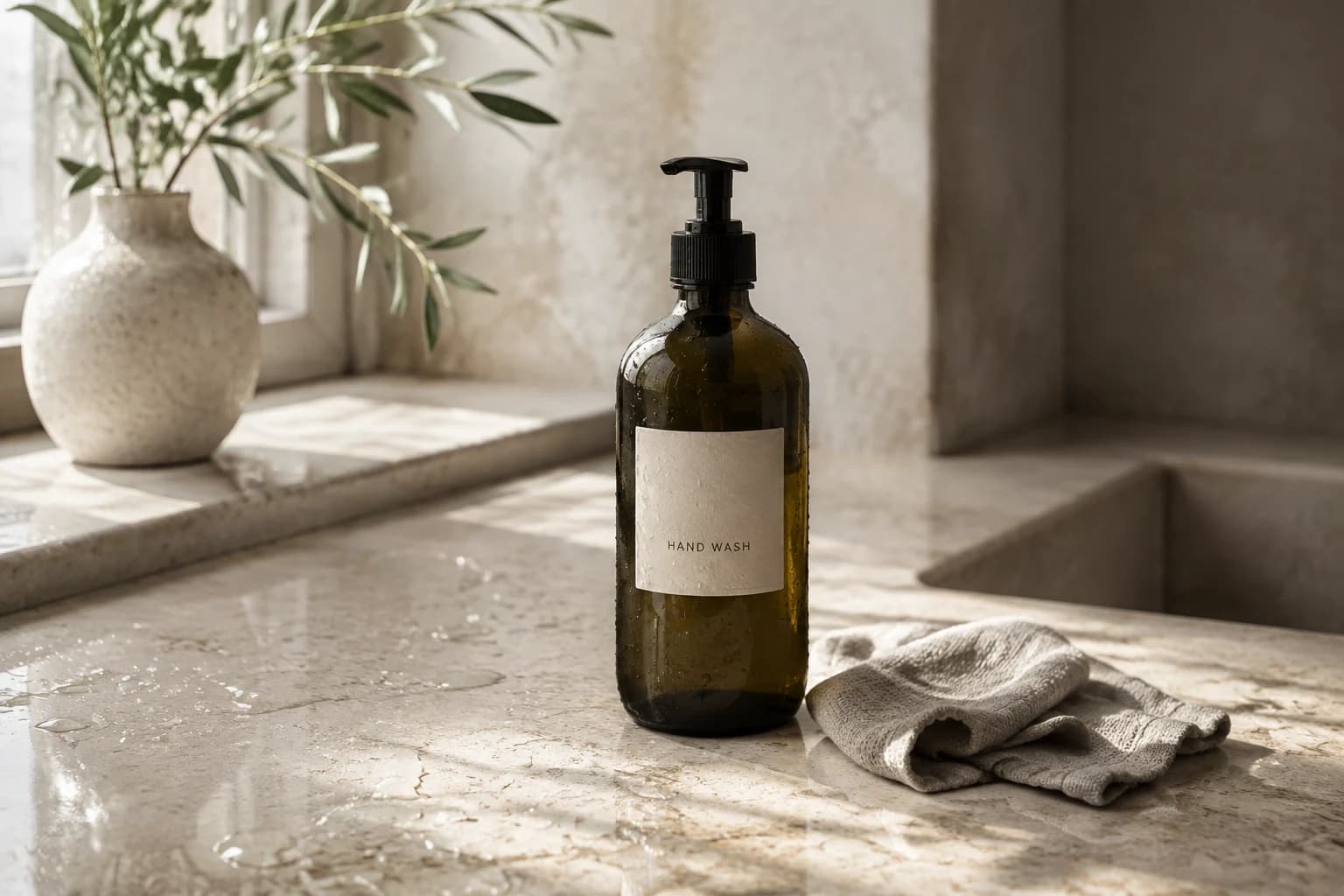
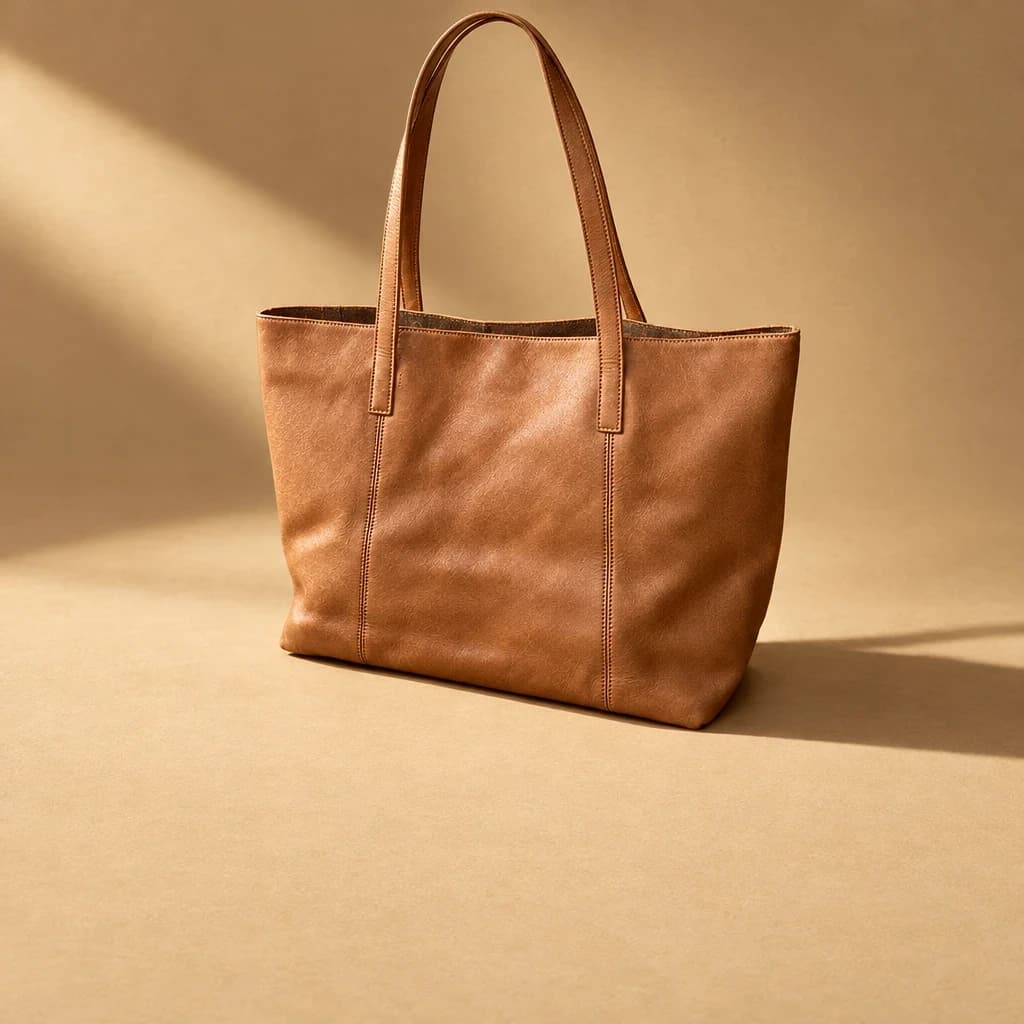
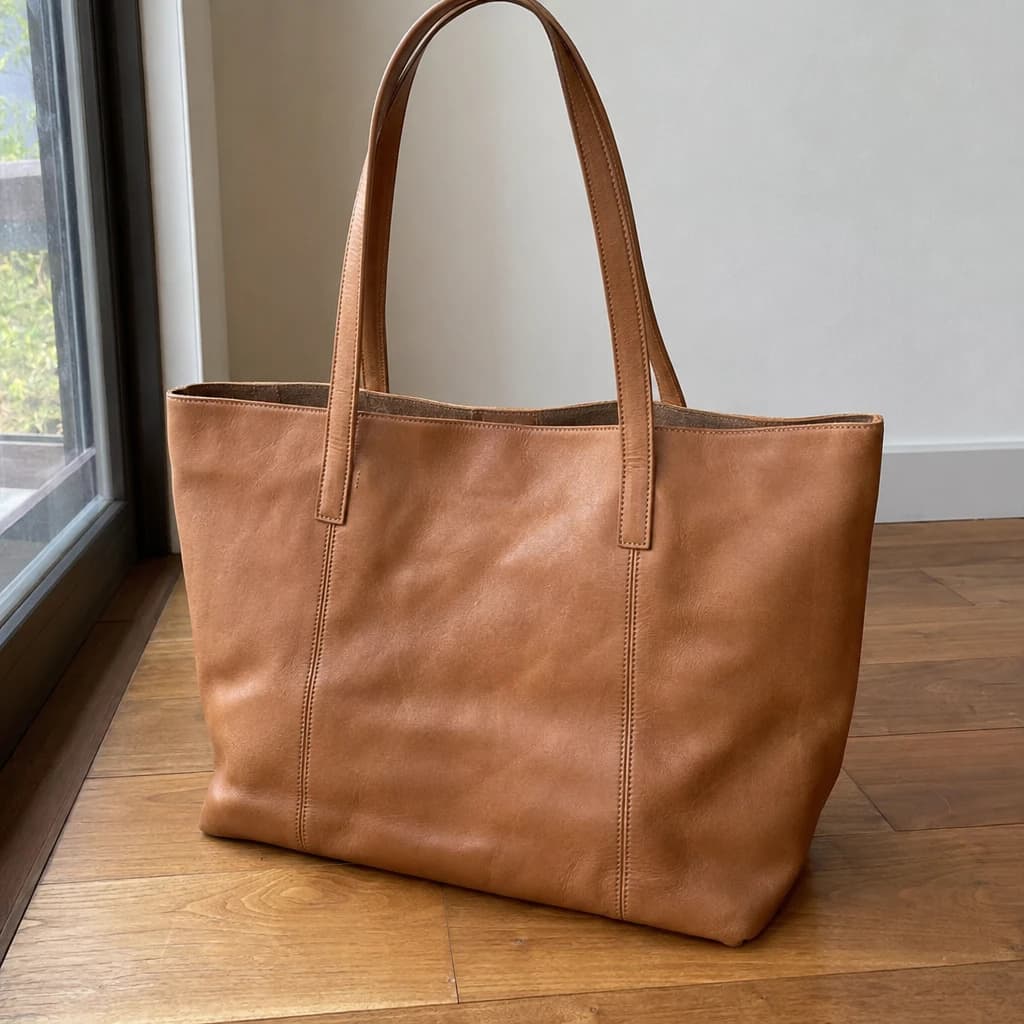
Every image is a Morphed render. No stock, no mockups.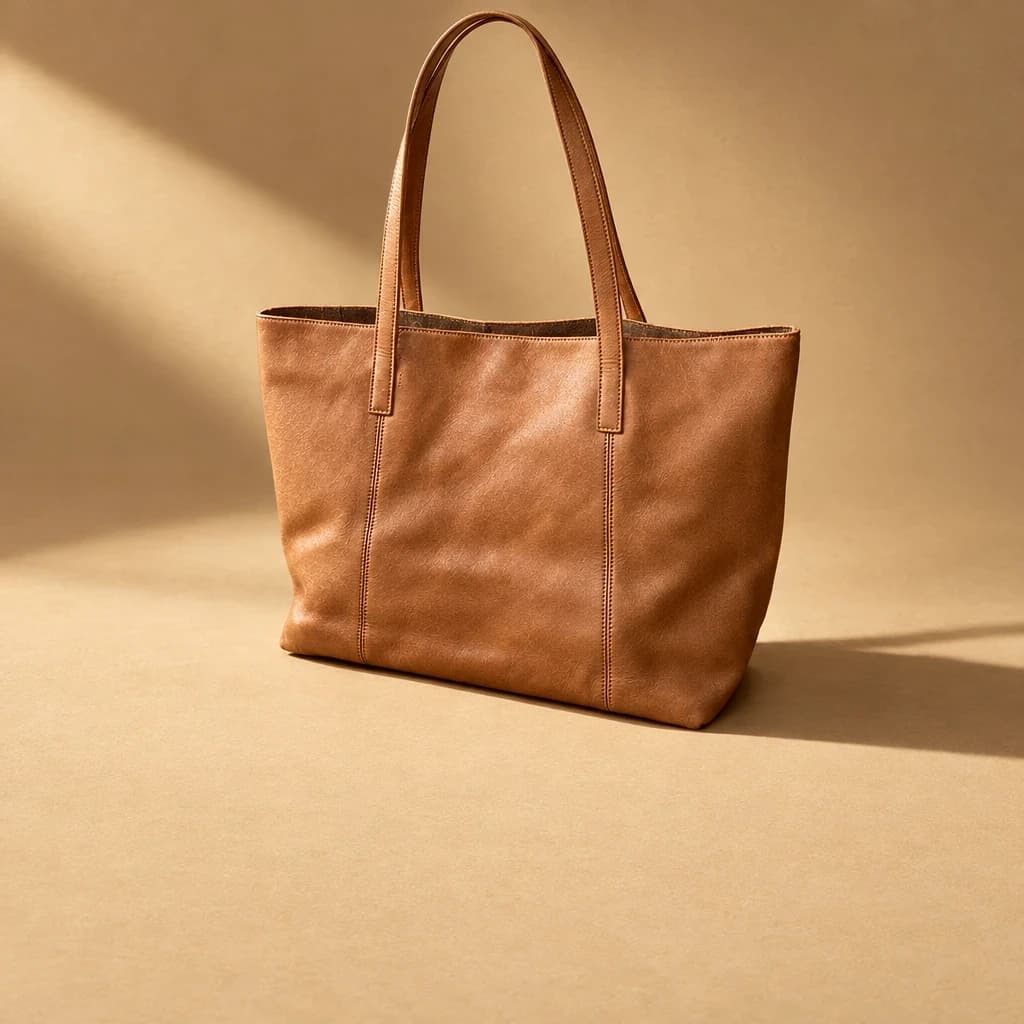
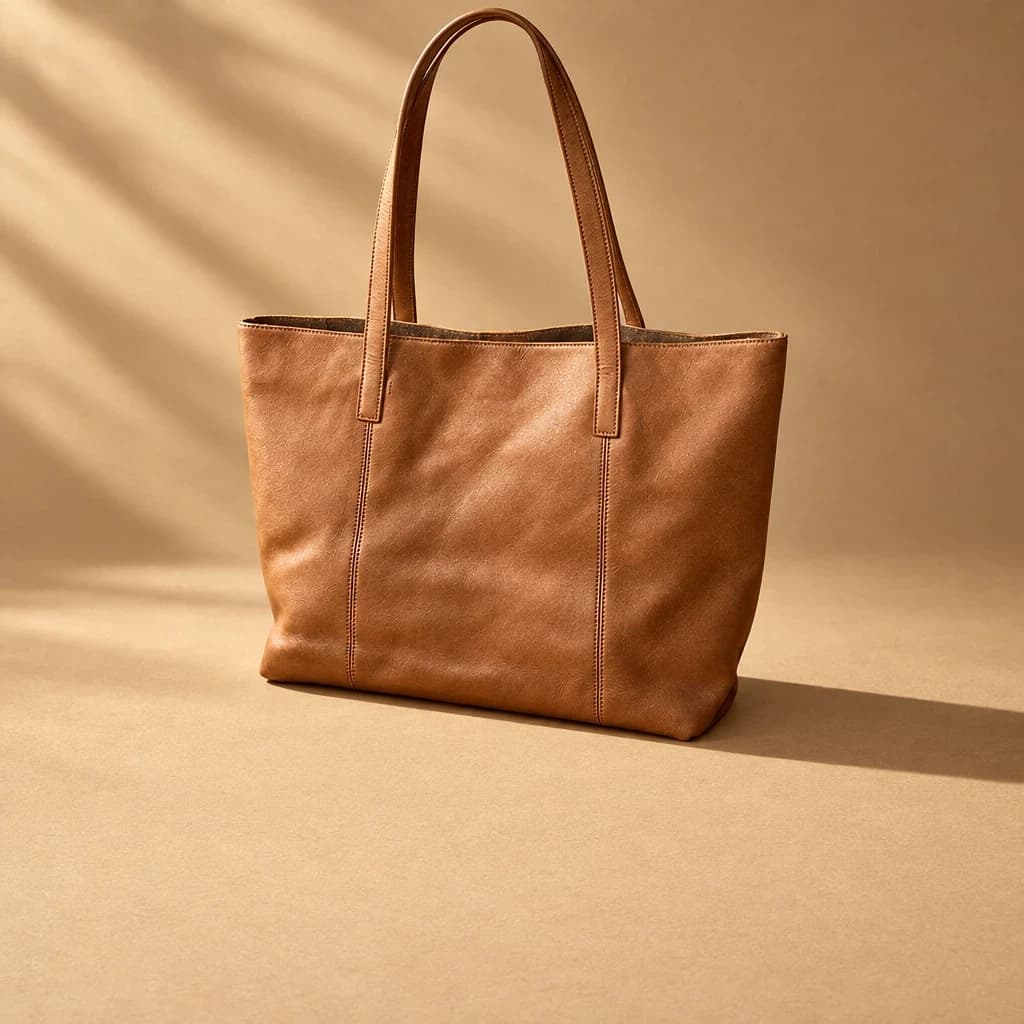

From product URL to ad creative in 3 steps
No CSV export, no app permissions, no theme changes.
Paste the product URL
Morphed pulls the product name, images, and details straight from the page.
Pick a format
Static ad still, UGC talking video, or cinematic product film — every format is a directed preset.
Export and upload
Download watermark-free creative and upload it into your ad platform or ad-buying app.
When not to use an AI ad maker for Shopify
- You want one-click Shopify admin integration
- Morphed does not install as a Shopify app or write back to your theme or product listings. You generate creative in a separate workspace and upload it where it needs to go, which is an extra step compared to an embedded app.
- You need automated ad spend management
- This is a creative tool, not a media-buying platform. If you want targeting, bidding, and budget pacing automated too, pair it with a dedicated ad-buying app rather than expecting one tool to do both.
- Never present an AI creator as a verified buyer
- UGC-style ad video should be labeled as AI-generated where platforms require it, and framed as a spokesperson format, not marketed as a real customer review of the product.
- Exact swatch or material accuracy for a small SKU set
- If you sell five products where color-accurate photography is the entire value proposition, a real shoot for that specific set may still be worth it, even if the rest of the catalog runs through generation.
Built to move through a catalog
- Paste the product URL
- No CSV export, no Shopify app permissions. Paste the product page link or upload the image and generate from there.
- Batch variants per SKU
- Generate multiple styles, settings, and hooks for a single product, then repeat across a catalog without rebriefing anyone.
- UGC and static in one workflow
- A single SKU can get both static ad stills and UGC-style talking video from the same source photo.
- Every ad platform size
- Square, vertical, and story formats for Meta, TikTok, Google Shopping, and marketplace listings from one generation.
- Product continuity across a catalog
- The actual product stays visually accurate across every SKU and variant, so a batch run does not drift from the real item.
- Export and upload anywhere
- Download watermark-free creative and upload it directly into Meta Ads Manager, TikTok Ads, or your ad-buying app of choice.
Where Morphed fits in your ad stack
Creative production and ad management solve different problems. Most Shopify stores need both.
| Tool category | Best for | Tradeoff |
|---|---|---|
| Ad-buying apps (AdScale, Enhencer) | Automating audience targeting, bidding, and spend across Meta and Google | Uses the product images you already have, does not generate new creative |
| URL-to-video makers (Creatify, Zeely) | Turning a product URL into one templated video ad fast | Single video format, template-driven, no scene generation or photo staging |
| Morphed (Product Studio) | Generating the underlying creative: new scenes, UGC video, batch variants per SKU | Does not manage ad spend or targeting — pair it with an ad-buying app for that |
As of July 2026, based on public product descriptions from each category.
Pricing out a catalog-wide batch
A mid-size store with 40 SKUs wants 3 ad variants for each ahead of a seasonal push. The real cost, using Nano Banana Pro Edit at 21.5 credits per image.
| Batch job | Quantity | Credits |
|---|---|---|
| 40 SKUs, 3 static ad variants each | 120 images × 21.5 credits | 2,580 |
| Total | 2,580 credits · about $35.72 | |
At the Basic plan rate ($9 for 650 credits), 120 ad-ready images across the full catalog costs roughly $35.72 in credits. That is more than one Basic or Pro cycle’s allowance, so a batch this size fits on Creator (4,500 credits a month, $49) with room left for video.
Why batch generation changes the maths for small catalogs
Most Shopify stores are not 500-SKU operations with an in-house creative team. They are 15 to 80 products, run by one or two people who also handle fulfillment and customer service. For that store the real cost of new ad creative was never just the photographer’s invoice — it was the time spent coordinating a shoot for products that might not sell well enough to justify it.
Batch generation flips that calculation. Instead of deciding upfront which SKUs deserve a shoot, a store can generate ad variants for every product, launch small test budgets across all of them, and only reinvest in higher-fidelity creative — a Veo 3.1 UGC hook, a cinematic film — for the SKUs that prove themselves in the data. The cost of being wrong about which product to feature drops from a wasted shoot to a few credits.
This matters most around seasonal turnover. A store swapping 30% of its catalog for a new season used to either skip the creative refresh for slower movers or spread one photographer’s day across too many products. Generating a base set of ad stills for the whole new lineup in an afternoon means nothing launches without at least one piece of tested creative behind it.
Agencies managing several Shopify accounts hit the same maths multiplied by client count. A schedule built around physical shoots forces prioritization: the biggest client gets fresh creative every month, the smaller retainer gets whatever is left over. Batch generation removes that tradeoff, since the marginal cost of one more client’s variant set is a credit balance, not a calendar slot.
Questions
Generate your first product ad
Plans from $9/mo · Cancel anytime
Explore more AI tools